
Valheim
Updated
Current Version
Offered By

With your passion for Valheim, you shouldn’t have to limit yourself to the small screen of a phone. Play like a pro and take full control of the game using a keyboard and mouse. MEmu gives you everything you’re looking for. Download and play Valheim on PC. Play as long as you want — no more worries about battery life, mobile data, or unexpected calls. The all-new MEmu 9 is the best way to play Valheim on PC. With our expertly designed keymapping system, Valheim feels just like a real PC game. The MEmu multi-instance manager lets you run two or more accounts on the same device at the same time. Most importantly, our exclusive emulation engine unlocks your PC’s full potential, delivering smooth and seamless performance.
Show more
Download Valheim on PC with MEmu Android Emulator. Enjoy playing on big screen. Valheim is a collaborative exploration and survival game for 1-10 players set in a procedurally generated world inspired by Norse mythology.
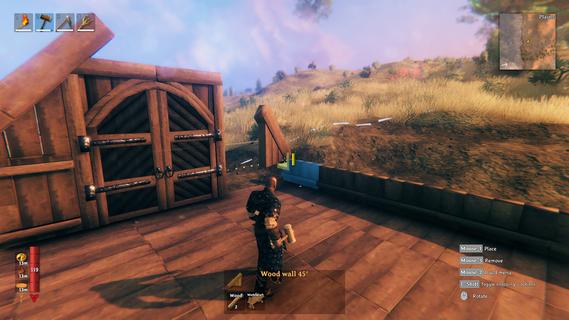
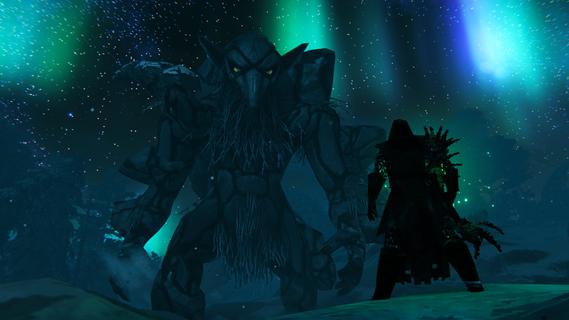
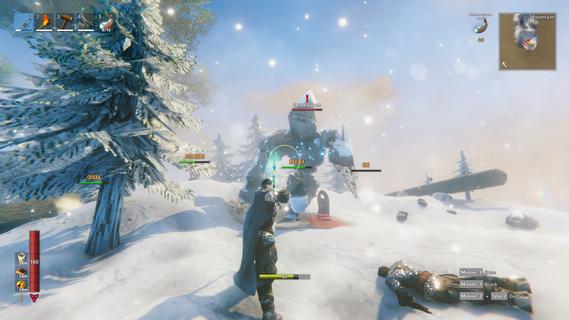
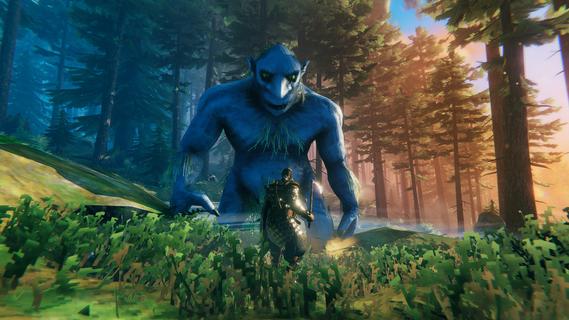
Valheim is a collaborative exploration and survival game for 1-10 players set in a procedurally generated world inspired by Norse mythology. Craft powerful weapons, construct elaborate halls, and slay mighty foes to prove yourself to Odin! Discover an immersive procedurally generated world, with different biomes that each have their distinct environments, unique resources and dangerous enemies. Become a Viking and sail the open seas in search of lands unknown, alone or with up to nine friends! The Tenth World has been corrupted by hateful forces, in the shape of mighty regional bosses known as the Forsaken. Hone your skills with axes, blades and bows, and prepare yourself by crafting the very best equipment – for it is only by defeating these Forsaken that you will advance in your progress and prove yourself to the Allfather. Raise Viking longhouses and build bases that offer reprieve from the dangers ahead. Whether you build a small shelter, an entire village or a mountain-side fortress, defence and structural integrity are important, as is decorating it for maximum comfort! As you discover new materials, you will learn new recipes for crafting, building and cooking – all that a Viking might need! The food system is rewarding rather than punishing, granting you boons and benefits depending on what you eat, and is directly tied to the combat system, where your health and stamina might be just the thing that makes a difference between life and death. Community-translated languages In addition to the officially supported languages, Valheim has several community-translated languages. As the name would suggest, these are all translated by fans and members of the community, and the process is frequently ongoing. Thus, we cannot guarantee the quality or completeness of any specific translation.
Show more

1. Download MEmu installer and finish the setup

2. Start MEmu then open Google Play on the desktop

3. Search Valheim in Google Play
Install
4. Download and Install Valheim
5. On install completion click the icon to start

6. Enjoy playing Valheim on PC with MEmu
MEmu Play is the best Android emulator and 100 million people already enjoy its superb Android gaming experience. The MEmu virtualization technology empowers you to play thousands of Android games smoothly on your PC, even the most graphic-intensive ones.
Bigger screen with better graphics; Long duration, without limitation of battery or mobile data.
Full Keymapping support for precise control of keyboard and mouse or gamepad.
Multiple game accounts or tasks on single PC at one time with Multi-Instance manager.
Play Valheim on PC by following steps:

















































