Warcraft III: Reforged
Updated
Current Version
Offered By

With your passion for Warcraft III: Reforged, you shouldn’t have to limit yourself to the small screen of a phone. Play like a pro and take full control of the game using a keyboard and mouse. MEmu gives you everything you’re looking for. Download and play Warcraft III: Reforged on PC. Play as long as you want — no more worries about battery life, mobile data, or unexpected calls. The all-new MEmu 9 is the best way to play Warcraft III: Reforged on PC. With our expertly designed keymapping system, Warcraft III: Reforged feels just like a real PC game. The MEmu multi-instance manager lets you run two or more accounts on the same device at the same time. Most importantly, our exclusive emulation engine unlocks your PC’s full potential, delivering smooth and seamless performance.
Show more
Download Warcraft III: Reforged on PC with MEmu Android Emulator. Enjoy playing on big screen. Warcraft® III Reforged: Forsaken Kingdom premieres a brand-new playable campaign set in The Last Days of Lordaeron, where fate is decided by a holy warrior who serves the light beyond death.
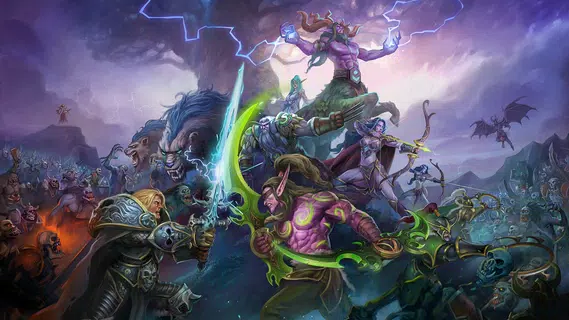
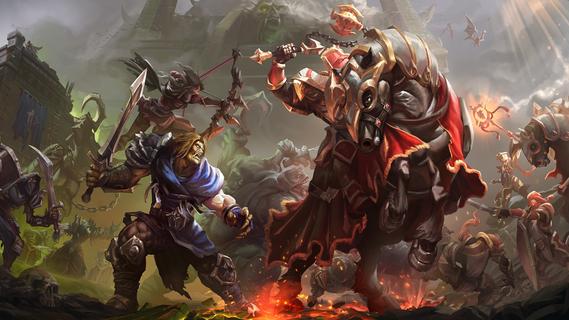
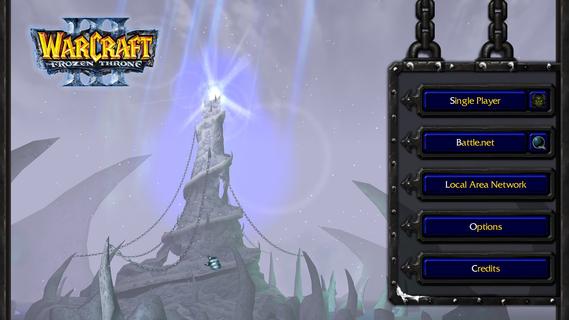
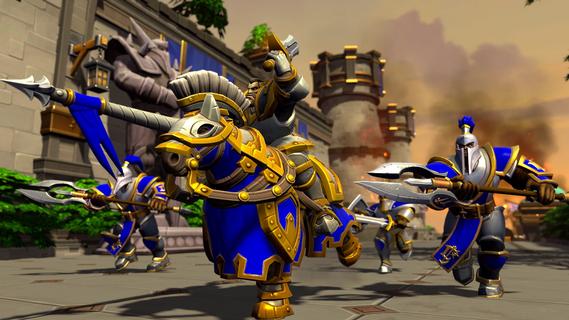
Warcraft® III Reforged: Forsaken Kingdom premieres a brand-new playable campaign set in The Last Days of Lordaeron, where fate is decided by a holy warrior who serves the light beyond death.Game FeaturesWarcraft® III Reforged: Forsaken Kingdom, the first new campaign in over two decades, brings welcome updates to the series.New Forsaken Kingdom CampaignPlay the prologue campaign, meet Azeroth’s newest hero, and discover the origins of the iconic Undercity.Definitive Edition Graphic ModesExperience Warcraft III’s fan-favorite art style with an optional HD mode.Forsaken Paladin Tavern HeroFor the first time in over 20 years, play as a new hero available in multiplayer across Classic, Definitive Edition, and Reforged.World Editor UpgradesExpand your own stories with a new Cinematic Editor, Lighting Editor, and improved object management.New Game ServersTest your strategic mettle against foes old and new with additional game servers.Classic ClientUnlock a vintage Warcraft III experience, an original version of Warcraft III will be available in the shop.RacesNight ElvesThe night elves of Kalimdor emphasize mobility, ranged firepower, and spellcraft. Though they lack the brute strength of other races, their skills with bow and magic more than compensate.HumansThe Human Alliance is a conglomeration of humans, elves, and dwarves. A versatile faction, they boast strong ground and air troops, fearsome siege capability, and mighty spellcasters.OrcsA confederation of orcs, trolls, and taurens, the Horde are defined by their brute strength and shamanistic power.UndeadA well-balanced faction with durable ground forces and potent air units, the undead Scourge fields armies more numerous than any other faction through insidious necromantic magics.Night ElvesThe night elves of Kalimdor emphasize mobility, ranged firepower, and spellcraft. Though they lack the brute strength of other races, their skills with bow and magic more than compensate.HumansThe Human Alliance is a conglomeration of humans, elves, and dwarves. A versatile faction, they boast strong ground and air troops, fearsome siege capability, and mighty spellcasters.Reignite ChaosReturn to the battlefield that captivated millions with Warcraft III: Reforged–and its first new campaign in over 20 years, Forsaken Kingdom.
Show more

1. Download MEmu installer and finish the setup

2. Start MEmu then open Google Play on the desktop

3. Search Warcraft III: Reforged in Google Play
Install
4. Download and Install Warcraft III: Reforged
5. On install completion click the icon to start

6. Enjoy playing Warcraft III: Reforged on PC with MEmu
MEmu Play is the best Android emulator and 100 million people already enjoy its superb Android gaming experience. The MEmu virtualization technology empowers you to play thousands of Android games smoothly on your PC, even the most graphic-intensive ones.
Bigger screen with better graphics; Long duration, without limitation of battery or mobile data.
Full Keymapping support for precise control of keyboard and mouse or gamepad.
Multiple game accounts or tasks on single PC at one time with Multi-Instance manager.
Play Warcraft III: Reforged on PC by following steps: