Warventure: Stickman Clash
Updated
Current Version
1766488234
Offered By

With your passion for Warventure: Stickman Clash, you shouldn’t have to limit yourself to the small screen of a phone. Play like a pro and take full control of the game using a keyboard and mouse. MEmu gives you everything you’re looking for. Download and play Warventure: Stickman Clash on PC. Play as long as you want — no more worries about battery life, mobile data, or unexpected calls. The all-new MEmu 9 is the best way to play Warventure: Stickman Clash on PC. With our expertly designed keymapping system, Warventure: Stickman Clash feels just like a real PC game. The MEmu multi-instance manager lets you run two or more accounts on the same device at the same time. Most importantly, our exclusive emulation engine unlocks your PC’s full potential, delivering smooth and seamless performance.
Show more
Download Warventure: Stickman Clash on PC with MEmu Android Emulator. Enjoy playing on big screen. Monsters are rising from the shadows, and your kingdom is under attack!
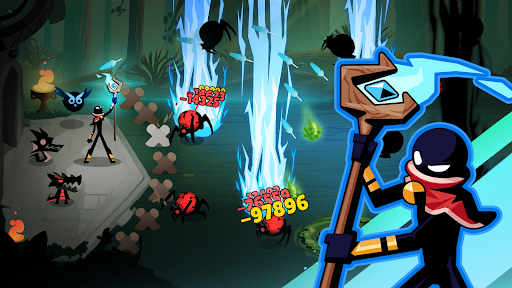
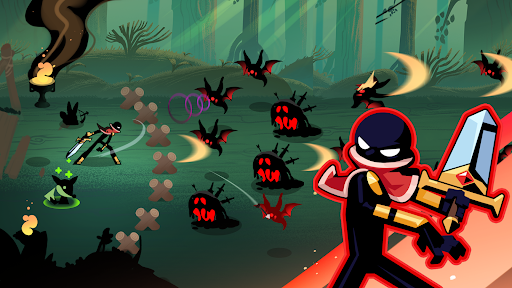
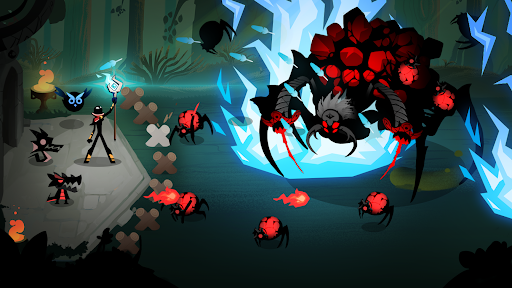
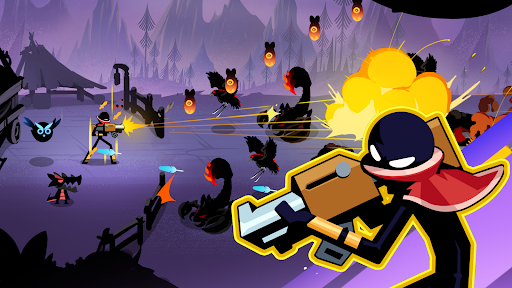
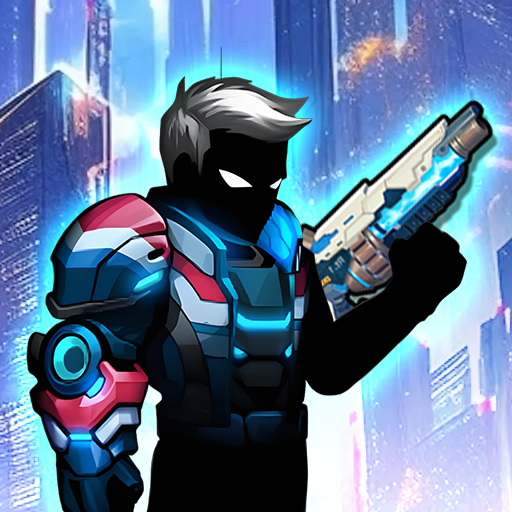
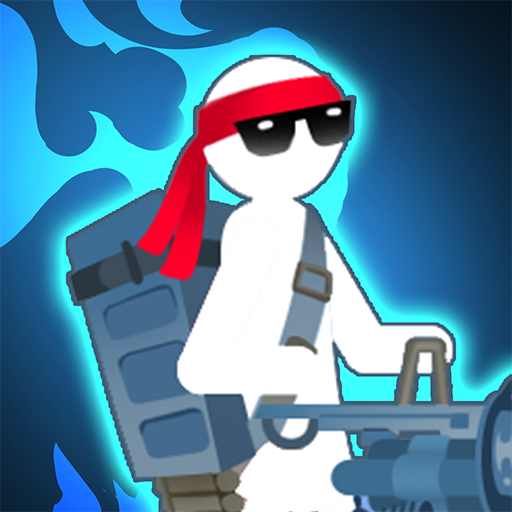
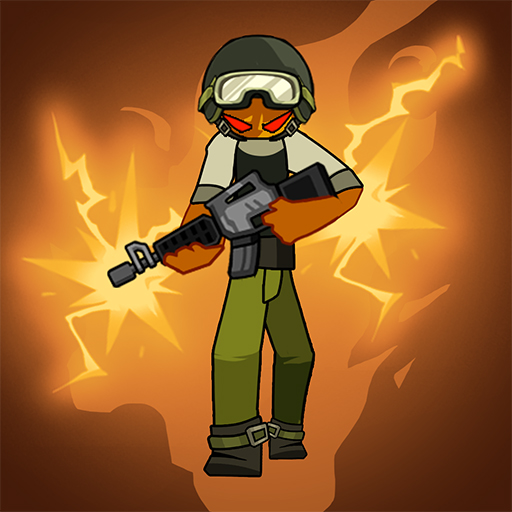
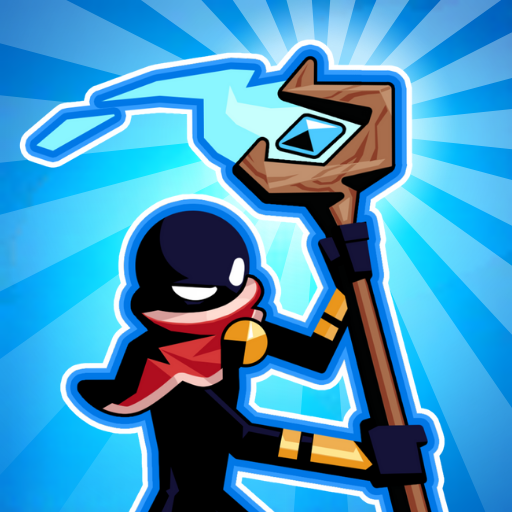
Monsters are rising from the shadows, and your kingdom is under attack! You are the last stronghold, the only one stickman who protects the ancient and sacred shrine. Your mission is simple yet intense: step into the battle, upgrade your power, and defeat endless hordes of enemies.
Enjoy the thrill of tower defense and idle action RPG at the same time. With fast-paced adventure, visually striking battles, and addictive upgrade system this game combines the best of tower defense strategy, idle RPG mechanics, action movements, adventure world, and survival progression into a mobile game experience that you shouldn’t miss.
KEY FEATURE:
* Rich Gameplay Experience: Embark on an epic adventure in a tower defense - idle action RPG - survival world! In this stickman game, you attack to defend, and win the battles to explore new lands and face different enemies. Fight in Green Fields, challenge your enemies in Orcs Woods, practice your defense skills in Lava Lands and much more!
* Various Equipment Selection: There are hundreds of lethal weapons to defeat your enemies such as a crossbow, katana, spear, mace, sword, axe, bow, flail, scepter, gun, etc. Try out all the weapons and adapt your arsenal to each mission to triumph in every stickman war. Equip your stickman with the most powerful weapon, armor, and accessories. Summon your sidekicks to support you in combat.
* Diverse Enemy Collection: Step into a world full of danger and adventure! Take on the challenge to defeat dangerous enemies, including spiders, monsters, giants, golems, orcs, and other baddies in increasingly difficult defense and survival missions. Protect your shrine at all costs from hordes of invading creatures and epic bosses.
* Intuitive Progression System: Upgrade your hero from a simple stickman warrior into a legendary combat machine! Earn resources, unlock new tactical power-ups to continuously upgrade your warrior’s skills and ultimates and strengthen his weapons. Turn your stickman hero into an impenetrable machine of destruction. Turn every fight into a showcase of skill and power.
* Epic Survival Battles: Prepare for intense survival and defense challenges. Each stage gets harder with fiercer monsters but bigger rewards. Get stronger as you climb through increasingly difficult levels. Master the art of fighting when you shoot, slash, and strike your way through monster hordes. Fight until all enemies are defeated.
* Free & Offline Play: This game is completely free to play, offering daily rewards, special challenges, and seasonal events. No Internet? No problem! Enjoy the exciting shadow fights anytime, anywhere in your pocket mobile and defeat enemies without an Internet connection.
Install now and experience the most addictive idle action role playing game! Let’s make casual moments turn into heroic adventures! Victory awaits, Stickman Commander!
Show more

1. Download MEmu installer and finish the setup

2. Start MEmu then open Google Play on the desktop

3. Search Warventure: Stickman Clash in Google Play
Install
4. Download and Install Warventure: Stickman Clash
5. On install completion click the icon to start

6. Enjoy playing Warventure: Stickman Clash on PC with MEmu
MEmu Play is the best Android emulator and 100 million people already enjoy its superb Android gaming experience. The MEmu virtualization technology empowers you to play thousands of Android games smoothly on your PC, even the most graphic-intensive ones.
Bigger screen with better graphics; Long duration, without limitation of battery or mobile data.
Full Keymapping support for precise control of keyboard and mouse or gamepad.
Multiple game accounts or tasks on single PC at one time with Multi-Instance manager.
Play Warventure: Stickman Clash on PC by following steps: