Wreckfest
Updated
Current Version
1.0.111
Offered By

With your passion for Wreckfest, you shouldn’t have to limit yourself to the small screen of a phone. Play like a pro and take full control of the game using a keyboard and mouse. MEmu gives you everything you’re looking for. Download and play Wreckfest on PC. Play as long as you want — no more worries about battery life, mobile data, or unexpected calls. The all-new MEmu 9 is the best way to play Wreckfest on PC. With our expertly designed keymapping system, Wreckfest feels just like a real PC game. The MEmu multi-instance manager lets you run two or more accounts on the same device at the same time. Most importantly, our exclusive emulation engine unlocks your PC’s full potential, delivering smooth and seamless performance.
Show more
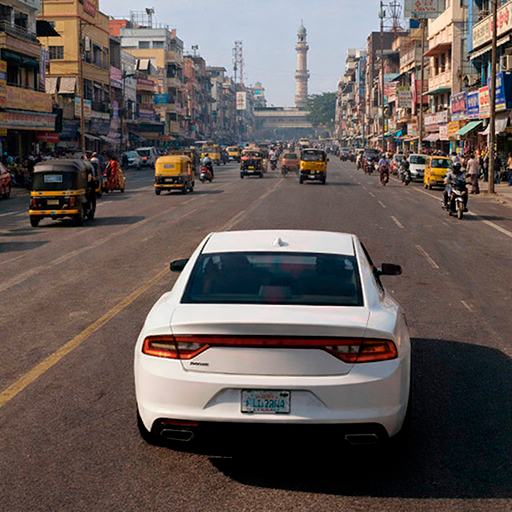
Download Wreckfest on PC with MEmu Android Emulator. Enjoy playing on big screen. Burn rubber and shred metal in the ultimate driving playground!
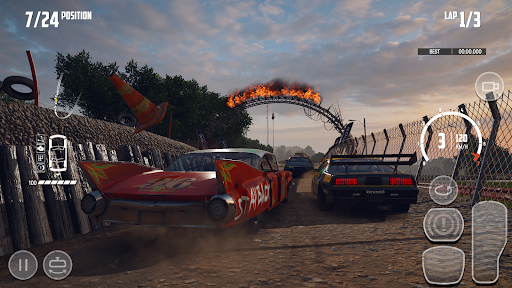
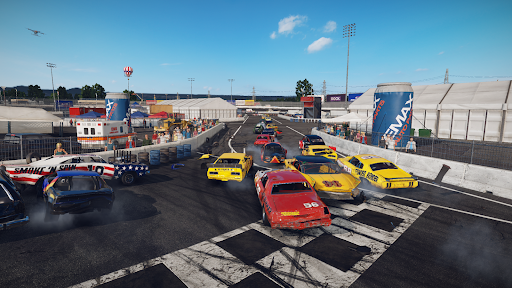
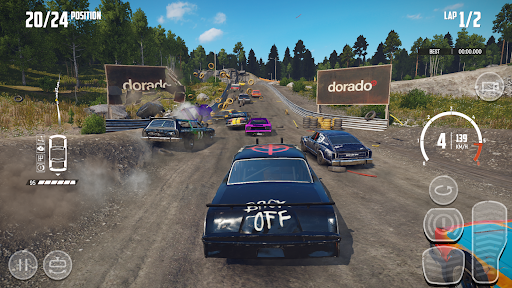
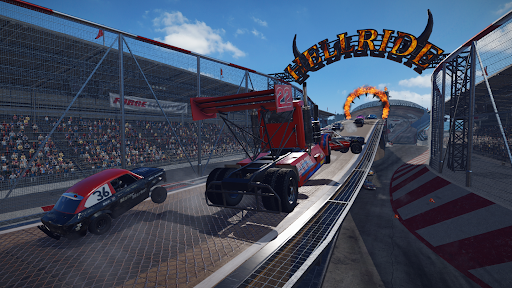
Burn rubber and shred metal in the ultimate driving playground!
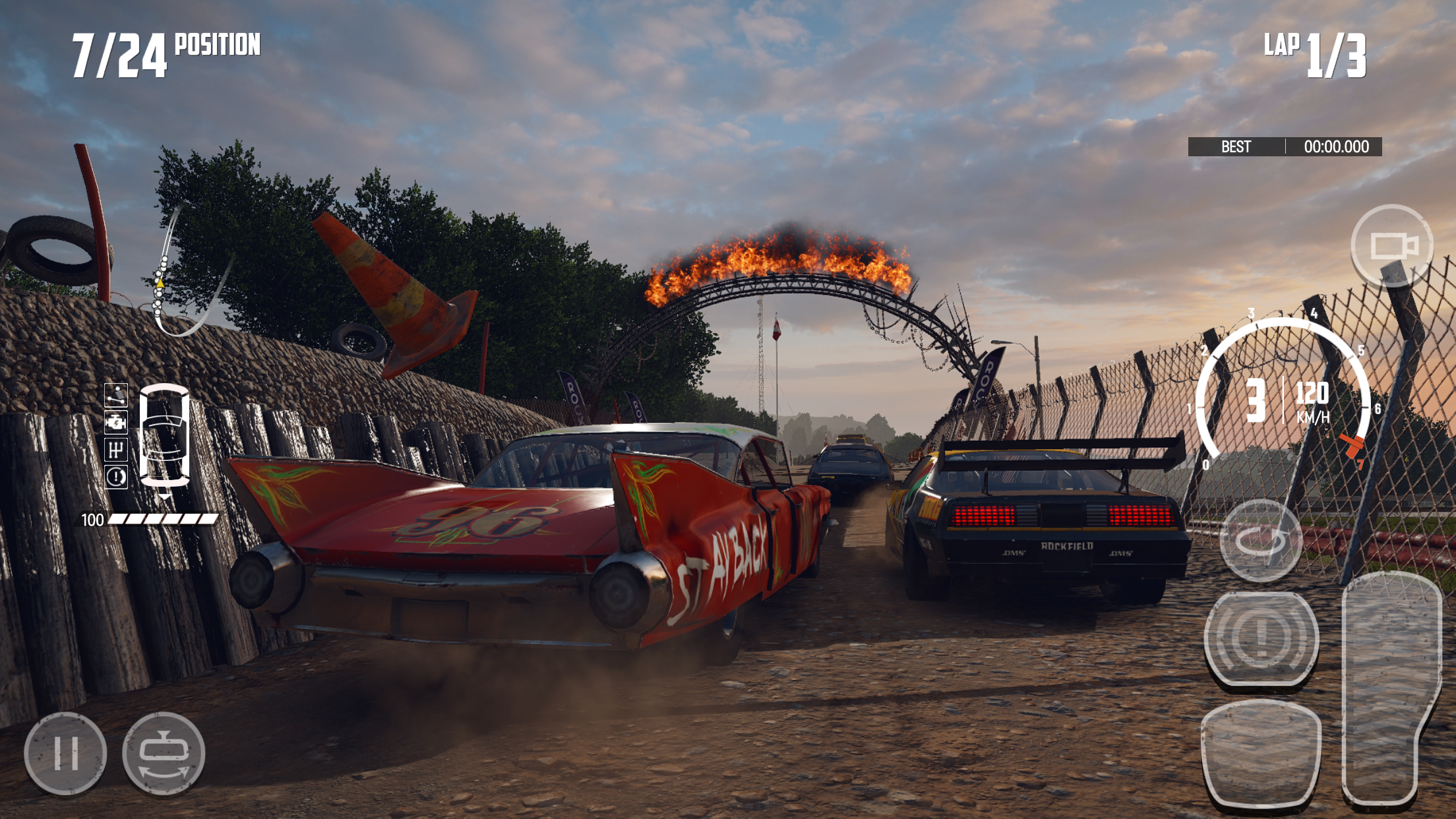
Wreckfest is jam-packed with upgrade and customization options. Whether you are preparing for your next demolition derby with reinforced bumpers, roll cages, side protectors and much more, or setting your car up for a banger race with engine performance parts like air filters, camshafts, fuel systems, etc., Wreckfest is shaping up to be the best combative motorsport game out there.
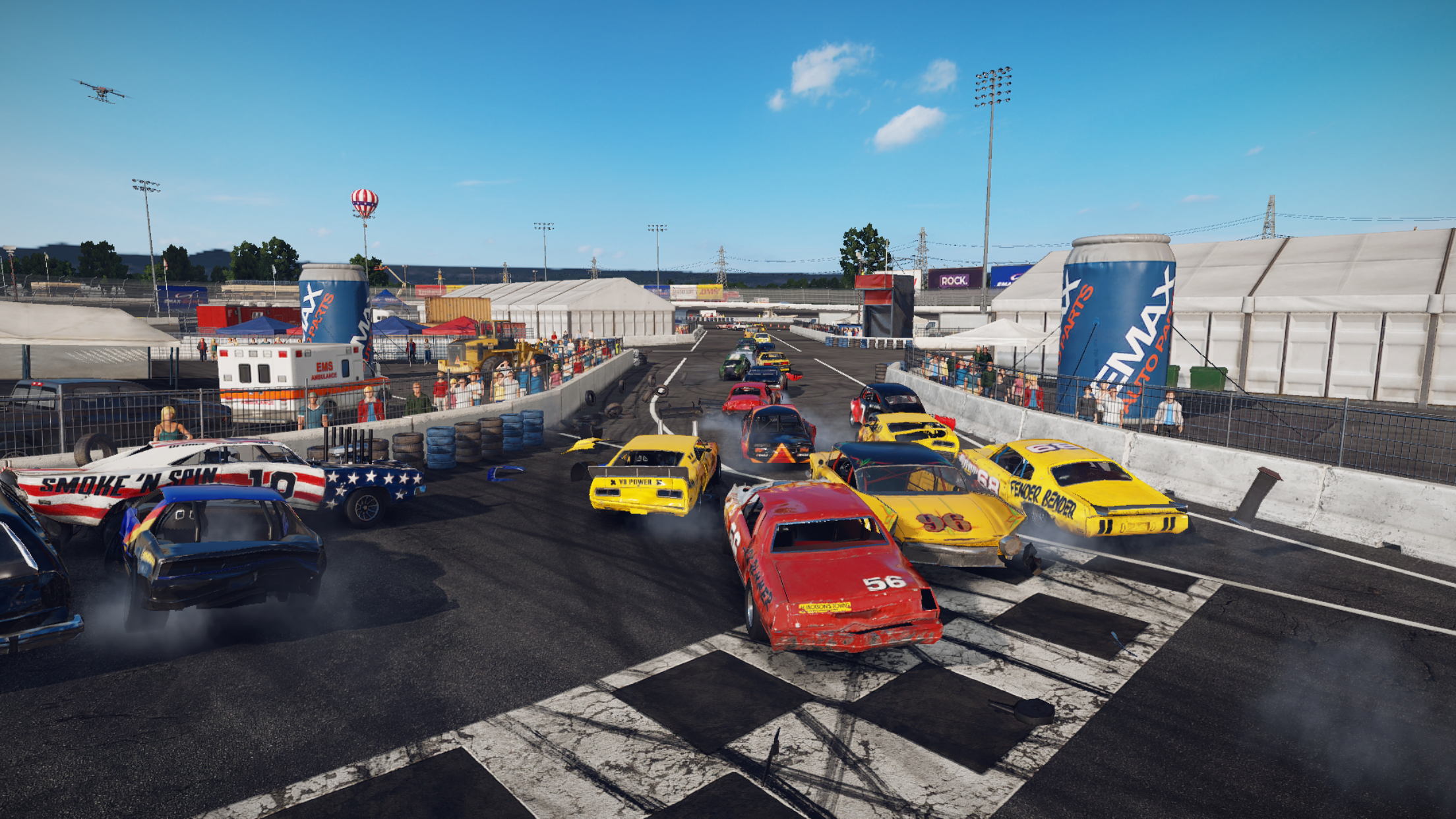
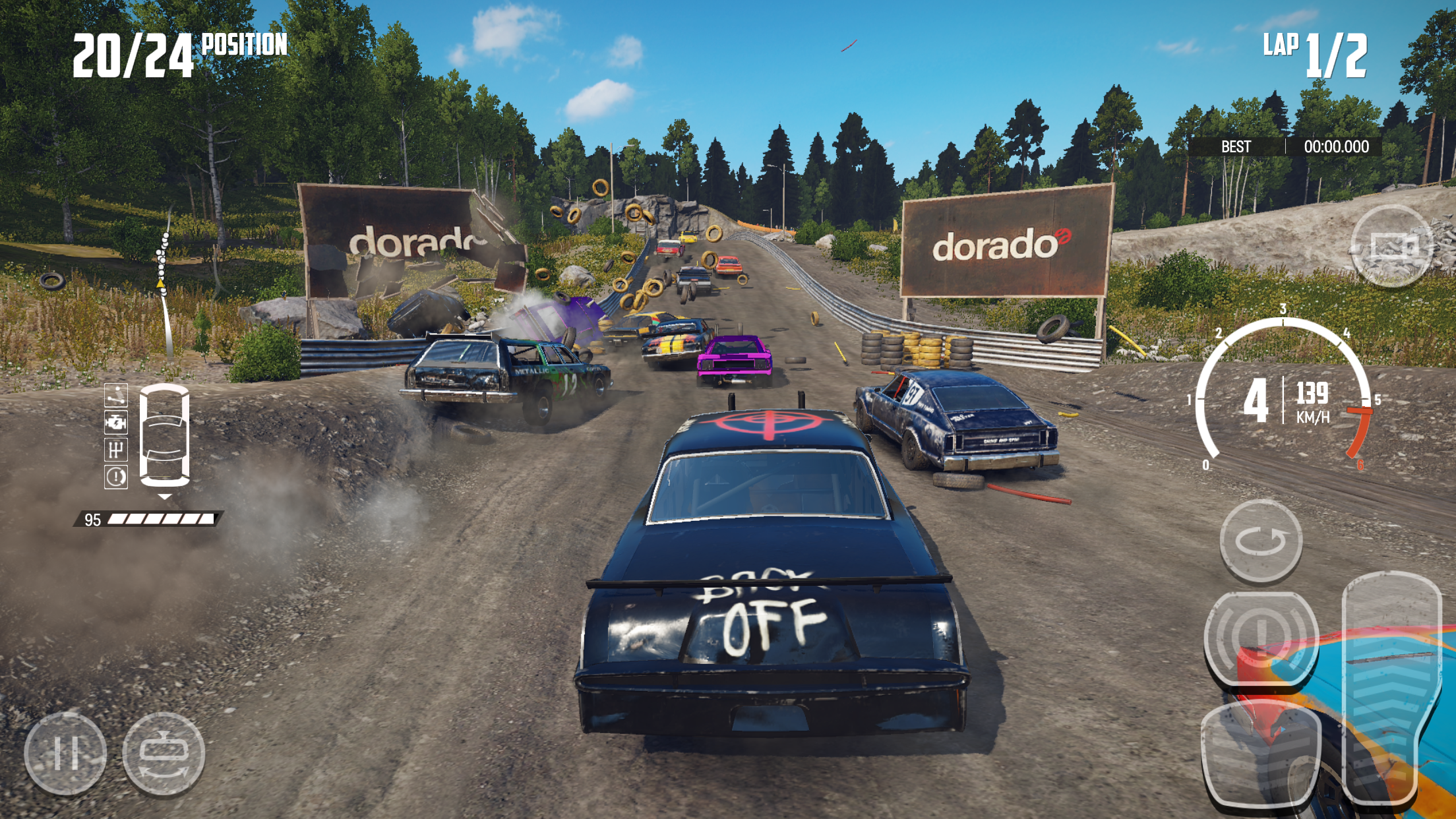
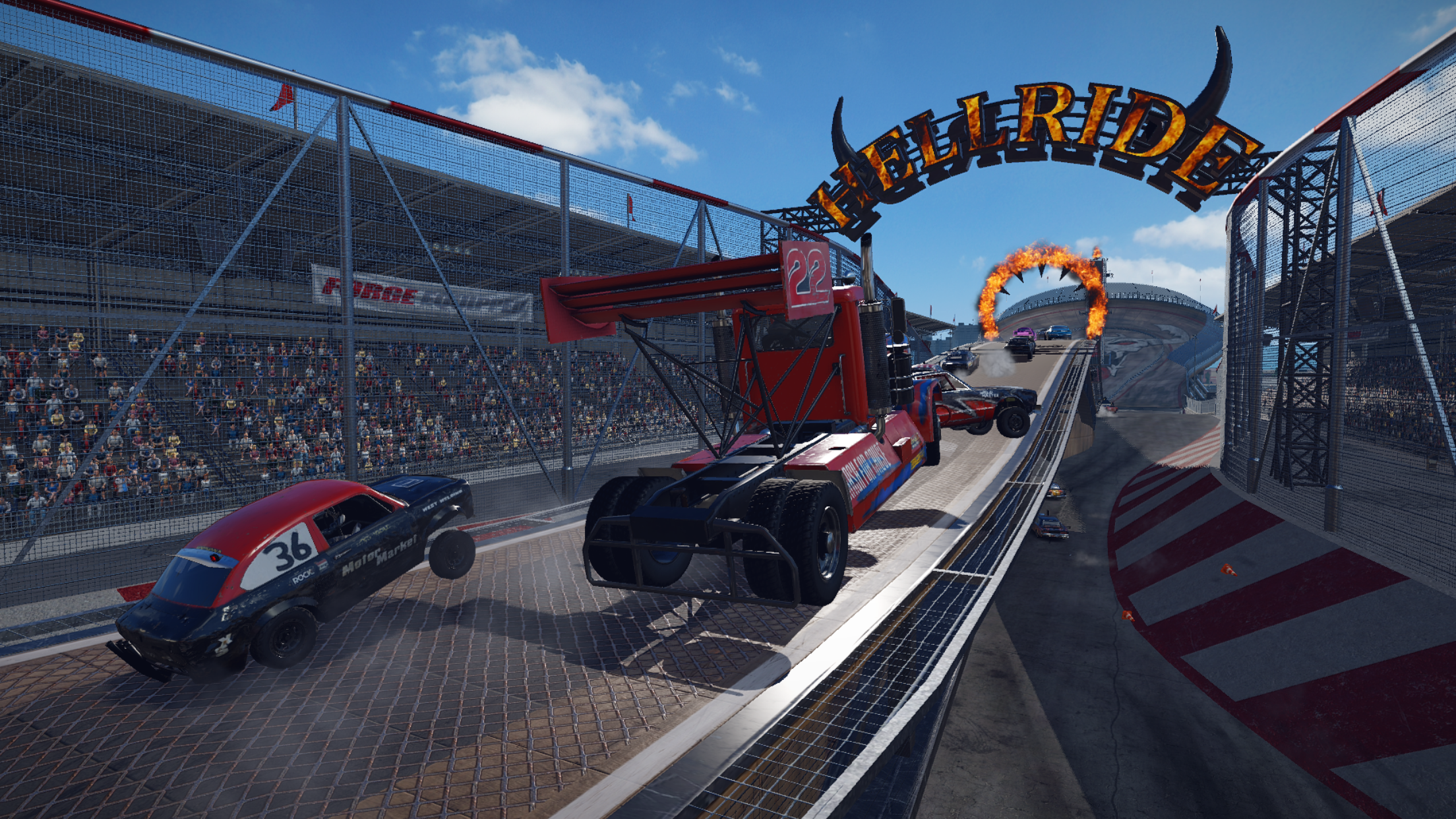
• Unique Racing Experience – Exhilarating no-rules racing action with defining, once-in-a-lifetime moments that can be achieved only with a true-to-life physics simulation. Witness insane neck-to-neck fighting on high-speed circuits, face total destruction madness on crazy courses with intersections and oncoming traffic, or go for demolition dominance in derby arenas.
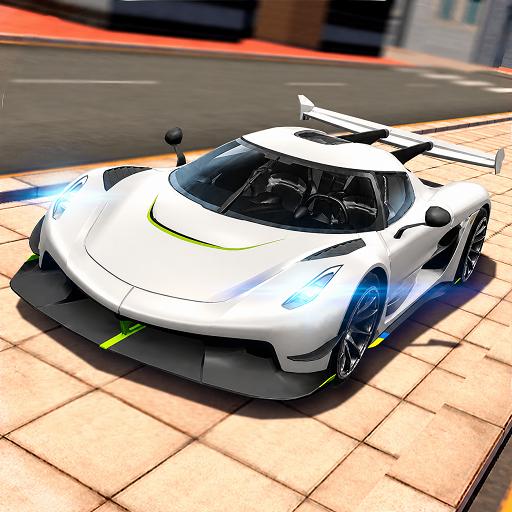
• Awesome Cars – Our cars are old, banged up, patched together... They ooze style and character! From old American heavy-hitters to agile Europeans and fun Asians, you won’t find anything like this in other games.
• Meaningful Customization – Change not only the look of your cars but also upgrade their body armor – Reinforce them with heavy iron that protects you from damage, but also adds weight, which impacts the cars handling. Modify your car to make a robust tank or a fragile but lightning-fast rocket, or anything in between!
• Multiplayer – Wreck your friends in local multiplayer and take racing to the limit while chasing for demolition dominance!
• Challenge modes – Have hilarious fun with crop harvesters, lawn mowers, school buses, three-wheelers and much more!
• Career Mode – Battle for championships, earn experience, unlock new upgrades and cars, and become the all-time Wreckfest champion!
© HandyGames 2026
Show more

1. Download MEmu installer and finish the setup

2. Start MEmu then open Google Play on the desktop

3. Search Wreckfest in Google Play
Install
4. Download and Install Wreckfest
5. On install completion click the icon to start

6. Enjoy playing Wreckfest on PC with MEmu
MEmu Play is the best Android emulator and 100 million people already enjoy its superb Android gaming experience. The MEmu virtualization technology empowers you to play thousands of Android games smoothly on your PC, even the most graphic-intensive ones.
Bigger screen with better graphics; Long duration, without limitation of battery or mobile data.
Full Keymapping support for precise control of keyboard and mouse or gamepad.
Multiple game accounts or tasks on single PC at one time with Multi-Instance manager.
Play Wreckfest on PC by following steps: