Bilsem Zeka
Updated
Current Version
1.2.11
Offered By

Stop worrying about high battery drain when using Bilsem Zeka on your phone. Free yourself from the tiny screen and enjoy the app on a much larger display. From now on, get a full-screen experience of your app with the convenience of a keyboard and mouse. MEmu offers you all the surprising features you’d expect: quick installation and easy setup, intuitive controls, and no more worries about battery life, mobile data, or unexpected calls. The all-new MEmu 9 is the choice for using Bilsem Zeka on your computer. With the MEmu multi-instance manager, you can run two or more accounts at the same time. Most importantly, our exclusive emulation engine unlocks your PC’s full potential, delivering smooth and enjoyable performance.
Show more
Enjoy superb experience of using Bilsem Zeka on PC with MEMU App Player. It's a powerful free Android emulator which provides you with thousands of android apps for their desktop version. Enjoy connecting with friends and polishing your work with higher efficiency! Çocuğunuzun hem harika bir zeka gelişim süreci yaşamasını ister misiniz?
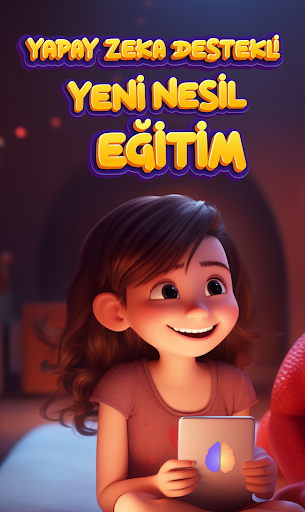
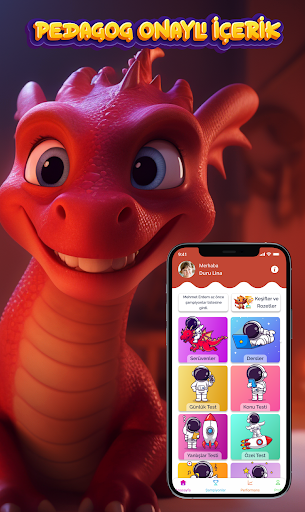
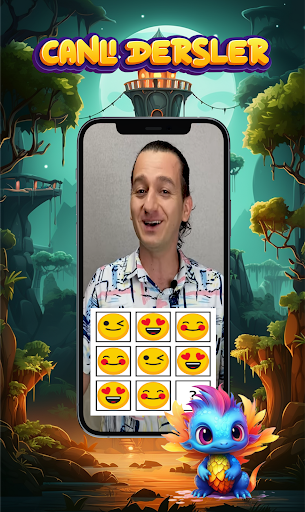
Çocuğunuzun hem harika bir zeka gelişim süreci yaşamasını ister misiniz?
Bilsem Zeka tam olarak bu ihtiyacınız için özel olarak tasarlanmış bir uygulamadır.
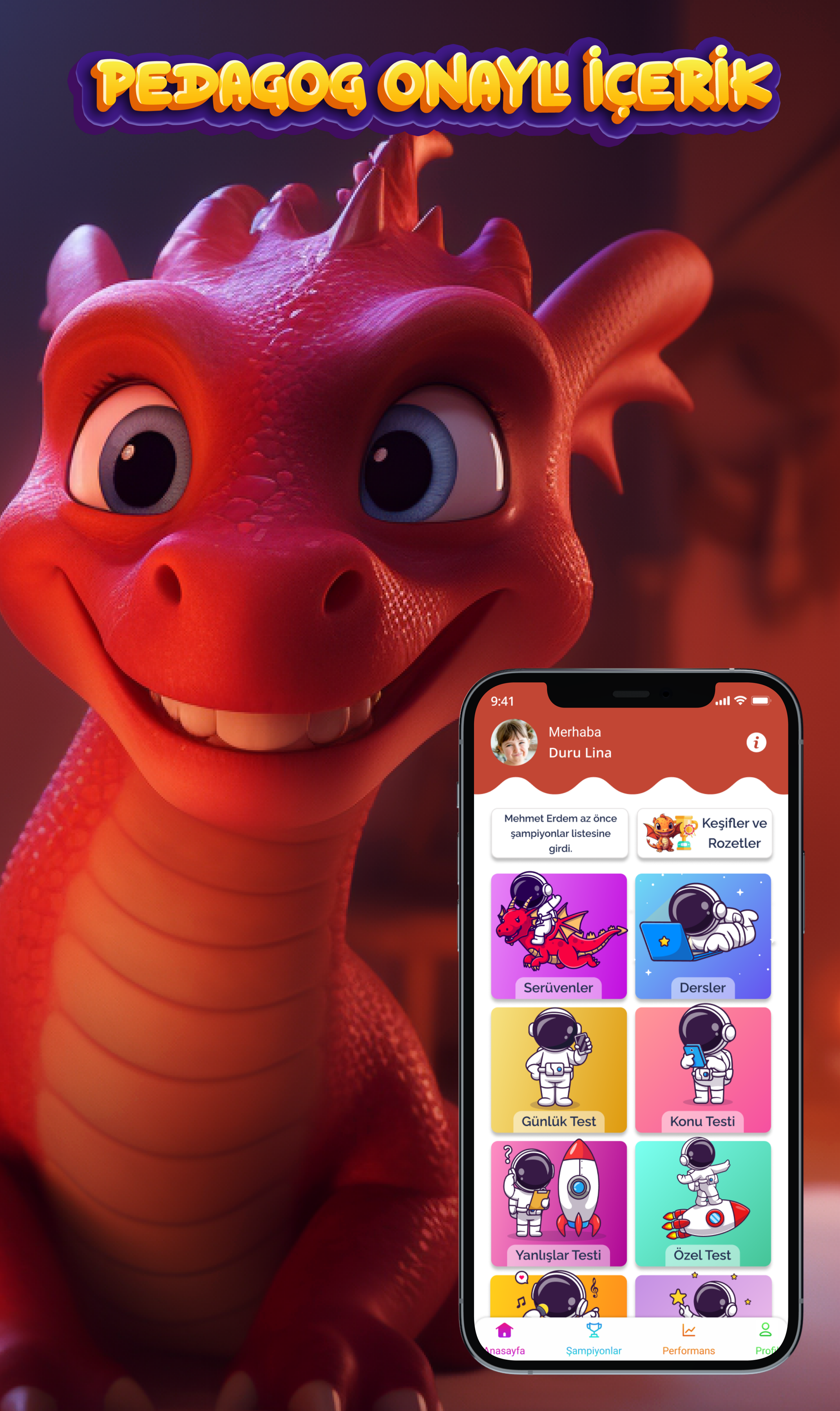
Bilsem Zeka, Meta Beyin’in onlarca yıllık bilgi, birikim ve uzmanlığının bir ürünü olarak ortaya çıktı. Türkiye zeka şampiyonu Hasan Öğretmenimiz önderliğindeki uzman kadro tarafından hazırlanan uygulamamız, çocuklarınızın zeka gelişim sürecini günlük testlerle kolay, eğlenceli ve öğretici bir şekle dönüştürdü.
Bilsem Zeka uygulamamızın çocuğunuzun bilişsel gelişimine olan katkısını, çocuğunuzun okul derslerinde ve günlük yaşamında da gözlemleyeceğinize eminiz.
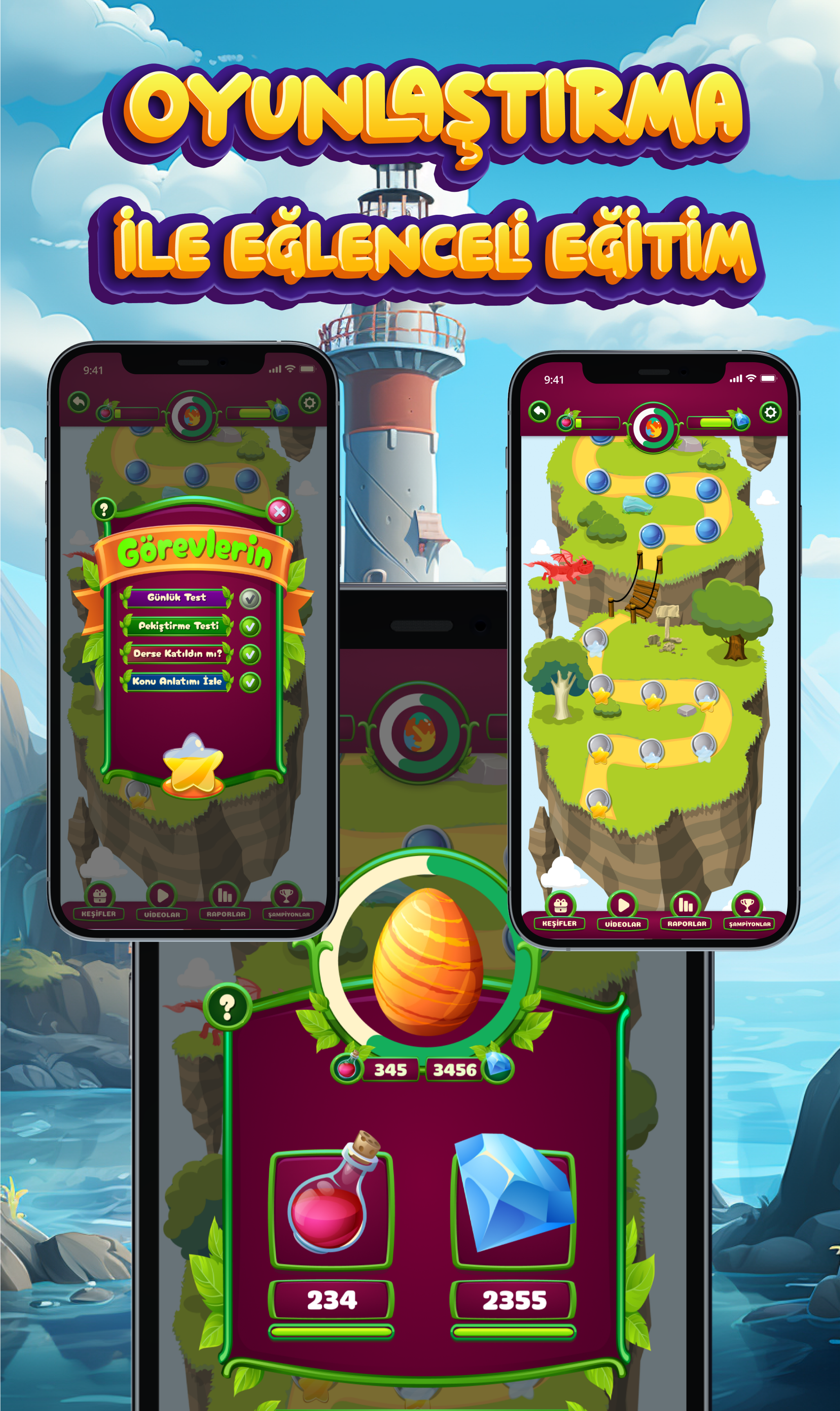
Bilsem Zeka’da sayısal, sözel, görsel, mantıksal, dikkat ve hafıza becerilerini ölçen 12 kategori ve 80 alt kategorideki tamamı video çözümlü binlerce sorudan oluşan soru havuzu ile çocuklarınız için dopdolu bir platform niteliğindedir.
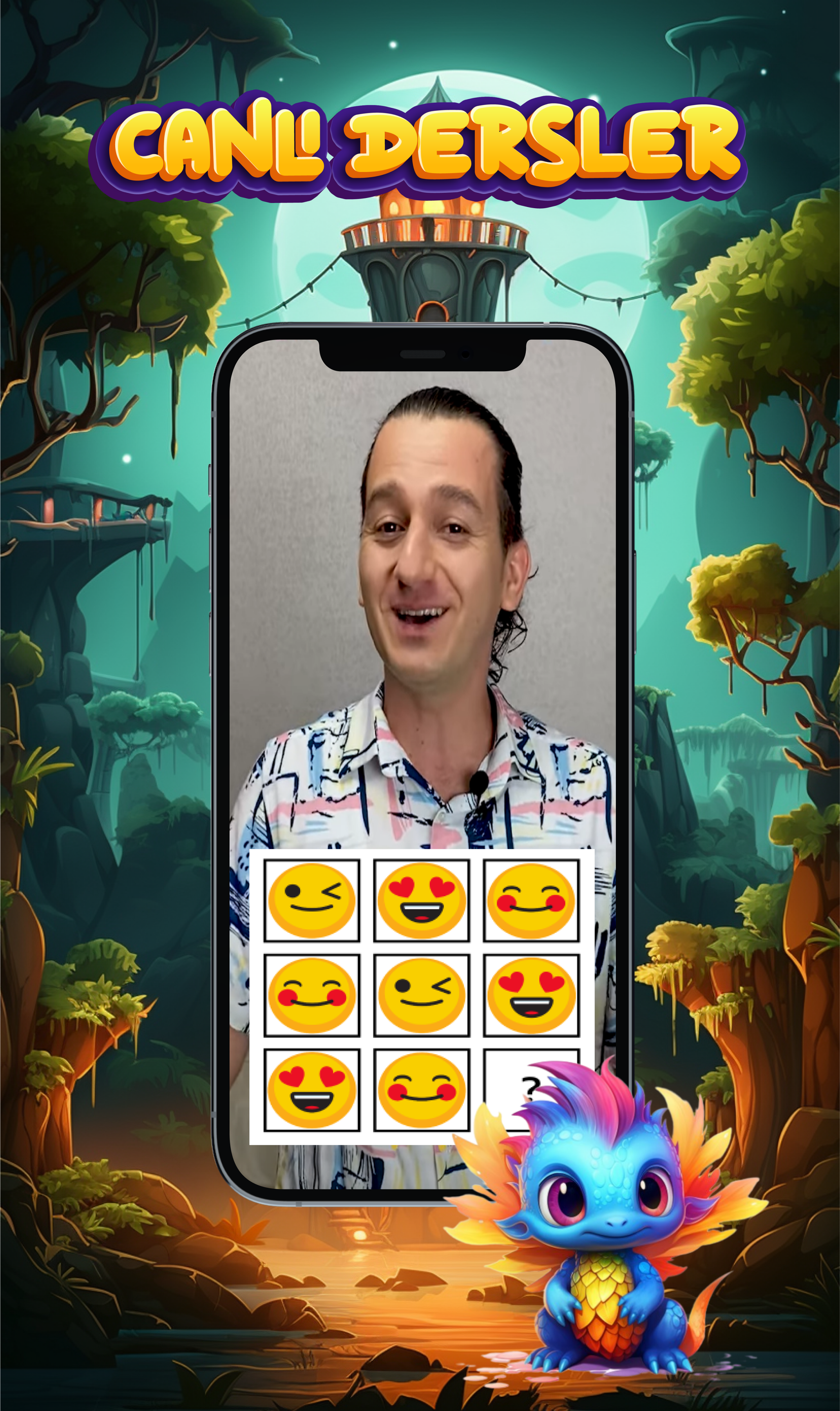
Çocuklar başarı rozetleri ve şampiyonlar listesi ile motivasyonu ve ilgiyi canlı tutacak aynı zamanda çocuklarınızın çözemedikleri soruları anlayabilecekleri özel ders tadında soru çözüm videoları da var.
Bilsem Zeka, zengin soru havuzu ve geliştirici ve eğlenceli öğrenim sistemi sayesinde şimdiden ailelerin yeni gözdesi haline geldi. Eminiz ki siz de Bilsem Zeka’yı ailecek çok seveceksiniz.
O halde, haydi, Bilsem Zeka’yı hemen şimdi inceleyin!
Show more

1. Download MEmu installer and finish the setup

2. Start MEmu then open Google Play on the desktop

3. Search Bilsem Zeka in Google Play
Install
4. Download and Install Bilsem Zeka
5. On install completion click the icon to start

6. Enjoy using Bilsem Zeka on PC with MEmu
MEmu Play is the best Android emulator, and 100 million users already enjoy its superb Android app experience. Powered by advanced virtualization technology, it lets you enjoy thousands of Android apps smoothly on your PC—including the most graphics-intensive ones.
Bigger screen with better graphics; Long duration, without limitation of battery or mobile data.
Full Keymapping support for precise control of keyboard and mouse or gamepad.
Multiple game accounts or tasks on single PC at one time with Multi-Instance manager.
Use Bilsem Zeka on PC by following steps: