Proton VPN: Secure & Fast VPN
Updated
Current Version
5.20.98.0
Offered By

Stop worrying about high battery drain when using Proton VPN: Secure & Fast VPN on your phone. Free yourself from the tiny screen and enjoy the app on a much larger display. From now on, get a full-screen experience of your app with the convenience of a keyboard and mouse. MEmu offers you all the surprising features you’d expect: quick installation and easy setup, intuitive controls, and no more worries about battery life, mobile data, or unexpected calls. The all-new MEmu 9 is the choice for using Proton VPN: Secure & Fast VPN on your computer. With the MEmu multi-instance manager, you can run two or more accounts at the same time. Most importantly, our exclusive emulation engine unlocks your PC’s full potential, delivering smooth and enjoyable performance.
Show more
Enjoy superb experience of using ProtonVPN - Free VPN, Secure & Unlimited on PC with MEMU App Player. It's a powerful free Android emulator which provides you with thousands of android apps for their desktop version. Enjoy connecting with friends and polishing your work with higher efficiency! Proton VPN is the world's only free VPN app that is safe to use and respects your privacy.
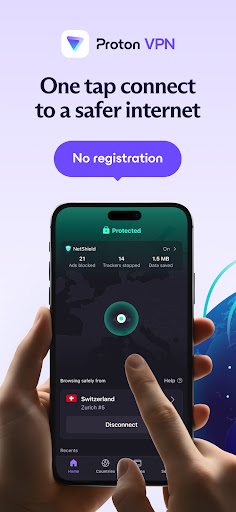
Proton VPN is the world's only free VPN app that is safe to use and respects your privacy.
⭐ Wired: "[Proton VPN] is the best VPN you can buy."
⭐ Mashable: "[Proton VPN] is the top VPN for most people. It's a stellar value."
Trusted by millions worldwide
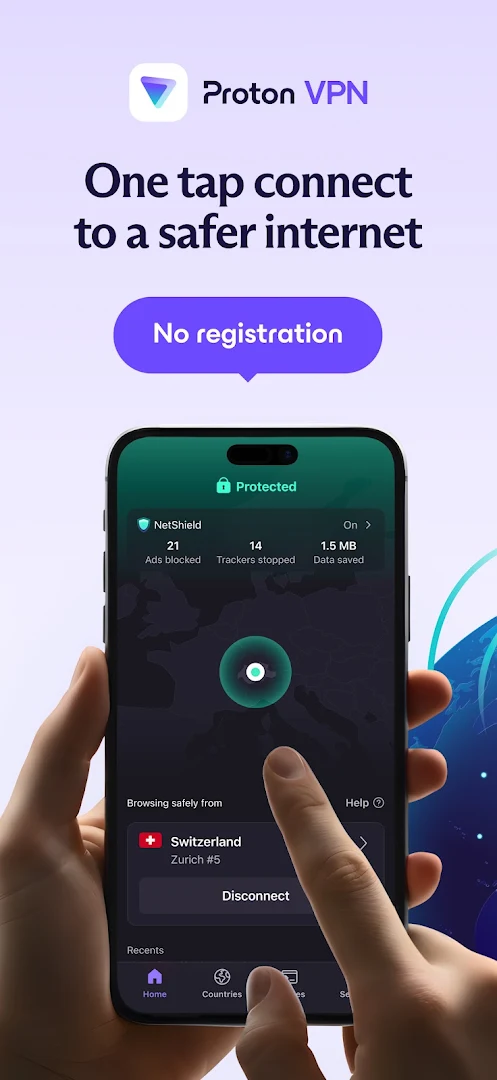
No sign-up required to use our fast VPN
Strict no logs policy; privacy with secure VPN protection
true free VPN: no restrictions on bandwidth or speed limits.
Free VPN features
• Fast VPN connection in one tap: no login or registration needed
• Browse with unlimited data
• Strict no-logs policy: we never track or store your activity
• Access secure VPN servers in 10 countries
• Stay protected on any network — WiFi, 5G, 4G, and more
• Strong encryption and DNS leak protection to keep your data safe from hackers and snoopers
• Auto kill switch means you're never exposed, even if the VPN connection drops
Premium features
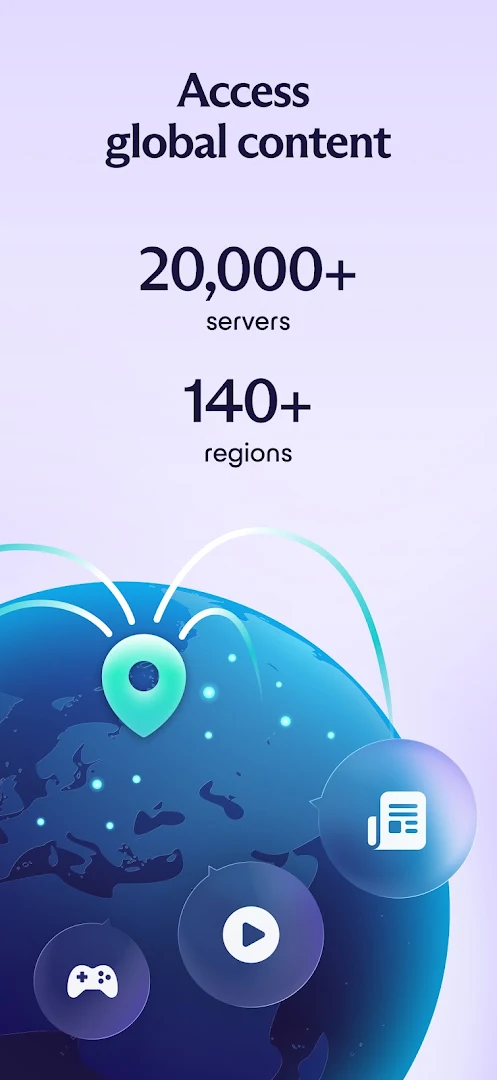
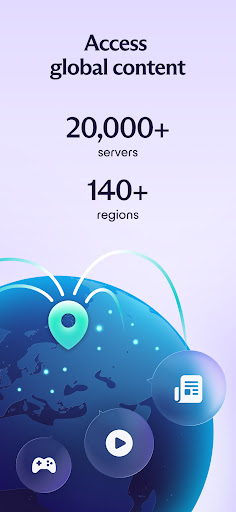
• Access 20,000+ private VPN servers across the whole planet in over 140 countries
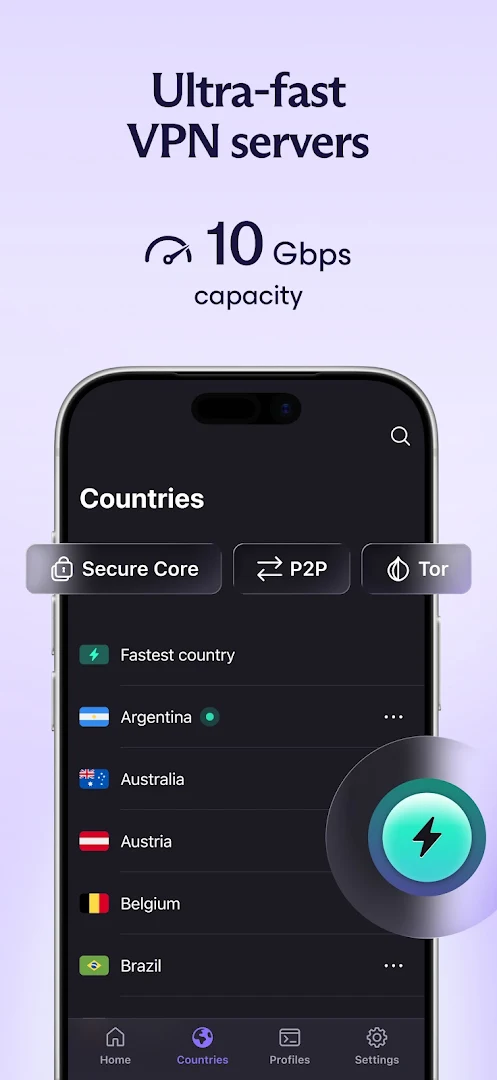
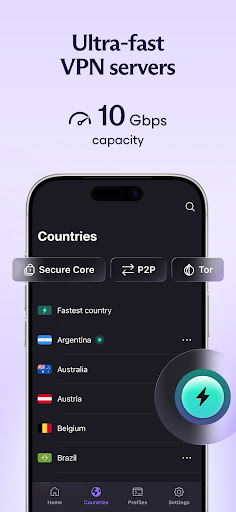
• High-speed fast VPN servers with up to 10 Gbps for express download and upload speeds
• Connect up to 10 devices simultaneously
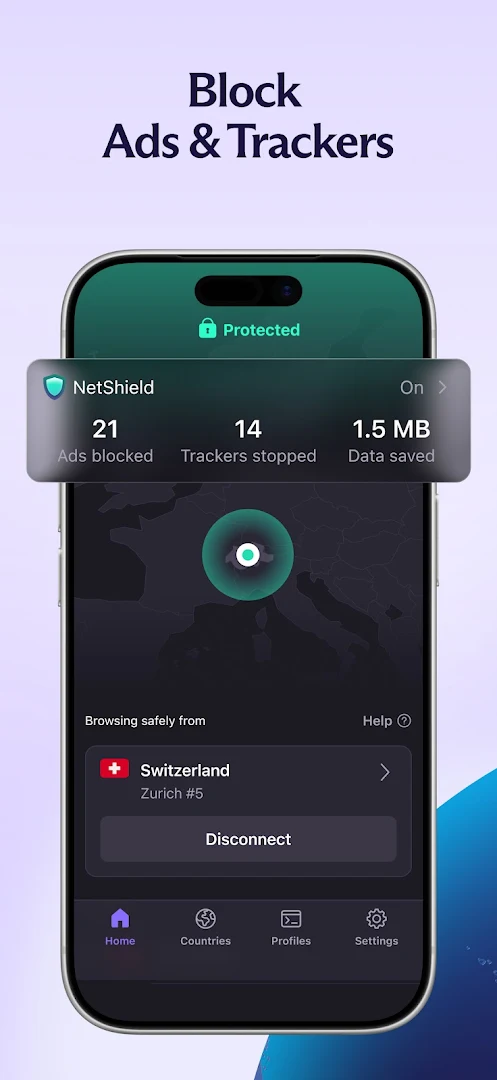
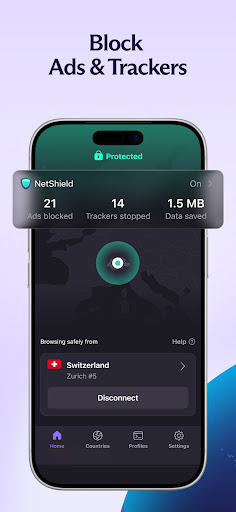
• Ad blocker (NetShield) blocks ads and malware, and prevents website trackers
• Secure connections built for file-sharing and P2P traffic
• Defend against network-based attacks with multi-hop VPN (Secure Core)
• Choose which apps use the VPN with split tunneling
Why is Proton VPN the best VPN?
• Free VPN for everyone: real online security shouldn't cost money
• One-tap connect keeps your internet connection safe and secure on public Wi-Fi
• Proven secure VPN encryption delivers turbo speeds without compromising security
• Hundreds of free VPN servers and thousands of secure VPN secure servers worldwide
• Encrypts your entire connection, no matter your browser: DuckDuckGo, Brave, or Opera
• Protects every device: Android, iOS, Windows, macOS, Linux, plus free VPN extensions for Chrome, Firefox, Safari, Brave, and Opera
• Independently audited and verified by security experts
• Open source and transparent: our code is public for anyone to review
• Strong encryption with AES-256 and 4096 RSA protect your data better than a typical proxy
Join the privacy revolution
• Get our private VPN free today and enjoy fast and unlimited connections with secure internet on any network.
Show more

1. Download MEmu installer and finish the setup

2. Start MEmu then open Google Play on the desktop

3. Search Proton VPN: Secure & Fast VPN in Google Play
Install
4. Download and Install Proton VPN: Secure & Fast VPN
5. On install completion click the icon to start

6. Enjoy using Proton VPN: Secure & Fast VPN on PC with MEmu
MEmu Play is the best Android emulator, and 100 million users already enjoy its superb Android app experience. Powered by advanced virtualization technology, it lets you enjoy thousands of Android apps smoothly on your PC—including the most graphics-intensive ones.
Bigger screen with better graphics; Long duration, without limitation of battery or mobile data.
Full Keymapping support for precise control of keyboard and mouse or gamepad.
Multiple game accounts or tasks on single PC at one time with Multi-Instance manager.
Use Proton VPN: Secure & Fast VPN on PC by following steps: