
Clone Master- Multi Dual Space
Updated
Current Version
2.8.0.10
Offered By

Stop worrying about high battery drain when using Clone Master- Multi Dual Space on your phone. Free yourself from the tiny screen and enjoy the app on a much larger display. From now on, get a full-screen experience of your app with the convenience of a keyboard and mouse. MEmu offers you all the surprising features you’d expect: quick installation and easy setup, intuitive controls, and no more worries about battery life, mobile data, or unexpected calls. The all-new MEmu 9 is the choice for using Clone Master- Multi Dual Space on your computer. With the MEmu multi-instance manager, you can run two or more accounts at the same time. Most importantly, our exclusive emulation engine unlocks your PC’s full potential, delivering smooth and enjoyable performance.
Show more
Enjoy superb experience of using Clone Master- Multi Dual Space on PC with MEMU App Player. It's a powerful free Android emulator which provides you with thousands of android apps for their desktop version. Enjoy connecting with friends and polishing your work with higher efficiency! --Unlock the full potential of your Android device with Cloner Master.
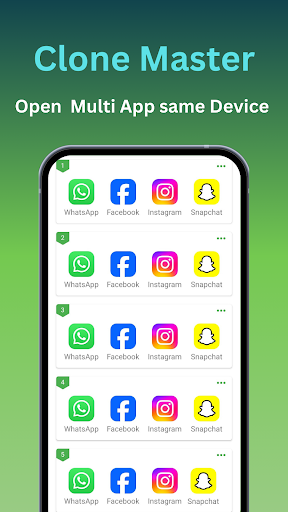
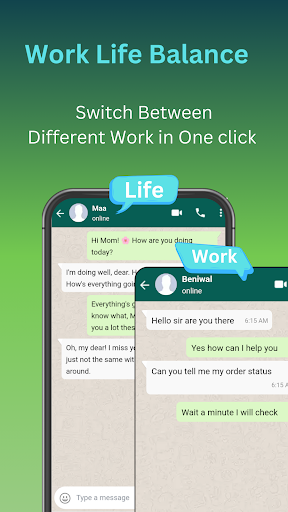
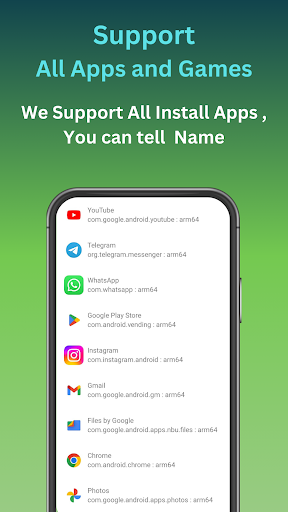
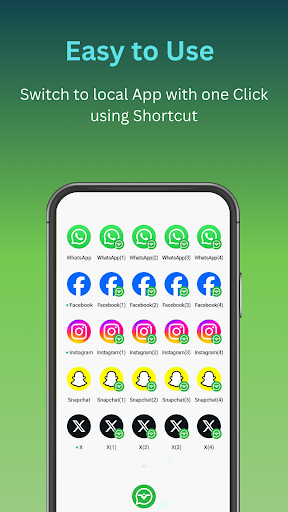
--Unlock the full potential of your Android device with Cloner Master.
-- The premier app cloning tool designed specifically for the latest Android 15 ecosystem.
-- Cloner Master enables users to create and manage multiple copies of their existing apps.
-- Clone all applications simultaneously to use multiple accounts for dual-app functionalities.
-- You can run multiple WhatsApp, Facebook, Instagram, line , Signal, Telegram, Imo and Snapchat accounts on a single device.
--We help run multiple streaming platforms like Hotstar , Netflix, Tango, Mika, Elo Elo, etc.
--You can run many Google services, including the Google Play Store, Google Workspace accounts, Google Sheets, and Google Meet, for all your Google service needs.
--If I want a personal and professional workspace with all applications and work on a single device.
Why Cloner Master?
Android 15 Compatibility:-
Engineered to leverage the advanced features of Android 15, Cloner Master ensures smooth operation, optimized battery usage, and enhanced app performance across all your cloned apps.
Seamless App Cloning:- Whether it's social media, gaming, or productivity apps, Cloner Master effortlessly duplicates your favorite apps, allowing for simultaneous use of multiple accounts.
Customized User Experience:- Tailor each cloned app to your preference. Customize app names, icons, and permissions to create a truly personalized smartphone experience.
Enhanced Privacy Features:- Cloner Master provides privacy-focused features such as incognito login for cloned apps and the ability to separate personal and work data, ensuring your information remains secure.
User-Friendly Interface:- With its intuitive design, Cloner Master makes app cloning accessible to everyone. Clone, manage, and switch between apps with just a few taps.
Regular Updates:- Stay ahead with regular updates that bring new features, improved compatibility, and security enhancements, ensuring your cloned apps run smoothly on the latest Android OS.
Key Features:
Multiple Account Management:-
Easily clone apps to manage multiple accounts simultaneously on one device. Perfect for social media, messaging apps, and gaming accounts.
Customizable Clones:-Personalize your cloned apps with unique icons and names to easily distinguish between accounts.
Data Separation:- Keeps your cloned accounts' data independent from the original apps, ensuring privacy and organization.
Privacy Protection:- Built-in privacy features ensure that your information stays secure within each cloned app.
Update Support:- Regular updates improve compatibility with new app versions and enhance overall performance and stability.
No Root Required:- Utilize advanced cloning technology without the need to root your device.
Stay Connected:-
We value our users' feedback and suggestions. If you have any questions, ideas, or need support, please feel free to contact us at clonemaster.help@gmail.com.
Show more

1. Download MEmu installer and finish the setup

2. Start MEmu then open Google Play on the desktop

3. Search Clone Master- Multi Dual Space in Google Play
Install
4. Download and Install Clone Master- Multi Dual Space
5. On install completion click the icon to start

6. Enjoy using Clone Master- Multi Dual Space on PC with MEmu
MEmu Play is the best Android emulator, and 100 million users already enjoy its superb Android app experience. Powered by advanced virtualization technology, it lets you enjoy thousands of Android apps smoothly on your PC—including the most graphics-intensive ones.
Bigger screen with better graphics; Long duration, without limitation of battery or mobile data.
Full Keymapping support for precise control of keyboard and mouse or gamepad.
Multiple game accounts or tasks on single PC at one time with Multi-Instance manager.
Use Clone Master- Multi Dual Space on PC by following steps:






























