Microsoft Word: Write, Edit & Share Docs on the Go
Updated
Current Version
1790598084
Offered By

Stop worrying about high battery drain when using Microsoft Word: Write, Edit & Share Docs on the Go on your phone. Free yourself from the tiny screen and enjoy the app on a much larger display. From now on, get a full-screen experience of your app with the convenience of a keyboard and mouse. MEmu offers you all the surprising features you’d expect: quick installation and easy setup, intuitive controls, and no more worries about battery life, mobile data, or unexpected calls. The all-new MEmu 9 is the choice for using Microsoft Word: Write, Edit & Share Docs on the Go on your computer. With the MEmu multi-instance manager, you can run two or more accounts at the same time. Most importantly, our exclusive emulation engine unlocks your PC’s full potential, delivering smooth and enjoyable performance.
Show more
Enjoy superb experience of using Microsoft Word: Write, Edit & Share Docs on the Go on PC with MEMU App Player. It's a powerful free Android emulator which provides you with thousands of android apps for their desktop version. Enjoy connecting with friends and polishing your work with higher efficiency! Create, edit, read and share documents on your mobile device with the same power and familiarity you rely on from your PC.
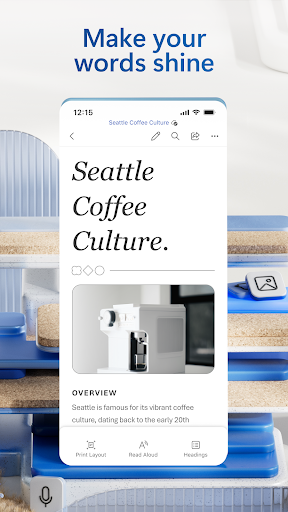
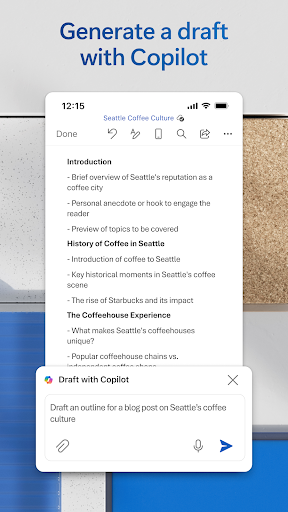
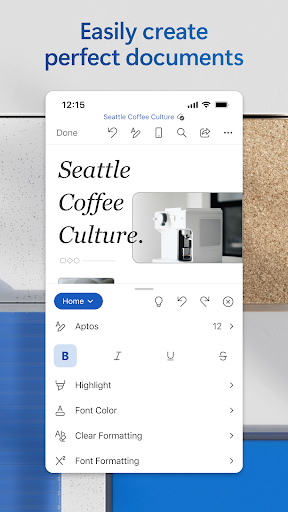
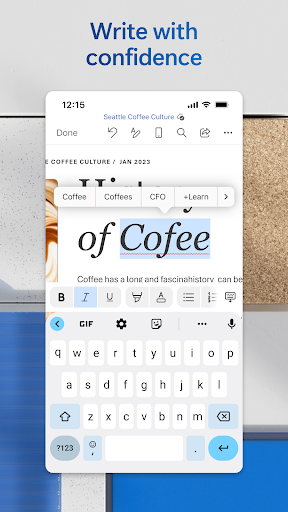
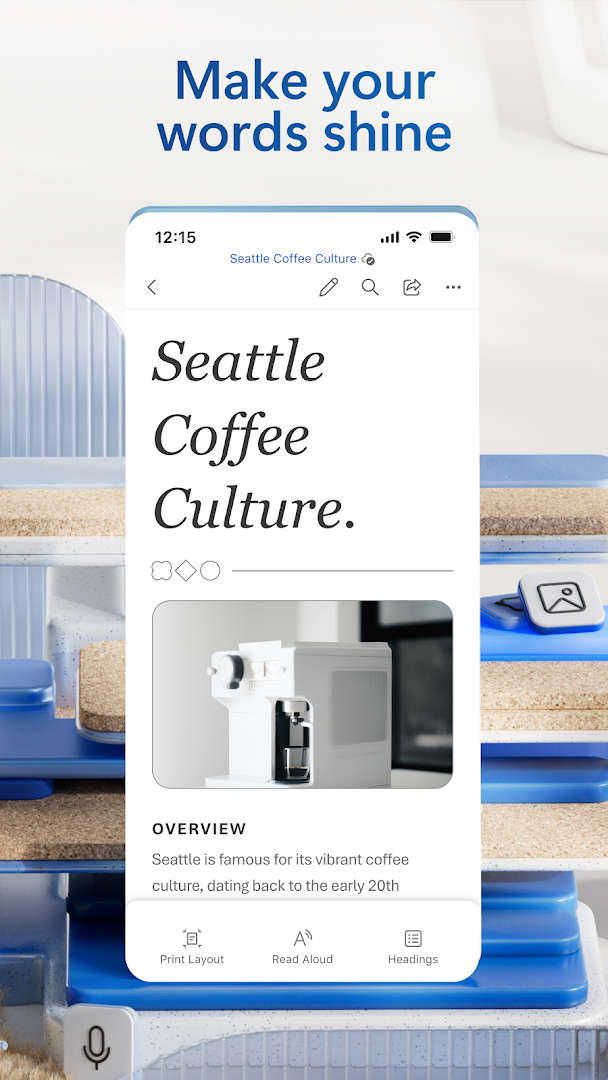
Create, edit, read and share documents on your mobile device with the same power and familiarity you rely on from your PC.
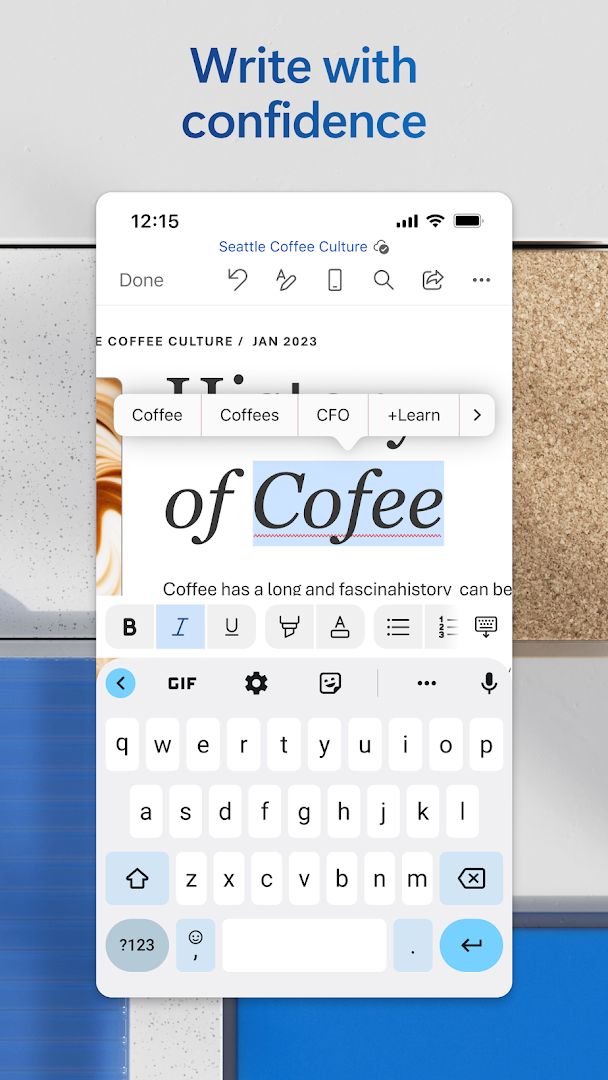
Write CVs, letters, assignments, notes or creative work on the go. Convert between Word and PDF, collaborate with others and access your files from anywhere. With easy to use editing tools and a built in document viewer, Word makes mobile writing simple and efficient.
Choose from templates for CVs, newsletters, brochures and more to jump start any project. Whether you're a student, blogger, journalist or project manager, Word moves with you.
Create Documents
• Get started quickly with modern templates for letters, CVs, scripts, proposals, invoices and more
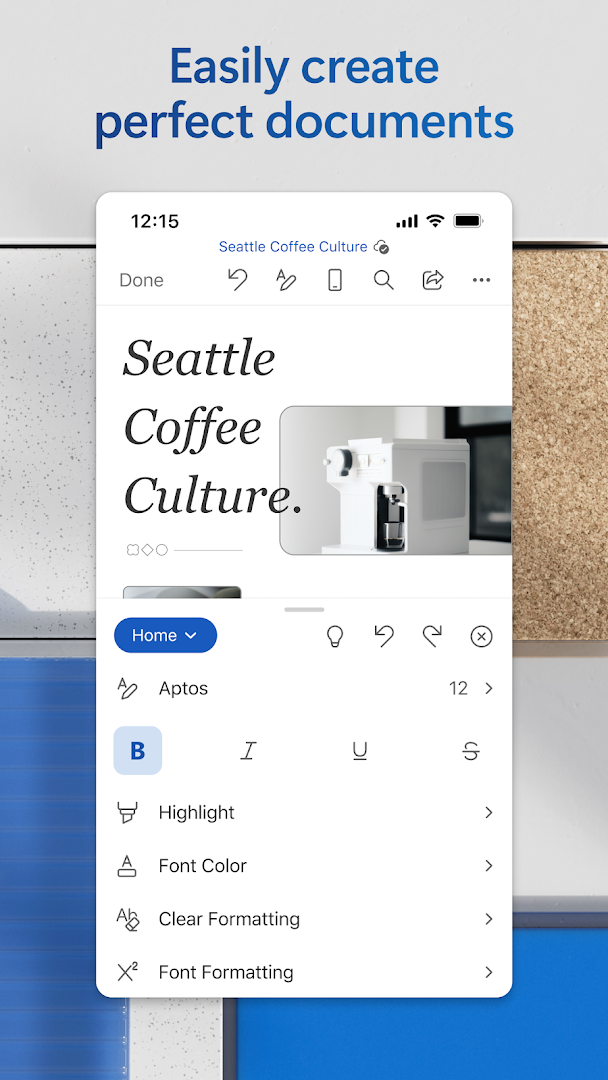
• Use rich formatting and layout tools to express your ideas clearly
• Keep your documents looking great on any device
Read, Write and Edit Anywhere
• Edit long documents with familiar writing and formatting tools
• Open attachments and view documents with the built in reader
• Convert PDFs to Word for easy editing
Collaborate and Share
• Comment alongside text to share feedback
• Work with others in real-time and track changes to text and layout
• Use version history to view or restore earlier drafts
Simplified Sharing
• Invite others to edit or view with a few taps
• Manage permissions and see who’s in the document
• Copy content into an email with formatting intact or attach your files directly
AI Assistance with Copilot*
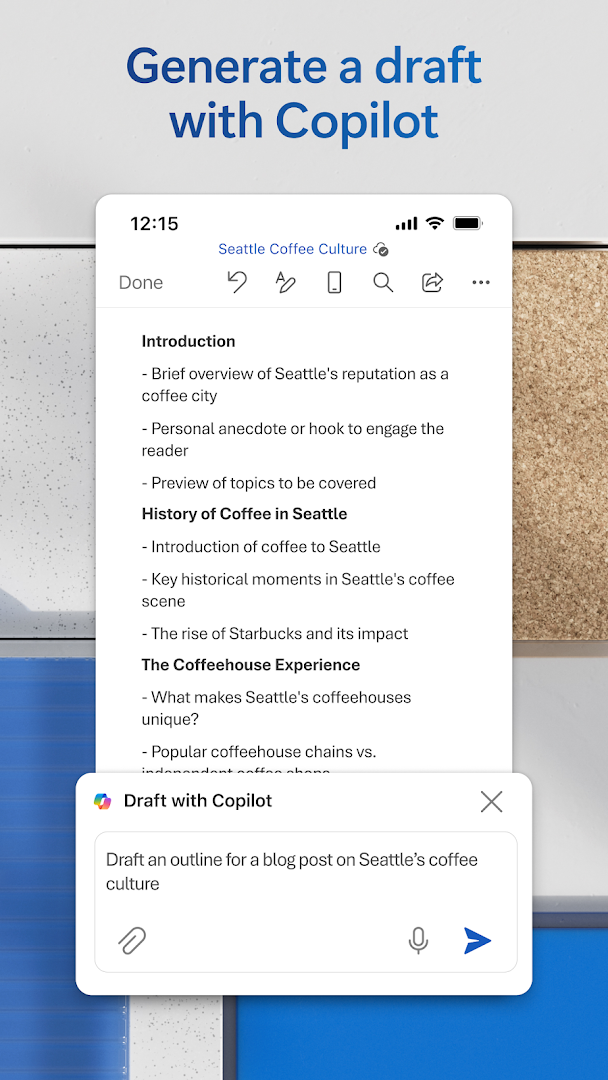
• Draft CVs, polish proposals and organise ideas in seconds
• Summarise, refine and automatically format content
• Get intelligent suggestions that make your writing clear and impactful
Requirements
• 1 GB RAM or higher
*Unlock the full Microsoft 365 experience with a qualifying Microsoft 365 subscription for your phone, tablet, PC or Mac.
Microsoft 365 subscriptions purchased in app are billed to your Play Store account and renew automatically unless disabled in account settings. Subscriptions cannot be cancelled during the active period.
This app may be provided by Microsoft or a third party publisher and is subject to its own privacy statement and terms. Data may be transferred to or stored in the United States or other regions where Microsoft or its service providers operate.
EULA: http://aka.ms/eula
Show more

1. Download MEmu installer and finish the setup

2. Start MEmu then open Google Play on the desktop

3. Search Microsoft Word: Write, Edit & Share Docs on the Go in Google Play
Install
4. Download and Install Microsoft Word: Write, Edit & Share Docs on the Go
5. On install completion click the icon to start

6. Enjoy using Microsoft Word: Write, Edit & Share Docs on the Go on PC with MEmu
MEmu Play is the best Android emulator, and 100 million users already enjoy its superb Android app experience. Powered by advanced virtualization technology, it lets you enjoy thousands of Android apps smoothly on your PC—including the most graphics-intensive ones.
Bigger screen with better graphics; Long duration, without limitation of battery or mobile data.
Full Keymapping support for precise control of keyboard and mouse or gamepad.
Multiple game accounts or tasks on single PC at one time with Multi-Instance manager.
Use Microsoft Word: Write, Edit & Share Docs on the Go on PC by following steps:

























![[3D Platformer] Super Bear Adventure PC](https://dl.memuplay.com/new_market/img/com.Earthkwak.Platformer.icon.2024-09-08-15-16-43.png)









