
Microsoft Office: Word, Excel, PowerPoint & More
Updated
Current Version
1737362200
Offered By

Stop worrying about high battery drain when using Microsoft Office: Word, Excel, PowerPoint & More on your phone. Free yourself from the tiny screen and enjoy the app on a much larger display. From now on, get a full-screen experience of your app with the convenience of a keyboard and mouse. MEmu offers you all the surprising features you’d expect: quick installation and easy setup, intuitive controls, and no more worries about battery life, mobile data, or unexpected calls. The all-new MEmu 9 is the choice for using Microsoft Office: Word, Excel, PowerPoint & More on your computer. With the MEmu multi-instance manager, you can run two or more accounts at the same time. Most importantly, our exclusive emulation engine unlocks your PC’s full potential, delivering smooth and enjoyable performance.
Show more
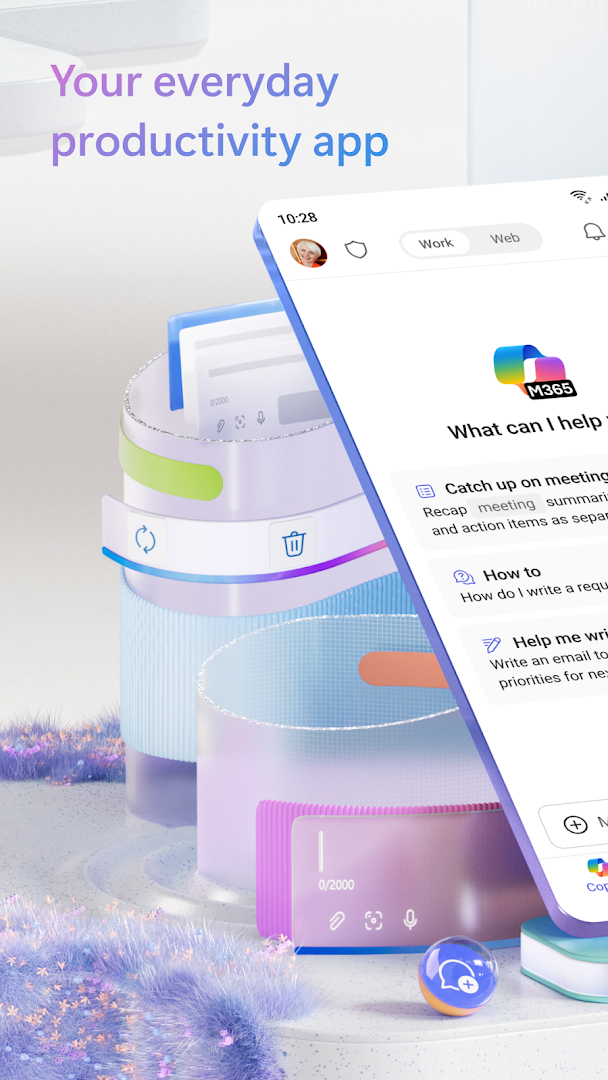
Enjoy superb experience of using Microsoft Office: Word, Excel, PowerPoint & More on PC with MEMU App Player. It's a powerful free Android emulator which provides you with thousands of android apps for their desktop version. Enjoy connecting with friends and polishing your work with higher efficiency! The Microsoft 365 Copilot app is your everyday productivity app for work and life that helps you find and edit files, scan documents, and create content on the go with access to Microsoft 365 Copilot Chat*, Word, Excel, PowerPoint, and PDFs all in one app.
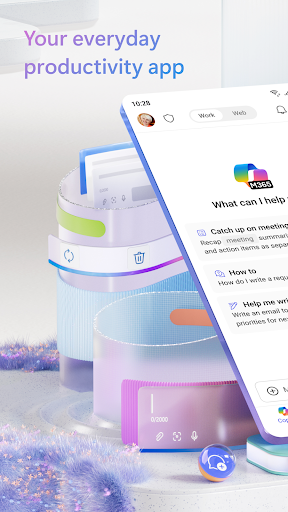
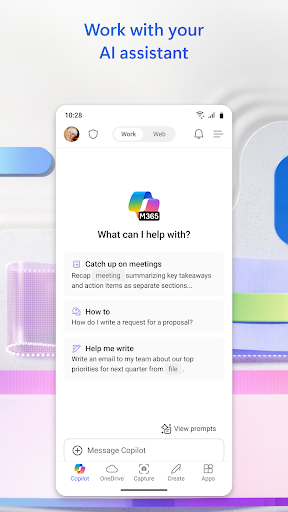
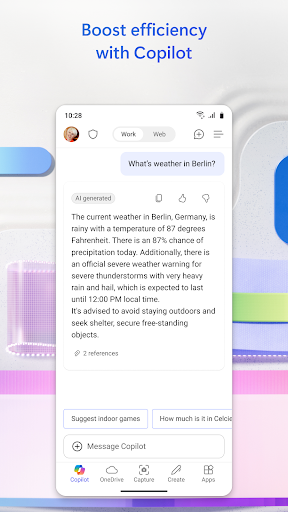
The Microsoft 365 Copilot app is your everyday productivity app for work and life that helps you find and edit files, scan documents, and create content on the go with access to Microsoft 365 Copilot Chat*, Word, Excel, PowerPoint, and PDFs all in one app. (formerly the Microsoft 365 (Office) app)
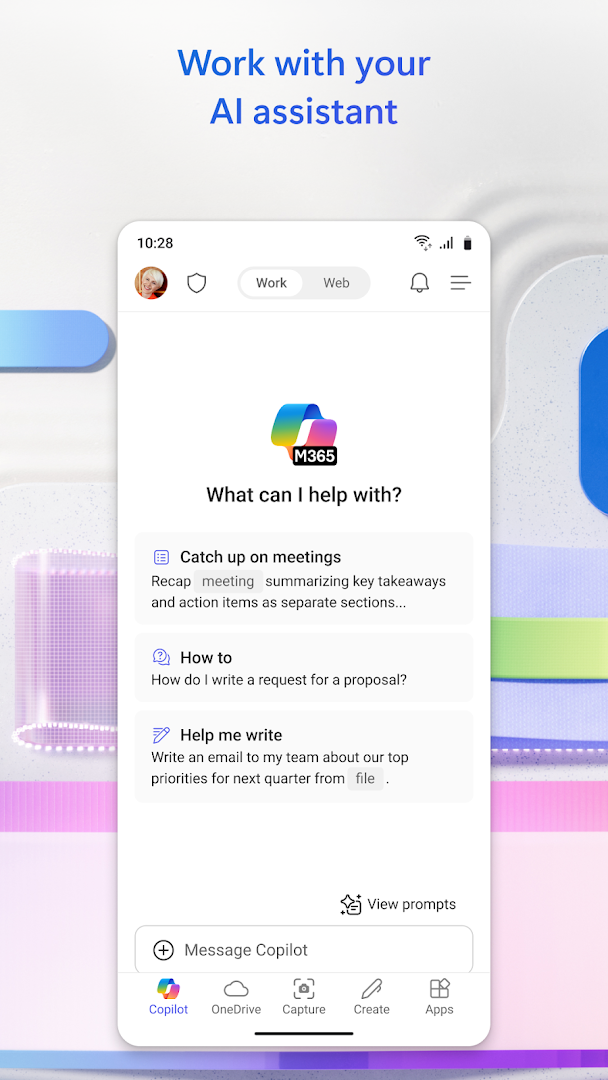
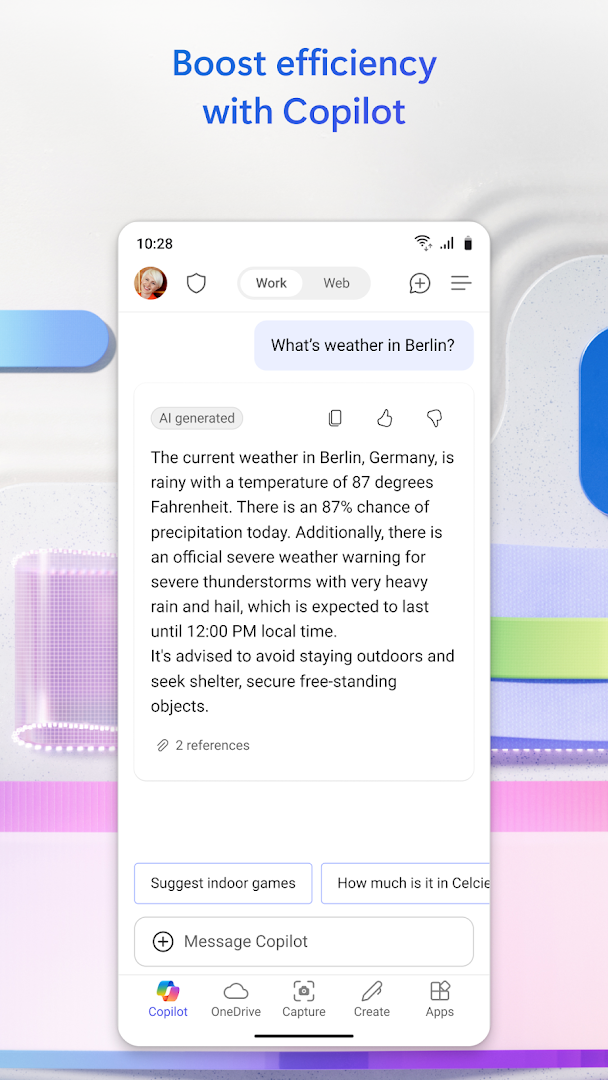
With Copilot for work, easily ask, create, and draft in a simplified chat experience to boost productivity.
*Copilot Chat in the Microsoft 365 Copilot app is available for Microsoft 365 Enterprise, Academic, and SMB subscribers with a work or education account. Microsoft 365 Personal and Family subscribers and free accounts can access Microsoft Copilot at copilot.microsoft.com and on the Copilot mobile app. It is available in these specific markets: https://support.microsoft.com/en-us/office/supported-languages-for-microsoft-copilot-94518d61-644b-4118-9492-617eea4801d8.
Word, Excel, PowerPoint, and Copilot all in one app:
• Collaborate with Copilot, your AI assistant, to catch up, ask questions, and draft content.
• Use Word to write and edit documents like resumes with professional templates.
• Use PowerPoint with tools like Presenter Coach to practice your presentation.
• Use Excel to manage your budget with spreadsheet templates.
• Try Designer* to create designs and edit photos in seconds with the power of AI.
*Designer is only available for personal Microsoft accounts. A Microsoft 365 Personal and Family subscription will be required to continue using premium features.
PDF capabilities:
• Scan PDF files and convert them into Word documents with the PDF converter tool.
• Edit PDF files on your device quickly and easily while on the go.
• PDF Reader allows you to access and sign PDFs.
Anyone can download the Microsoft 365 Copilot app for free. Access and save documents to the cloud by connecting a Microsoft Account (for OneDrive or SharePoint) or by connecting to a third-party cloud storage provider. Logging in with a personal Microsoft account or a work or school account connected to a Microsoft 365 subscription will unlock premium features within the app.
Subscription & Privacy Disclaimer
Monthly Microsoft 365 Personal and Family subscriptions purchased from the app will be charged to your App Store account and will automatically renew within 24 hours prior to the end of the current subscription period unless auto-renewal is disabled beforehand. You can manage your subscriptions in your App Store account settings.
This app is provided by either Microsoft or a third-party app publisher and is subject to a separate privacy statement and terms and conditions. Data provided using this store and this app may be accessible to Microsoft or the third-party app publisher, as applicable, and transferred to, stored and processed in the United States or any other country where Microsoft or the app publisher and their affiliates or service providers maintain facilities.
Please refer to Microsoft's EULA for Terms of Service for Microsoft 365. By installing the app, you agree to these terms and conditions: https://support.office.com/legal?llcc=en-gb&aid=SoftwareLicensingTerms_en-gb.htm
Show more

1. Download MEmu installer and finish the setup

2. Start MEmu then open Google Play on the desktop

3. Search Microsoft Office: Word, Excel, PowerPoint & More in Google Play
Install
4. Download and Install Microsoft Office: Word, Excel, PowerPoint & More
5. On install completion click the icon to start

6. Enjoy using Microsoft Office: Word, Excel, PowerPoint & More on PC with MEmu
MEmu Play is the best Android emulator, and 100 million users already enjoy its superb Android app experience. Powered by advanced virtualization technology, it lets you enjoy thousands of Android apps smoothly on your PC—including the most graphics-intensive ones.
Bigger screen with better graphics; Long duration, without limitation of battery or mobile data.
Full Keymapping support for precise control of keyboard and mouse or gamepad.
Multiple game accounts or tasks on single PC at one time with Multi-Instance manager.
Use Microsoft Office: Word, Excel, PowerPoint & More on PC by following steps:




























![[3D Platformer] Super Bear Adventure PC](https://dl.memuplay.com/new_market/img/com.Earthkwak.Platformer.icon.2024-09-08-15-16-43.png)









