Chime – Mobile Banking PC

Download Chime – Mobile Banking on PC

Chime – Mobile Banking PC

Chime – Mobile Banking

  • Updated

  • Current Version

    5.324.0

  • Offered By

    Chime – Mobile Banking PC

Features of Chime – Mobile Banking on PC

Stop worrying about high battery drain when using Chime – Mobile Banking on your phone. Free yourself from the tiny screen and enjoy the app on a much larger display. From now on, get a full-screen experience of your app with the convenience of a keyboard and mouse. MEmu offers you all the surprising features you’d expect: quick installation and easy setup, intuitive controls, and no more worries about battery life, mobile data, or unexpected calls. The all-new MEmu 9 is the choice for using Chime – Mobile Banking on your computer. With the MEmu multi-instance manager, you can run two or more accounts at the same time. Most importantly, our exclusive emulation engine unlocks your PC’s full potential, delivering smooth and enjoyable performance.

Show more

Screenshots & Video of Chime – Mobile Banking PC

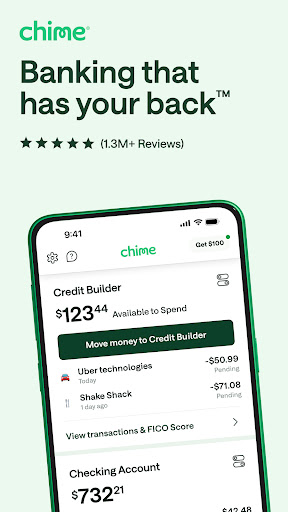
Enjoy superb experience of using Chime – Mobile Banking on PC with MEMU App Player. It's a powerful free Android emulator which provides you with thousands of android apps for their desktop version. Enjoy connecting with friends and polishing your work with higher efficiency! Unlock financial progress™ with Chime—credit tools, access to early pay, and no monthly fees.

APP Info

Unlock financial progress™ with Chime—credit tools, access to early pay, and no monthly fees.

Chime® is a financial technology company, not a bank. Banking services provided by The Bancorp Bank, N.A. or Stride Bank, N.A., Members FDIC.

Optional services and products may have fees or charges. Learn more at chime.com/feesinfo

Account opening data based on a J.D. Power survey conducted between August and September 2025.

BETTER BANKING
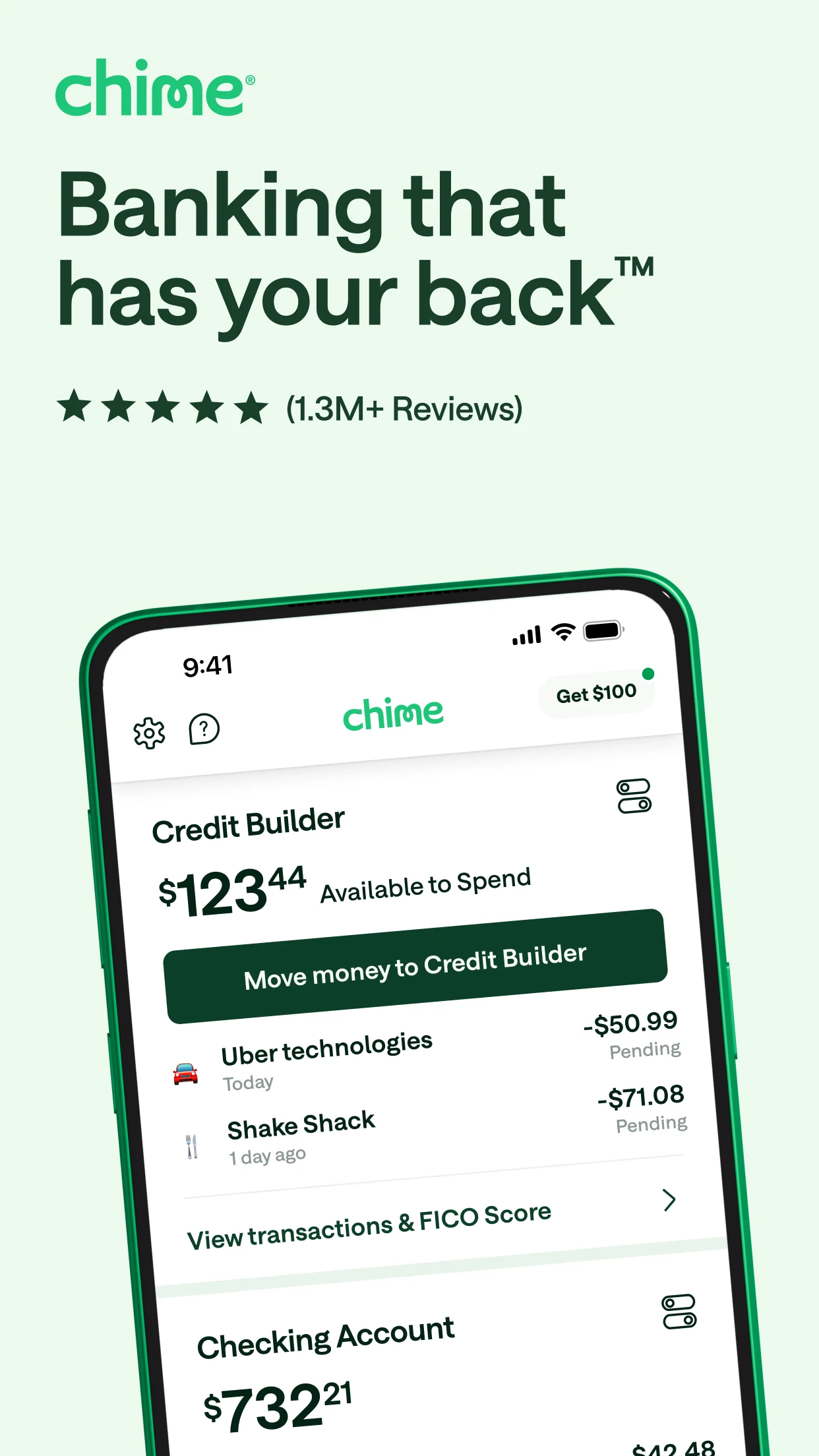
A high-powered checking account with fee-free in-network cash deposits§§, spending, overdraft coverage, free in-network ATMs‡, and more.

EASY SAVINGS
With automatic savings tools and a high-yield savings account1, your small habits can make big strides with Chime.

EARLY PAYDAY
Why wait for payday? When you direct deposit with Chime you get early access to your pay, up to $500^. No interest~, no credit check, and no mandatory fees.

SMART CREDIT MANAGEMENT
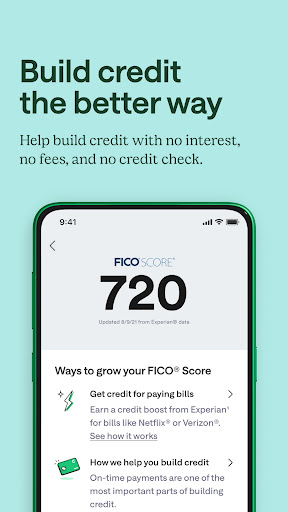
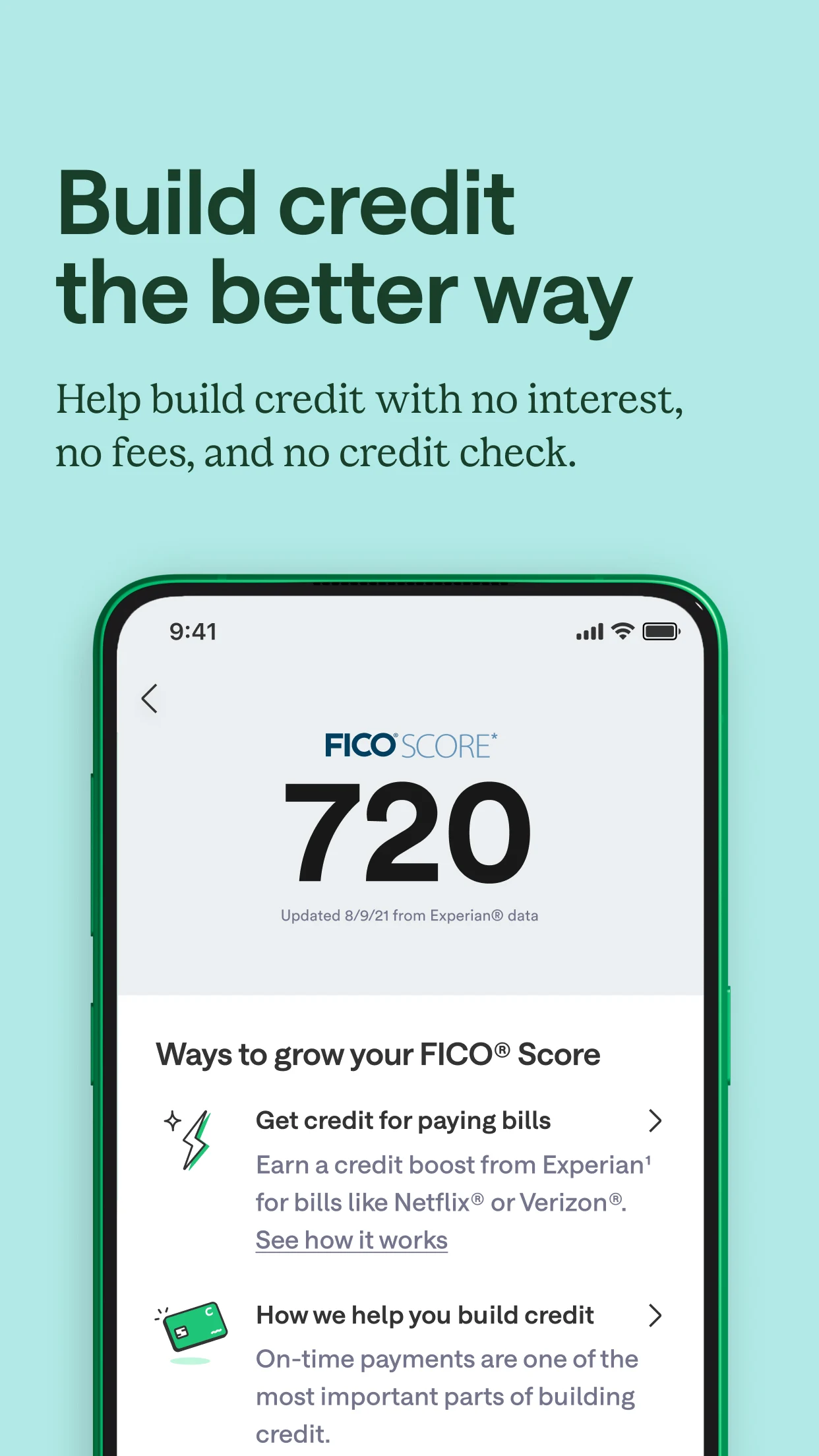
Protect, maintain, and grow your credit with everyday purchases and regular on-time payments‡‡.

ANYTIME SECURITY AND SUPPORT
Keep your money and accounts safe with a modern set of features and 24/7 live human support.

SPOTME®
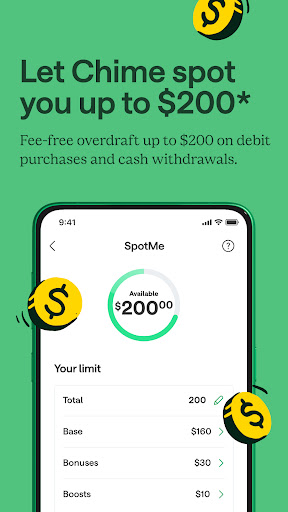
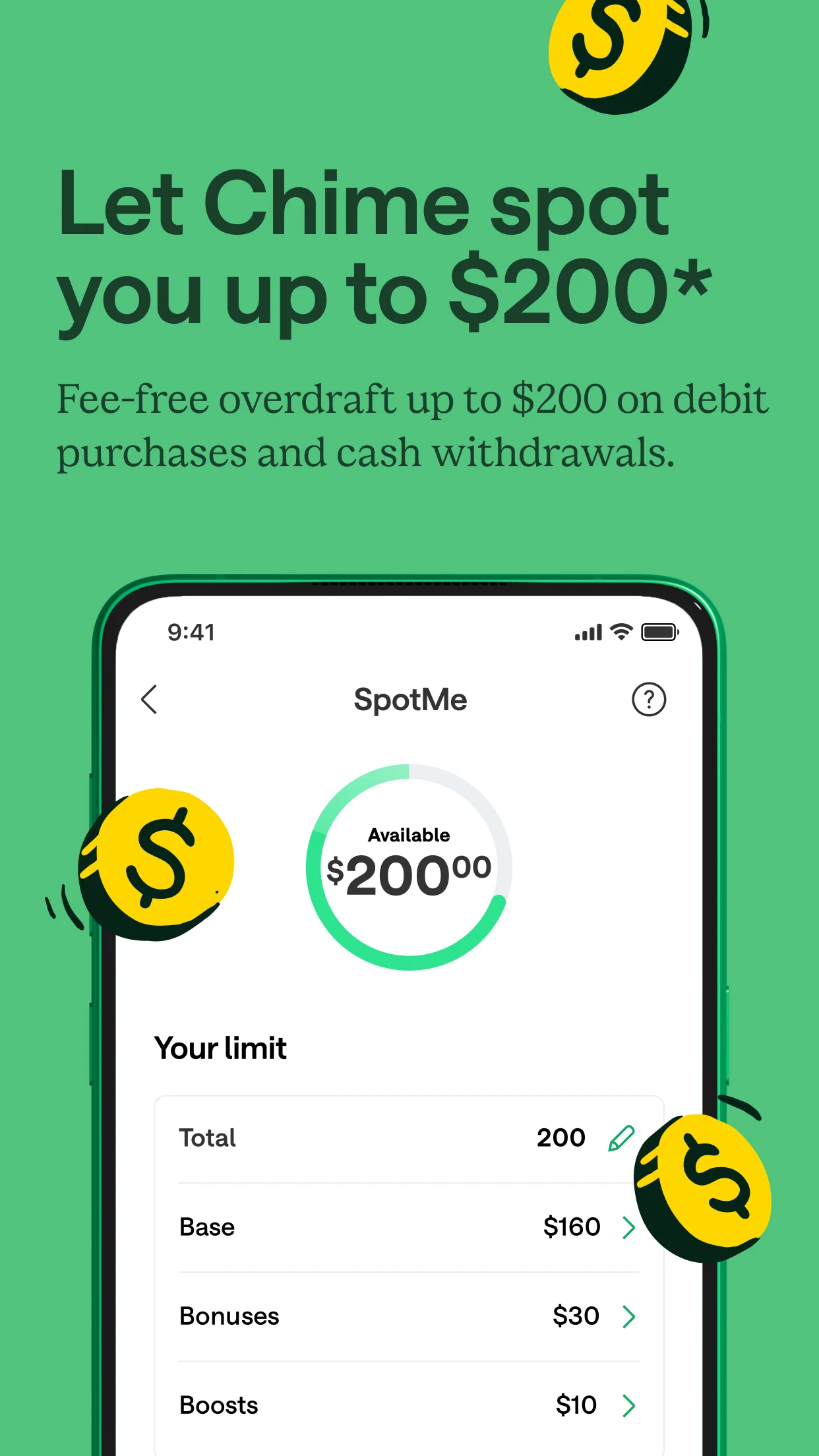
Get fee-free overdraft coverage up to $200* on Chime debit and credit card transactions and in-network ATM withdrawals.

–––––

The Chime Visa® Debit Card and the secured Chime Visa® Credit Card are issued by The Bancorp Bank, N.A. or Stride Bank, N.A., pursuant to a license from Visa U.S.A. Inc. and may be used everywhere Visa debit or credit cards are accepted.

MyPay® line of credit provided by The Bancorp Bank, N.A. or Stride Bank, N.A.

¹Chime Checking Account required to apply.

~Option to get funds instantly for $2 per advance or get funds for free within 24 hours. See Bancorp MyPay Agreement or Stride MyPay Agreement for details at www.chime.com/policies.

*Eligibility requirements and limits apply. Overdraft only applies to debit and credit card transactions and cash withdrawals. Limits range from $20-$200.

‡Out-of-network ATM withdrawal and over the counter advance fees may apply except at MoneyPass ATMs in a 7-Eleven, or any Allpoint or Visa Plus Alliance ATM.

§§Once the retailer accepts your cash, the funds will be transferred to your Chime account. Cash deposit fees may apply if using a retailer other than Walgreens and Duane Reade.

^Eligibility requirements apply, including receipt of qualifying direct deposits as set forth in the MyPay Agreement. Not all users will qualify. Credit limits range from $20-$500.

§The Annual Percentage Yield ("APY") for the Chime Savings Account is variable and may change at any time. The disclosed APY rate is effective as of [10/15/2025]. No minimum balance required. Must have $0.01 in savings to earn interest. The 3.50% Chime+ APY is available only while you maintain eligibility requirements for Chime+, otherwise the 1.00% APY for non-Chime+ members will apply. See Chime+ Terms and Conditions for details.

**Out of network ATM withdrawal and OTC advance fees may apply. View the Bancorp agreement or Stride agreement for details; see back of card for issuer

2Eligibility requirements and limits apply. See Chime Deals® Terms and Conditions.

4You must notify your financial institution immediately of any unauthorized use. For specific restrictions, limitations and other details, please consult your issuer.

+Ranking according to the Federal Reserve Statistical Release based on domestic assets; number of ATMs self-reported by Chase, Bank of America and Wells Fargo - June 2025.

‡‡Late payment may negatively impact your credit score. Results may vary.

FICO® Score triggers a disclosure: Credit score calculated based on FICO® Score 8 model. Your lender or insurer may use a different FICO® Score than FICO® Score 8, or another type of credit score altogether. See Experian.com for details.

Address: 101 California Street, Suite 500, San Francisco, CA 94111, United States.
No customer support available at HQ. Customer support details available on the website.

Show more

How to Download Chime – Mobile Banking on PC

  • Chime – Mobile Banking PC

    1. Download MEmu installer and finish the setup

  • Chime – Mobile Banking PC

    2. Start MEmu then open Google Play on the desktop

  • Chime – Mobile Banking PC

    3. Search Chime – Mobile Banking in Google Play

  • Chime – Mobile Banking PC Install

    4. Download and Install Chime – Mobile Banking

  • Chime – Mobile Banking PC

    5. On install completion click the icon to start

  • Chime – Mobile Banking PC
    Chime – Mobile Banking PC Chime – Mobile Banking PC

    6. Enjoy using Chime – Mobile Banking on PC with MEmu

Why Use MEmu for Chime – Mobile Banking

MEmu Play is the best Android emulator, and 100 million users already enjoy its superb Android app experience. Powered by advanced virtualization technology, it lets you enjoy thousands of Android apps smoothly on your PC—including the most graphics-intensive ones.

  • Bigger screen with better graphics; Long duration, without limitation of battery or mobile data.

  • Full Keymapping support for precise control of keyboard and mouse or gamepad.

  • Multiple game accounts or tasks on single PC at one time with Multi-Instance manager.

Ready to Use?

Chime – Mobile Banking - FAQs

  • How to use Chime – Mobile Banking on PC?

    Use Chime – Mobile Banking on PC by following steps:
    • Download MEmu, then install and launch it
    • Login to Google Play Store, install the app
    • Enjoy using the app on PC with MEmu
  • What are the minimum system requirements to run Chime – Mobile Banking on PC?
    • Intel or AMD Processor
    • Microsoft Windows 7 and above
    • 2GB of memory
    • 5GB of free disk space
    • Hardware Virtualization Technology
Chime – Mobile Banking PC