GoTyme Bank
Updated
Current Version
1.80.0
Offered By

Stop worrying about high battery drain when using GoTyme Bank on your phone. Free yourself from the tiny screen and enjoy the app on a much larger display. From now on, get a full-screen experience of your app with the convenience of a keyboard and mouse. MEmu offers you all the surprising features you’d expect: quick installation and easy setup, intuitive controls, and no more worries about battery life, mobile data, or unexpected calls. The all-new MEmu 9 is the choice for using GoTyme Bank on your computer. With the MEmu multi-instance manager, you can run two or more accounts at the same time. Most importantly, our exclusive emulation engine unlocks your PC’s full potential, delivering smooth and enjoyable performance.
Show more
Enjoy superb experience of using GoTyme Bank on PC with MEMU App Player. It's a powerful free Android emulator which provides you with thousands of android apps for their desktop version. Enjoy connecting with friends and polishing your work with higher efficiency! Step into the beautiful game.


Step into the beautiful game.
Every tap with your GoTyme Bank Visa debit card brings you one step closer to the FIFA World Cup 2026™.
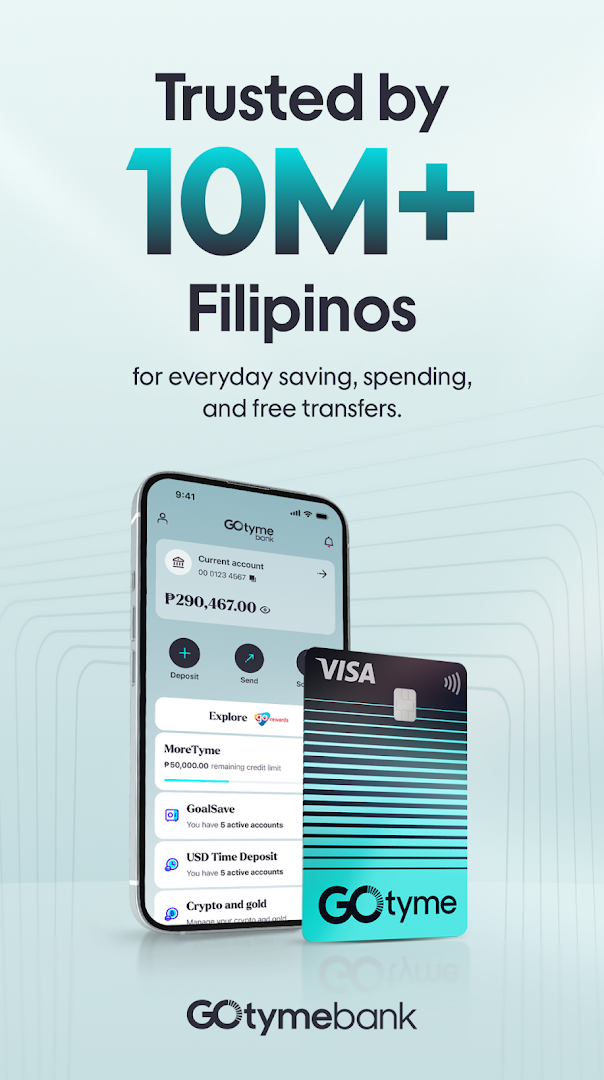
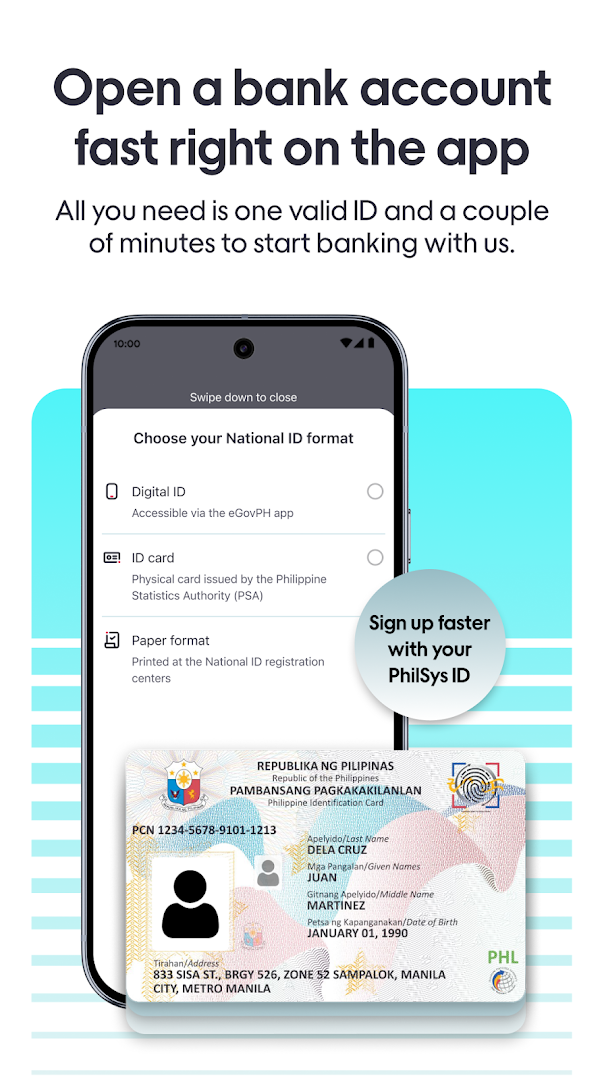
Switch to the fastest-growing bank in the Philippines. All you need is a Philippine mobile number, home address, and valid ID. Open an account in less than 5 minutes to enjoy simple, sustainable, and secure savings, shopping rewards, and free InstaPay transfers.
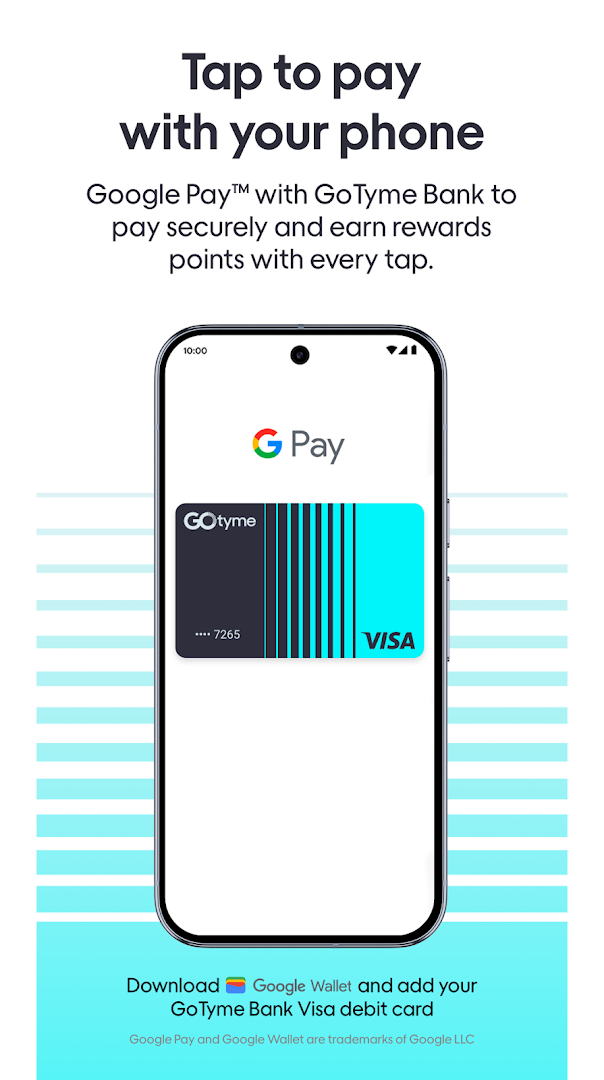
Pay like a pro with Google Pay™.
Your Android phone is now your wallet. Just tap to Google Pay™ at Visa-enabled merchants worldwide. Download the Google Wallet app and add your GoTyme Bank Visa debit card.
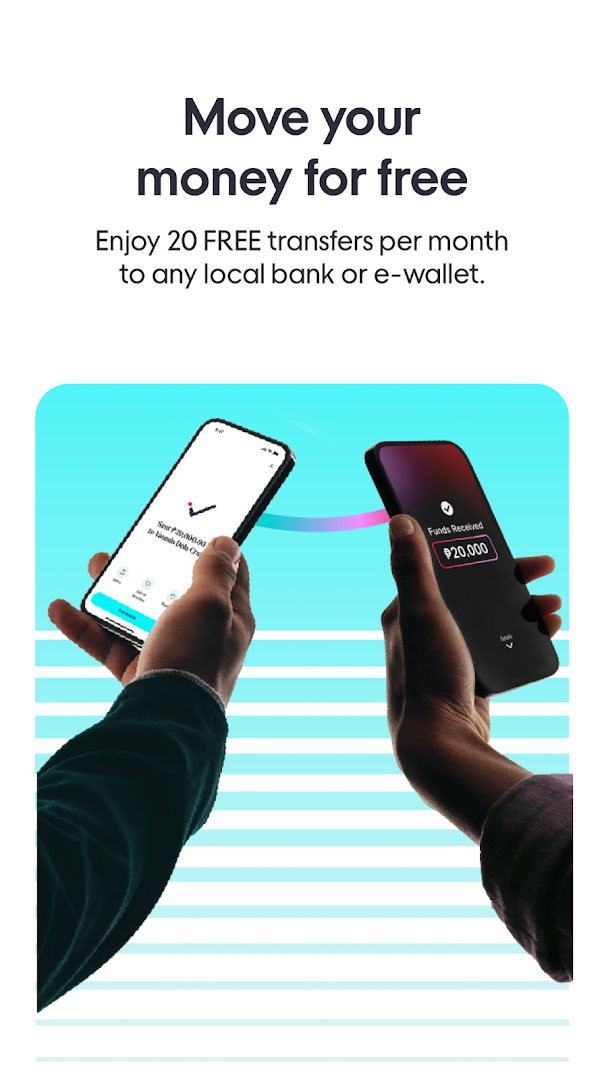
Score FREE transfers.
Enjoy 20 free InstaPay transfers to any bank or e-wallet per month. Then, pay a low P9.00 fee after. To keep your transfers free, use your Go Rewards points to cover the P9.00 InstaPay fee (9 Go Rewards points = 1 free transfer).
Get an assist from your points.
Earn 1 point for every P100 spent in partner stores with your FREE Visa debit card, and 1 point for every P500 spend everywhere else (in-store, online or abroad). Then use those points to buy load or data, or pay for fees in the app, or even redeem it as cash you can either spend or save.
Deposit checks anytime, anywhere.
Deposit up to P499,999.99 safely and conveniently by taking a photo of your check on the GoTyme Bank app. No deposit fees. Standard check clearing times apply.
Never miss a savings goal.
Stick to your game plan with smart saving tools. Open up to 5 savings accounts and earn high interest (vs traditional banks) with no minimum balance, no deposit caps. No missions, no limits.
Huddle with a human for account-related help.
Contact us via any of our help channels: Chat with us in the GoTyme Bank app, call #GO8888 (#46888), or email help@gotyme.com.ph.
Secure your account through the following safety tips:
1. Use your own device to open an account.
2. Only install banking apps from official app stores.
3. Update your card PIN and passcode every 3 months.
4. Never share your OTP, PIN, or passcode with anyone. GoTyme Bank will never ask you for these.
5. Lock your card immediately in case of loss or theft.
6. Follow us for updates @gotymebank on Facebook, Twitter, Instagram and TikTok.
GoTyme Bank is regulated by the Bangko Sentral ng Pilipinas. Deposits are insured by PDIC up to P1 Million per depositor.
Show more

1. Download MEmu installer and finish the setup

2. Start MEmu then open Google Play on the desktop

3. Search GoTyme Bank in Google Play
Install
4. Download and Install GoTyme Bank
5. On install completion click the icon to start

6. Enjoy using GoTyme Bank on PC with MEmu
MEmu Play is the best Android emulator, and 100 million users already enjoy its superb Android app experience. Powered by advanced virtualization technology, it lets you enjoy thousands of Android apps smoothly on your PC—including the most graphics-intensive ones.
Bigger screen with better graphics; Long duration, without limitation of battery or mobile data.
Full Keymapping support for precise control of keyboard and mouse or gamepad.
Multiple game accounts or tasks on single PC at one time with Multi-Instance manager.
Use GoTyme Bank on PC by following steps: