
Magnifying Glass
Updated
Current Version
1.0.1
Offered By

Stop worrying about high battery drain when using Magnifying Glass on your phone. Free yourself from the tiny screen and enjoy the app on a much larger display. From now on, get a full-screen experience of your app with the convenience of a keyboard and mouse. MEmu offers you all the surprising features you’d expect: quick installation and easy setup, intuitive controls, and no more worries about battery life, mobile data, or unexpected calls. The all-new MEmu 9 is the choice for using Magnifying Glass on your computer. With the MEmu multi-instance manager, you can run two or more accounts at the same time. Most importantly, our exclusive emulation engine unlocks your PC’s full potential, delivering smooth and enjoyable performance.
Show more
Enjoy superb experience of using Magnifying Glass on PC with MEMU App Player. It's a powerful free Android emulator which provides you with thousands of android apps for their desktop version. Enjoy connecting with friends and polishing your work with higher efficiency! Magnifying Glass is a complimentary Android app that stands as the simplest tool, requiring no specialized training to operate.
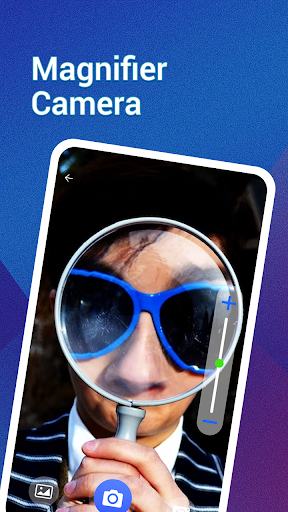
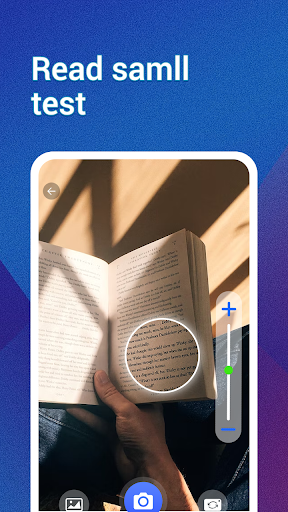
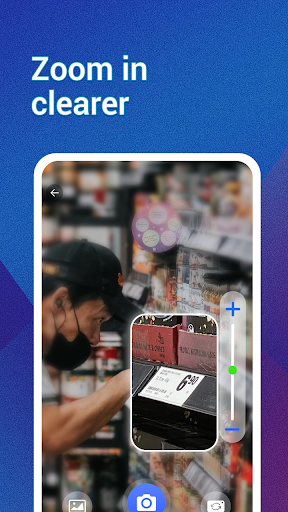
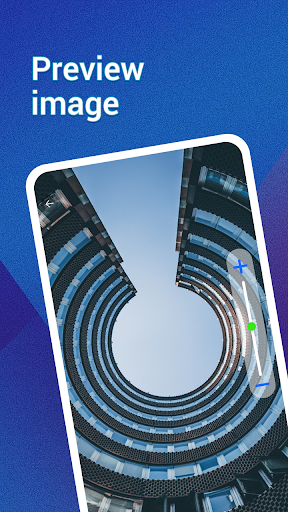
Magnifying Glass is a complimentary Android app that stands as the simplest tool, requiring no specialized training to operate. It's the ultimate solution for enhancing small text visibility. With Magnifying Glass, you'll experience crystal-clear reading, ensuring you never miss out on any details. Moreover, the app enables you to effortlessly zoom in or out using intuitive finger gestures. The intelligent magnifier even integrates a flashlight feature for your convenience.
Highlighted features of this magnifying glass application:
Effortlessly read text, business cards, or newspapers without the need for glasses.
Examine prescription details on medicine bottles.
Navigate menus in dimly lit restaurants.
Verify serial numbers on various devices like WiFi routers, TVs, washing machines, DVDs, and refrigerators.
Replace backyard bulbs during nighttime.
Easily locate items in your purse.
Can even simulate a microscope experience for finer, smaller images (although not a genuine microscope).
Embrace the possibilities with Magnifying Glass – your versatile magnification companion.
Characteristics:
Zoom: Ranging from 1x to 10x for versatile magnification.
Freeze: Capture frozen frames to meticulously examine magnified images.
Flashlight: Illuminate dark environments or night settings using the integrated flashlight.
Capture: Securely store magnified photographs directly on your device.
Gallery: Review archived images, permitting sharing or deletion as desired.
Filters: Diverse filter effects available to safeguard your visual comfort.
Brightness: Tailor the screen brightness to your comfort.
Configuration: Customize the magnifier settings to align with your specific requirements.
Please Note:
We exclusively seek camera permission for magnification purposes, with no ulterior motives. Your privacy is assured.
Show more

1. Download MEmu installer and finish the setup

2. Start MEmu then open Google Play on the desktop

3. Search Magnifying Glass in Google Play
Install
4. Download and Install Magnifying Glass
5. On install completion click the icon to start

6. Enjoy using Magnifying Glass on PC with MEmu
MEmu Play is the best Android emulator, and 100 million users already enjoy its superb Android app experience. Powered by advanced virtualization technology, it lets you enjoy thousands of Android apps smoothly on your PC—including the most graphics-intensive ones.
Bigger screen with better graphics; Long duration, without limitation of battery or mobile data.
Full Keymapping support for precise control of keyboard and mouse or gamepad.
Multiple game accounts or tasks on single PC at one time with Multi-Instance manager.
Use Magnifying Glass on PC by following steps:






























