
Pocket Broker - trading
Updated
Current Version
1.257
Offered By

Stop worrying about high battery drain when using Pocket Broker - trading on your phone. Free yourself from the tiny screen and enjoy the app on a much larger display. From now on, get a full-screen experience of your app with the convenience of a keyboard and mouse. MEmu offers you all the surprising features you’d expect: quick installation and easy setup, intuitive controls, and no more worries about battery life, mobile data, or unexpected calls. The all-new MEmu 9 is the choice for using Pocket Broker - trading on your computer. With the MEmu multi-instance manager, you can run two or more accounts at the same time. Most importantly, our exclusive emulation engine unlocks your PC’s full potential, delivering smooth and enjoyable performance.
Show more
Enjoy superb experience of using Pocket Broker - trading on PC with MEMU App Player. It's a powerful free Android emulator which provides you with thousands of android apps for their desktop version. Enjoy connecting with friends and polishing your work with higher efficiency! Get instant access to global financial markets and learn trading from A to Z.
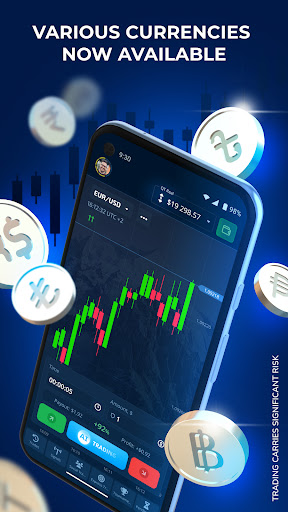
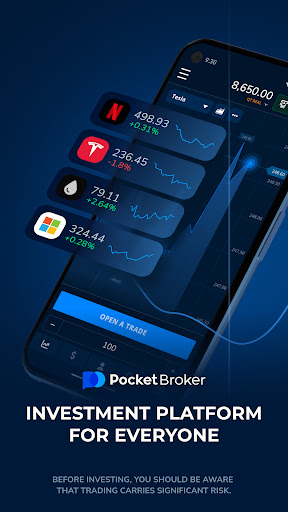
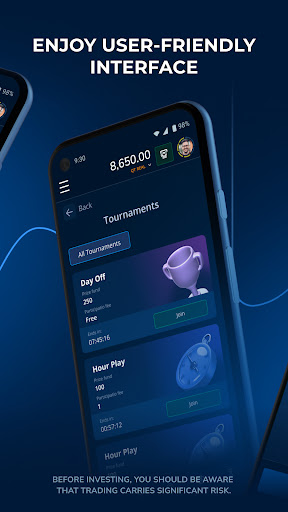
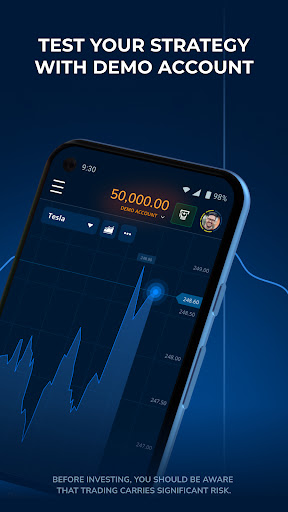
Get instant access to global financial markets and learn trading from A to Z.
Choose from 100+ financial instruments and professional tools for in-depth chart analysis. Join one of the fastest-growing international traders' communities even if you know nothing about trading or investments. Learn efficiently and practice for free with our app.
Why choose Pocket Broker?
• User-friendly Interfaces
The app was designed by traders for traders. We merged all the fintech industry trends and requirements with outstanding UX practices to create a convenient and clear app.
• Advanced Learning Features
Pocket Broker is the perfect place to take a first step into online investments. Discover our Help Center with extensive educational materials, or take after the best traders to learn how to analyze the market and find chart trends.
• Unique Achievements Engine
Practice, complete simple tasks, follow your progress, gain experience, and receive additional benefits. Just like in video games.
• Top Financial Instruments
Select from the top assets to choose your favorite one. Each Instrument has unique volatility and terms, so it would be a hard choice.
• 24/7 Support
Get answers to your questions and resolve any issue at any time and place. Just connect with the Pocket Option support services.
• Rechargeable Demo Account
Practice investing with unlimited virtual money and refill your demo balance at the click. It is the best way to discover all the app features without effort.
• 50+ Payment Methods
Reveal all the Pocket Broker features with real trading mode. Deposit and withdraw quickly and easily with our wage payment services portfolio. Choose reliable global and local providers that perfectly match your needs.
• No Platform Fees
Pocket Broker provides excellent conditions for users and gets no fees from deposits and withdrawals.
• 24 Languages Localization
Enjoy online trading globally in your native language thanks to our fully localized platform.
• Secureness
Pocket Broker cares about users' confidentiality and safety. That is why our platform is certified by international security licensing.
Start your trading journey with the Pocket Broker app.
Risk warning: Our services involve significant risk and can result in the loss of your invested capital. Please read and ensure you fully understand our Risk Disclosure.
Show more

1. Download MEmu installer and finish the setup

2. Start MEmu then open Google Play on the desktop

3. Search Pocket Broker - trading in Google Play
Install
4. Download and Install Pocket Broker - trading
5. On install completion click the icon to start

6. Enjoy using Pocket Broker - trading on PC with MEmu
MEmu Play is the best Android emulator, and 100 million users already enjoy its superb Android app experience. Powered by advanced virtualization technology, it lets you enjoy thousands of Android apps smoothly on your PC—including the most graphics-intensive ones.
Bigger screen with better graphics; Long duration, without limitation of battery or mobile data.
Full Keymapping support for precise control of keyboard and mouse or gamepad.
Multiple game accounts or tasks on single PC at one time with Multi-Instance manager.
Use Pocket Broker - trading on PC by following steps: