
ShareKaro: File Share&Transfer
Updated
Current Version
5.1.39
Offered By

Stop worrying about high battery drain when using ShareKaro: File Share&Transfer on your phone. Free yourself from the tiny screen and enjoy the app on a much larger display. From now on, get a full-screen experience of your app with the convenience of a keyboard and mouse. MEmu offers you all the surprising features you’d expect: quick installation and easy setup, intuitive controls, and no more worries about battery life, mobile data, or unexpected calls. The all-new MEmu 9 is the choice for using ShareKaro: File Share&Transfer on your computer. With the MEmu multi-instance manager, you can run two or more accounts at the same time. Most importantly, our exclusive emulation engine unlocks your PC’s full potential, delivering smooth and enjoyable performance.
Show more
Enjoy superb experience of using ShareKaro: File Share&Transfer on PC with MEMU App Player. It's a powerful free Android emulator which provides you with thousands of android apps for their desktop version. Enjoy connecting with friends and polishing your work with higher efficiency! Share Karo is the best India's own Sharing App.
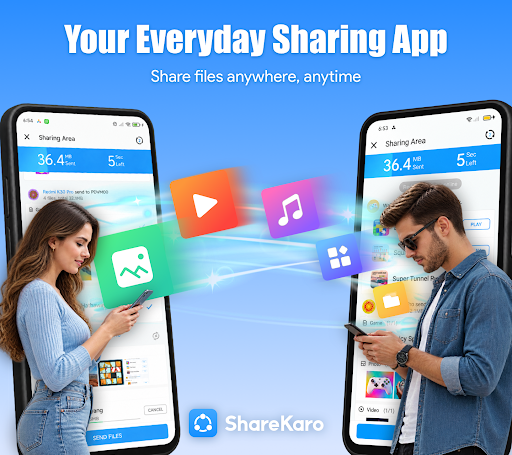
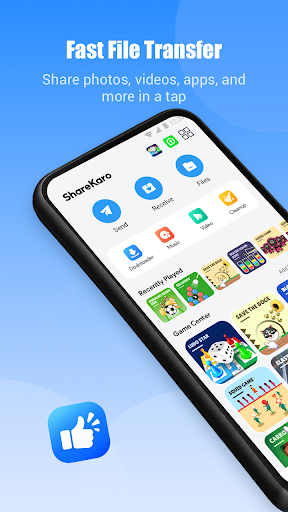
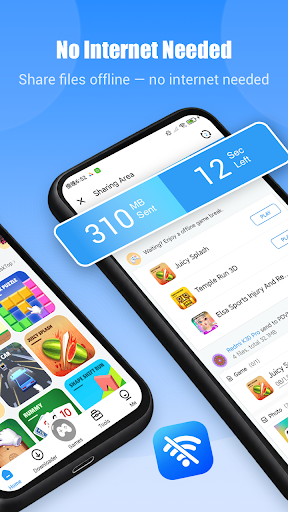
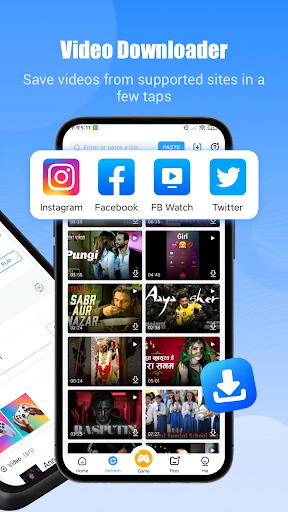
Share Karo is the best India's own Sharing App. You can use Share Karo to Share Files, Share Apps, Share Videos and Share All without internet. Now, Share more than just files — share it fun! Discover exciting Offline Games you can play instantly, no Wi-Fi or data needed.
You can Share it for iPhone Free & Send Anywhere. Share it with all your friends now!
#1 Offline File Transfer
Experience the fastest way to share. ShareKaro is 300x faster than Bluetooth and needs no mobile data or Wi-Fi.
• No Size Limits: Send huge videos, full apps, folders, and more.
• Absolutely Offline: Uses peer-to-peer technology for total independence.
• QR Code Connection: One quick scan to connect and send.
• Resume Interrupted Transfers: Never lose progress.
• Zero Login Required: Just download and start sharing.
Exclusive Offline Games
Now, turn waiting time into fun time! While your files are transferring or when you have no connection, dive into our collection of quick, HTML5-based games. No data needed, ever.
• Play instantly, no extra downloads
• A variety of fun, lightweight games
• The perfect way to beat boredom offline
Powerful File Manager
Take full control of your phone's storage. Clean up junk, find files instantly, and free up space with ease.
• Analyze storage and identify unused files
• Easy browsing and powerful search
• Keep your device organized and efficient
All-in-One Social Media Downloader
Save your favorite content directly to your gallery! Our downloader feature combines the power of:
• WhatsApp Status Saver: Download any status image or video.
• Instagram Downloader: Save photos, videos, stories, reels, and IGTV posts from Instagram and Instagram Lite.
It's the perfect, simple tool for saving memories.
Warm Reminds:
Share Karo is mainly focused on nearby files transfer.
To discover nearby users and share files more efficiently, Share Karo need some permissions such as location, storage, camera etc.
Please be assured that the permissions we asked are used for file transfer/file share ONLY.
If you meet any problem, please feel free to contact us at: glets724@gmail.com
Show more

1. Download MEmu installer and finish the setup

2. Start MEmu then open Google Play on the desktop

3. Search ShareKaro: File Share&Transfer in Google Play
Install
4. Download and Install ShareKaro: File Share&Transfer
5. On install completion click the icon to start

6. Enjoy using ShareKaro: File Share&Transfer on PC with MEmu
MEmu Play is the best Android emulator, and 100 million users already enjoy its superb Android app experience. Powered by advanced virtualization technology, it lets you enjoy thousands of Android apps smoothly on your PC—including the most graphics-intensive ones.
Bigger screen with better graphics; Long duration, without limitation of battery or mobile data.
Full Keymapping support for precise control of keyboard and mouse or gamepad.
Multiple game accounts or tasks on single PC at one time with Multi-Instance manager.
Use ShareKaro: File Share&Transfer on PC by following steps: