VISION IAS
Updated
Current Version
7.8.0
Offered By

Stop worrying about high battery drain when using VISION IAS on your phone. Free yourself from the tiny screen and enjoy the app on a much larger display. From now on, get a full-screen experience of your app with the convenience of a keyboard and mouse. MEmu offers you all the surprising features you’d expect: quick installation and easy setup, intuitive controls, and no more worries about battery life, mobile data, or unexpected calls. The all-new MEmu 9 is the choice for using VISION IAS on your computer. With the MEmu multi-instance manager, you can run two or more accounts at the same time. Most importantly, our exclusive emulation engine unlocks your PC’s full potential, delivering smooth and enjoyable performance.
Show more
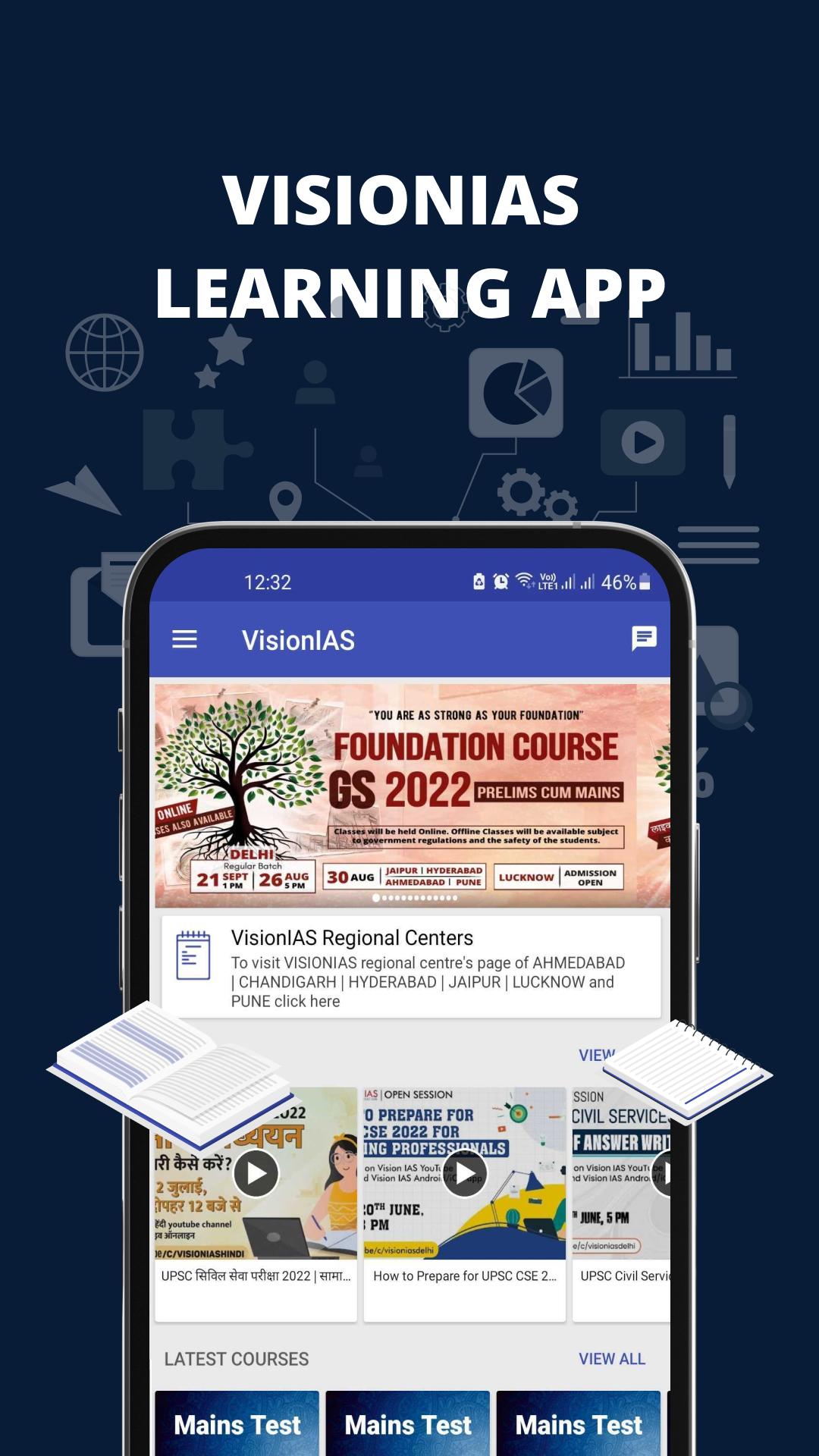
Enjoy superb experience of using VISION IAS on PC with MEMU App Player. It's a powerful free Android emulator which provides you with thousands of android apps for their desktop version. Enjoy connecting with friends and polishing your work with higher efficiency! VisionIAS, a brand name of Ajayvision Education Private Limited, has emerged as a premier institute in the educational research and teaching domain since its inception more than a decade ago.
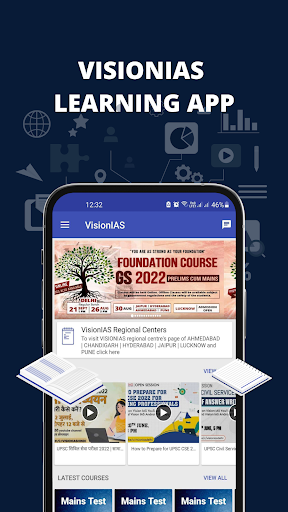
VisionIAS, a brand name of Ajayvision Education Private Limited, has emerged as a premier institute in the educational research and teaching domain since its inception more than a decade ago. Renowned for its innovative educational technologies and dynamic mentoring ecosystem, VisionIAS offers innovative eco system learning environments enhanced with AI and machine learning features. Catering to a wide range of competitive exams like UPSC, IIT/JEE, NEET, and more, VisionIAS has made a lasting impact on the educational landscape, reaching lakhs of students across India with its quality programs and services.
At VisionIAS, we aspire to provide holistic education and support to students to actualise their potential and aid in the process of their character building and development of life skills. Ultimately, we aim to shape and mold the leaders of tomorrow who would bring positive change in the society and lead the nation towards greater heights of development.
By leveraging cutting-edge technology and our diverse ventures, we are committed to making education accessible, affordable, and effective for every learner, regardless of their socio-economic or geographical background.
Features:
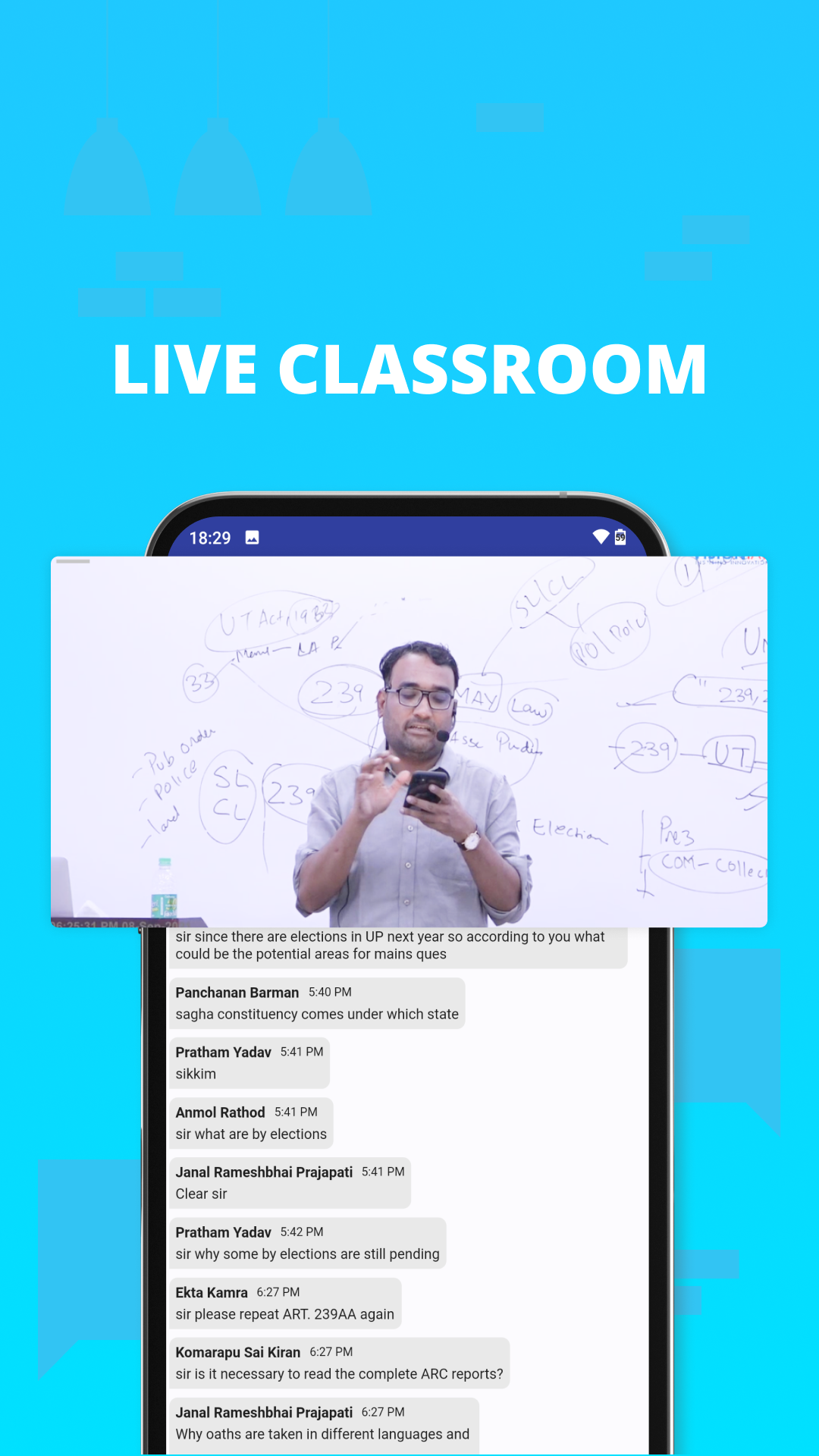
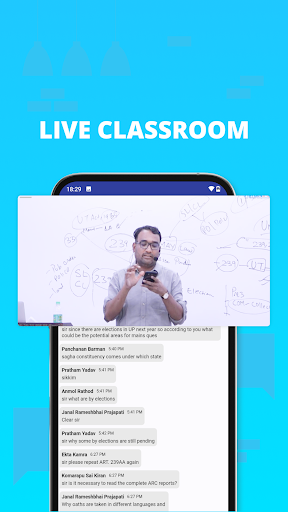
Classroom - Watch Online/Live stream classes on app. Classes can also be watched anytime anywhere after livestream. Daily assignments, self-tests and classroom tests are provided in class and same are available on app. Student can upload assignments and attempt tests online.
Student can clear his/her doubts by asking our experts under ‘Talk To Expert’ section.
Want to revise important questions at the time of exam? Bookmark your questions across different tests and see them all at a single place.
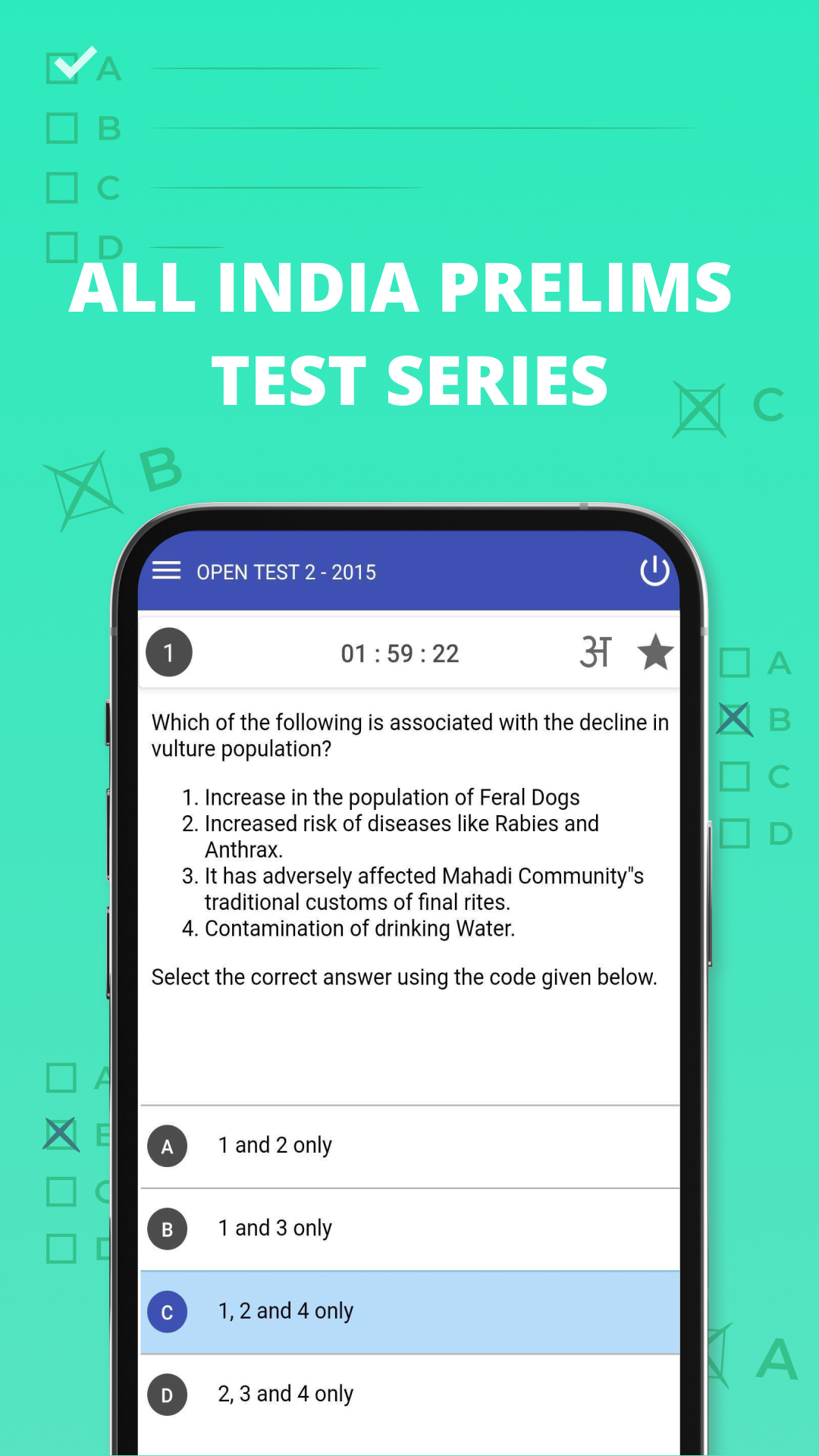
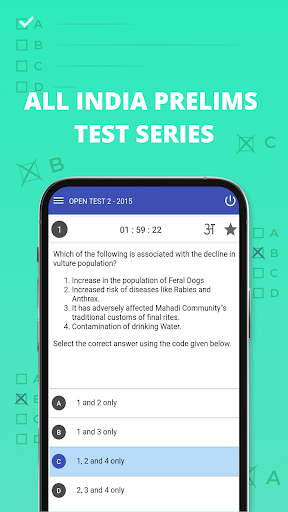
Prelims Test - Analyse your preparation level by attempting Open Mock Tests and Old UPSC Prelims Papers.
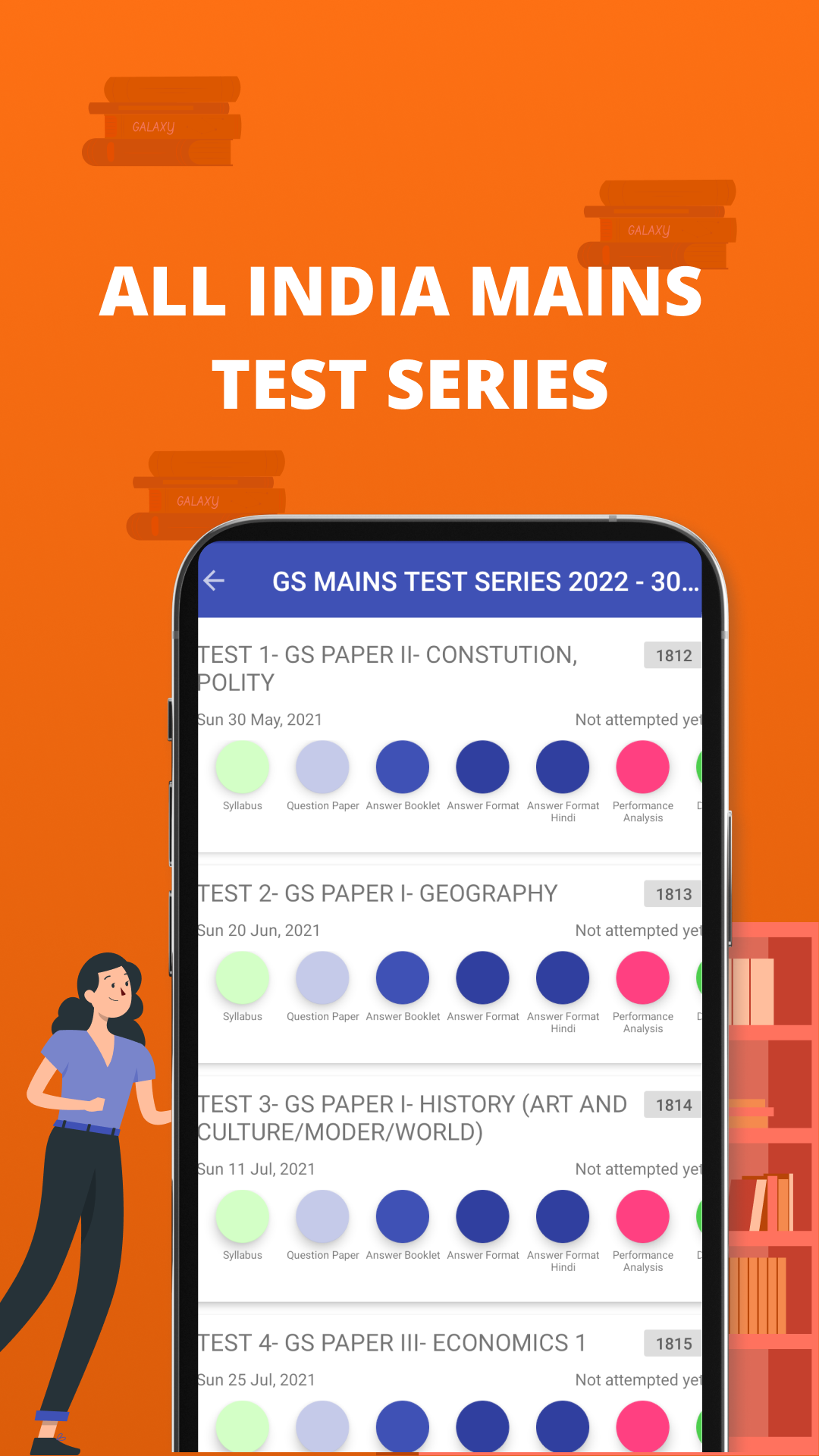
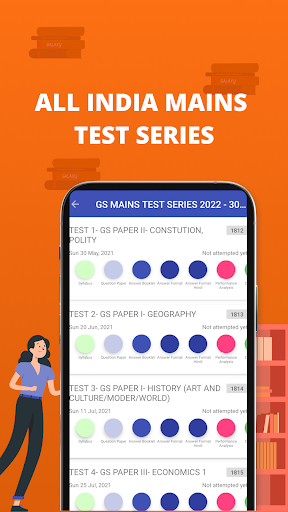
Mains Tests - You can write tests at home and upload answer script through Vision IAS app. After evaluation, checked answer script is also available on the app. Discussion video is live streamed and can be watched on the app.
Access our specially curated, well-researched popular monthly current affairs magazines in English and Hindi language.
Listen to All India Radio (AIR) - Daily AIR episodes, including the programs Spotlight, Money Talk and Vaad Samvaad.
View Toppers’ Answer Copy of many aspirants who have come in the top 100 ranks in UPSC Civil Services exam.
Read Value added material – VisionIAS provides supplementary material to strengthen general awareness of the aspirant by providing detailed coverage of a range of topics that are relevant from perspective of UPSC/Civil Services exam.
Watch Talks and Interviews – engaging talks and discussions on a range of important topics by toppers and Vision IAS faculty
View Infographics – want to learn current affairs in a quick but clear way? Go through Vision IAS infographics on latest topics.
There is plenty of study material, Tests and Videos which are available at no-cost to everyone. Apart from it, there are courses where classes are provided physically as well as online in the Live format. These can be explored on the registration page. Test Series are also available on the registration page.
Have any query or need counselling or want to enquire about courses provided by Vision IAS? Live chat with us and get an instant reply.
VisionIAS centers are located in many metros across the country. We have two centers in Delhi (one in Karol Bagh and one in Mukherjee Nagar) and one each in Chandigarh, Jaipur, Pune, Hyderabad, Ahmedabad and Lucknow
Show more

1. Download MEmu installer and finish the setup

2. Start MEmu then open Google Play on the desktop

3. Search VISION IAS in Google Play
Install
4. Download and Install VISION IAS
5. On install completion click the icon to start

6. Enjoy using VISION IAS on PC with MEmu
MEmu Play is the best Android emulator, and 100 million users already enjoy its superb Android app experience. Powered by advanced virtualization technology, it lets you enjoy thousands of Android apps smoothly on your PC—including the most graphics-intensive ones.
Bigger screen with better graphics; Long duration, without limitation of battery or mobile data.
Full Keymapping support for precise control of keyboard and mouse or gamepad.
Multiple game accounts or tasks on single PC at one time with Multi-Instance manager.
Use VISION IAS on PC by following steps: