Medabots S
Diupdate
Versi Saat Ini
Ditawarkan Oleh

Dengan sepenuh kebulatan hati Anda dalam memainkan Medabots S, tangan Anda tak seharusnya hanya terbatas pada layar kecil handphone Anda.Bermainlah layaknya seorang profesional dan dapatkan kendali penuh dalam permainan Anda dengan papan ketik dan tetikus.MEmu menawarkan seluruh hal yang Anda harapkan.Unduh dan mainkan Medabots S pada PC. Bermainlah selama yang Anda inginkan, tanpa keterbatasan dari baterai, data seluler dan panggilan yang mengganggu.MEmu 9 baru merupakan pilihan terbaik untuk memainkan Medabots S pada PC. Dipersiapkan bersama teknologi ahli kami, sistem pemetaan kunci preset yang canggih menjadikan Medabots S sebagai permainan PC sejati.Manajer banyak hal dari MEmu memungkinkan Anda untuk memainkan 2 atau banyak akun pada perangkat yang sama.Dan yang terpenting, mesin emulasi eksklusif kami bisa melepaskan potensi penuh PC Anda, membuat segalanya berjalan lancar.
Tampilkan Lebih banyak
Unduh Medabots S di PC dengan Emulator Android MEmu. Nikmati permainan pada layar yang besar. Experience the thrilling 3v3 command-based robot battles known as "Robattles," now fully optimized for your smartphone!
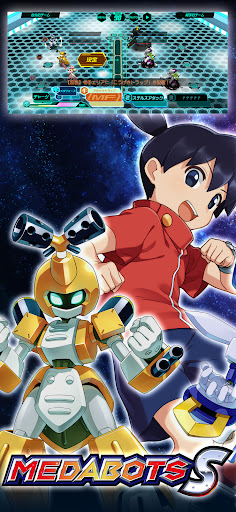
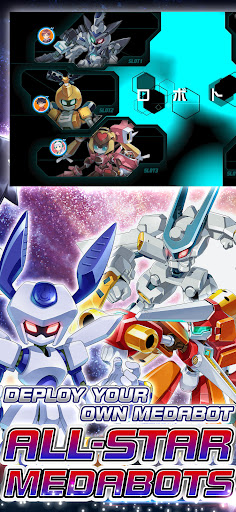
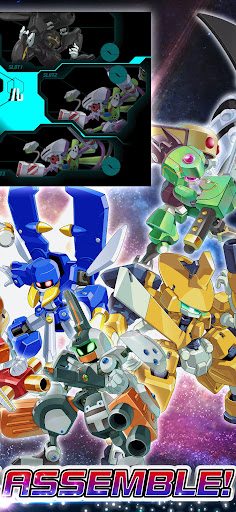
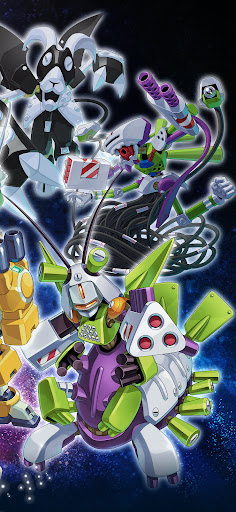
Experience the thrilling 3v3 command-based robot battles known as "Robattles," now fully optimized for your smartphone!
▼Game Features
・The iconic 3v3 command battle system from the Medabots series is finally on mobile!
・Deep customization features taken to the next level!
・Immerse yourself in a completely original, gripping story!
・Fan-favorite characters from across the entire series history join the fight!
▼Game System
【Customization】
・Collect a vast array of parts and Medals through various in-game activities!
・Equip parts and Medals strategically, balancing roles and compatibility.
・Endless combinations! Finding the perfect setup for your strategy is the key to victory.
【Training & Upgrades】
・Power up your favorite gear with an all-new parts upgrade system!
・Deepen your strategy by leveling up the specific parts you love.
【Command Battle System】
・Engage in strategic and tactical 3v3 robot battles.
・Select commands for each part and watch your Medabots spring into action!
・Unleash devastating skills the moment your Medabot reaches the Active Line!
・Destroy the head part of the enemy leader to claim ultimate victory!
・Conquer original quests exclusive to this title with your customized squad!
▼About Medabots
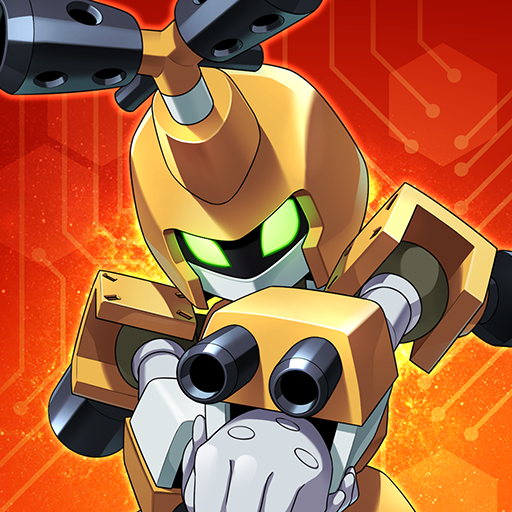
Medabots are autonomous friend robots with their own artificial intelligence and personalities. A Medabot is built by attaching four parts—the Head, Right Arm, Left Arm, and Legs—to a metal framework called a "Tinpet," and inserting a "Medal" that acts as its brain. Standing at about 1 meter tall, they possess intelligence and emotions that rival or even surpass humans.
They exploded in popularity due to the ease of swapping parts and a unique world where they can even be bought at convenience stores! Their presence spread like wildfire alongside the boom of "Robattle"—the ultimate tactical sport where Medabots face off in battle.
© Imagineer Co., Ltd.
Tampilkan Lebih banyak

1. Unduh dan instal MEmu APP

2. Menjalankan MEmu lalu buka Google Play di halaman

3. Cari Medabots S di Google Play
Install
4. Unduh dan instal Medabots S
5. Setelah insatl APP selesai,klik ikon untuk mulai

6. Nikmati bermain Medabots S di PC dengan MEmu
MEmu App Player adalah emulator Android gratis terbaik dan 50 Juta orang sudah menikmati pengalaman luar biasa dalam bermain gim Android. Teknologi virtualisasi MEmu memberi kekuasaan untuk memainkan ribuan gim Android dengan lancar di PC anda, bahkan gim dengan grafis yang paling tinggi.
Layar lebih besar dengan grafis yang lebih baik; durasi panjang, tanpa batasan baterai atau data seluler.
Didukung penuh oleh Pemetaan tombol yang lengkap untuk keakuratan kontrol keyboard dan mouse maupun gamepad.
Membuka beberapa akun game atau tugas di waktu yang sama hanya pada satu PC, dengan Multi-Instance manager.
Play Medabots S on PC by following steps: