Medabots S
Atualizada
Versão atual
Oferecido por

Com toda a sua paixão por jogar Medabots S, não deixe os polegares te atrapalharem em uma pequena tela do seu celular. Jogue como um profissional e tenha controle total do seu jogo com teclado e mouse. O MEmu oferece todas as coisas que você está esperando. Baixe e jogue Medabots S no PC. Jogue o tempo que quiser, sem mais limitações de bateria, dados móveis e aquelas ligações enquanto estiver jogando. O novíssimo MEmu 9 é a melhor escolha de jogar Medabots S no PC. Com grandes novidades no sistema de mapeamento que faz Medabots S um jogo de PC real. Nossa equipe melhorou o gerenciamento de várias instâncias do Android, reduzindo tempo de reprodução de 2 ou mais contas no mesmo dispositivo. O mais importante, nosso mecanimos de emulação exclusivo pode liberar todo o potencial do seu PC sem travamentos, rodando tudo liso. Nós nos preocupamos não apenas com você joga, mas com todo o processo de desfrutar de 100% do seu jogo favorito.
Mostre mais
Download do Medabots S no PC com MEmu Android Emulador: Divirta-se jogando na tela grande. Experience the thrilling 3v3 command-based robot battles known as "Robattles," now fully optimized for your smartphone!
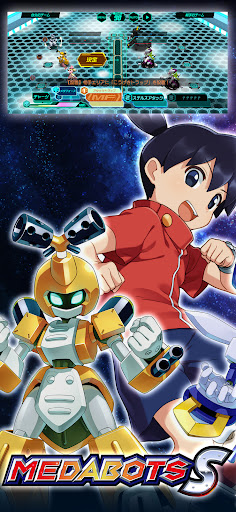
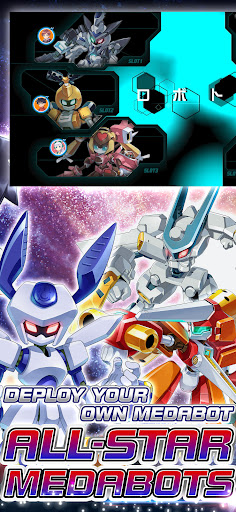
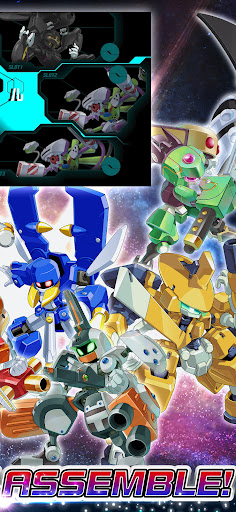
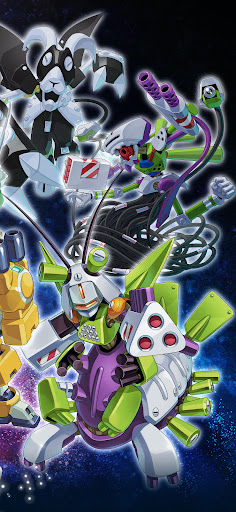
Experience the thrilling 3v3 command-based robot battles known as "Robattles," now fully optimized for your smartphone!
▼Game Features
・The iconic 3v3 command battle system from the Medabots series is finally on mobile!
・Deep customization features taken to the next level!
・Immerse yourself in a completely original, gripping story!
・Fan-favorite characters from across the entire series history join the fight!
▼Game System
【Customization】
・Collect a vast array of parts and Medals through various in-game activities!
・Equip parts and Medals strategically, balancing roles and compatibility.
・Endless combinations! Finding the perfect setup for your strategy is the key to victory.
【Training & Upgrades】
・Power up your favorite gear with an all-new parts upgrade system!
・Deepen your strategy by leveling up the specific parts you love.
【Command Battle System】
・Engage in strategic and tactical 3v3 robot battles.
・Select commands for each part and watch your Medabots spring into action!
・Unleash devastating skills the moment your Medabot reaches the Active Line!
・Destroy the head part of the enemy leader to claim ultimate victory!
・Conquer original quests exclusive to this title with your customized squad!
▼About Medabots
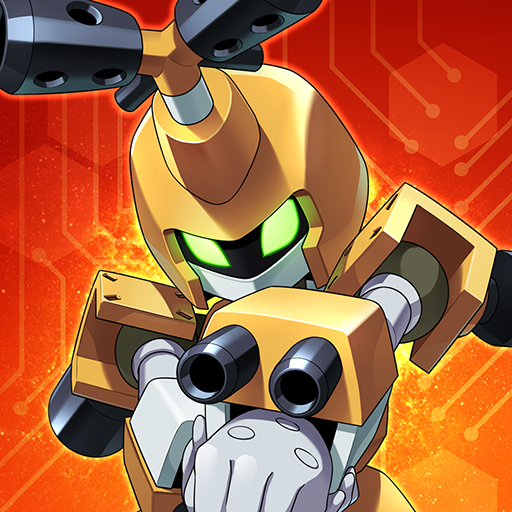
Medabots are autonomous friend robots with their own artificial intelligence and personalities. A Medabot is built by attaching four parts—the Head, Right Arm, Left Arm, and Legs—to a metal framework called a "Tinpet," and inserting a "Medal" that acts as its brain. Standing at about 1 meter tall, they possess intelligence and emotions that rival or even surpass humans.
They exploded in popularity due to the ease of swapping parts and a unique world where they can even be bought at convenience stores! Their presence spread like wildfire alongside the boom of "Robattle"—the ultimate tactical sport where Medabots face off in battle.
© Imagineer Co., Ltd.
Mostre mais

1. Faça o download do instalador do MEmu e conclua a instalação

2. Inicie o MEmu e depois abra o Google Play na página inicial

3. Pesquise Medabots S no Google Play
Install
4. Baixe e Instale Medabots S
5. Na conclusão da instalação, clique no ícone para iniciar

6. Divirta-se jogando Medabots S no PC com MEmu
O MEmu App Player é o melhor emulador de Android grátis e 50 milhões de pessoas já desfrutam de sua excelente experiência de jogos no Android. A tecnologia de virtualização do MEmu permite que você jogue milhares de jogos do Android sem problemas no seu PC, mesmo os com gráficos mais intensivos.
Tela maior com gráficos melhores; Longa duração e sem limitação de bateria ou dados móveis.
Suporte completo ao Mapaeamento de Teclas para controle preciso do teclado e mouse ou gamepad.
Várias contas de jogos ou tarefas em um único PC de uma só vez com o Gerenciador de várias instâncias.
Play Medabots S on PC by following steps: