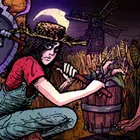
Welcome to Elderfield
更新日
現在のバージョン
提供元

スマホ不要!プロ選手のようにキーボードとマウスで操作しよう。MEmuエミュはあなたにすべての期待を与える。電池が切れてしまうとか画面が小さいとかの問題を心配する必要がなくて、存分Welcome to Elderfieldを楽しんでください。新しいMEmuエミュ7はPCでWelcome to Elderfieldをプレイするのに最適!完璧なキーマッピングシステムにより、まるでパソコンゲームみたい。マルチインスタンスで複数のゲームやアプリを同時に実行!唯一無二な仮想化エンジンがパソコンの可能性を最大限になる。遊べるだけでなく、より楽しめる!
もっと見る
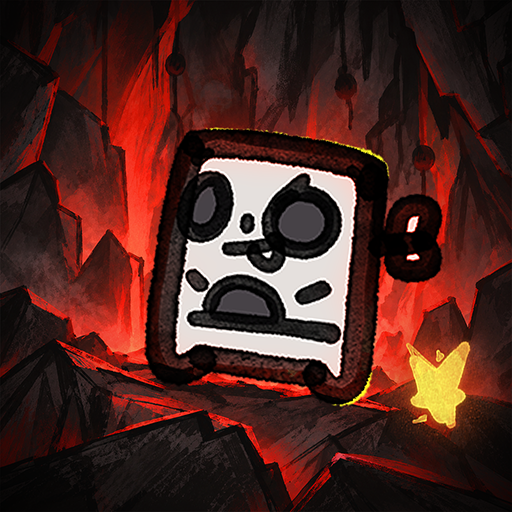
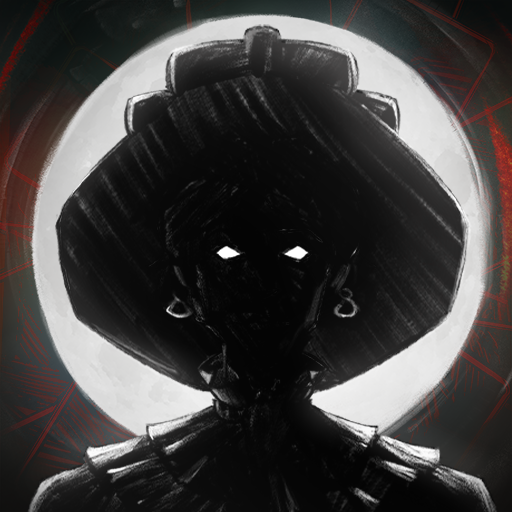
Welcome to ElderfieldをPCでダウンロード!大画面でより楽しむ。電源が落ちてしまうとか通信料が足りないとかの問題を心配する必要がなく、PCの大画面でより快適にゲームを楽しましょう! Everything in Elderfield is unsettling, from the haunting, horror manga-inspired, hand-drawn visuals to the dark, lofi soundscapes composed by Dated.
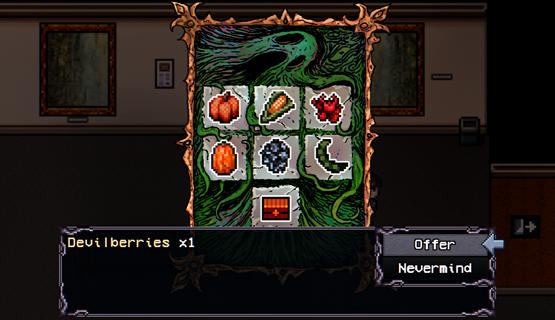
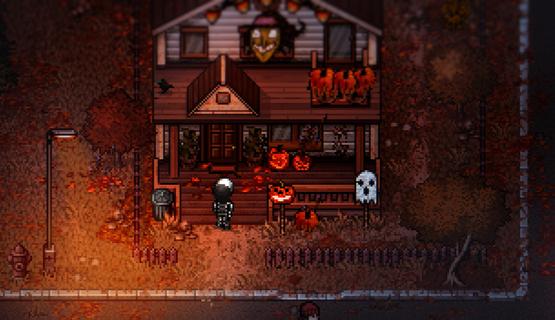
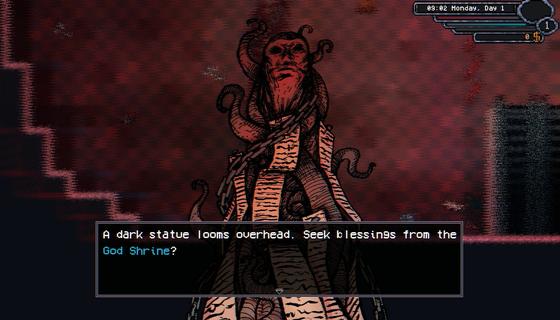
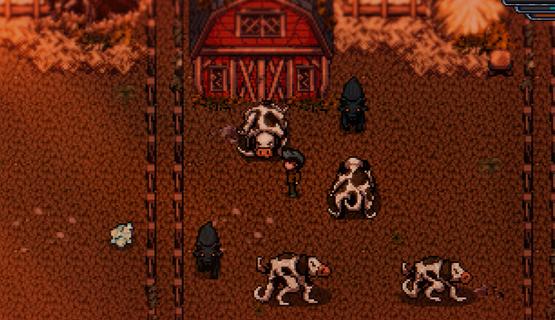
Everything in Elderfield is unsettling, from the haunting, horror manga-inspired, hand-drawn visuals to the dark, lofi soundscapes composed by Dated. Despite the strange creatures lurking just outside your home, those who wander into Elderfield rarely find a reason⦠or option, to leave.Customize your home and character, unravel daily mysteries, befriend the odd townsfolk (or even marry one!), go fishing, spend your afternoons mining and forage through the surrounding wilds⦠There's lots to do in Elderfield!Cultivate your land, harvest your crops, and stop the growth of unruly tentacles. Manage a variety of strange, otherworldly livestock, grow useful crops like corn, pumpkins, teeth or eyeballs and hope that beings from the woods donât wander onto your farm.Choose your difficulty, how much suffering can you endure? For players seeking a peaceful life of harvest and discovery, cozy difficulty offers a more laid-back experience. For those who crave a challenge, the Old Gods are waiting.Elderfield features a deep, turn-based combat system where you must utilize gathered resources, strategic buffs and diverse equipment to survive encounters with ancient, Lovecraftian horrors.Die, learn, farm, and forage⦠Then die again.Full RPG life sim with relationships, customization, fishing and more.Hand drawn horror manga inspired artwork.Dark lofi soundtrack by Dated.Build your farm, manage animals, mine and forage to build resources.Play on cozy mode or test your skills and resource building with in depth turn based combat.
もっと見る

1. MEmuインストーラーをダウンロードしてセットアップを完了する

2. MEmuを起動し、デスクトップでのPlayストアを開く

3. PlayストアでWelcome to Elderfieldを検索する
Install
4. Welcome to Elderfieldをダウンロードしてインストールする
5. インストールが完了したら、アイコンをクリックしてスタート

6. MEmuを使用してPCでWelcome to Elderfieldを楽しむ
MEmu App Playerは最高の無料で提供されるAndroidエミュレータで、5,000万人がすでに優れたAndroidゲーム体験を楽しんでいます。 MEmuの仮想化技術は、あなたのPCで何千ものAndroidゲームを快適にプレイすることを可能にします。
大画面でより精細;無限の待機、電池とドラフィックの極限を超え
キーボード・マウス・コントローラーを全力でサポート、より快適
マルチインスタンスで複数のゲームを同時に実行
Play Welcome to Elderfield on PC by following steps: