Frutz
Bijgewerkt
Huidige Versie
1.0.2
Aangeboden door

Met al je passie voor het spelen van Frutz, zouden je handen niet beperkt moeten zijn tot een klein scherm van je telefoon. Speel als een professional en krijg volledige controle over je spel met toetsenbord en muis. MEmu biedt je alles wat je verwacht. Download en speel Frutz op PC. Speel zo lang als je wilt, geen beperkingen meer van batterij, mobiele data en storende oproepen. De gloednieuwe MEmu 9 is de beste keuze om Frutz op PC te spelen. Voorbereid met onze expertise, maakt het uitmuntende vooraf ingestelde keymapping systeem van Frutz een echt PC-spel. MEmu multi-instance manager maakt het spelen van 2 of meer accounts op hetzelfde apparaat mogelijk. En het belangrijkste, onze exclusieve emulatie-engine kan het volledige potentieel van je PC benutten, waardoor alles soepel verloopt.
Meer tonen
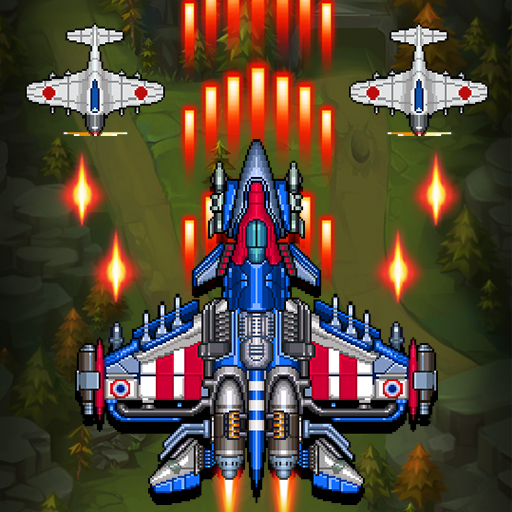
Download Frutz op je pc met de MEmu Android-emulator. Geniet van spelen op een groot scherm. Blast through five cosmic worlds, defeat powerful guardians, and claim the Cosmic Gems in Frutz — a fast, replayable arcade shooter built for skill, score chasing, and perfect runs.
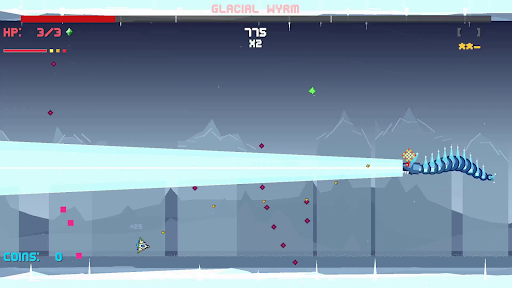
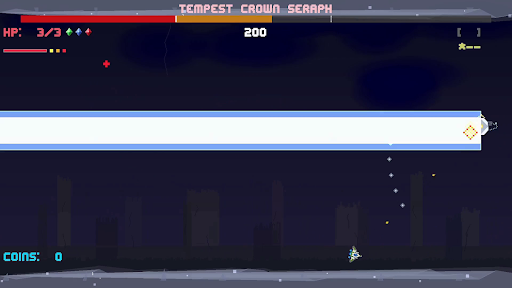
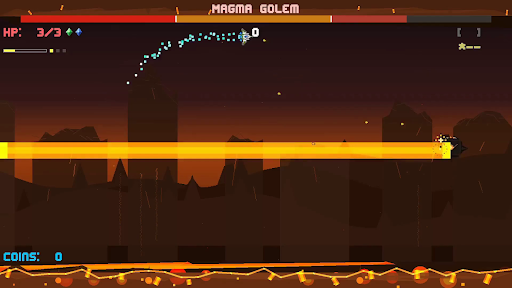
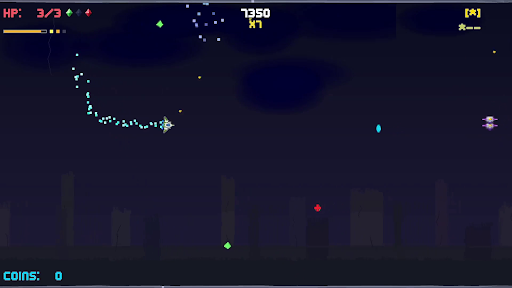
Blast through five cosmic worlds, defeat powerful guardians, and claim the Cosmic Gems in Frutz — a fast, replayable arcade shooter built for skill, score chasing, and perfect runs.
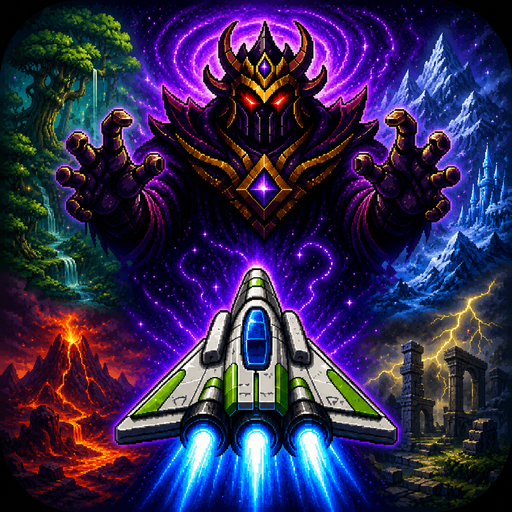
The evil Lord Zorkannan rules the cosmos through the power of the five Cosmic Gems. Each gem has been entrusted to one of his strongest guardians, who now command dangerous worlds filled with enemies, hazards, and high-speed arcade action. To stop Zorkannan, you’ll pilot a nimble retro-inspired ship across the galaxy, defeat each guardian, unlock their gem’s power, and prepare for the final battle in the Cosmic Rift.
Frutz is designed around readable intensity: fast, exciting action that stays fair, learnable, and replayable. Shoot constantly, dodge enemy waves, graze close to danger, chain combos, collect gems, unleash power weapons, and use your dash to slip through impossible-looking patterns. Every level is short, handcrafted, and built for improvement, making each run another chance to push your score higher.
Each world introduces a new challenge. Fight through overgrown forest chaos, icy movement control, volcanic pressure, stormy ruins, and reality-warping cosmic distortion. At the end of every world, face a unique boss battle that tests the skills you learned along the way.
Clear the campaign, unlock permanent Cosmic Gem abilities, chase S ranks, earn crowns, master no-hit clears, and prove you can defeat Lord Zorkannan at the heart of the cosmic rift.
Key Features
- Fast side-scrolling arcade shooting with responsive movement, constant action, and quick replayable stages.
- Five distinct worlds: Forest Planet, Ice World, Volcanic, Storm Ruins, and Cosmic Rift.
- Story-driven progression: defeat each guardian, claim their Cosmic Gem, and gain the power to confront Lord Zorkannan.
- Permanent Cosmic Gem abilities that unlock after boss defeats and can be used once per level.
- Unique world mechanics including ice drift, magma pressure, storm flow, warp distortion, and cosmic convergence.
- Memorable boss battles.
- Score, stars, crowns, and grades for layered mastery and replay goals.
- Combo, graze, dash, and super move systems that reward aggressive, precise play.
- Power weapons including spread shots, lasers, missiles, shields, and bombs.
- Golden ship!
Meer tonen

1. Download de MEmu-installatie en voltooi de setup

2. Start MEmu en open vervolgens Google Play op het bureaublad

3. Zoek Frutz in Google Play
Install
4. Download en installeer Frutz
5. Klik op het icoon om te starten na het voltooien van de installatie

6. Geniet van het spelen van Frutz op PC met MEmu
MEmu Play is de beste Android Emulator en 100 miljoen mensen genieten al van de superieure Android-game-ervaring. De virtualisatietechnologie van MEmu stelt je in staat om duizenden Android-spellen soepel op je PC te spelen, zelfs de meest grafisch intensieve.
Groter scherm met betere graphics; Lange duur, zonder beperking van batterij of mobiele data.
Volledige Keymapping-ondersteuning voor nauwkeurige besturing van toetsenbord en muis of gamepad.
Meerdere game-accounts of taken op één PC tegelijk met Multi-Instance manager.
Speel Frutz op PC door de volgende stappen te volgen: