Panophobia
Bijgewerkt
Huidige Versie
Aangeboden door

Met al je passie voor het spelen van Panophobia, zouden je handen niet beperkt moeten zijn tot een klein scherm van je telefoon. Speel als een professional en krijg volledige controle over je spel met toetsenbord en muis. MEmu biedt je alles wat je verwacht. Download en speel Panophobia op PC. Speel zo lang als je wilt, geen beperkingen meer van batterij, mobiele data en storende oproepen. De gloednieuwe MEmu 9 is de beste keuze om Panophobia op PC te spelen. Voorbereid met onze expertise, maakt het uitmuntende vooraf ingestelde keymapping systeem van Panophobia een echt PC-spel. MEmu multi-instance manager maakt het spelen van 2 of meer accounts op hetzelfde apparaat mogelijk. En het belangrijkste, onze exclusieve emulatie-engine kan het volledige potentieel van je PC benutten, waardoor alles soepel verloopt.
Meer tonen
Download Panophobia op je pc met de MEmu Android-emulator. Geniet van spelen op een groot scherm. Panophobia Game is a horror-themed mobile game built for Android, mixing psychological suspense with story-driven chaos.
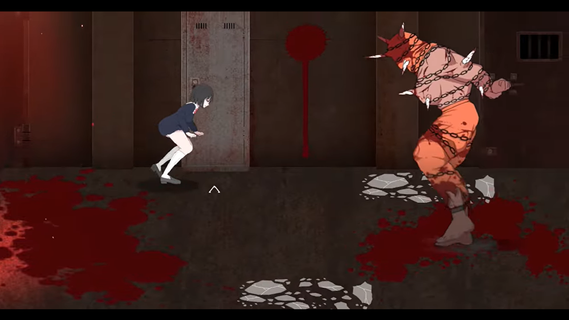
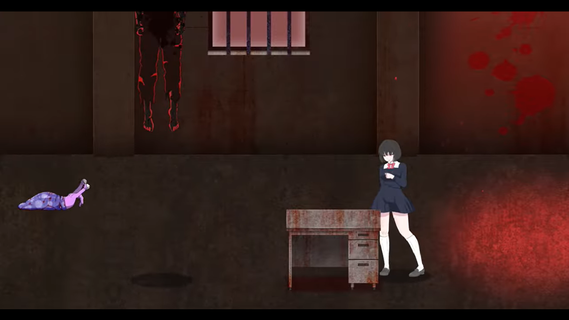
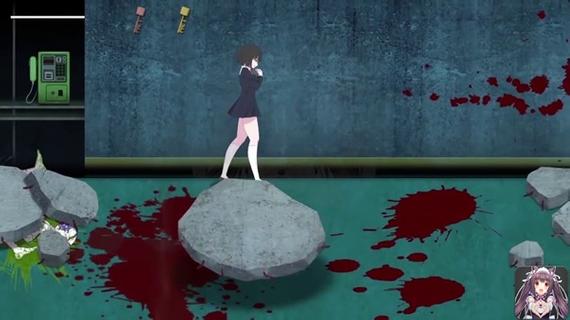
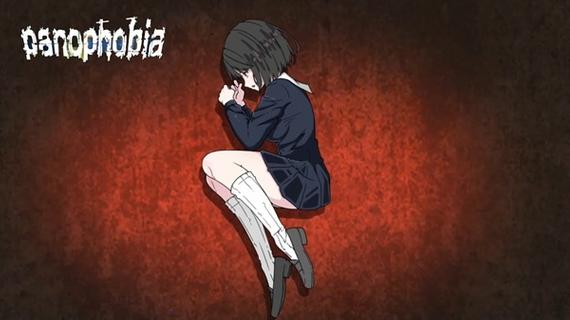
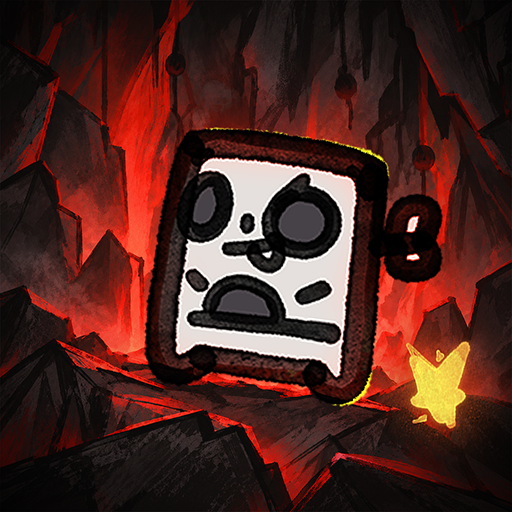
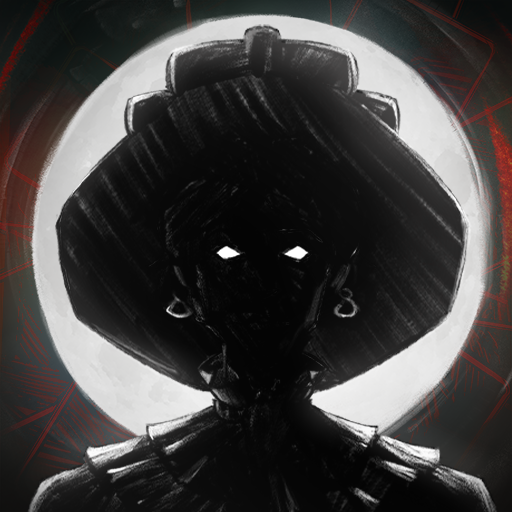
Panophobia Game is a horror-themed mobile game built for Android, mixing psychological suspense with story-driven chaos. It's not your typical casual tap-and-swipe kind of app â this one dives deep into a twisted narrative filled with fear triggers, jump scares, and survival puzzles. With intense storytelling and choice-based mechanics, it blends atmospheric tension with eerie visuals that keep your nerves on edge.Panophobia thrives on unpredictability. You're thrown into a nightmarish world where fear isnât just an emotion â itâs the main mechanic. Each level is packed with clues, creepy visuals, and decision-making moments that can shift the entire flow of the game. Itâs less about flashy action and more about the pressure cooker feeling of being trapped in your own dread.The artwork is where it really pops. The developers put in serious work crafting a visual language that messes with your head. Shadows stretch a little too far, and figures in the corner of your eye feel just real enough to make you question everything. Itâs designed to keep you unsteady, right from the first tap.Youâll also find yourself making decisions that ripple through the story. Your actions matter â which makes every choice you make kinda stressful, in the best way possible. Youâre not just surviving monsters or dodging traps; youâre unraveling a web of phobias and psychological horror that plays out differently depending on how bold (or reckless) you are.Even though the mechanics are simple to grasp â mostly touch, drag, or swipe â the intensity ramps up quickly. You wonât spend time learning a bunch of controls. Instead, the focus is on your reaction speed, instincts, and how well you handle pressure in the dark.The multiplayer mode is a plot twist on its own. Connecting with friends or strangers adds a layer of unpredictable chaos. Sometimes it helps. Sometimes it makes the fear worse. But thatâs what makes it so fun â or terrifying â depending on your vibe.
Meer tonen

1. Download de MEmu-installatie en voltooi de setup

2. Start MEmu en open vervolgens Google Play op het bureaublad

3. Zoek Panophobia in Google Play
Install
4. Download en installeer Panophobia
5. Klik op het icoon om te starten na het voltooien van de installatie

6. Geniet van het spelen van Panophobia op PC met MEmu
MEmu Play is de beste Android Emulator en 100 miljoen mensen genieten al van de superieure Android-game-ervaring. De virtualisatietechnologie van MEmu stelt je in staat om duizenden Android-spellen soepel op je PC te spelen, zelfs de meest grafisch intensieve.
Groter scherm met betere graphics; Lange duur, zonder beperking van batterij of mobiele data.
Volledige Keymapping-ondersteuning voor nauwkeurige besturing van toetsenbord en muis of gamepad.
Meerdere game-accounts of taken op één PC tegelijk met Multi-Instance manager.
Speel Panophobia op PC door de volgende stappen te volgen: