
Panophobia
Updated
Current Version
Offered By

With your passion for Panophobia, you shouldn’t have to limit yourself to the small screen of a phone. Play like a pro and take full control of the game using a keyboard and mouse. MEmu gives you everything you’re looking for. Download and play Panophobia on PC. Play as long as you want — no more worries about battery life, mobile data, or unexpected calls. The all-new MEmu 9 is the best way to play Panophobia on PC. With our expertly designed keymapping system, Panophobia feels just like a real PC game. The MEmu multi-instance manager lets you run two or more accounts on the same device at the same time. Most importantly, our exclusive emulation engine unlocks your PC’s full potential, delivering smooth and seamless performance.
Show more
Download Panophobia on PC with MEmu Android Emulator. Enjoy playing on big screen. Panophobia Game is a horror-themed mobile game built for Android, mixing psychological suspense with story-driven chaos.
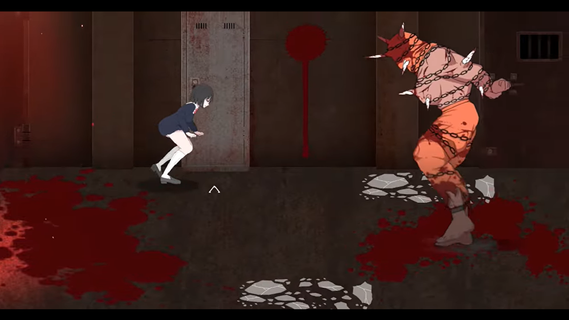
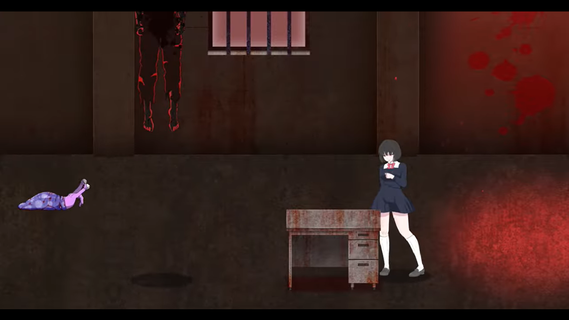
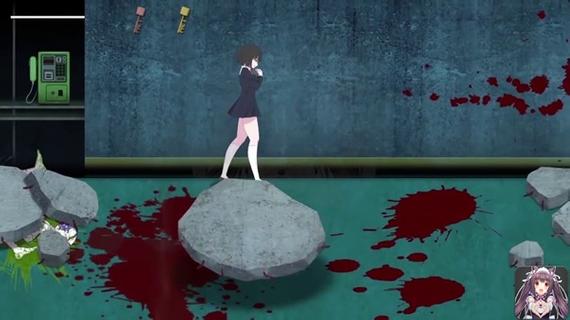
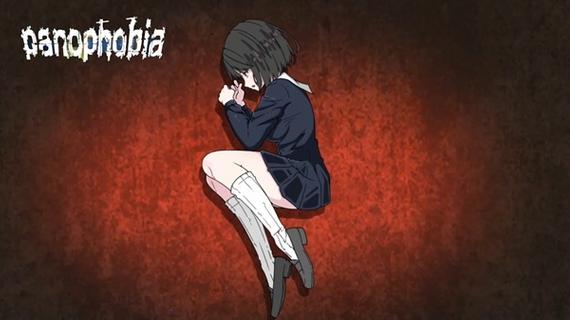
Panophobia Game is a horror-themed mobile game built for Android, mixing psychological suspense with story-driven chaos. It's not your typical casual tap-and-swipe kind of app — this one dives deep into a twisted narrative filled with fear triggers, jump scares, and survival puzzles. With intense storytelling and choice-based mechanics, it blends atmospheric tension with eerie visuals that keep your nerves on edge.Panophobia thrives on unpredictability. You're thrown into a nightmarish world where fear isn’t just an emotion — it’s the main mechanic. Each level is packed with clues, creepy visuals, and decision-making moments that can shift the entire flow of the game. It’s less about flashy action and more about the pressure cooker feeling of being trapped in your own dread.The artwork is where it really pops. The developers put in serious work crafting a visual language that messes with your head. Shadows stretch a little too far, and figures in the corner of your eye feel just real enough to make you question everything. It’s designed to keep you unsteady, right from the first tap.You’ll also find yourself making decisions that ripple through the story. Your actions matter — which makes every choice you make kinda stressful, in the best way possible. You’re not just surviving monsters or dodging traps; you’re unraveling a web of phobias and psychological horror that plays out differently depending on how bold (or reckless) you are.Even though the mechanics are simple to grasp — mostly touch, drag, or swipe — the intensity ramps up quickly. You won’t spend time learning a bunch of controls. Instead, the focus is on your reaction speed, instincts, and how well you handle pressure in the dark.The multiplayer mode is a plot twist on its own. Connecting with friends or strangers adds a layer of unpredictable chaos. Sometimes it helps. Sometimes it makes the fear worse. But that’s what makes it so fun — or terrifying — depending on your vibe.
Show more

1. Download MEmu installer and finish the setup

2. Start MEmu then open Google Play on the desktop

3. Search Panophobia in Google Play
Install
4. Download and Install Panophobia
5. On install completion click the icon to start

6. Enjoy playing Panophobia on PC with MEmu
MEmu Play is the best Android emulator and 100 million people already enjoy its superb Android gaming experience. The MEmu virtualization technology empowers you to play thousands of Android games smoothly on your PC, even the most graphic-intensive ones.
Bigger screen with better graphics; Long duration, without limitation of battery or mobile data.
Full Keymapping support for precise control of keyboard and mouse or gamepad.
Multiple game accounts or tasks on single PC at one time with Multi-Instance manager.
Play Panophobia on PC by following steps:


















































