All Document Reader and Viewer
Обновлено
Текущая версия
1
Продавец

Перестаньте беспокоиться о быстром разряде батареи при использовании All Document Reader and Viewer на вашем телефоне. Освободитесь от крошечного экрана и наслаждайтесь приложением на гораздо большем экране. Теперь вы можете работать с приложением в полноэкранном режиме с удобством клавиатуры и мыши. MEmu предлагает вам все ожидаемые удивительные функции: быструю установку и простую настройку, интуитивно понятное управление и больше никаких забот о времени автономной работы, мобильном трафике или неожиданных звонках. Совершенно новый MEmu 9 — идеальный выбор для использования All Document Reader and Viewer на вашем компьютере. С помощью менеджера нескольких экземпляров MEmu вы можете одновременно использовать два или более аккаунтов. И самое главное, наш эксклюзивный движок эмуляции раскрывает весь потенциал вашего ПК, обеспечивая плавную и приятную работу.
Показать больше
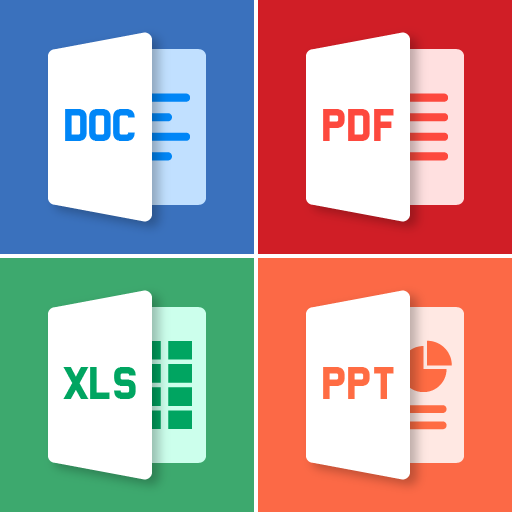
Скачайте All Document Reader and Viewer на ПК с помощью Андроид эмулятора MEmu. Наслаждайтесь на большом экране. All Document Reader and Viewer app is an all-in-one tool for viewing and managing various document types, including PDFs, Word, XLSX, PowerPoint, and more.
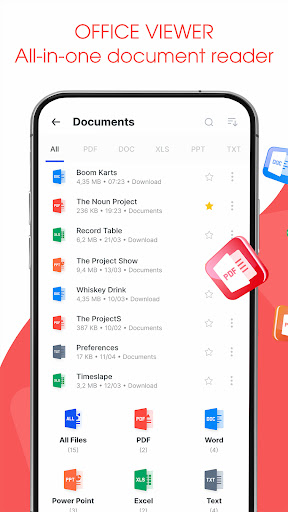
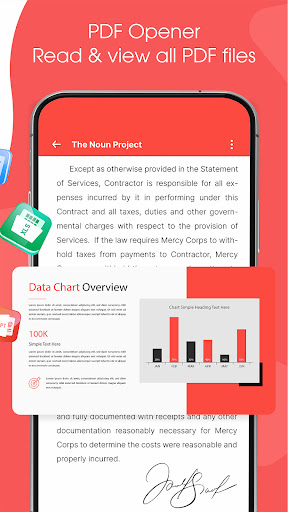
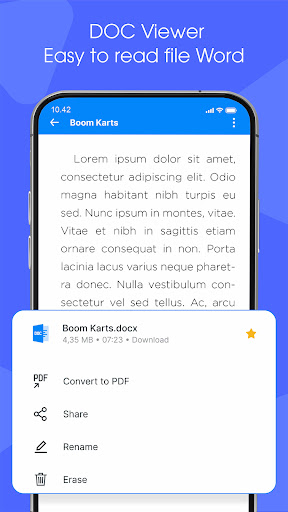
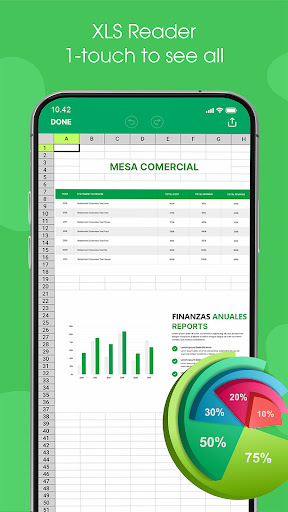
All Document Reader and Viewer app is an all-in-one tool for viewing and managing various document types, including PDFs, Word, XLSX, PowerPoint, and more. With its user-friendly interface, document scanner app allows you to easily open, view, and file manager your documents. The file reader is ideal for students, professionals, and anyone needing a versatile PDF, Docx, Powerpoint, XLSX reader.
Key features of Alldocs reader
✅ Read and View - All Files Support
⚡PDF Reader: View and read PDF files with ease.
⚡Word Viewer: Open and read Word documents (.doc, .docx).
⚡XLSX Viewer: Access and view XLSX spreadsheets (.xls, .xlsx).
⚡PowerPoint Viewer: PPT Reader, open and view PowerPoint presentations (.ppt, .pptx).
⚡Text File Viewer: Read plain text files (.txt).
✅ File Management
⚡File Browser: A built-in file manager to locate and manage your documents.
⚡Quick Search: Search functionality to quickly find specific documents.
⚡Favorites: Mark important documents for easy access.
✅ Scan & Convert to PDF/Word
⚡The Scan to Convert to PDF feature offers a quick and efficient way to digitize physical documents directly from your smartphone. With just a few taps, you can scan documents, and convert them into high-quality PDFs. Whether you need to scan a single page or multiple pages, the app's batch scanning feature streamlines the process, making it perfect for business, school, or personal use.
⚡The Scan to Convert to Word feature allows users to easily transform physical documents into editable Word files. the app accurately converts it into a Word format (.doc or .docx).
Major Benefit of AllDoc App
The All Document Reader and Viewer app offers a range of benefits that make it an essential tool for users who frequently work with different types of documents. Here are the key advantages:
Показать больше

1. Скачать инсталлятор MEmu и завершайте установку

2. Запускайте MEmu, затем откройте Google Play на главной странице

3. Ищите All Document Reader and Viewer в Google Play
Install
4. Скачайте и установите All Document Reader and Viewer
5. При завершении установки, нажмите на значок для старта

6. Наслаждайтесь All Document Reader and Viewer на своем компьютере с помощью MEmu.
MEmu Play — лучший бесплатный эмулятор Android, превосходный опыт работы с которым оценили 50 миллионов пользователей. Технология виртуализации MEmu позволяет без проблем запускать тысячи Android-приложений на вашем компьютере, даже самые требовательные.
Большой экран с лучшей графикой; Большая продолжительность, без ограничения батареи или мобильных данных.
Полная поддержка установки клавиш для точного управления клавиатурой и мышью или геймпадом.
Несколько игровых учетных записей или задач на одном компьютере одновременно с менеджером нескольких экземпляров.
Use All Document Reader and Viewer on PC by following steps: