Armored Frontline: Warzone
อัปเดตเมื่อ
เวอร์ชันปัจจุบัน
1.0.19
ให้บริการโดย

เวลาคุณเล่น Armored Frontline: Warzone, คุณอาจรู้สึกว่ามือคุณอาจบังจอแล้วทำให้ไม่ได้เล่นแบบเต็มที่. เล่นแบบไร้ขีดจำกัดด้วยเม้าส์และคีย์บอร์ด. MEmu มีตัวเลือกหลายอย่างให้คุณใช้งานเกมที่คุณเล่นแบบที่คุณต้องการ. ดาวน์โหลดและเล่น Armored Frontline: Warzone บน PC. เล่นนานแค่ไหนก็ได้, ไม่ต้องชาร์จแบตเตอรี่, หรือเจอคนโทรเข้ามาระหว่างเล่น. MEmu 9 เป็นตัวเลือกสำหรับการเล่น Armored Frontline: Warzone บน PC. ทางทีมงานเราได้ปรับแต่งเกม, ปรับให้เล่นเกมบางเกมได้เหมือนเล่น Armored Frontline: Warzone เป็นเกม PC เช่นเล็งด้วยเม้าส์หรือใช้คีย์บอร์ด. ระบบของเรายังทำให้คุณสามารถเปิดเล่นได้มากกว่า 2 เกมพร้อมๆกันในคอมของคุณ. และที่สำคัญที่สุด, ระบบโปรแกรมของเราสามารถทำให้คุณใช้ระบบของ PC ทำให้เกมลื่นเหมือนกับใช้โทรศัพท์รุ่นล่าสุด. เราไม่ได้ดูแลเรื่องการเล่นเกม, แต่เราดูแลถึงความสนุกสนานที่คุณได้จากการเล่นด้วย.
แสดงเพิ่มเติม
ดาวน์โหลด Armored Frontline: Warzone บน PC ด้วย MEmu Android Emulator สนุกกับการเล่นบนหน้าจอขนาดใหญ่ ■■Game Introduction■■.
■■Game Introduction■■
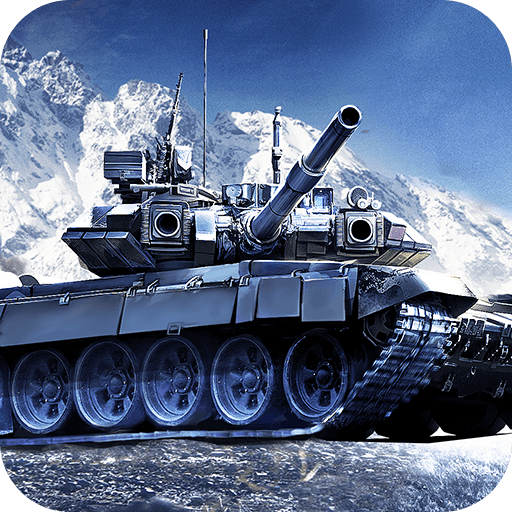
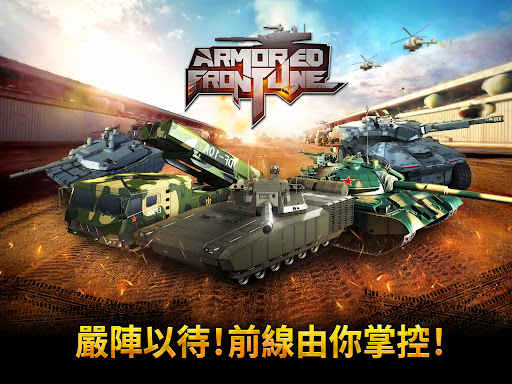
Armored Frontline: Warzone is mobile vehicle combat arcade game with a large variety of tanks players and combat to play in.
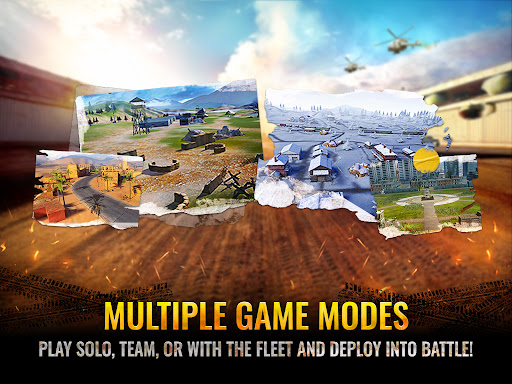
▶ Epic Large-Scale Battles with Intense Action
Participate in enormous war battles and take down powerful enemies!
Claim victory in battles to unlock powerful rewards and rise as the ultimate champion.
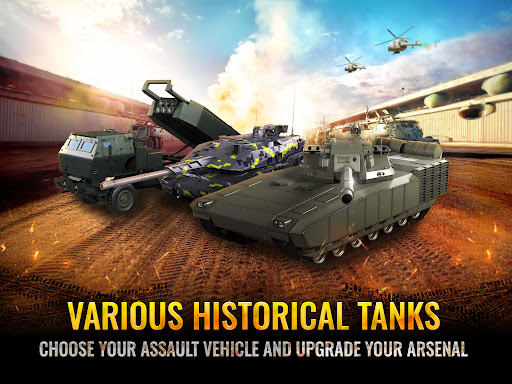
▶ Powerful Battle Tanks Ready for Combat
Dominate the battlefield with the powerful tanks at your command.
Collect, upgrade, and command a powerful fleet of tanks to lead you to victory.
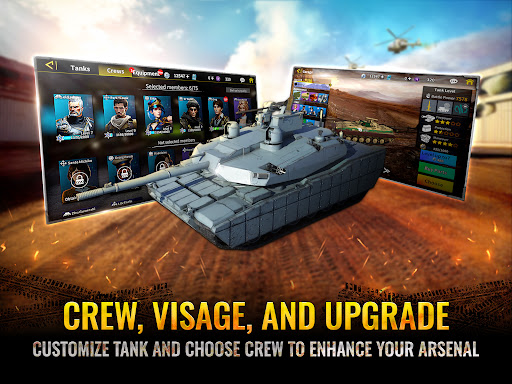
▶ Crew & Equipment System for Enhanced Combat Performance
Improve your tank’s capabilities with expert crews and advanced equipment.
▶ Advanced Skill System for Tactical Dominance
Experience the power of each tank’s unique attack abilities and feel the excitement with every explosive shot.
▶ Tank Appearance Customization and Upgrades
Make your tank stand out with custom paint and unique camouflage designs.
▶ User-Friendly Battle Controls for Seamless Combat Experience
With advanced modern warfare technology, target lock assists you in aiming at opponents with greater precision on the battlefield.
Experience high-quality, console-level action gameplay right at your fingertips!
แสดงเพิ่มเติม

1. ดาวน์โหลดตัวติดตั้ง MEmu และสิ้นสุดการติดตั้ง

2. เริ่ม MEmu จากนั้นเปิด Google Play บนหน้าแรก

3. ค้นหา Armored Frontline: Warzone ใน Google Play
Install
4. ดาวน์โหลดและติดตั้ง Armored Frontline: Warzone
5. เมื่อติดตั้งเสร็จให้คลิกที่ไอคอนเพื่อเริ่มใช้งาน

6. สนุกกับการเล่น Armored Frontline: Warzone บนพีซีด้วย MEmu
MEmu App Player เป็นอีมูเลเตอร์ Android ที่ดีที่สุดและผู้คนกว่า 50 ล้านคนเพลิดเพลินไปกับประสบการณ์การเล่นเกม Android ที่ยอดเยี่ยม เทคโนโลยีการจำลองเสมือนของ MEmu ช่วยให้คุณเล่นเกม Android หลายพันเกมได้อย่างราบรื่นบนพีซีของคุณแม้แต่เกมที่ต้องใช้กราฟิกมากที่สุด
จอใหญ่และกราฟฟิกสวยกว่า; เล่นได้นาน, ไม่ต้องใช้แบตเตอรี่โทรศัพท์หรือเน็ตโทรศัพท์.
ระบบปรับแต่งปุ่มคีย์บอร์ดและเม้าส์ตามที่คุณเลือก
เล่นมากกว่าหนึ่งเกมบน PC ในเวลาเดียวกันด้วยระบบหลายจอหรือ Multi-Instance manager.
Play Armored Frontline: Warzone on PC by following steps: