BGMI Air
อัปเดตเมื่อ
เวอร์ชันปัจจุบัน
ให้บริการโดย

เวลาคุณเล่น BGMI Air, คุณอาจรู้สึกว่ามือคุณอาจบังจอแล้วทำให้ไม่ได้เล่นแบบเต็มที่. เล่นแบบไร้ขีดจำกัดด้วยเม้าส์และคีย์บอร์ด. MEmu มีตัวเลือกหลายอย่างให้คุณใช้งานเกมที่คุณเล่นแบบที่คุณต้องการ. ดาวน์โหลดและเล่น BGMI Air บน PC. เล่นนานแค่ไหนก็ได้, ไม่ต้องชาร์จแบตเตอรี่, หรือเจอคนโทรเข้ามาระหว่างเล่น. MEmu 9 เป็นตัวเลือกสำหรับการเล่น BGMI Air บน PC. ทางทีมงานเราได้ปรับแต่งเกม, ปรับให้เล่นเกมบางเกมได้เหมือนเล่น BGMI Air เป็นเกม PC เช่นเล็งด้วยเม้าส์หรือใช้คีย์บอร์ด. ระบบของเรายังทำให้คุณสามารถเปิดเล่นได้มากกว่า 2 เกมพร้อมๆกันในคอมของคุณ. และที่สำคัญที่สุด, ระบบโปรแกรมของเราสามารถทำให้คุณใช้ระบบของ PC ทำให้เกมลื่นเหมือนกับใช้โทรศัพท์รุ่นล่าสุด. เราไม่ได้ดูแลเรื่องการเล่นเกม, แต่เราดูแลถึงความสนุกสนานที่คุณได้จากการเล่นด้วย.
แสดงเพิ่มเติม
ดาวน์โหลด BGMI LITE บน PC ด้วย MEmu Android Emulator สนุกกับการเล่นบนหน้าจอขนาดใหญ่ You asked for a lighter way to play.


You asked for a lighter way to play. We heard you.
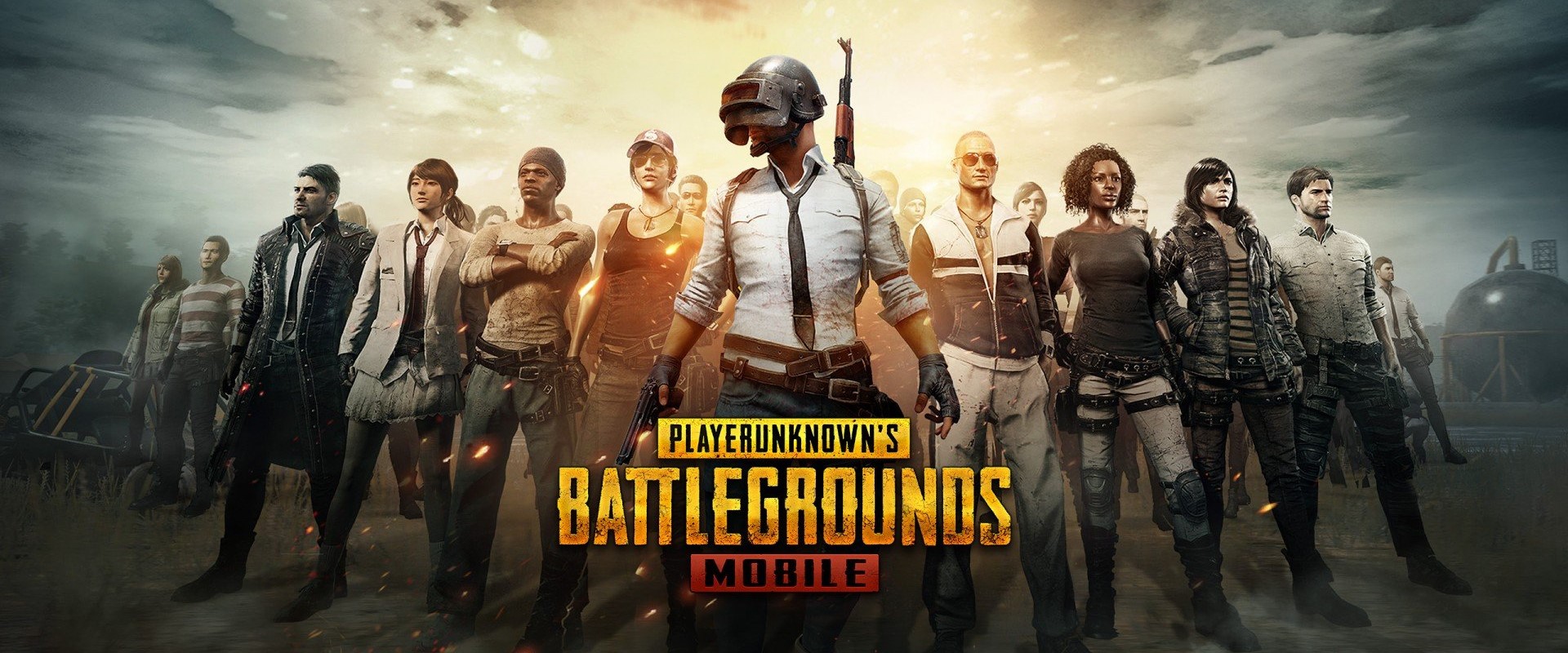
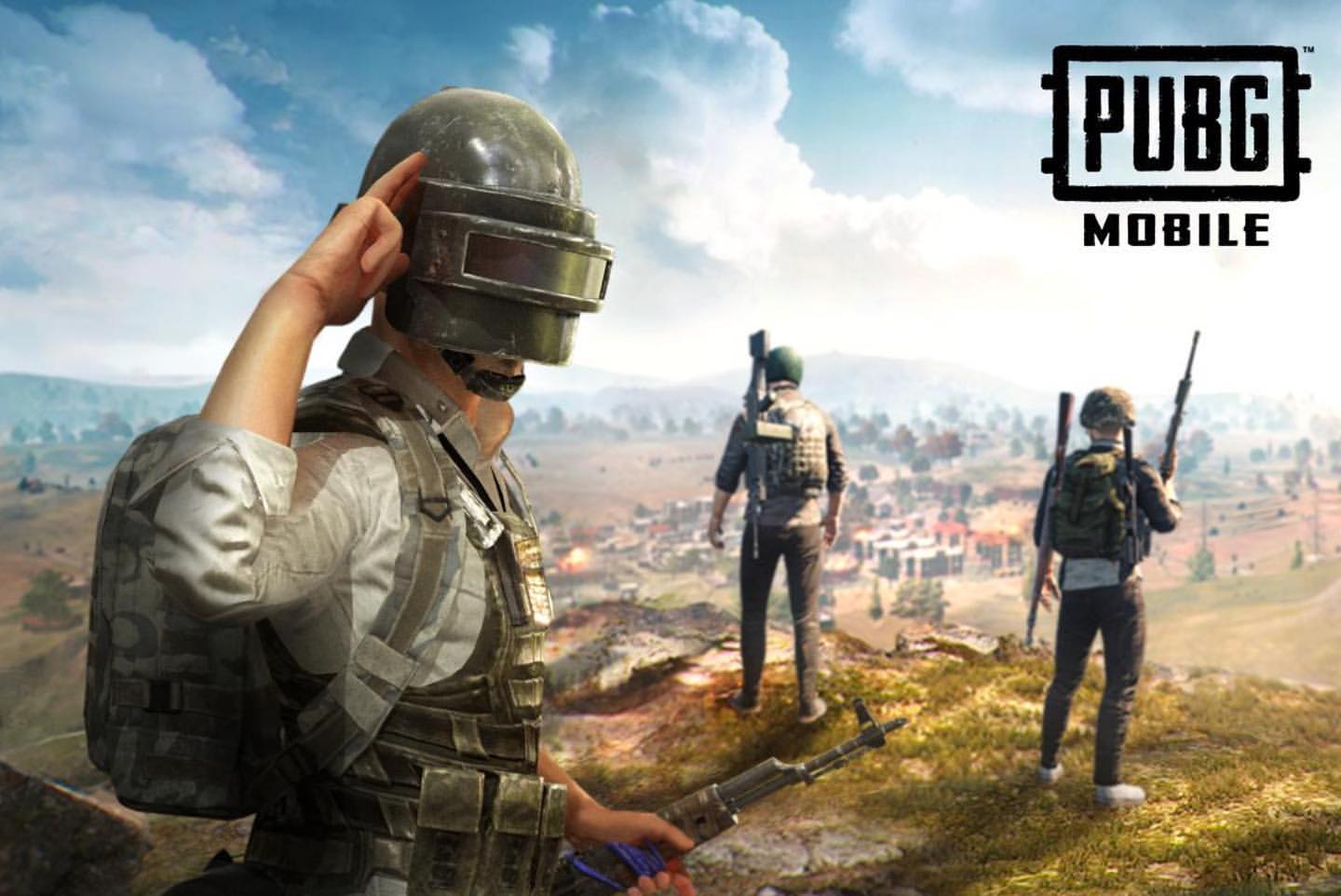
BGMI LITE is the new LITE game from Battlegrounds Mobile India - India's biggest battle royale, now in a lighter, more accessible avatar. The same high-quality multiplayer shooting game experience, built for players who want to jump into battle faster, save more storage, and reduce the burden on their device. Optimized for all devices. Pre-register now!
[NOT A SMALLER GAME. A LIGHTER ONE.]
BGMI LITE is not about a smaller game with a smaller experience. It's about keeping the high-quality BGMI standard while giving you a lighter, faster and more flexible way to play this battle royale - easier on your phone, easier on your storage, smooth in the middle of every gunfight.
[STRAIGHT INTO THE BATTLEGROUNDS]
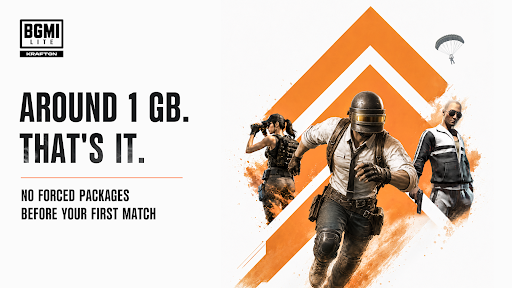
No extra mandatory package before your first match. Once the download is complete, load in and get straight into the battlegrounds. Install, open, drop - that's how fast this action game moves.
[YOUR GAME, YOUR CHOICE]
You told us you want control, so we built flexibility in. Choose which extra modules to download based on how you like to play. Don't need it? Don't download it. Don't play it anymore? Remove it anytime. Your game, your storage, your rules.
[AUTHENTIC AND UNCOMPROMISED]
The classic Erangel map, the supplies, the core combat - all designed to match BGMI, so the battle experience stays authentic and uncompromised. Drop in with 100 players in this survival shooting game, loot weapons and gear, outlast the shrinking zone, grab that iconic helmet, and stand at the end as the lone survivor. Winner Winner Chicken Dinner.
[ONE BGMI FAMILY, TWO WAYS TO PLAY]
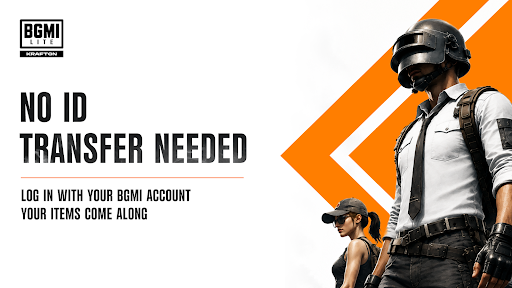
Already have a BGMI account? Log in with it on BGMI LITE - your owned items carry over, so you can keep using the outfits you love. Want the fullest BGMI experience with the richest content? The main game remains the best choice. Two apps, one battlegrounds: pick what fits your phone and your day.
[NO SOCIAL BARRIERS]
Team up with your friends on BGMI directly from BGMI LITE, so your squad stays together - solo, duo or squad, in one multiplayer lobby. Nobody gets left behind.
[GROWING TOGETHER]
BGMI LITE will stay updated alongside BGMI, so players of both games enjoy new content together.
[PRE-REGISTER NOW]
One of the most anticipated free games of the year, targeting official launch later this year. Pre-register in the store now.
Whether you're discovering the battlegrounds for the first time or you've played a thousand matches - BGMI LITE was built to welcome you.
Winner Winner, Chicken Dinner. See you on the battlegrounds.
Follow Us On
YouTube: https://www.youtube.com/@bgmi_lite_official
Instagram: https://www.instagram.com/bgmi_lite.official/
แสดงเพิ่มเติม

1. ดาวน์โหลดตัวติดตั้ง MEmu และสิ้นสุดการติดตั้ง

2. เริ่ม MEmu จากนั้นเปิด Google Play บนหน้าแรก

3. ค้นหา BGMI Air ใน Google Play
Install
4. ดาวน์โหลดและติดตั้ง BGMI Air
5. เมื่อติดตั้งเสร็จให้คลิกที่ไอคอนเพื่อเริ่มใช้งาน

6. สนุกกับการเล่น BGMI Air บนพีซีด้วย MEmu
MEmu App Player เป็นอีมูเลเตอร์ Android ที่ดีที่สุดและผู้คนกว่า 50 ล้านคนเพลิดเพลินไปกับประสบการณ์การเล่นเกม Android ที่ยอดเยี่ยม เทคโนโลยีการจำลองเสมือนของ MEmu ช่วยให้คุณเล่นเกม Android หลายพันเกมได้อย่างราบรื่นบนพีซีของคุณแม้แต่เกมที่ต้องใช้กราฟิกมากที่สุด
จอใหญ่และกราฟฟิกสวยกว่า; เล่นได้นาน, ไม่ต้องใช้แบตเตอรี่โทรศัพท์หรือเน็ตโทรศัพท์.
ระบบปรับแต่งปุ่มคีย์บอร์ดและเม้าส์ตามที่คุณเลือก
เล่นมากกว่าหนึ่งเกมบน PC ในเวลาเดียวกันด้วยระบบหลายจอหรือ Multi-Instance manager.
Play BGMI Air on PC by following steps: