BGMI Air
Actualizada
Versión actual
Ofrecida por

Con toda tu pasión para jugar BGMI Air, no se supone que tus manos estén limitadas en una pequeña pantalla de tu teléfono. Juega como un profesional y obtén el control total de tu juego con el teclado y el mouse. MEmu le ofrece todas las cosas que espera. Descargar y jugar BGMI Air en PC. Juega todo el tiempo que quieras, sin más limitaciones de batería, datos móviles y llamadas molestas. El nuevo MEmu 9 es la mejor opción para jugar BGMI Air en PC. Preparado con nuestra experiencia, el exquisito sistema de keymapping preestablecido convierte a BGMI Air en un verdadero juego de PC. Codificado con nuestra absorción, el administrador de instancias múltiples hace posible jugar 2 o más cuentas en el mismo dispositivo. Y lo más importante, nuestro exclusivo motor de emulación puede liberar todo el potencial de su PC, hacer que todo sea más fluido. Nos importa no solo cómo juegas, sino también todo el proceso de disfrutar de la felicidad de los juegos.
Más detalles
Descargar BGMI LITE en PC con MEmu Android Emulador. Disfruta jugando en la pentalla grande. You asked for a lighter way to play.


You asked for a lighter way to play. We heard you.
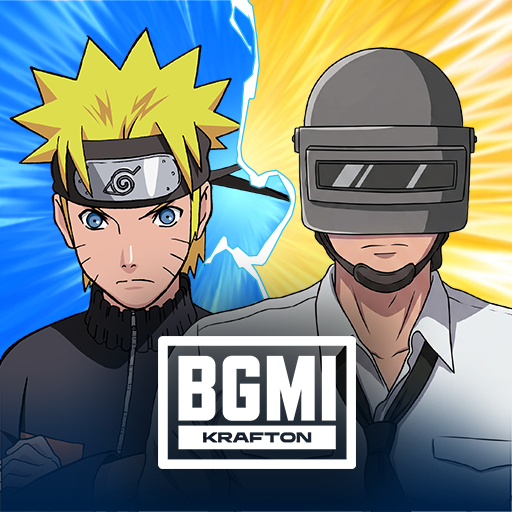
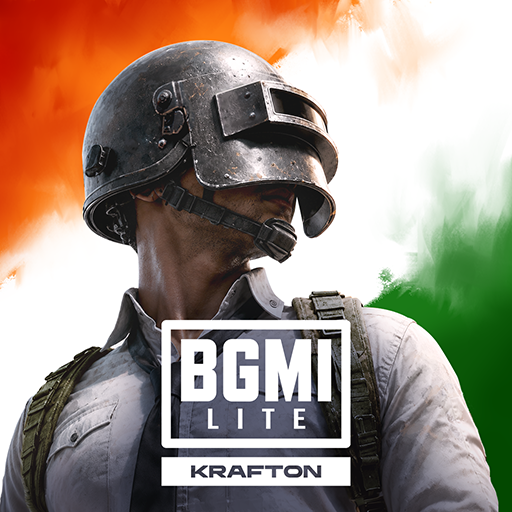
BGMI LITE is the new LITE game from Battlegrounds Mobile India - India's biggest battle royale, now in a lighter, more accessible avatar. The same high-quality multiplayer shooting game experience, built for players who want to jump into battle faster, save more storage, and reduce the burden on their device. Optimized for all devices. Pre-register now!
[NOT A SMALLER GAME. A LIGHTER ONE.]
BGMI LITE is not about a smaller game with a smaller experience. It's about keeping the high-quality BGMI standard while giving you a lighter, faster and more flexible way to play this battle royale - easier on your phone, easier on your storage, smooth in the middle of every gunfight.
[STRAIGHT INTO THE BATTLEGROUNDS]
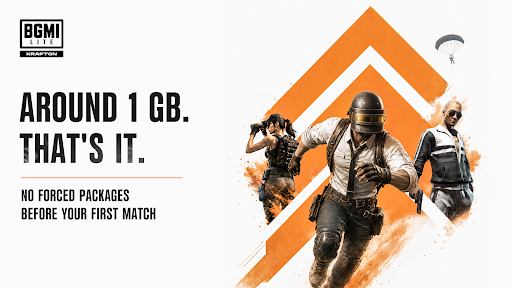
No extra mandatory package before your first match. Once the download is complete, load in and get straight into the battlegrounds. Install, open, drop - that's how fast this action game moves.
[YOUR GAME, YOUR CHOICE]
You told us you want control, so we built flexibility in. Choose which extra modules to download based on how you like to play. Don't need it? Don't download it. Don't play it anymore? Remove it anytime. Your game, your storage, your rules.
[AUTHENTIC AND UNCOMPROMISED]
The classic Erangel map, the supplies, the core combat - all designed to match BGMI, so the battle experience stays authentic and uncompromised. Drop in with 100 players in this survival shooting game, loot weapons and gear, outlast the shrinking zone, grab that iconic helmet, and stand at the end as the lone survivor. Winner Winner Chicken Dinner.
[ONE BGMI FAMILY, TWO WAYS TO PLAY]
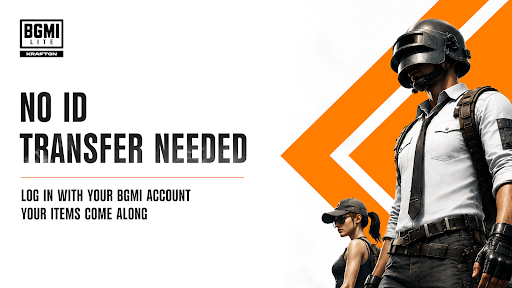
Already have a BGMI account? Log in with it on BGMI LITE - your owned items carry over, so you can keep using the outfits you love. Want the fullest BGMI experience with the richest content? The main game remains the best choice. Two apps, one battlegrounds: pick what fits your phone and your day.
[NO SOCIAL BARRIERS]
Team up with your friends on BGMI directly from BGMI LITE, so your squad stays together - solo, duo or squad, in one multiplayer lobby. Nobody gets left behind.
[GROWING TOGETHER]
BGMI LITE will stay updated alongside BGMI, so players of both games enjoy new content together.
[PRE-REGISTER NOW]
One of the most anticipated free games of the year, targeting official launch later this year. Pre-register in the store now.
Whether you're discovering the battlegrounds for the first time or you've played a thousand matches - BGMI LITE was built to welcome you.
Winner Winner, Chicken Dinner. See you on the battlegrounds.
Follow Us On
YouTube: https://www.youtube.com/@bgmi_lite_official
Instagram: https://www.instagram.com/bgmi_lite.official/
Más detalles

1. Descargar el instalador de MEmu y finalice la instalación

2. Iniciar MEmu y abrir Google Play en la página de inicio

3. Buscar BGMI Air en Google Play
Install
4. Descargar y instalar BGMI Air
5. Hacer click al icono para iniciar

6. Disfruta jugando BGMI Air en PC con MEmu
MEmu App Player es el mejor emulador de Android gratuito y 50 millones de personas ya están disfrutando su magnífica experiencia jugando en Android. La tecnología de virtualización de MEmu te permite jugar a miles de juegos Android suavemente en tu PC, incluso los más intensivos gráficamente.
Pantalla más grande con mejores gráficos; Larga duración, sin limitación de batería o datos móviles.
Soporte completo de keymapping para un control preciso del teclado y el mouse o gamepad.
Múltiples cuentas de juegos o tareas en una sola PC a la vez con el administrador de instancias múltiples.
Play BGMI Air on PC by following steps: