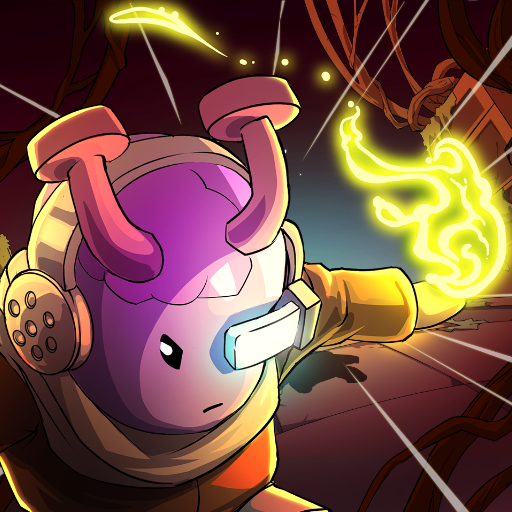
Lil' Guardsman
อัปเดตเมื่อ
เวอร์ชันปัจจุบัน
ให้บริการโดย

เวลาคุณเล่น Lil' Guardsman, คุณอาจรู้สึกว่ามือคุณอาจบังจอแล้วทำให้ไม่ได้เล่นแบบเต็มที่. เล่นแบบไร้ขีดจำกัดด้วยเม้าส์และคีย์บอร์ด. MEmu มีตัวเลือกหลายอย่างให้คุณใช้งานเกมที่คุณเล่นแบบที่คุณต้องการ. ดาวน์โหลดและเล่น Lil' Guardsman บน PC. เล่นนานแค่ไหนก็ได้, ไม่ต้องชาร์จแบตเตอรี่, หรือเจอคนโทรเข้ามาระหว่างเล่น. MEmu 9 เป็นตัวเลือกสำหรับการเล่น Lil' Guardsman บน PC. ทางทีมงานเราได้ปรับแต่งเกม, ปรับให้เล่นเกมบางเกมได้เหมือนเล่น Lil' Guardsman เป็นเกม PC เช่นเล็งด้วยเม้าส์หรือใช้คีย์บอร์ด. ระบบของเรายังทำให้คุณสามารถเปิดเล่นได้มากกว่า 2 เกมพร้อมๆกันในคอมของคุณ. และที่สำคัญที่สุด, ระบบโปรแกรมของเราสามารถทำให้คุณใช้ระบบของ PC ทำให้เกมลื่นเหมือนกับใช้โทรศัพท์รุ่นล่าสุด. เราไม่ได้ดูแลเรื่องการเล่นเกม, แต่เราดูแลถึงความสนุกสนานที่คุณได้จากการเล่นด้วย.
แสดงเพิ่มเติม
ดาวน์โหลด Lil' Guardsman บน PC ด้วย MEmu Android Emulator สนุกกับการเล่นบนหน้าจอขนาดใหญ่ Pre-register now and enjoy 10% off during the first two weeks after launch!
Pre-register now and enjoy 10% off during the first two weeks after launch!
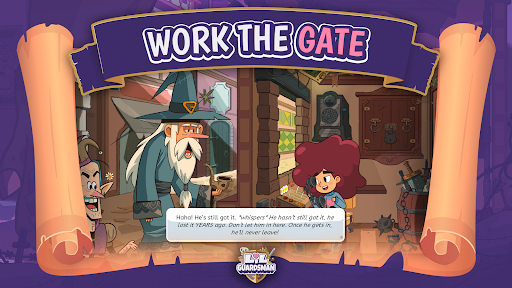
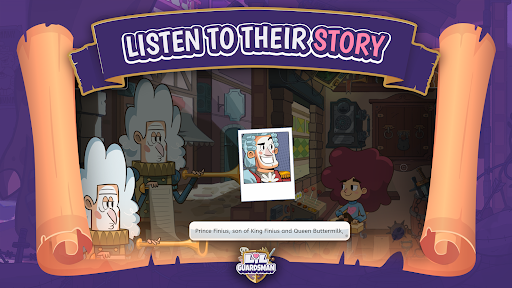
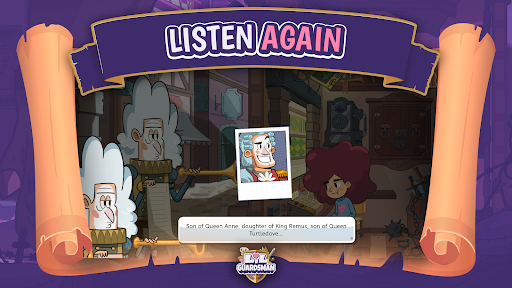
In this deduction adventure, you play as Lil - an unlikely 12-year-old hero - covering your dad's shift at the guard shed and are tasked with deciding the fate of over 100 unique characters.
You will question humans, elves, goblins, cyclopes, and other fantasy creatures using your powers of deduction to determine who to admit or deny based on how they respond to your questions and your trusty tools. Sending visitors to jail, inadvertently zapping them to smithereens, or letting them go on their merry way are all part of the job. But be careful: who you let through the castle gates will determine the kingdom's fate.
See the Sprawl and its fantastical & quirky citizens through a royal wedding to one of two kingdoms vying for an alliance, and a subsequent siege by whoever you've angered in the process. Your decisions can determine the fate of the city and its people!
Key features:
Interrogate 100+ fully voiced characters in just the right way to earn a perfect score!
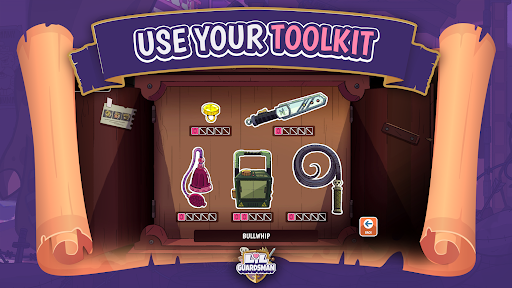
Spend your hard earned gold wisely on powering up your guardsman toolkit, and strategically deploy these to admit or deny the right people or...goblins?
Use your trusty Chronometer3000 to go back and get a higher score... but be careful not to break space and time in the process.
แสดงเพิ่มเติม

1. ดาวน์โหลดตัวติดตั้ง MEmu และสิ้นสุดการติดตั้ง

2. เริ่ม MEmu จากนั้นเปิด Google Play บนหน้าแรก

3. ค้นหา Lil' Guardsman ใน Google Play
Install
4. ดาวน์โหลดและติดตั้ง Lil' Guardsman
5. เมื่อติดตั้งเสร็จให้คลิกที่ไอคอนเพื่อเริ่มใช้งาน

6. สนุกกับการเล่น Lil' Guardsman บนพีซีด้วย MEmu
MEmu App Player เป็นอีมูเลเตอร์ Android ที่ดีที่สุดและผู้คนกว่า 50 ล้านคนเพลิดเพลินไปกับประสบการณ์การเล่นเกม Android ที่ยอดเยี่ยม เทคโนโลยีการจำลองเสมือนของ MEmu ช่วยให้คุณเล่นเกม Android หลายพันเกมได้อย่างราบรื่นบนพีซีของคุณแม้แต่เกมที่ต้องใช้กราฟิกมากที่สุด
จอใหญ่และกราฟฟิกสวยกว่า; เล่นได้นาน, ไม่ต้องใช้แบตเตอรี่โทรศัพท์หรือเน็ตโทรศัพท์.
ระบบปรับแต่งปุ่มคีย์บอร์ดและเม้าส์ตามที่คุณเลือก
เล่นมากกว่าหนึ่งเกมบน PC ในเวลาเดียวกันด้วยระบบหลายจอหรือ Multi-Instance manager.
Play Lil' Guardsman on PC by following steps: