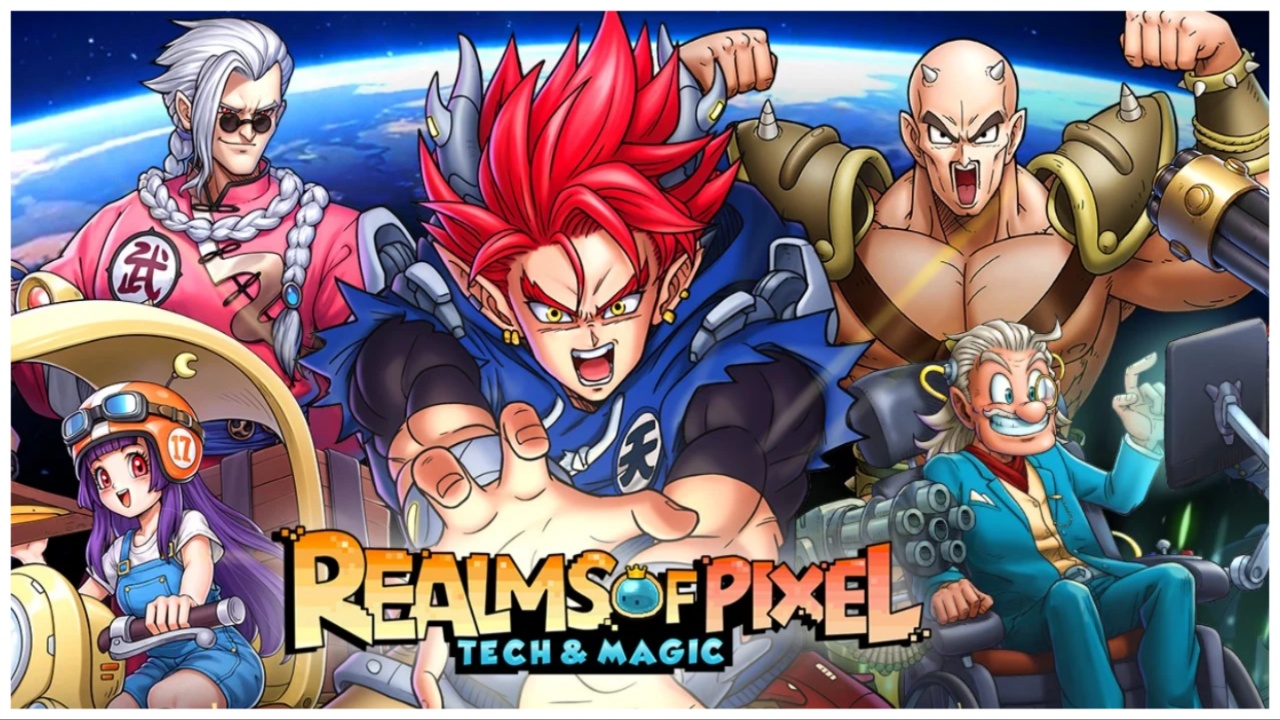
Realms of Pixel: Tech & Magic
อัปเดตเมื่อ
เวอร์ชันปัจจุบัน
2.2.2
ให้บริการโดย

เวลาคุณเล่น Realms of Pixel: Tech & Magic, คุณอาจรู้สึกว่ามือคุณอาจบังจอแล้วทำให้ไม่ได้เล่นแบบเต็มที่. เล่นแบบไร้ขีดจำกัดด้วยเม้าส์และคีย์บอร์ด. MEmu มีตัวเลือกหลายอย่างให้คุณใช้งานเกมที่คุณเล่นแบบที่คุณต้องการ. ดาวน์โหลดและเล่น Realms of Pixel: Tech & Magic บน PC. เล่นนานแค่ไหนก็ได้, ไม่ต้องชาร์จแบตเตอรี่, หรือเจอคนโทรเข้ามาระหว่างเล่น. MEmu 9 เป็นตัวเลือกสำหรับการเล่น Realms of Pixel: Tech & Magic บน PC. ทางทีมงานเราได้ปรับแต่งเกม, ปรับให้เล่นเกมบางเกมได้เหมือนเล่น Realms of Pixel: Tech & Magic เป็นเกม PC เช่นเล็งด้วยเม้าส์หรือใช้คีย์บอร์ด. ระบบของเรายังทำให้คุณสามารถเปิดเล่นได้มากกว่า 2 เกมพร้อมๆกันในคอมของคุณ. และที่สำคัญที่สุด, ระบบโปรแกรมของเราสามารถทำให้คุณใช้ระบบของ PC ทำให้เกมลื่นเหมือนกับใช้โทรศัพท์รุ่นล่าสุด. เราไม่ได้ดูแลเรื่องการเล่นเกม, แต่เราดูแลถึงความสนุกสนานที่คุณได้จากการเล่นด้วย.
แสดงเพิ่มเติม
ดาวน์โหลด Realms of Pixel: Tech & Magic บน PC ด้วย MEmu Android Emulator สนุกกับการเล่นบนหน้าจอขนาดใหญ่ This is a classic pixel RPG mobile game.

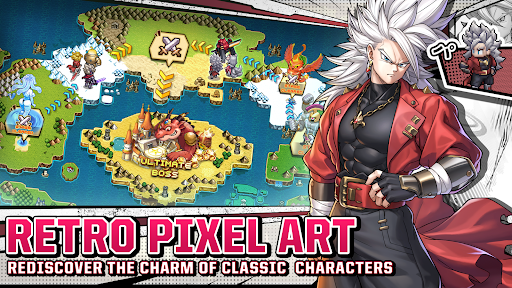


This is a classic pixel RPG mobile game. Dive into nostalgic pixel art, strategic battles, and an engaging storyline. Build your lineup, explore vast worlds, and conquer challenging dungeons. Adventure awaits at your fingertips!
Game Features:
1. A Retro Pixel Art Masterpiece
A stunning homage to classic 2.5D RPGs, featuring meticulously crafted retro pixel art and dazzling effects that create an unforgettable, action-packed adventure!
2. Endless Fun, Always New
With a variety of game modes and tons of mini-games updated regularly, there’s always something fresh to keep you hooked in this idle game. No matter your play style, you’ll find it here—plus, plenty of rewards!
3. Effortless Hero Progression
Leveling up and upgrading your pixel heroes has never been easier. With just a tap, you can unlock complex growth paths—and the best part? You’ll keep earning infinite great rewards, even while afk!
4. Massive Heroes & Deep Strategy
Huge collection of hero can be summoned, to craft different combos and skill synergies then turn the tide of the battle! Simple mechanics, but deep strategy—easy to pick up, tough to master. Find the perfect lineup that suits your style and defeat enemies!
5. Thrilling PVP & Multiplayer Battles
Dive into a variety of PVP modes, including Guild Wars, Cross-Server Battles, Arena, and Ranked Matches. Win epic rewards and claim ultimate glory as you earn the respect of all players!
แสดงเพิ่มเติม

1. ดาวน์โหลดตัวติดตั้ง MEmu และสิ้นสุดการติดตั้ง

2. เริ่ม MEmu จากนั้นเปิด Google Play บนหน้าแรก

3. ค้นหา Realms of Pixel: Tech & Magic ใน Google Play
Install
4. ดาวน์โหลดและติดตั้ง Realms of Pixel: Tech & Magic
5. เมื่อติดตั้งเสร็จให้คลิกที่ไอคอนเพื่อเริ่มใช้งาน

6. สนุกกับการเล่น Realms of Pixel: Tech & Magic บนพีซีด้วย MEmu
MEmu App Player เป็นอีมูเลเตอร์ Android ที่ดีที่สุดและผู้คนกว่า 50 ล้านคนเพลิดเพลินไปกับประสบการณ์การเล่นเกม Android ที่ยอดเยี่ยม เทคโนโลยีการจำลองเสมือนของ MEmu ช่วยให้คุณเล่นเกม Android หลายพันเกมได้อย่างราบรื่นบนพีซีของคุณแม้แต่เกมที่ต้องใช้กราฟิกมากที่สุด
จอใหญ่และกราฟฟิกสวยกว่า; เล่นได้นาน, ไม่ต้องใช้แบตเตอรี่โทรศัพท์หรือเน็ตโทรศัพท์.
ระบบปรับแต่งปุ่มคีย์บอร์ดและเม้าส์ตามที่คุณเลือก
เล่นมากกว่าหนึ่งเกมบน PC ในเวลาเดียวกันด้วยระบบหลายจอหรือ Multi-Instance manager.
Play Realms of Pixel: Tech & Magic on PC by following steps: