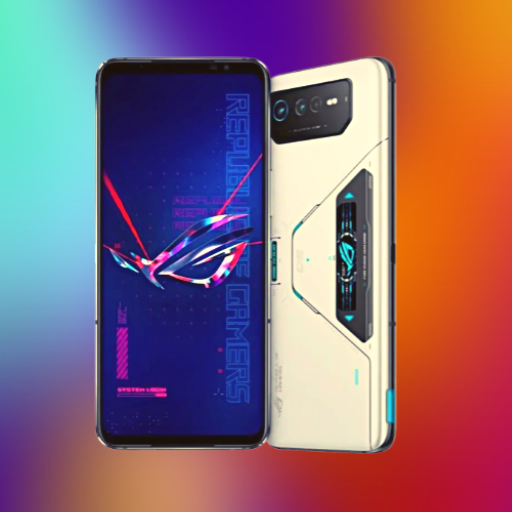
ASUS Rog Phone 8
อัปเดตเมื่อ
เวอร์ชันปัจจุบัน
1
ให้บริการโดย

เมื่อใช้ ASUS Rog Phone 8 บนโทรศัพท์ของคุณไม่ต้องกังวลกับการชาร์จไฟมากเกินไปปลดปล่อยตัวคุณเองจากหน้าจอขนาดเล็กและสนุกกับการใช้แอพนี้บนหน้าจอขนาดใหญ่ จากนี้ไปรับประสบการณ์เต็มหน้าจอของแอปพลิเคชันของคุณด้วยคีย์บอร์ดและเมาส์ MEmu มีคุณสมบัติที่น่าแปลกใจที่คุณคาดหวัง: การติดตั้งที่รวดเร็วและการตั้งค่าที่ง่ายควบคุมได้ง่ายไม่ จำกัด แบตเตอรี่ข้อมูลมือถือและการโทรที่รบกวน MEmu 9 ใหม่ล่าสุดเป็นตัวเลือกที่ดีที่สุดสำหรับการใช้ Meitu – โปรแกรมแก้ไขภาพแนวธรรมชาติ บนคอมพิวเตอร์ของคุณ ด้วยรหัสการดูดซึมของเราผู้จัดการหลายอินสแตนซ์ทำให้สามารถเปิดบัญชี 2 บัญชีขึ้นไปในเวลาเดียวกันได้ และที่สำคัญที่สุดเอ็นจิ้นจำลองพิเศษของเราสามารถปลดปล่อยศักยภาพของPCของคุณและทำให้ทุกอย่างราบรื่นและสนุกสนาน
แสดงเพิ่มเติม
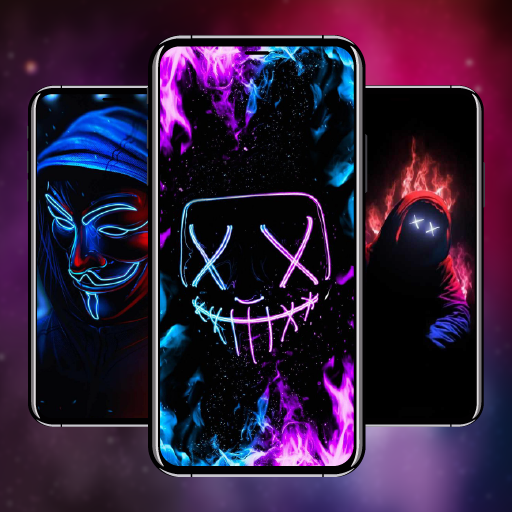
ดาวน์โหลด ASUS Rog Phone 8 บน PC ด้วย MEmu Android Emulator สนุกกับการเล่นบนหน้าจอขนาดใหญ่ ASUS Rog Phone 8 is cutting-edge wallpaper application witch is meticulously crafted to complement the powerful aesthetics of the ASUS Rog Phone 8, providing users with a seamless and customizable backdrop that reflects the essence of gaming excellence.
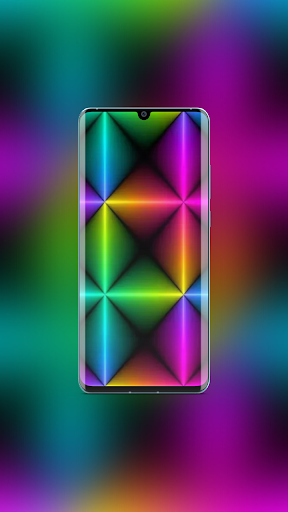
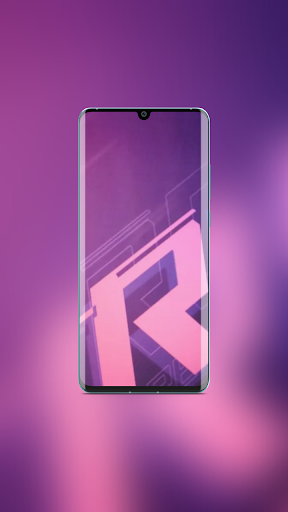
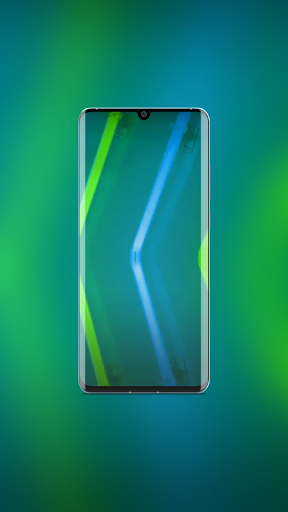
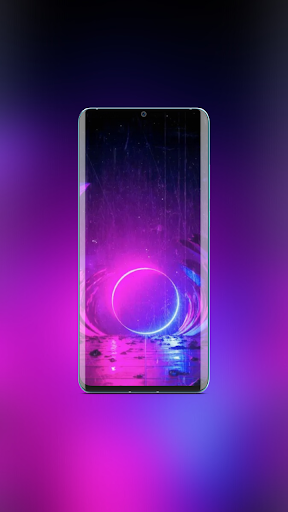
ASUS Rog Phone 8 is cutting-edge wallpaper application witch is meticulously crafted to complement the powerful aesthetics of the ASUS Rog Phone 8, providing users with a seamless and customizable backdrop that reflects the essence of gaming excellence. ASUS Rog Phone 8 Wallpaper App – your gateway to a visually immersive and dynamic digital experience. he app is engineered to provide a seamless and efficient user experience, Immerse yourself in a world of gaming glory with specially curated themes designed to enhance the ROG Phone 8's unique design.
Features:
* Vast Collection
* Beautiful Wallpapers
* Dynamic Themes
* Interesting Motives
* Strong Visuals
* High-Quality Graphics
* Perfect Fit For Your ASUS Rog Phone 8
* Intuitive Interface
* Easy Navigation
* Flawless integration
* Smooth Integration
* Save & Share ASUS Rog Phone 8 App
* Offline Access
* Regularly Updated
* Free Of Cost
Download ASUS Rog Phone 8 app today, and transform your device into visual masterpiece.
Disclaimer
All the images in this application are believed to be in public domain.
Anybody creation is to be respected.
In case you may have any issue regarding this application please do not hesitate to contact us: oneclicklogic@gmail.com
We will try our best to fix it.
Any request to remove one of the images/logos/names will be honored.
แสดงเพิ่มเติม

1. ดาวน์โหลดตัวติดตั้ง MEmu และสิ้นสุดการติดตั้ง

2. เริ่ม MEmu จากนั้นเปิด Google Play บนหน้าแรก

3. ค้นหา ASUS Rog Phone 8 ใน Google Play
Install
4. ดาวน์โหลดและติดตั้ง ASUS Rog Phone 8
5. เมื่อติดตั้งเสร็จให้คลิกที่ไอคอนเพื่อเริ่มใช้งาน

6. ใช้ MEmu เพื่อสัมผัสประสบการณ์ ASUS Rog Phone 8 บนคอมพิวเตอร์ของคุณ
MEmu Play คือโปรแกรมจำลอง Android ที่ดีที่สุด มีผู้ใช้มากกว่า 50 ล้านคน มอบประสบการณ์การใช้งานแอป Android ขั้นสุดยอดให้กับคุณ เทคโนโลยีจำลองเสมือนของ MEmu ช่วยให้คุณรันแอป Android หลายพันแอปบนคอมพิวเตอร์ได้อย่างราบรื่น แม้แอปที่กินทรัพยากรเครื่องสูงที่สุด
จอใหญ่และกราฟฟิกสวยกว่า; เล่นได้นาน, ไม่ต้องใช้แบตเตอรี่โทรศัพท์หรือเน็ตโทรศัพท์.
ระบบปรับแต่งปุ่มคีย์บอร์ดและเม้าส์ตามที่คุณเลือก
เล่นมากกว่าหนึ่งเกมบน PC ในเวลาเดียวกันด้วยระบบหลายจอหรือ Multi-Instance manager.
Use ASUS Rog Phone 8 on PC by following steps: