(MotionMuse) Ai Video Guide
อัปเดตเมื่อ
เวอร์ชันปัจจุบัน
1.0.1
ให้บริการโดย

เมื่อใช้ (MotionMuse) Ai Video Guide บนโทรศัพท์ของคุณไม่ต้องกังวลกับการชาร์จไฟมากเกินไปปลดปล่อยตัวคุณเองจากหน้าจอขนาดเล็กและสนุกกับการใช้แอพนี้บนหน้าจอขนาดใหญ่ จากนี้ไปรับประสบการณ์เต็มหน้าจอของแอปพลิเคชันของคุณด้วยคีย์บอร์ดและเมาส์ MEmu มีคุณสมบัติที่น่าแปลกใจที่คุณคาดหวัง: การติดตั้งที่รวดเร็วและการตั้งค่าที่ง่ายควบคุมได้ง่ายไม่ จำกัด แบตเตอรี่ข้อมูลมือถือและการโทรที่รบกวน MEmu 9 ใหม่ล่าสุดเป็นตัวเลือกที่ดีที่สุดสำหรับการใช้ Meitu – โปรแกรมแก้ไขภาพแนวธรรมชาติ บนคอมพิวเตอร์ของคุณ ด้วยรหัสการดูดซึมของเราผู้จัดการหลายอินสแตนซ์ทำให้สามารถเปิดบัญชี 2 บัญชีขึ้นไปในเวลาเดียวกันได้ และที่สำคัญที่สุดเอ็นจิ้นจำลองพิเศษของเราสามารถปลดปล่อยศักยภาพของPCของคุณและทำให้ทุกอย่างราบรื่นและสนุกสนาน
แสดงเพิ่มเติม
สัมผัสประสบการณ์สุดยอดการใช้งาน (MotionMuse) Ai Video Guide บนพีซีด้วย MEmu Play นี่คือโปรแกรมจำลอง Android ฟรีที่ทรงพลัง ให้คุณใช้งานแอป Android นับพันบนเดสก์ท็อป สนุกกับการเชื่อมต่อกับเพื่อนๆ และขัดเกลาผลงานของคุณอย่างมีประสิทธิภาพยิ่งขึ้น! In today’s creative world, video is more than content — it’s a language.
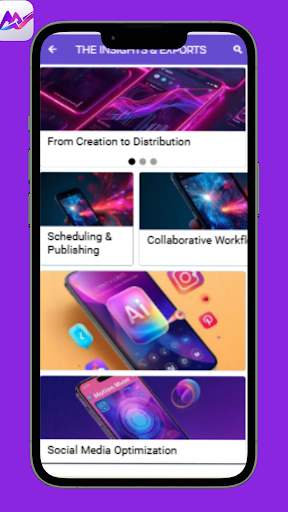
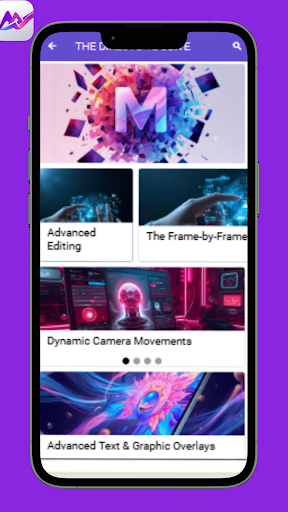
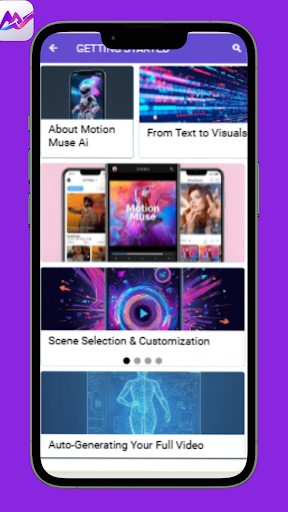
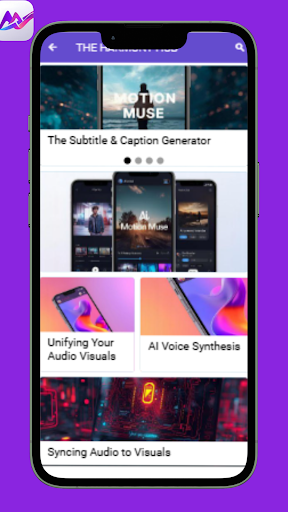
In today’s creative world, video is more than content — it’s a language. MotionMuse is an innovative AI-powered video creation tool that allows creators, storytellers, and professionals to bring their visions to life with ease. With MotionMuse Ai, the process of combining creativity with smart automation becomes seamless, offering users a space where technology amplifies imagination.
The (MotionMuse) Ai Video Guide is designed to help you unlock the full potential of this platform. From beginners curious about video design to professionals seeking advanced strategies, this guide provides clear explanations, practical insights, and creative direction.
Inside the MotionMuse Ai Guide, You’ll Explore:
• Getting Started – Learn the basics of MotionMuse, from setup to creating your first AI-powered video project.
• The Harmony Hub – Discover how MotionMuse Ai organizes tools, templates, and assets to streamline your workflow.
• The Director’s Suite – Dive into advanced controls, creative directives, and unique features that make MotionMuse stand out.
• The Insights & Exports – Understand how to analyze, refine, and export projects professionally with MotionMuse Ai.
With MotionMuse, creativity meets structure, and with MotionMuse Ai, the process becomes faster, smarter, and more dynamic. This guide doesn’t just teach you how to use the tool — it inspires you to think bigger, create better, and explore new ways of storytelling.
Whether you’re a content creator, business professional, or someone experimenting with AI-driven creativity, the (MotionMuse) Ai Video App Guide is your reliable roadmap. Let MotionMuse be your canvas, and let this guide be your compass to creating polished, professional, and impactful videos.
Disclaimer:
This app is an independent guide to MotionMuse Ai and is not affiliated with, endorsed, or sponsored by the official MotionMuse platform. All tutorials, references, and images featured in this guide are collected from legitimate public domain sources and provided solely for educational purposes
แสดงเพิ่มเติม

1. ดาวน์โหลดตัวติดตั้ง MEmu และสิ้นสุดการติดตั้ง

2. เริ่ม MEmu จากนั้นเปิด Google Play บนหน้าแรก

3. ค้นหา (MotionMuse) Ai Video Guide ใน Google Play
Install
4. ดาวน์โหลดและติดตั้ง (MotionMuse) Ai Video Guide
5. เมื่อติดตั้งเสร็จให้คลิกที่ไอคอนเพื่อเริ่มใช้งาน

6. ใช้ MEmu เพื่อสัมผัสประสบการณ์ (MotionMuse) Ai Video Guide บนคอมพิวเตอร์ของคุณ
MEmu Play คือโปรแกรมจำลอง Android ที่ดีที่สุด มีผู้ใช้มากกว่า 50 ล้านคน มอบประสบการณ์การใช้งานแอป Android ขั้นสุดยอดให้กับคุณ เทคโนโลยีจำลองเสมือนของ MEmu ช่วยให้คุณรันแอป Android หลายพันแอปบนคอมพิวเตอร์ได้อย่างราบรื่น แม้แอปที่กินทรัพยากรเครื่องสูงที่สุด
จอใหญ่และกราฟฟิกสวยกว่า; เล่นได้นาน, ไม่ต้องใช้แบตเตอรี่โทรศัพท์หรือเน็ตโทรศัพท์.
ระบบปรับแต่งปุ่มคีย์บอร์ดและเม้าส์ตามที่คุณเลือก
เล่นมากกว่าหนึ่งเกมบน PC ในเวลาเดียวกันด้วยระบบหลายจอหรือ Multi-Instance manager.
Use (MotionMuse) Ai Video Guide on PC by following steps: