愛玩Tekken 3的你,雙手不應該被束縛在智慧手機的小屏幕上。像職業選手一樣用鍵盤和滑鼠來全面控制你的遊戲吧。逍遙模擬器給你提供了你所有的期待。在電腦上下載、安裝Tekken 3並盡情遊玩。再也不用擔心剩餘電量、流量消耗和煩人的來電。全新的逍遙模擬器9是你在電腦上遊玩Tekken 3的最佳選擇!我们用心準備,完美的按鍵映射系統讓Tekken 3宛如電腦遊戲;我們,用嫻熟的技術編程,逍遙多開器讓所有遊戲開好開滿;獨一無二的虛擬化引擎釋放你電腦的全部潛力,一切都入絲般順滑。我們不僅在意你怎樣遊玩,更在意如何讓你享受遊玩的樂趣!
更多
透過逍遙模擬器,在電腦上下載Tekken 3,享受大熒幕的暢快體驗。 Tekken 3 fits short sessions and longer play, letting you jump into bouts without extra setup.
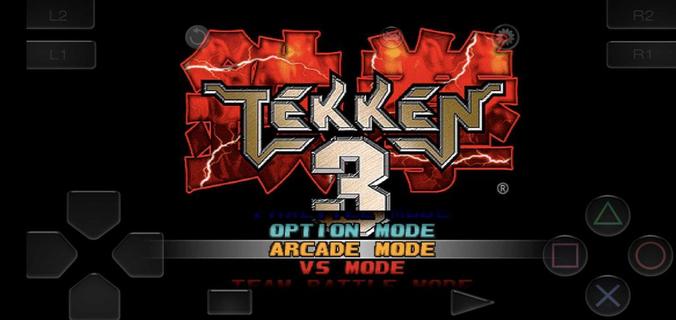
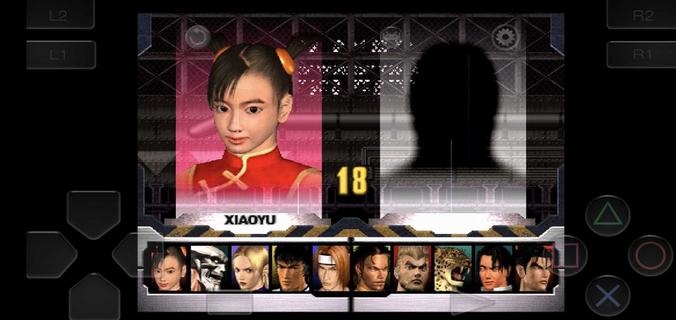
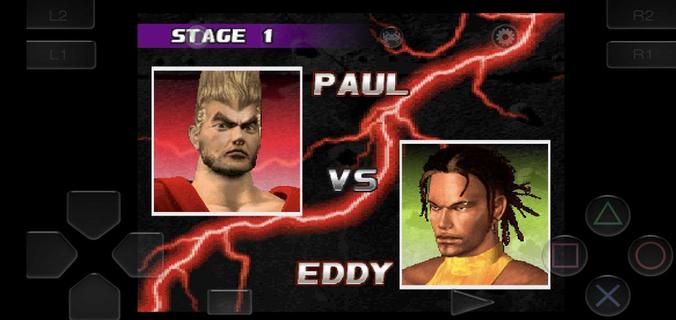
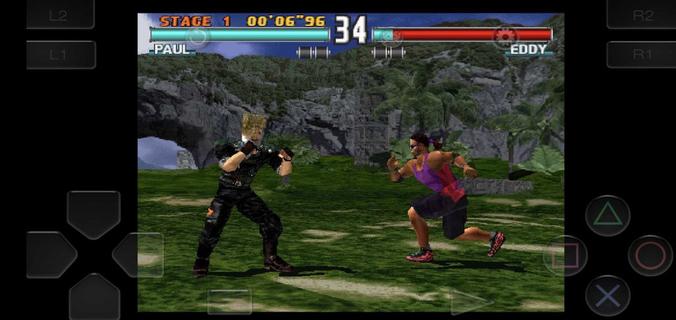
Tekken 3 fits short sessions and longer play, letting you jump into bouts without extra setup. The game keeps the arcade feel while adapting to phones, so you can focus on matches instead of configuration. Meanwhile, the embedded emulator streamlines installation and gets you playing in minutes. Tekken 3 APK is designed for a quick start, with clear menus and mode selection that feel familiar to series fans and approachable for new players. Tekken 3 features on AndroidTwo Android builds for different displaysTekken 3 offers a full screen variant without ads and a regular build that keeps the classic aspect ratio with ads. Both versions share the same gameplay and content. If you see black bars on the sides, that is the fixed aspect build. Switching to the full screen option fills modern displays more naturally.Simple install with a built in emulatorTekken 3 includes an embedded PlayStation emulator, so no separate app is required. You download once and play, which reduces steps and keeps setup straightforward. The game launches directly into the main menu after the first run, making it easy to choose a mode and start a match.Responsive controls and optional controller pairingTekken 3 uses on screen buttons and a virtual stick tuned for low latency inputs. You can perform juggles, side steps, and timed escapes with consistent response. The pause menu provides a move list, which helps you check strings between rounds. If you prefer a gamepad, you can pair a Bluetooth controller in the emulator settings and map buttons for a console like layout.Classic modes and mechanics preservedTekken 3 keeps Arcade and Story for solo runs, along with Tekken Force and Tekken Ball as extra challenges. Core mechanics such as side-stepping, air combos, quicker recoveries, and combo throws are intact. This setup keeps the original flow of rounds while fitting phone screens, so players familiar with the series can rely on known timings.Roster depth with clear progressionTekken 3 features 21 fighters, each with distinct styles, intros, and ending scenes. You start with a core lineup and unlock counterparts by clearing Arcade or Story with various characters. For special unlocks, Gon appears through mini modes like Tekken Ball or Survival, while Doctor B is tied to Tekken Force. These paths address common questions about missing fighters by showing how to open the full roster through regular play. How to play Tekken 3 on AndroidGetting started takes only a few steps and focuses on quick play. If you plan to download Tekken 3 for the first time, choose the build that fits your screen preference and follow the setup prompts.Choose the full screen or fixed aspect build on this page, then start the download and wait until it completes.Open the APK from your notifications, allow installation from APKPure in your device settings if prompted, and finish the install.Launch Tekken 3, pick Arcade, Story, Tekken Force, or Tekken Ball, and enter your first match.Pause during a round to open the move list, then practice simple strings and throws before trying juggles or side steps.If you want a pad, pair a Bluetooth controller in the emulator settings and map buttons. To unlock more characters, clear Arcade or Story with different fighters and try mini modes for the special unlocks. Start playing on mobileTekken 3 brings familiar 3D fighting to phones with a quick install and preserved modes. Players can pick a display fit, use responsive touch controls, or pair a controller for longer sessions. To keep up with improvements, download the Tekken 3 latest version APK on APKPure when ready to update.
更多
1. 下載逍遙安裝器並完成設置
2. 啟動逍遙後打開位於桌面上的谷歌商店
3. 在谷歌商店中搜尋Tekken 3
4. 下載並安裝Tekken 3
5. 下載完成後點擊圖標來啟動
6. 透過逍遙享受在電腦上玩Tekken 3
逍遙安卓是優秀的安卓模擬器,全球超過5000萬用戶的優先選擇。逍遙安卓以虛擬化技術為核心,為用户打造突破手機配備局限的遊戲平台!
大屏精細展示;無限待機,超越電池和流量限制
鍵鼠,手把操作全面支持,操作更精準
用逍遙多開同時運行多個遊戲、應用。
Play Tekken 3 on PC by following steps: