Tekken 3 PC

Tải Tekken 3 trên PC

Tekken 3 PC
  • Đã cập nhật

  • Phiên bản hiện tại

    1.3

  • Cung cấp bởi

    Tekken 3 PC

Tính năng của Tekken 3 trên PC

Với tất cả niềm đam mê chơi Tekken 3, đôi tay của bạn sẽ không còn bị giới hạn trên một màn hình nhỏ của điện thoại. Trải nghiệm chơi như một người chuyên nghiệp và kiểm soát hoàn toàn trò chơi của bạn bằng bàn phím và chuột. MEmu cung cấp cho bạn tất cả những điều mà bạn đang mong đợi. Tải xuống và chơi Tekken 3 trên PC. Miễn là bạn muốn chơi, bởi nó không còn giới hạn về pin, dữ liệu di động và các cuộc gọi làm phiền. MEmu 9 hoàn toàn là sự lựa chọn tốt nhất để chơi Tekken 3 trên PC. Với sự chuẩn bị về chuyên môn của chúng tôi, hệ thống sơ đồ bàn phím tinh tế làm cho Tekken 3 trở thành một trò chơi thực sự trên PC. Trình Quản lý đa năng, đã được chăm chút bởi sự tiếp thu của chúng tôi, có thể phát 2 hoặc nhiều tài khoản trên cùng một thiết bị. Và điều quan trọng nhất, công cụ mô phỏng độc quyền của chúng tôi có thể phát huy toàn bộ tiềm năng PC của bạn, giúp mọi thứ hoạt động trơn tru nhất có thể. Chúng tôi biết rằng quá trình tận hưởng hạnh phúc ở mỗi trò chơi cũng là mong muốn của mỗi game thủ, vì vậy các bạn chỉ cần chơi thôi hãy để chúng tôi quan tâm đến tất cả trải nghiệm đó.

Nhiều hơn

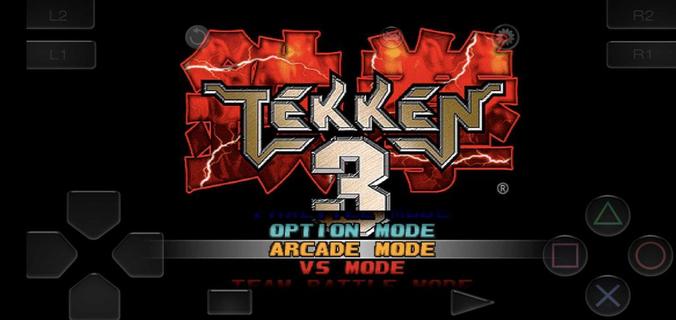
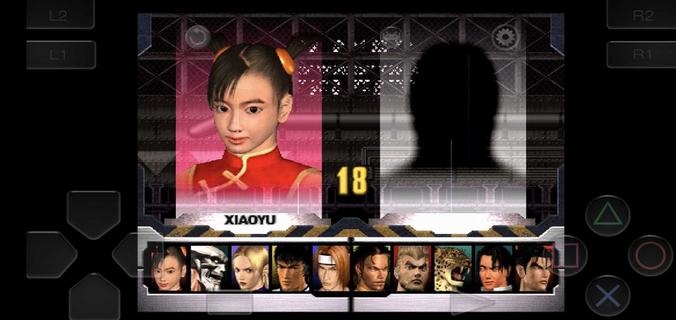
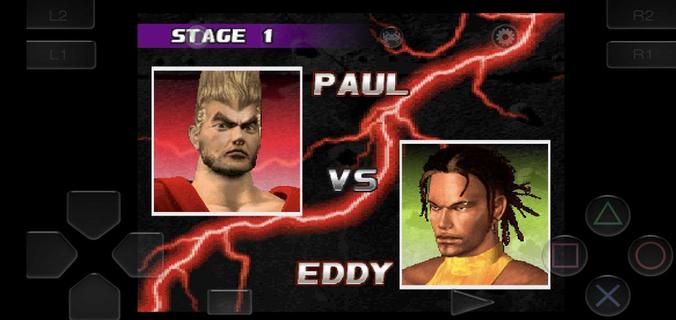
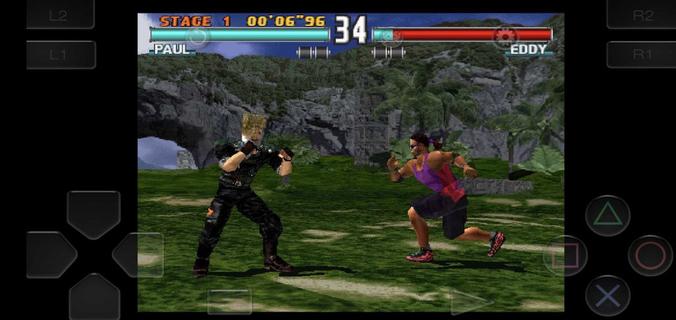
Chụp màn hình & Quay hình của Tekken 3 trên PC

Tải Tekken 3 trên PC với Trình giả lập Android MEmu. Tận hưởng trải nghiệm chơi game trên màn hình lớn Tekken 3 fits short sessions and longer play, letting you jump into bouts without extra setup.

Thông tin trò chơi

Tekken 3 fits short sessions and longer play, letting you jump into bouts without extra setup. The game keeps the arcade feel while adapting to phones, so you can focus on matches instead of configuration. Meanwhile, the embedded emulator streamlines installation and gets you playing in minutes. Tekken 3 APK is designed for a quick start, with clear menus and mode selection that feel familiar to series fans and approachable for new players. Tekken 3 features on AndroidTwo Android builds for different displaysTekken 3 offers a full screen variant without ads and a regular build that keeps the classic aspect ratio with ads. Both versions share the same gameplay and content. If you see black bars on the sides, that is the fixed aspect build. Switching to the full screen option fills modern displays more naturally.Simple install with a built in emulatorTekken 3 includes an embedded PlayStation emulator, so no separate app is required. You download once and play, which reduces steps and keeps setup straightforward. The game launches directly into the main menu after the first run, making it easy to choose a mode and start a match.Responsive controls and optional controller pairingTekken 3 uses on screen buttons and a virtual stick tuned for low latency inputs. You can perform juggles, side steps, and timed escapes with consistent response. The pause menu provides a move list, which helps you check strings between rounds. If you prefer a gamepad, you can pair a Bluetooth controller in the emulator settings and map buttons for a console like layout.Classic modes and mechanics preservedTekken 3 keeps Arcade and Story for solo runs, along with Tekken Force and Tekken Ball as extra challenges. Core mechanics such as side-stepping, air combos, quicker recoveries, and combo throws are intact. This setup keeps the original flow of rounds while fitting phone screens, so players familiar with the series can rely on known timings.Roster depth with clear progressionTekken 3 features 21 fighters, each with distinct styles, intros, and ending scenes. You start with a core lineup and unlock counterparts by clearing Arcade or Story with various characters. For special unlocks, Gon appears through mini modes like Tekken Ball or Survival, while Doctor B is tied to Tekken Force. These paths address common questions about missing fighters by showing how to open the full roster through regular play. How to play Tekken 3 on AndroidGetting started takes only a few steps and focuses on quick play. If you plan to download Tekken 3 for the first time, choose the build that fits your screen preference and follow the setup prompts.Choose the full screen or fixed aspect build on this page, then start the download and wait until it completes.Open the APK from your notifications, allow installation from APKPure in your device settings if prompted, and finish the install.Launch Tekken 3, pick Arcade, Story, Tekken Force, or Tekken Ball, and enter your first match.Pause during a round to open the move list, then practice simple strings and throws before trying juggles or side steps.If you want a pad, pair a Bluetooth controller in the emulator settings and map buttons. To unlock more characters, clear Arcade or Story with different fighters and try mini modes for the special unlocks. Start playing on mobileTekken 3 brings familiar 3D fighting to phones with a quick install and preserved modes. Players can pick a display fit, use responsive touch controls, or pair a controller for longer sessions. To keep up with improvements, download the Tekken 3 latest version APK on APKPure when ready to update.

Nhiều hơn

Tải Tekken 3 trên PC

  • Tekken 3 PC

    1. Tải trình cài đặt MEmu và hoàn tất cài đặt

  • Tekken 3 PC

    2. Khởi động MEmu, sau đó mở Google Play trên trang chủ

  • Tekken 3 PC

    3. Tìm kiếm Tekken 3 trong Google Play

  • Tekken 3 PC Install

    4. Tải và Cài Đặt Tekken 3

  • Tekken 3 PC

    5. Khi cài đặt hoàn tất, nhấp vào biểu tượng để bắt đầu

  • Tekken 3 PC
    Tekken 3 PC Tekken 3 PC

    6. Tận hưởng chơi Tekken 3 trên PC với MEmu

Tại sao phải sử dụng Memu cho Tekken 3

MEmu App Player là trình mô phỏng Android miễn phí tốt nhất và 50 triệu người đã tận hưởng trải nghiệm chơi trò chơi tuyệt vời trên Android của mình. Công nghệ ảo hóa MEmu trao quyền cho bạn để chơi hàng ngàn trò chơi Android mượt mà trên PC của bạn, ngay cả những trò chơi chuyên sâu nhất.

  • Màn hình lớn hơn cùng với đồ hoạ tốt hơn; thời lượng dài, không giới hạn về pin hoặc dữ liệu di động

  • Hỗ trợ đầy đủ Keymapping cho việc kiểm soát chính xác bàn phím và chuột hoặc gamepad

  • Nhiều tài khoản trò chơi hoặc tác vụ cùng lúc trên một PC với Quản lý Đa năng

Đã sẵn sàng chơi chưa?

Tekken 3 - FAQs

  • Làm cách nào để chơi Tekken 3 trên PC?

    Play Tekken 3 on PC by following steps:

    • Download MEmu, then install and launch it
    • Login to Google Play Store, install the game
    • Enjoy playing the game on PC with MEmu
  • Yêu cầu hệ thống tối thiểu để chạy Tekken 3 trên PC là gì?
    • Intel or AMD Processor
    • Microsoft Windows 7 and above
    • 2GB of memory
    • 5GB of free disk space
    • Hardware Virtualization Technology