Tekken 3
Ενημερώθηκε
Τρέχουσα έκδοση
1.3
Προσφέρεται από

Με όλο το πάθος σας για το παιχνίδι Tekken 3, τα χέρια σας δεν πρέπει να περιορίζονται σε μια μικροσκοπική οθόνη του τηλεφώνου σας. Παίξτε σαν επαγγελματίας και αποκτήστε τον πλήρη έλεγχο του παιχνιδιού σας με πληκτρολόγιο και ποντίκι. Το MEmu σας προσφέρει όλα όσα περιμένετε. Κατεβάστε και παίξτε Tekken 3 σε υπολογιστή. Παίξτε όσο θέλετε, χωρίς άλλους περιορισμούς μπαταρίας, δεδομένων κινητής τηλεφωνίας και ενοχλητικών κλήσεων. Το ολοκαίνουργιο MEmu 9 είναι η καλύτερη επιλογή για να παίξετε Tekken 3 σε υπολογιστή. Ετοιμασμένο με την εμπειρία μας, το εξαιρετικό σύστημα προκαθορισμένης αντιστοίχισης πλήκτρων καθιστά το Tekken 3 ένα πραγματικό παιχνίδι υπολογιστή. Ο διαχειριστής πολλαπλών περιπτώσεων MEmu καθιστά δυνατό το παιχνίδι με 2 ή περισσότερους λογαριασμούς στην ίδια συσκευή. Και το πιο σημαντικό, η αποκλειστική μηχανή εξομοίωσης μας μπορεί να απελευθερώσει πλήρως τις δυνατότητες του υπολογιστή σας, κάνοντας τα πάντα ομαλά.
Show more
Απολαύστε την υπέροχη εμπειρία αναπαραγωγής του Tekken 3 σε υπολογιστή με το MEMU App Player. Πρόκειται για έναν ισχυρό δωρεάν εξομοιωτή Android που σας επιτρέπει να παίζετε χιλιάδες παιχνίδια Android. Tekken 3 suits players who want short, responsive matches with a simple setup and familiar modes.
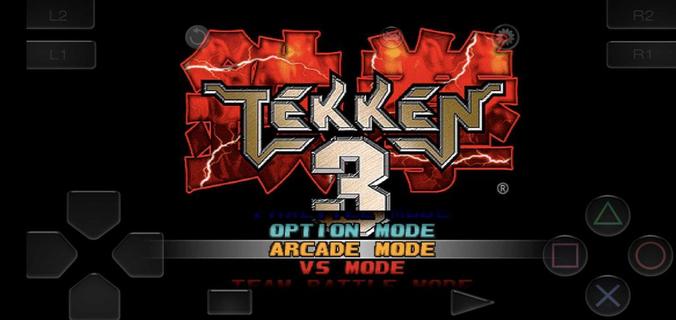
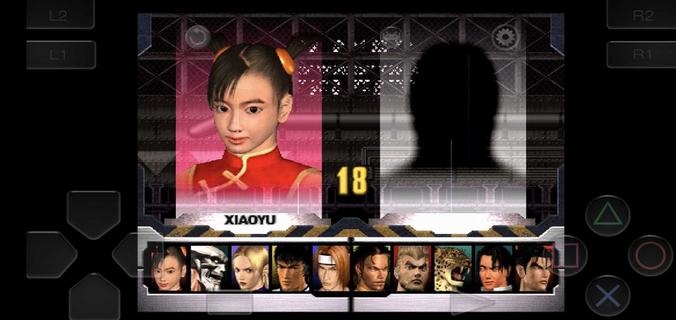
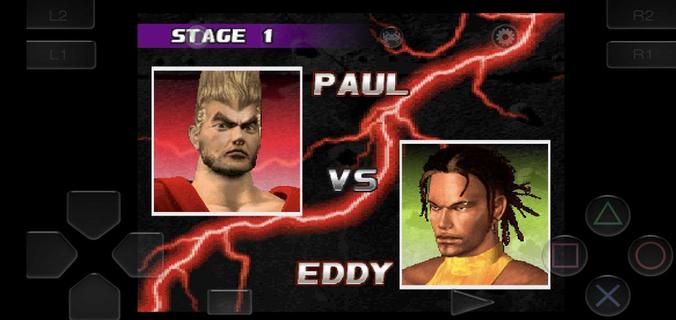
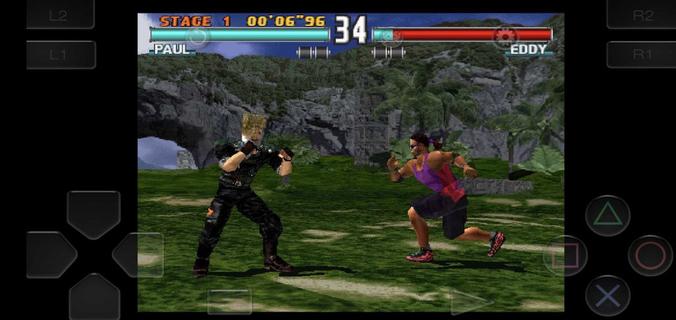
Tekken 3 suits players who want short, responsive matches with a simple setup and familiar modes. It starts quickly from a clear main menu, so you can pick a character and begin a bout with minimal steps. Touch input is tuned for fast reactions, while an optional controller layout helps during longer sessions. The classic arcade feel is adapted for mobile screens, and the roster grows as you clear modes. For those looking for a straightforward way to try the Tekken 3 APK, this build keeps the experience focused and direct.Tekken 3 features on AndroidFast start with embedded setupYou can install and jump into matches without a separate emulator. Tekken 3 opens straight to the main menu, so mode selection and character picks happen in seconds. This approach supports quick breaks and short practice sessions. It also keeps the process simple if you are returning after a long day.Responsive touch and controller supportTekken 3 uses an on screen stick and buttons with low latency input for precise moves. The pause menu includes a move list, which helps you learn combos and strings as you play. If you prefer physical buttons, you can pair a Bluetooth controller and enable mapping for a console style layout. This flexibility suits casual rounds as well as longer play.Classic modes preserved for mobileArcade and Story are available for traditional progression. You also get Tekken Force and Tekken Ball for variety, plus Team Battle and Survival for endurance play. The in game flow mirrors the original mode structure, so returning players can navigate without confusion. New players can sample each mode to find a pace that fits their day.Deep roster with clear unlock pathsTekken 3 includes more than 20 fighters, and additional characters unlock as you clear modes. Finishing runs opens counterparts and alternate choices, encouraging practice with different move sets. Specific unlocks are preserved, including Gon through Ball or Survival, and Doctor B through Force. Progress is steady, so your selection expands naturally while you learn the system.Arcade feel adapted to mobile playCharacter animations are fluid, and hit reactions look close to the arcade presentation on a phone screen. Core mechanics such as sidestep, juggles, and quick recoveries remain intact. As a result, advanced play stays possible while short sessions still feel satisfying. This balance supports both quick matches and focused training.How to play Tekken 3 on AndroidThis version keeps setup simple, so you can focus on matches and mode clears. For consistency, consider using the Tekken 3 latest version available on this page. Touch or controller layouts can be swapped at any time through in game options.Install the APK and open Tekken 3 to reach the main menu without extra configuration.Select a mode such as Arcade or Story, then choose a fighter to begin your first match.Use the on screen stick for movement and the face buttons for attacks and throws, then pause to check the move list.If you want a controller, pair a Bluetooth device in Android settings and enable controller mapping in the game options.Clear Arcade or other modes to unlock more characters, including special fighters through the noted side modes.Controls and learning tips for Tekken 3Start with simple strings from the pause menu move list and repeat them against the CPU until they feel natural. Practice sidesteps to avoid linear attacks, then add launchers and short juggles for reliable damage. If inputs feel crowded on a small device, try increasing button spacing in options or switch to a paired controller for extended practice.Get started with Tekken 3 on AndroidTekken 3 brings the classic Bandai Namco fighting experience to mobile with a quick start, preserved modes, and flexible controls. If you want short session play with a growing roster and an arcade feel, this release fits that need. When you are ready, download Tekken 3 and begin unlocking fighters at your own pace.
Show more

1. Κατεβάστε το πρόγραμμα εγκατάστασης MEmu και ολοκληρώστε την εγκατάσταση

2. Ξεκινήστε το MEmu και στη συνέχεια ανοίξτε το Google Play στην επιφάνεια εργασίας

3. Αναζητήστε τον Tekken 3 στο Google Play
Install
4. Λήψη και εγκατάσταση του Tekken 3
5. Μόλις ολοκληρωθεί η εγκατάσταση, κάντε κλικ στο εικονίδιο για να ξεκινήσετε

6. Enjoy playing Tekken 3 on PC with MEmu
Το MEmu Play, αποτελεί την ιδανικότερη δωρεάν λύση για την εξομοίωση του λειτουργικού Android, και χρησιμοποιείται ήδη από περισσότερους από 50 εκατομμύρια χρήστες, ο οποίοι απολαμβάνουν, την καταπληκτική εμπειρία παιχνιδιού που προσφέρεται μέσω της εφαρμογής. Με τη χρήση του MEmu Virtualization, είναι δυνατή η αναπαραγωγή παιχνιδιών Android στον υπολογιστή, ακόμη και εκείνων που απαιτούν μεγάλη επεξεργαστική ισχύ γραφικών, δίχως συμβιβασμούς στην ποιότητα και στην εμπειρία χρήσης, ακριβώς όπως ένα τελευταίας γενιάς κινητό τηλέφωνο.
Μεγαλύτερη οθόνη με καλύτερα γραφικά. Μεγάλη διάρκεια ζωής, χωρίς περιορισμό μπαταρίας ή δεδομένων κινητής τηλεφωνίας.
Πλήρης υποστήριξη αντιστοίχισης πλήκτρων για ακριβή έλεγχο του πληκτρολογίου και του ποντικιού ή του gamepad.
Πολλαπλοί λογαριασμοί παιχνιδιών ή εργασίες σε έναν υπολογιστή ταυτόχρονα με τον διαχειριστή πολλαπλών περιπτώσεων.
Play Tekken 3 on PC by following steps: