Live the Dream! How to Play Tomodachi Life on PC with MEmu Emulator
 |
|
Date: April 26, 2026
Category: Gaming / Simulation / MEmu Tutorials
Contents
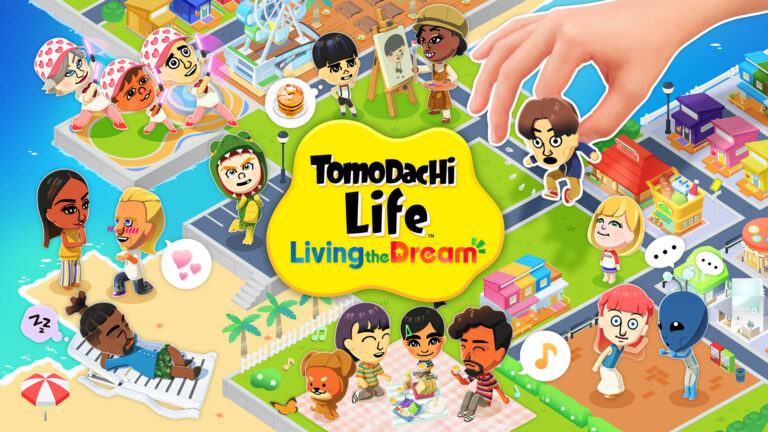
Tomodachi Life: Live The dream
What if Your Friends Lived in Your Computer?
Imagine a world where your best friend, your favorite celebrity, and your high school crush all live in the same apartment building on a tropical island. They hang out, they get into hilarious fights, they fall in love, and sometimes they perform bizarre heavy metal songs together.
That is the world of Tomodachi Life. While originally a handheld classic, the best way to experience this quirky "human observation" sim today is on your PC using MEmu Play.
Why Play Tomodachi Life on MEmu Play?
1. Crystal Clear Visuals on the Big Screen
The original handheld resolution doesn't do justice to the hilarious facial expressions of your Mii characters.
-
Enhanced Rendering: MEmu allows you to upscale the graphics, making the world of Tomodachi Life sharper and more vibrant than ever before.
-
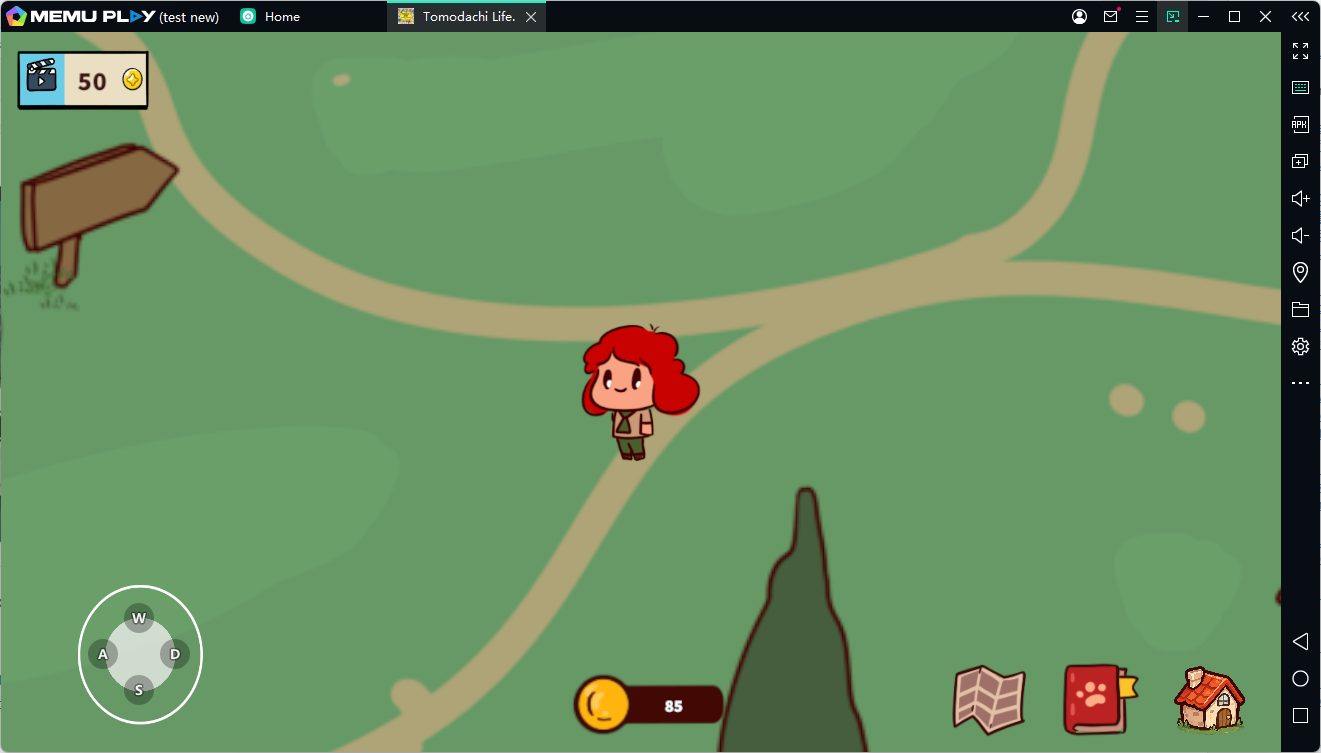
Dual-Screen Mastery: Tomodachi Life utilizes two screens. MEmu handles this perfectly, allowing you to use your mouse to interact with the touch-screen interface while watching the drama unfold on the top screen.
2. Zero Battery Anxiety, Infinite Observations
Mii characters live their lives 24/7.
-
Stable Gameplay: Don't worry about your handheld dying in the middle of a Mii's marriage proposal. Run MEmu in the background while you work or study, and check in on your islanders whenever you need a laugh.
-
Perfect for Content Creators: Want to record a funny interaction for TikTok or YouTube? MEmu's built-in Screen Recorder captures every "WTF" moment in high definition with one click.
3. Precision Interaction with Mouse Control
Giving your Mii a new hat, feeding them their favorite snack, or playing mini-games is much more satisfying with a mouse.
-
Easy Navigation: Drag, drop, and click your way through the island's shops and apartments with lightning speed.
-
Keyboard Shortcuts: Map specific keys to trigger screen swaps or menu actions for a seamless gaming experience.
4. Superior Performance
Thanks to MEmu's powerful virtualization engine, you won't experience the lag or stuttering found in lesser emulators. Enjoy smooth animations and instant load times, even on mid-range PCs.
How to Start Your Island Life Today
-
Download MEmu: Head over to the [MEmu Play Official Website] and install the latest version.
-
Set Up the Environment: Open MEmu and ensure Virtualization Technology (VT) is enabled on your PC for peak performance.
-
Install & Play: Download your Tomodachi Life file via the Google store on MEmu.
-
Populate Your Island: Start creating Miis and watch the chaos begin!
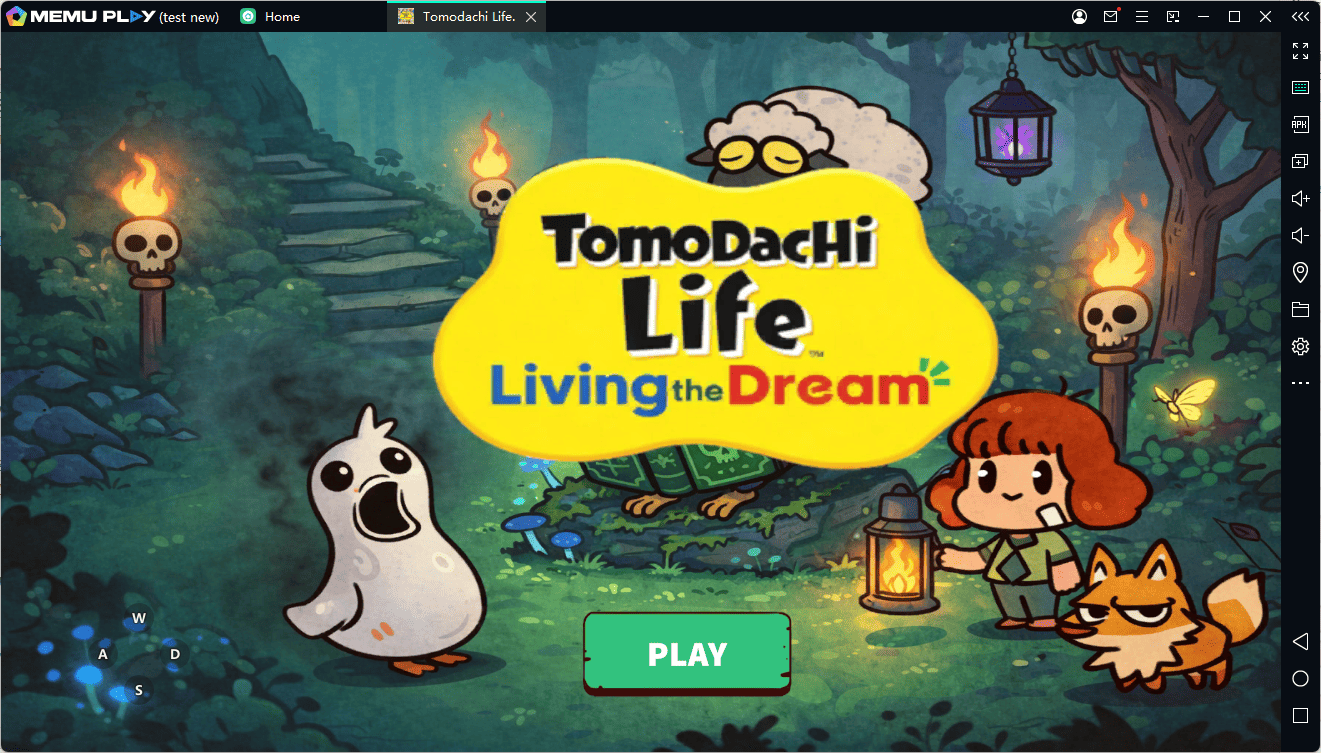
Final Verdict: Your Personal Soap Opera Awaits
Tomodachi Life is a game that never plays out the same way twice. It's weird, it's heartwarming, and it's addictive. By using MEmu Play, you're getting the most stable, visually impressive, and convenient version of this classic sim.
Ready to see what your friends are up to? Download MEmu Play now and start your life on the island!