ESC Bus Simulator PC: How to Download and Play on MEmu Emulator
 |
|
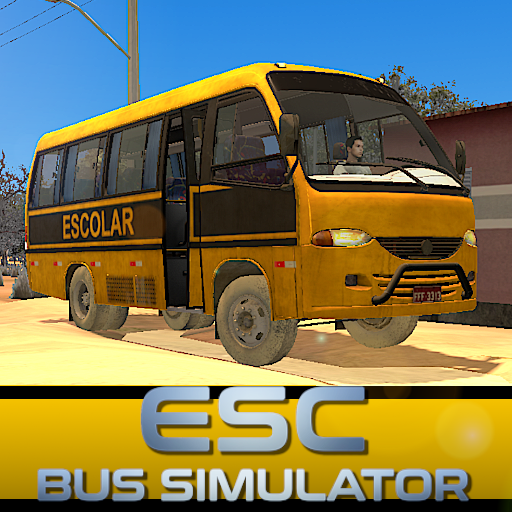
Experience the challenge of driving a school bus across difficult roads and delivering students safely to school in ESC Bus Simulator. This realistic bus simulation game features detailed vehicles, immersive maps, and challenging routes that test your driving skills.
ESC Bus Simulator
Contents
ESC Bus Simulator Overview
ESC Bus Simulator is a realistic driving simulation game developed by Lylum Games BR. Players take control of school buses and navigate through rural roads, busy city streets, and difficult routes while completing the mission of transporting students safely.
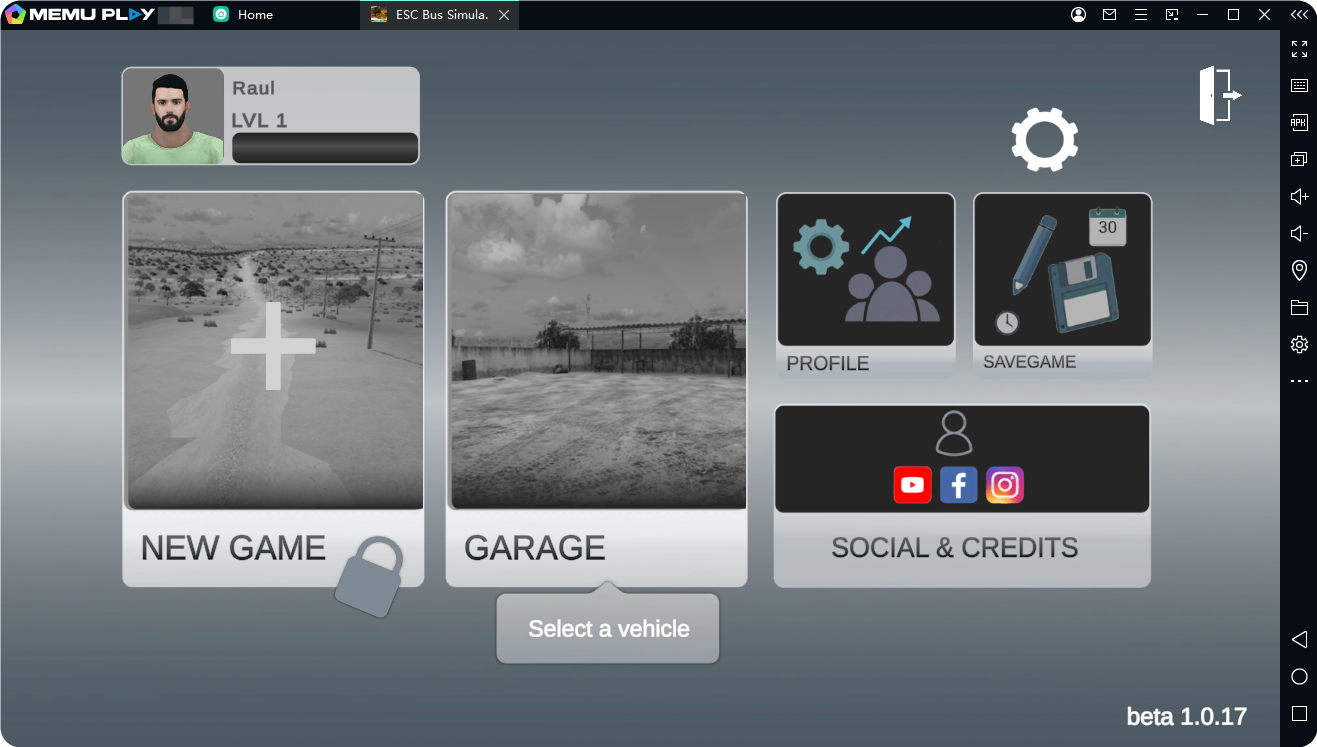
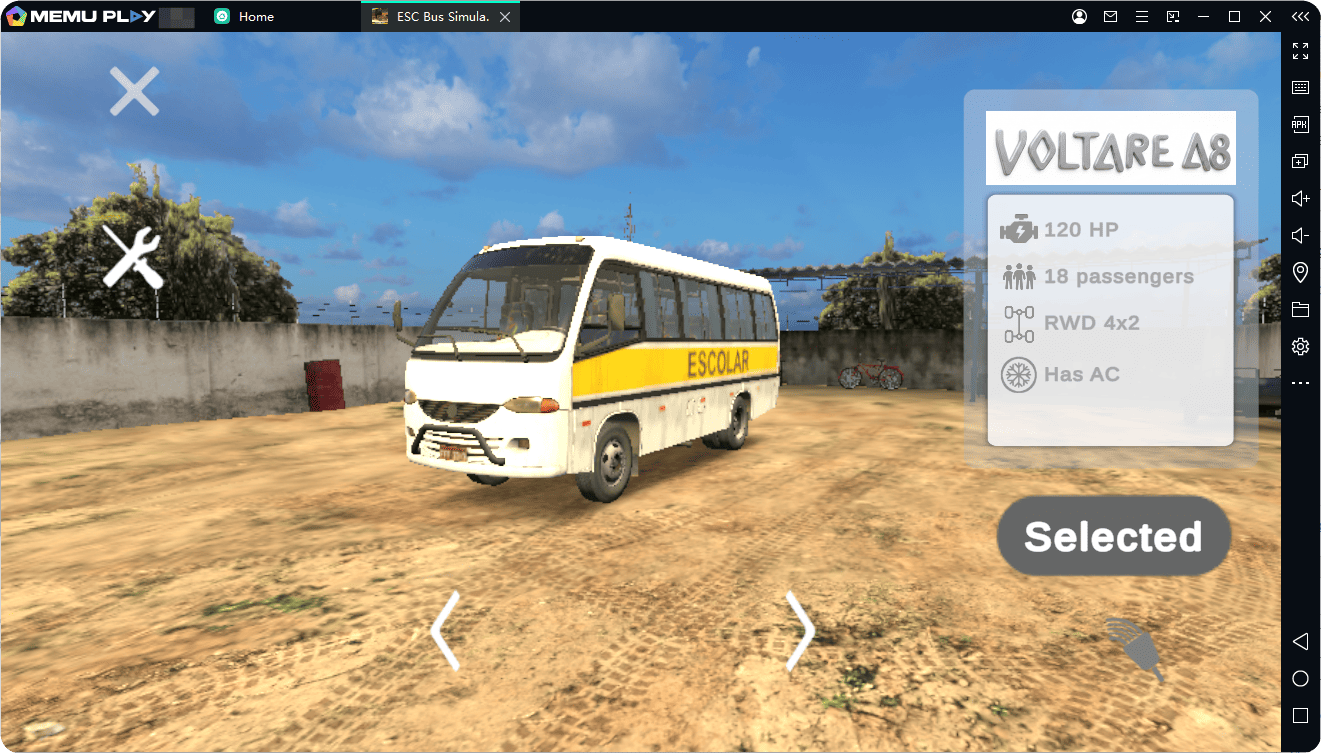
The game focuses on realistic bus driving mechanics, including vehicle physics, detailed environments, and challenging road conditions. As you complete routes and gain experience, you can unlock more vehicles, explore new areas, and enjoy different gameplay features.
Key Features of ESC Bus Simulator
- Realistic Bus Driving Experience
Control detailed buses with realistic physics and challenging handling. - Explore Different Routes
Drive through countryside roads, highways, and urban areas with unique challenges.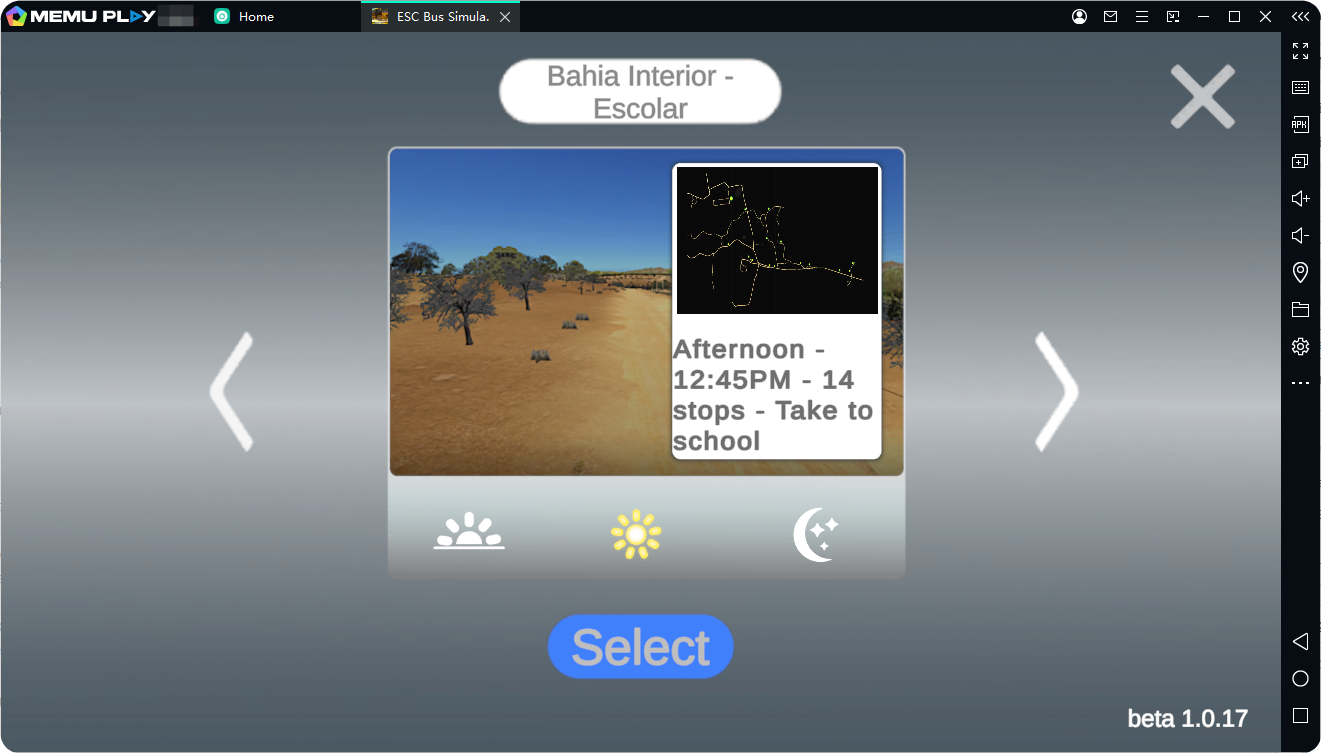
- Complete School Transportation Missions
Pick up students and deliver them safely while managing difficult routes. - Unlock More Content
Earn experience, level up, and access additional vehicles and game modes.
How to Download and Play ESC Bus Simulator on PC with MEmu Emulator
Playing ESC Bus Simulator on PC with MEmu Emulator gives you a smoother experience with keyboard and mouse controls, better performance, and a larger screen.
Step 1: Download MEmu Emulator
Download and install the latest version of MEmu Emulator on your Windows PC.
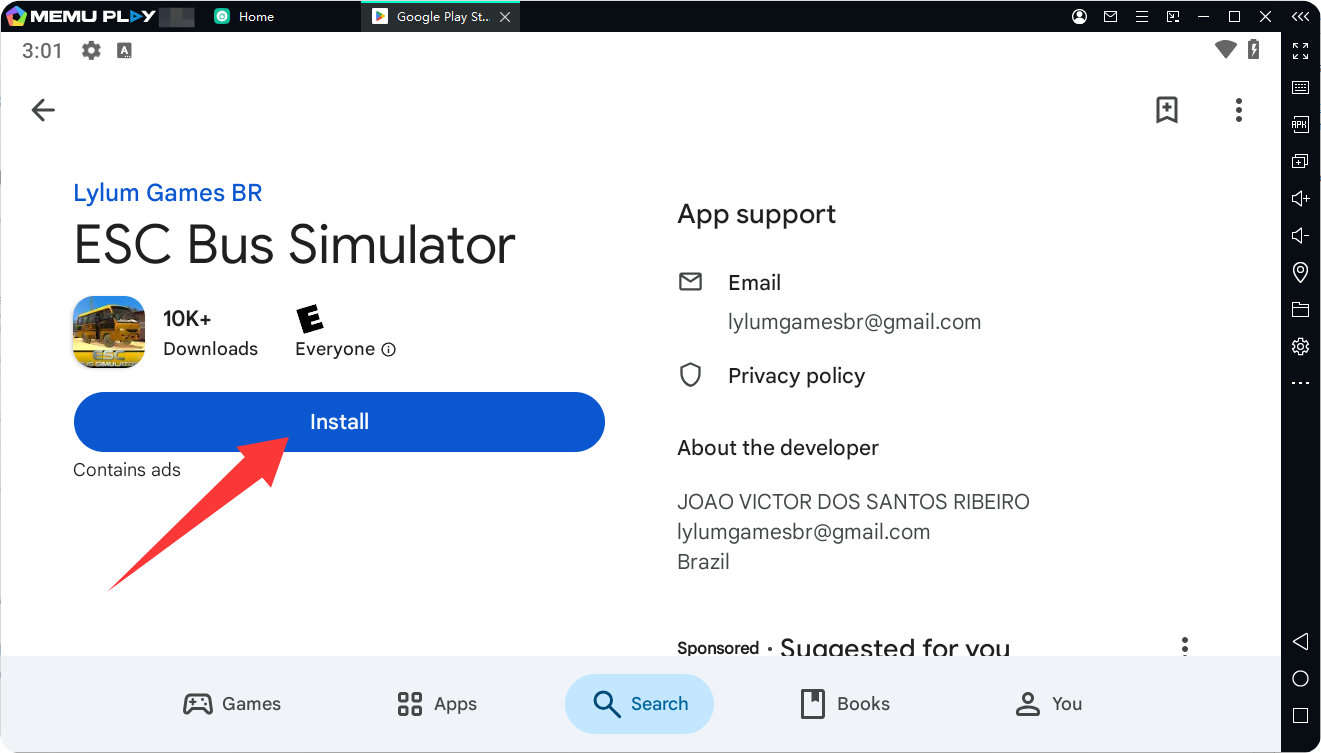
Step 2: Install ESC Bus Simulator
- Launch MEmu Emulator.
- Open Google Play Store and sign in with your Google account.
- Search for ESC Bus Simulator.
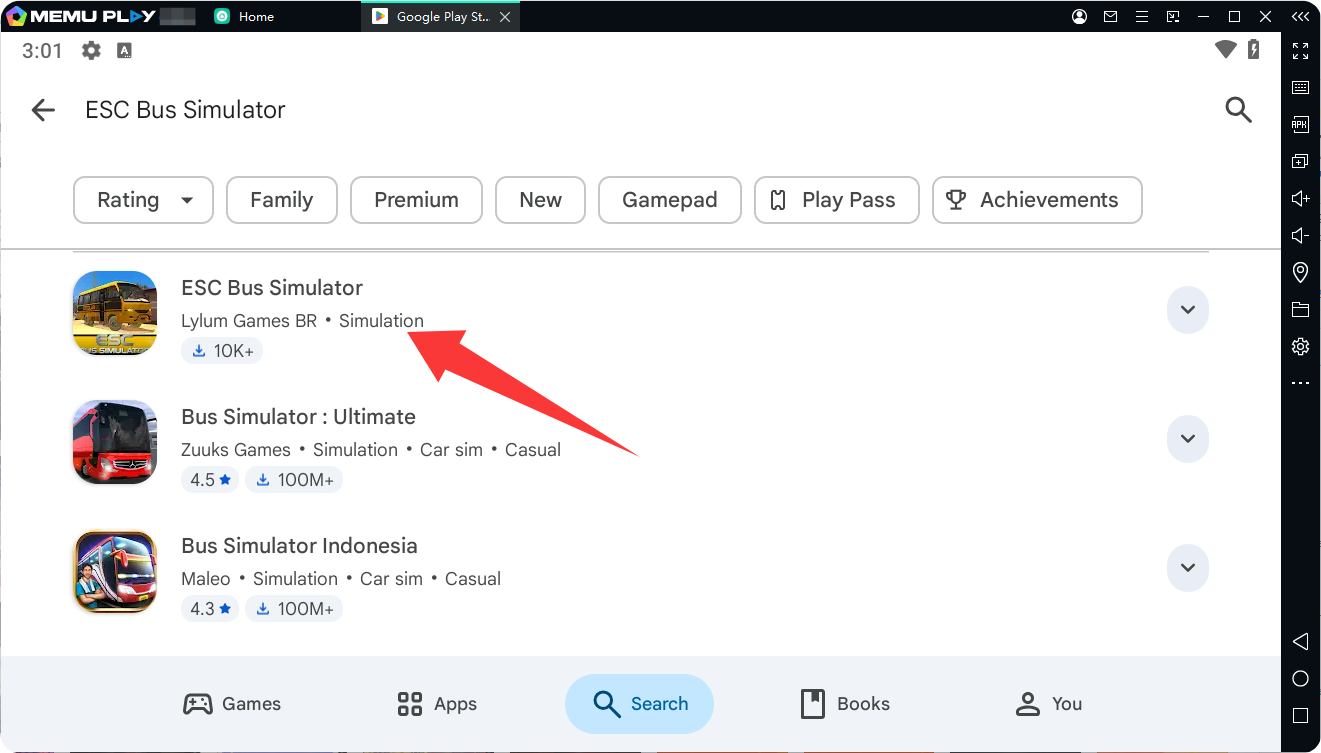
- Install the game and wait for the installation to complete.
Step 3: Start Driving on PC
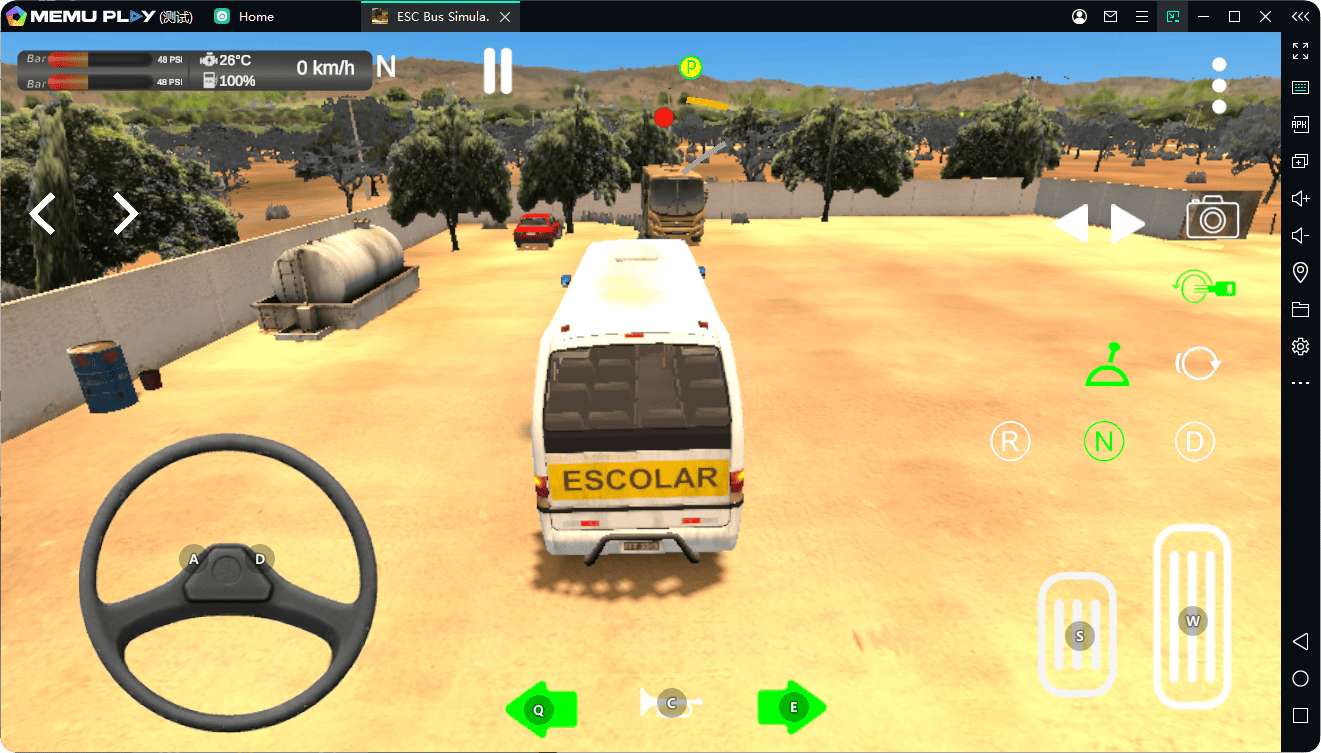
Open ESC Bus Simulator from the MEmu home screen and enjoy a realistic bus-driving experience with improved controls and performance.
Why Play ESC Bus Simulator on MEmu Emulator?
- Play on a bigger PC screen with clearer visuals.
- Use keyboard controls for easier bus operation.
- Enjoy stable performance during long driving sessions.
- Experience smoother gameplay compared with playing on a mobile device.
Take control of your bus, master challenging roads, and complete school transportation missions in ESC Bus Simulator on PC with MEmu Emulator.
ESC Bus Simulator