Download and Play Teamfight Tactics PBE on PC: Experience New TFT Content Earlier
 |
|
Teamfight Tactics PBE (Public Beta Environment) is the testing version of Riot Games' popular auto battler Teamfight Tactics (TFT). Before new sets, champions, traits, items, and gameplay changes arrive on the official server, Riot releases them on the PBE server so players can experience upcoming content and provide feedback.
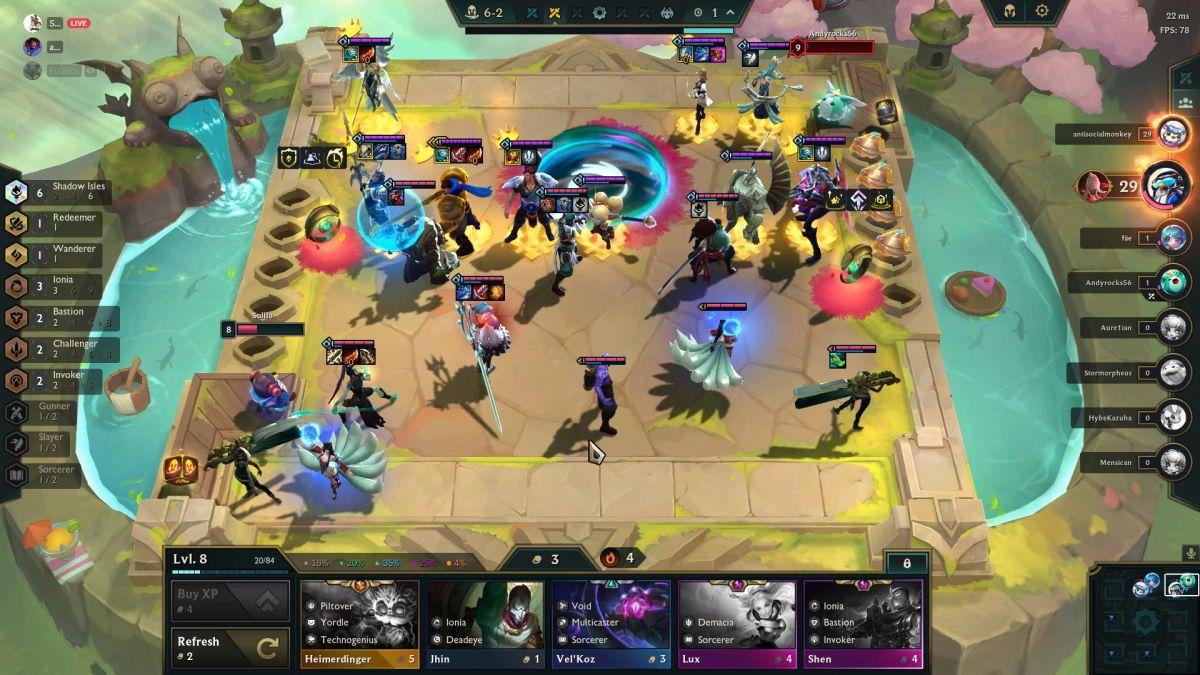
Teamfight Tactics PBE
For TFT fans who love discovering new strategies, testing powerful team compositions, and staying ahead of the meta, TFT PBE offers a unique way to explore the future of the game. With MEmu Emulator, players can enjoy TFT on a larger PC screen with smoother controls, better performance, and a more comfortable gaming experience.
Contents
What Is Teamfight Tactics PBE?
Teamfight Tactics is a strategy-based auto battler where eight players compete by building teams, managing resources, and creating powerful combinations of champions.
The PBE version allows players to access upcoming TFT updates before they are officially released.
Players can usually try:
- New TFT sets and seasonal themes
- New champions and abilities
- New traits and team combinations
- Balance changes
- New items and gameplay mechanics
- Experimental features
Unlike the regular TFT server, where players experience a finalized version, TFT PBE focuses on testing and discovering new content.
Why Players Love Teamfight Tactics PBE
1. Try New TFT Sets Before Everyone Else
One of the biggest attractions of TFT PBE is early access to upcoming updates.
Players can explore:
- New champions
- New traits
- New strategies
- New meta changes
Instead of waiting for the official update, PBE players can start learning the new season immediately and prepare their favorite strategies in advance.
2. Discover New Meta Team Compositions
TFT is a game where strategy constantly changes.
A champion combination that is strong today may become weaker after a balance update. TFT PBE gives players the opportunity to experiment with:
- Different champion combinations
- New item builds
- Trait synergies
- Economy strategies
Many players use PBE to find strong team compositions before they become popular on the official server.
3. Experience a More Experimental Version of TFT
The official TFT server focuses on stability, while PBE provides a testing environment where Riot can try new ideas.
Players may encounter:
- Different champion balance values
- New gameplay adjustments
- Experimental mechanics
This makes every PBE match more exciting because players never know what changes they might discover.
TFT PBE vs Official TFT Server
| Feature | TFT PBE | Official TFT Server |
|---|---|---|
| New content | Available earlier | Released later |
| New champions | First testing | Final version |
| Balance changes | Frequently updated | More stable |
| Gameplay experience | Experimental | Competitive |
| Best for | Testing and exploring | Ranked matches |
Why Choose TFT PBE?
If you want to:
✅ Play upcoming TFT content early
✅ Learn future team compositions
✅ Test new champions and mechanics
✅ Explore changes before the global release
TFT PBE is the perfect choice.
However, if you prefer a stable competitive environment and ranked progression, the official TFT server remains the better option.
Why Play Teamfight Tactics PBE on MEmu Emulator?
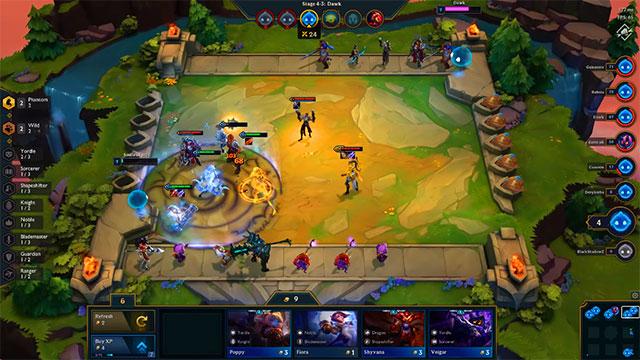
Teamfight Tactics PBE
Playing TFT on PC with MEmu Emulator provides several advantages compared with playing only on a mobile device.
Larger Screen for Better Strategy Planning
TFT requires careful observation of:
- Champion positions
- Team formations
- Item combinations
- Opponent boards
A larger PC display makes it easier to manage your battlefield and make faster decisions.
Smooth Performance and Stable Gameplay
MEmu is designed to provide a smooth Android gaming experience on PC.
Benefits include:
- Better performance optimization
- Stable frame rates
- Customizable settings
- Improved visual experience
Players can enjoy longer TFT sessions without worrying about limited mobile battery life.
Keyboard and Mouse Controls
With MEmu's keymapping features, players can use keyboard and mouse controls for a more comfortable PC gaming experience.
This is especially useful for:
- Faster menu navigation
- Easier management
- More precise interactions
Multitasking While Playing
MEmu allows players to run Android games alongside other PC applications.
You can:
- Watch TFT guides
- Check team composition recommendations
- Research new PBE updates
- Record gameplay content
without switching between devices.
How to Download and Play TFT PBE on MEmu Emulator
Follow these steps to start playing:
Step 1: Download MEmu Emulator
Visit the official MEmu website and install the latest version of the emulator on your Windows PC.
Step 2: Install TFT Mobile Version
Open MEmu and access the Google Play Store.
Search for: Teamfight Tactics PBE
Then download and install the game.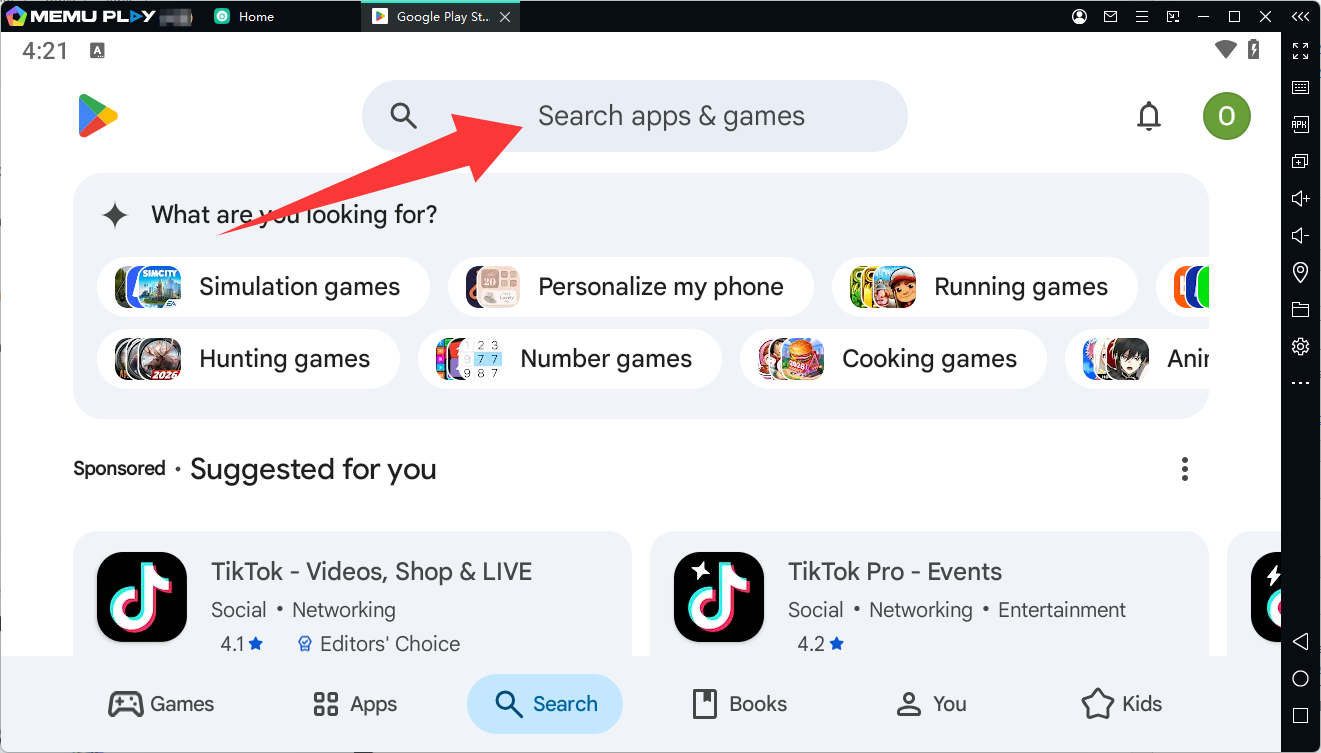
Step 3: Access TFT PBE
Log in with your Riot Games PBE account and enter the testing server.
Make sure your account has PBE access before attempting to log in.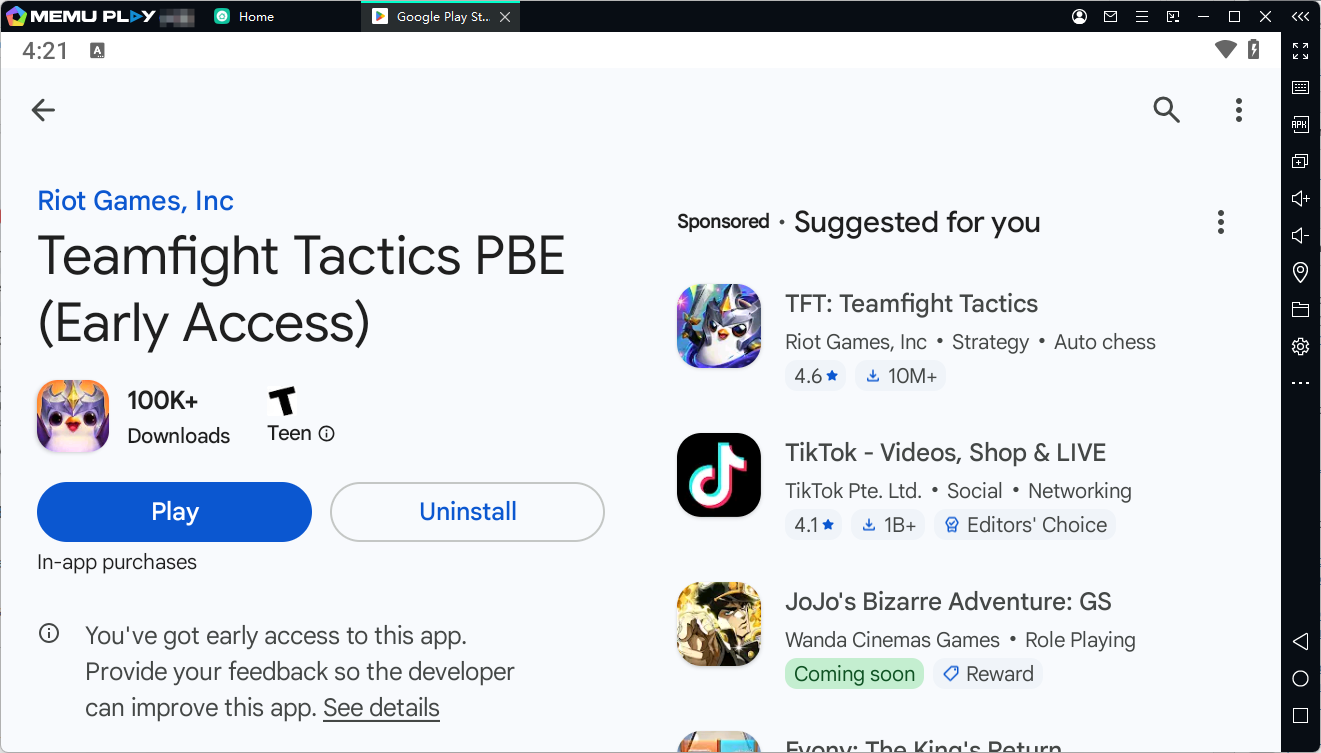
Teamfight Tactics PBE
Final Thoughts
Teamfight Tactics PBE is the ideal choice for players who want to experience the future of TFT before anyone else. From testing new champions to discovering powerful team combinations, PBE provides a fresh and exciting way to enjoy Riot's auto battler.
By playing TFT PBE on MEmu Emulator, players can enjoy a bigger screen, smoother performance, easier controls, and a more comfortable PC gaming experience. Whether you are a competitive TFT player or simply enjoy exploring new updates, MEmu makes it easier to experience everything TFT PBE has to offer.