Download Google Meet on PC
 |
|
Simple, frictionless, and high-quality video meetings by Google. Collaborate and build relationships with your team and partners regardless of where you are in the world. Download Google Meet on PC with MEmu to use it more efficiently!
How to Download Google Meet on Your PC
The following will teach you how to use Google Meet with MEmu.
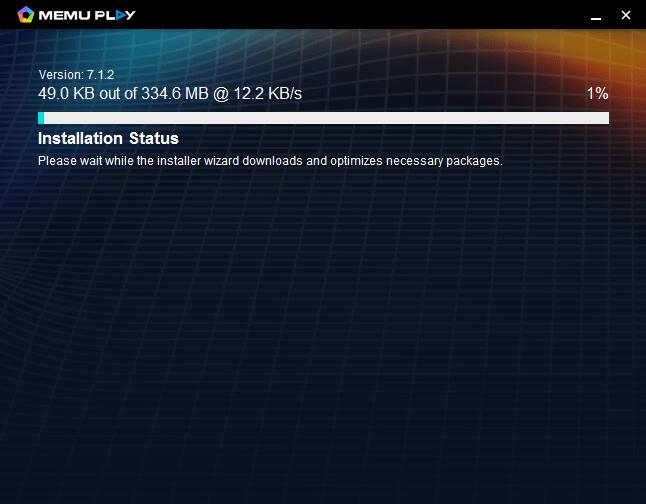
Step 1: Download MEmu on your PC
Step 2: Search Google Meet in the Play Store
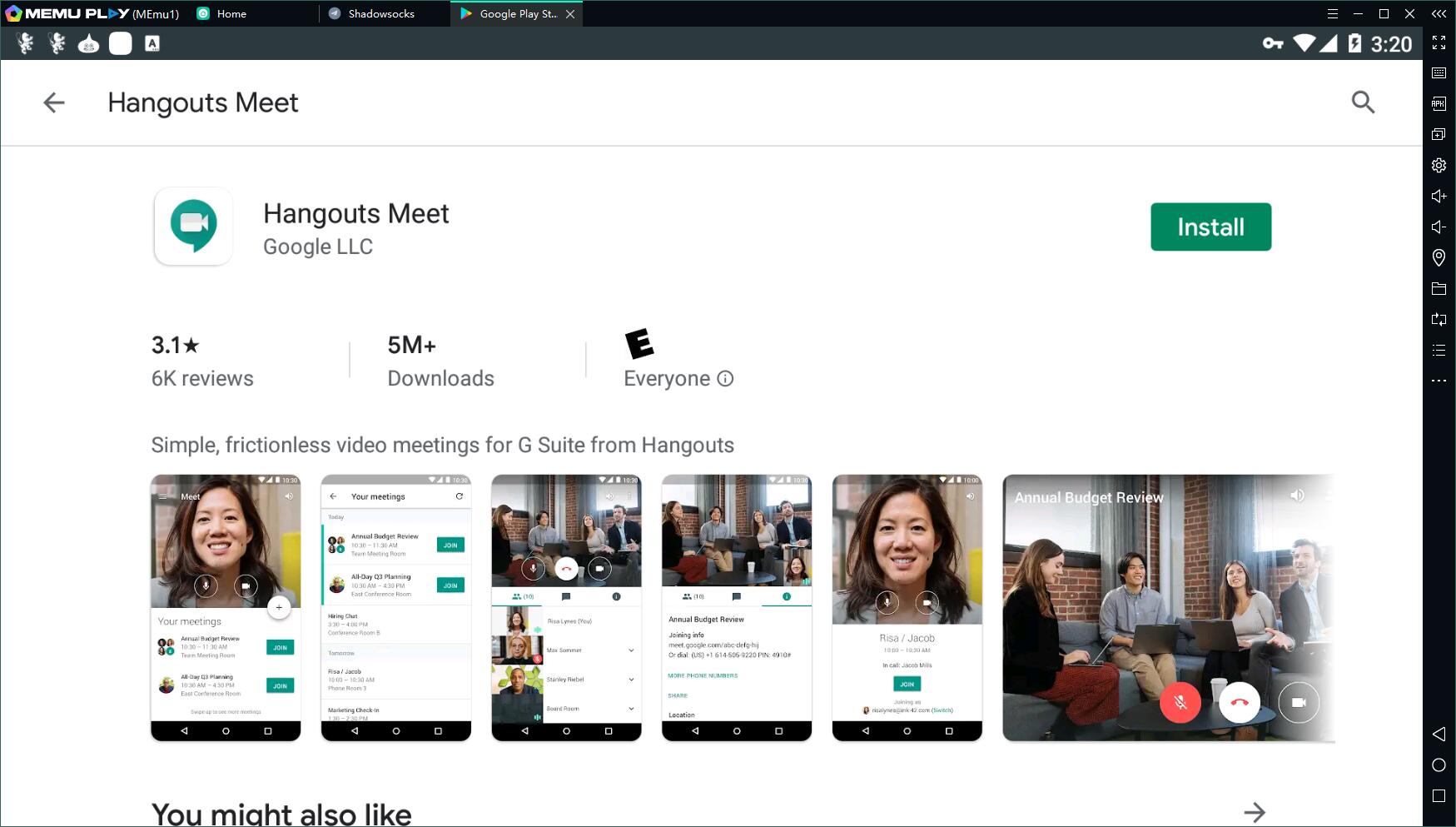
Step 3: Install the App on your emulator
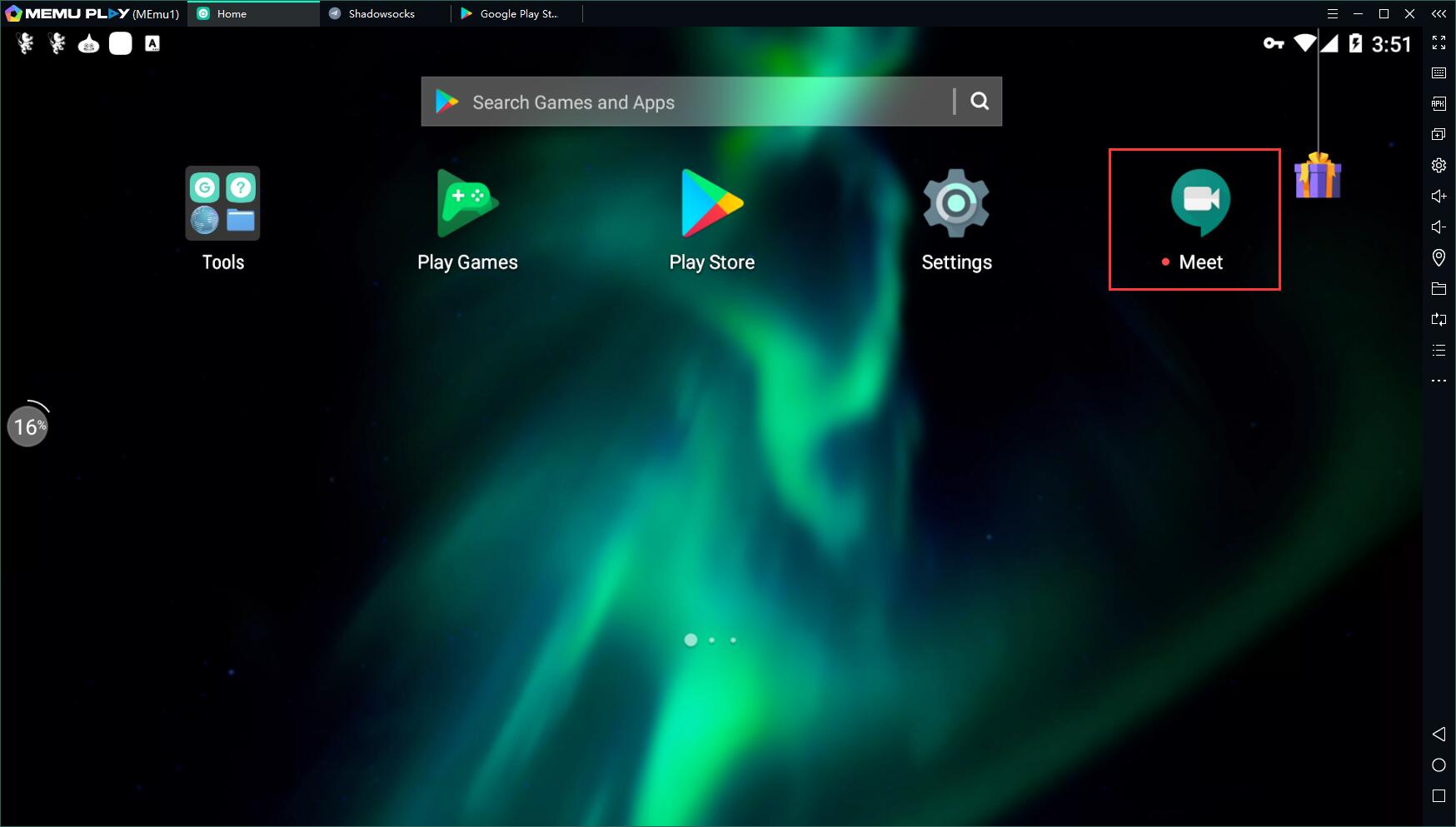
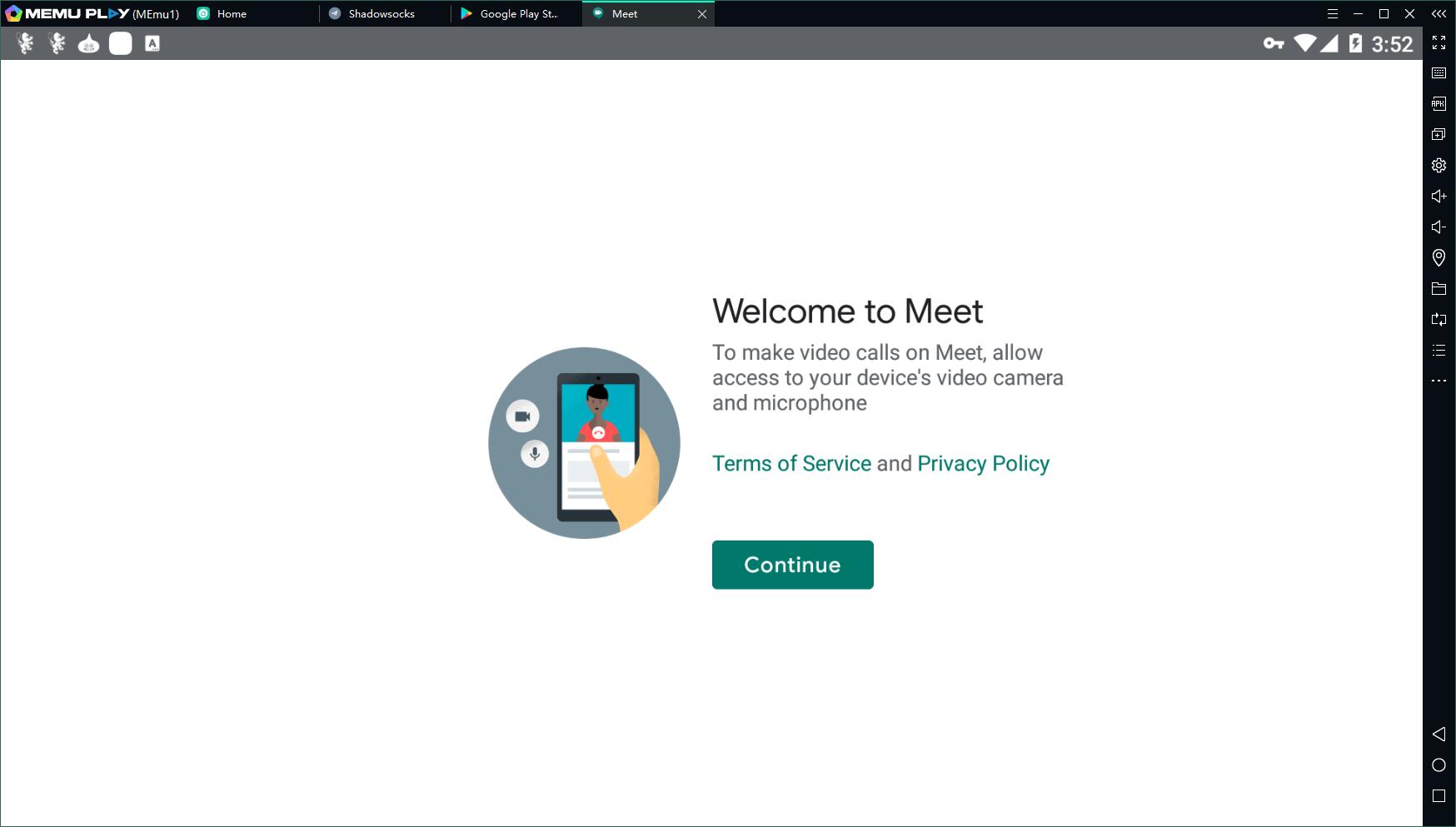
Step 4: Enjoy using Google Meet on PC with MEmu
Features of Google Meet on PC
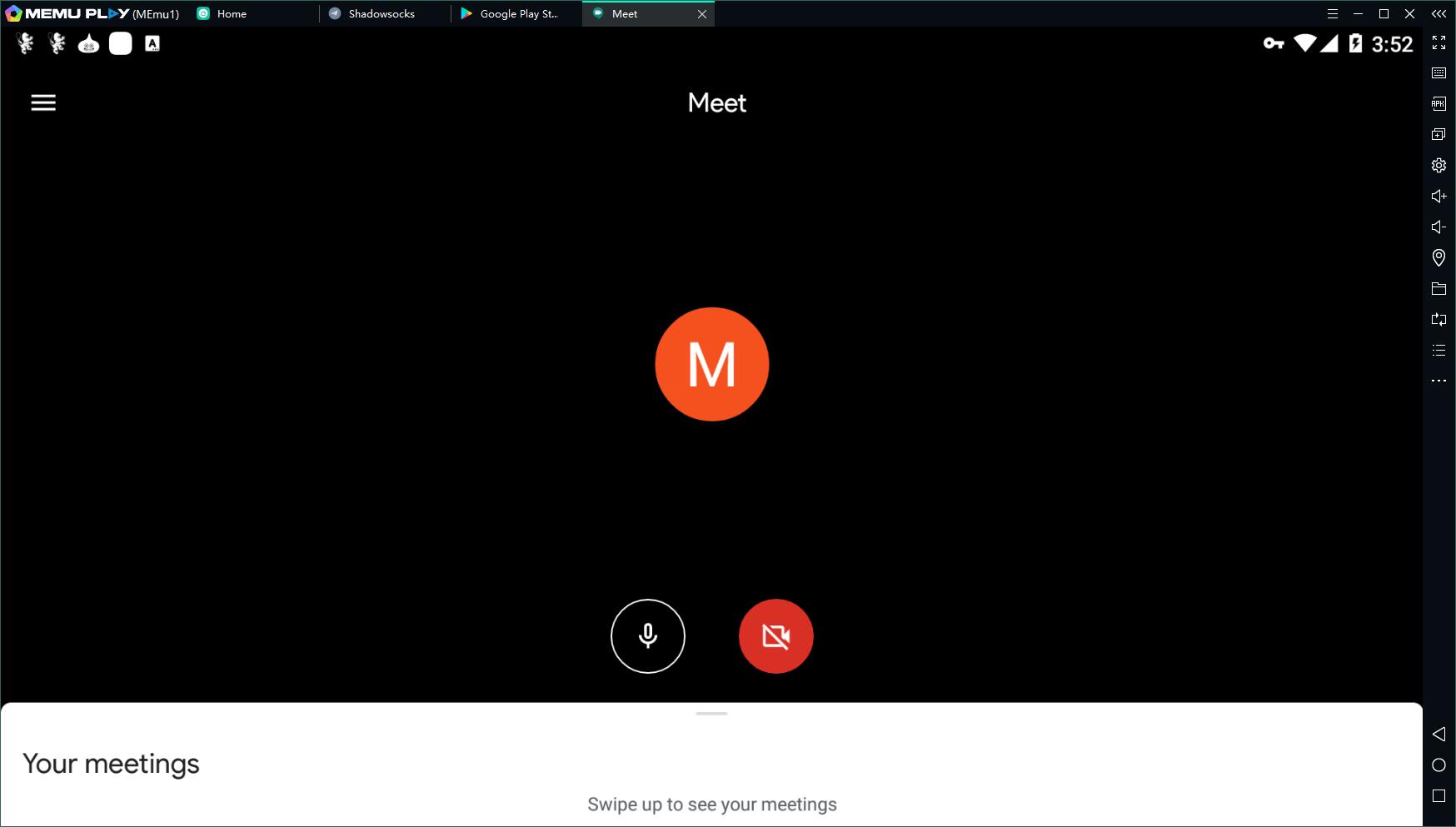
Key features include:
• High-definition video and audio meetings with up to 250* participants
• Real-time captions powered by Google speech-to-text technology
• Easy access - just share a link and anyone can join with one click from desktop or mobile
• International dial-in numbers to any meeting for team members who prefer to call in
• Integration with Calendar for seamless scheduling and easy access to meeting details and calendar attachments from your Meet video call which is quite easy to use Hangout Meet on PC
Not Just for Google Meet on PC
Besides Jitsi Meet, many other apps can be downloaded on MEmu. For example, you can download Whatsapp on PC, and even play popular Android games with keyboard and mouse. Android games like Free Fire on PC, Brawl Stars PC, etc.
- More info: https://www.memuplay.com/how-to-use-com.google.android.apps.meetings-on-pc.html
- Official Website: https://www.memuplay.com
- Official Twitter: https://twitter.com/MicrovirtMEmu
- Facebook Page: https://www.facebook.com/memuplayer
- MEmu User Group: https://www.facebook.com/groups/memuplayer
- Discord: https://discord.gg/gA4GWV9