How to Play Creepy Neighbor: Lie Detector on PC with MEmu Emulator
 |
|
If you are a fan of psychological horror, spot-the-difference deduction games, and eerie neighbor mysteries, Creepy Neighbor: Lie Detector is the ultimate game to test your observation skills.
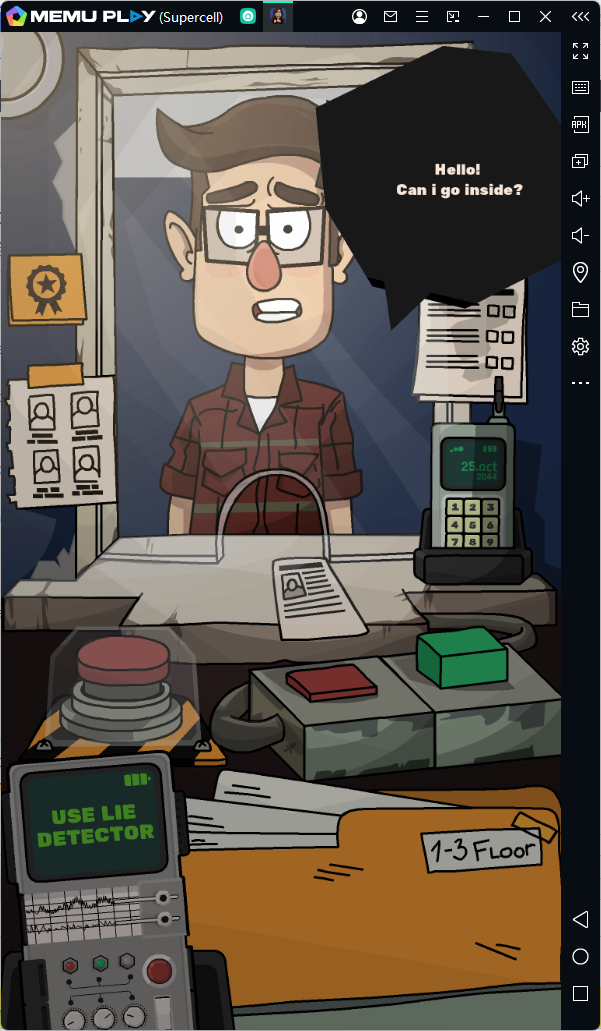
Set in a dystopian world where rogue clones (doppelgangers) have infiltrated human society, your job as a security guard is simple yet nerve-wracking: inspect everyone at the checkpoint, use your lie detector and face scanner, and prevent imposter clones from entering the residential building.
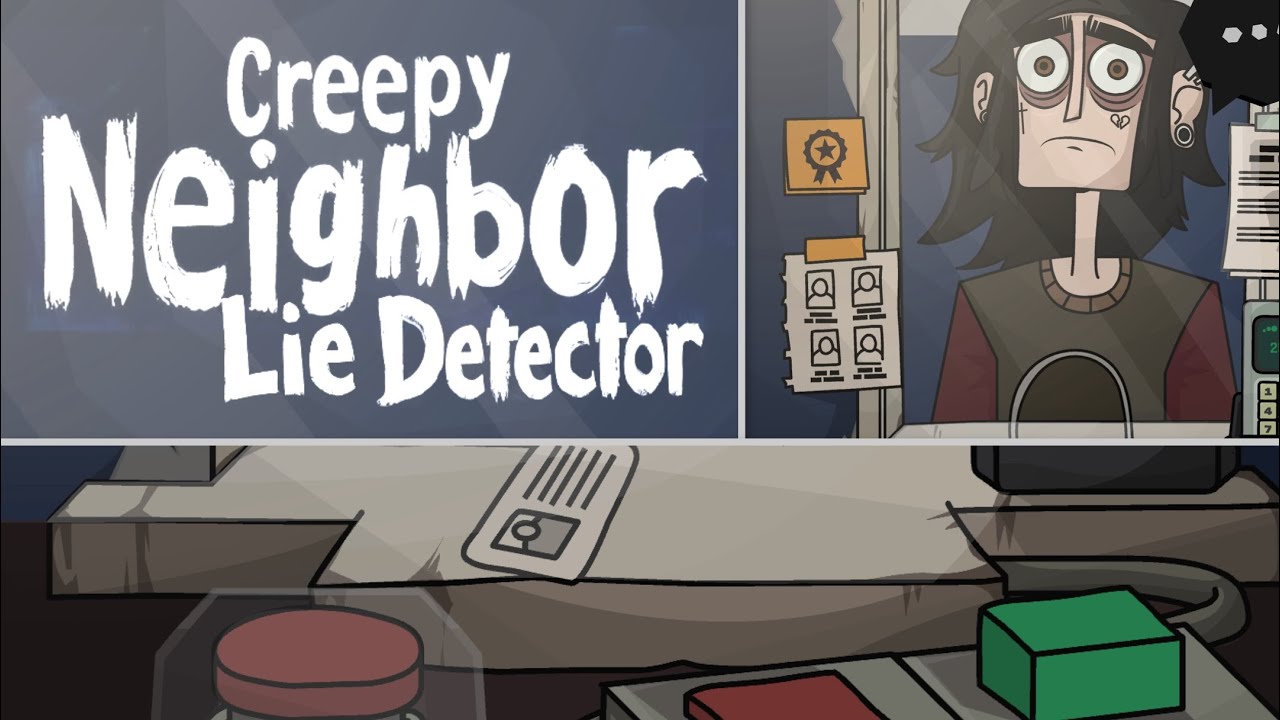

Creepy Neighbor: Lie Detector
While playing on a mobile phone is fun, the subtle details required to spot these eerie imposters can easily be missed on a small screen. That is why playing Creepy Neighbor: Lie Detector on PC using MEmu Emulator provides the best gaming experience!
Contents
Game Overview: Unmask the Doppelgangers
In Creepy Neighbor: Lie Detector, humanity is facing a silent invasion. Clones have perfected the art of mimicking human appearances, making them nearly indistinguishable from regular neighbors.
Key Game Features:
- Suspenseful Inspection Gameplay: Stand guard at the checkpoint and carefully inspect each neighbor requesting entry.
- Face Scanning & Lie Detection: Use advanced in-game scanners to analyze facial features, eye movements, and verbal cues to determine who is human and who is a clone.
- High-Stakes Decision Making: One wrong decision can let a dangerous clone into the building, putting everyone in jeopardy.
- Atmospheric Horror: Eerie sound design, creepy visuals, and an unsettling atmosphere keep you on the edge of your seat.
Why Play Creepy Neighbor: Lie Detector on PC with MEmu?
To spot a clone, every tiny detail counts. Playing on MEmu Emulator offers major advantages over playing on a mobile phone:
1. Bigger Screen for Enhanced Detail Spotting
Clones are master imitators, but they often leave behind subtle physical flaws. On a larger PC monitor, you can easily inspect facial structures, weird glitches, or abnormal expressions that would be hard to notice on a small phone display.
2. Precise Controls with Custom Keymapping
MEmu allows you to map controls directly to your keyboard and mouse. Navigating menus, triggering the lie detector, and summoning the cleanup service can be done effortlessly with quick hotkeys and precise mouse clicks.
3. Smooth Performance & Zero Battery Drain
Forget about screen overheating, sudden lag, or battery depletion during tense gaming sessions. MEmu leverages your PC’s CPU and GPU to deliver fluid performance at high frame rates.
4. Multi-Instance Capability
Want to run multiple instances or try different game outcomes simultaneously? MEmu’s Multi-Instance Manager allows you to open multiple emulator windows without slowing down your system.
How to Download and Play on PC (Step-by-Step)
Getting started with Creepy Neighbor: Lie Detector on MEmu takes only a few minutes:
-
Download & Install MEmu: Visit the official MEmu Play website and download the latest installer.
-
Launch MEmu: Open the emulator and complete the quick initial setup.
-
Open Google Play Store: Sign in to your Google Account inside the emulator.
-
Search for the Game: Type Creepy Neighbor: Lie Detector.
-
Install & Play: Click Install, launch the game from your home screen, and start unmasking imposters on the big screen!
Are You Ready to Protect the Neighborhood?
Do not let subtle clone details slip past you on a small phone screen. Equip yourself with the right tool for the job—download MEmu Emulator today and experience Creepy Neighbor: Lie Detector with maximum precision, smooth performance, and full visual immersion!