Pokémon Champions Announced for Mobile: Release Dates, Ranked Battles, VP & Megas
 |
|
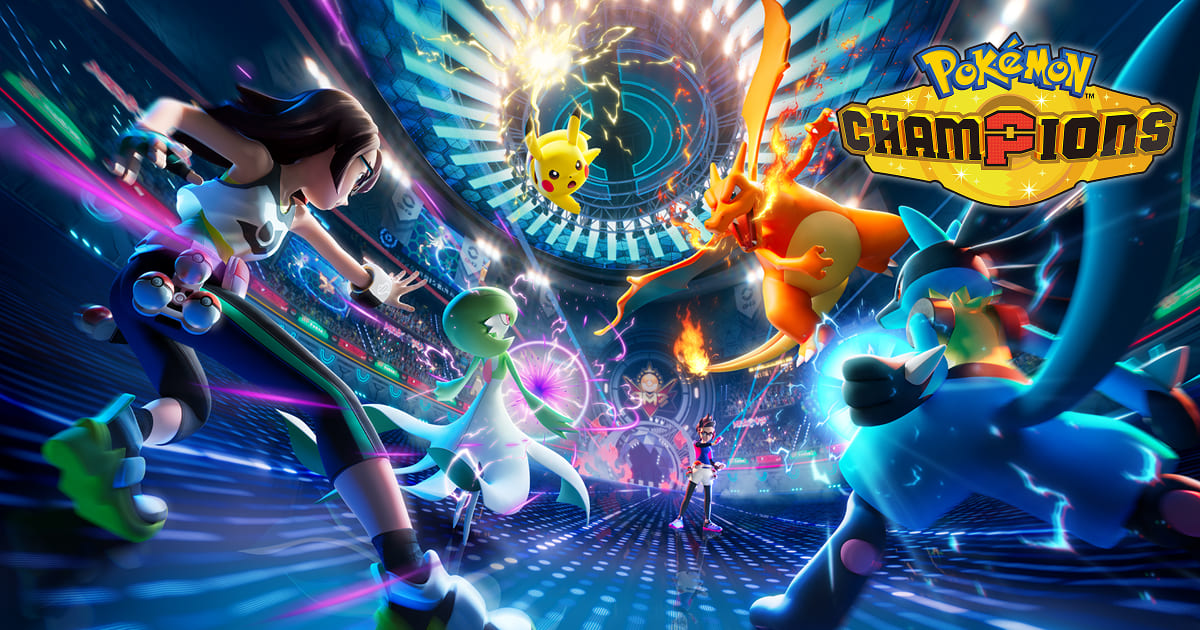
Happy Pokémon Day! As Pokémon celebrates its 30th Anniversary, we received plenty of new details about Pokémon Champions during the latest Pokémon Presents, along with the launch of the game’s official website.
Download Pokémon Champions on PC
Contents
Pokémon Champions is a brand-new PvP-focused battling title set to release later this year on Nintendo Switch systems and mobile devices. With that in mind, here’s a look at everything the game has to offer:
Release Window
Although an exact release date hasn’t been confirmed, the Pokémon Presents trailer revealed that the game will launch this April on Nintendo Switch platforms. Mobile players, however, will need to wait a little longer, as the mobile version is scheduled to arrive later this year.
Battle Modes And Battle Formats
Battle Modes
There will be 3 battle modes:
- Ranked: Battles you can participate in to increase your ranking each season and win prizes such as VP.
- Casual: Stress-free Non-ranked battles to practice, try new strategies or just de-stress as these battles will not affect your ranking.
- Private: Private lobbies where you can set your own ruleset to play with friends, families, or people you know.
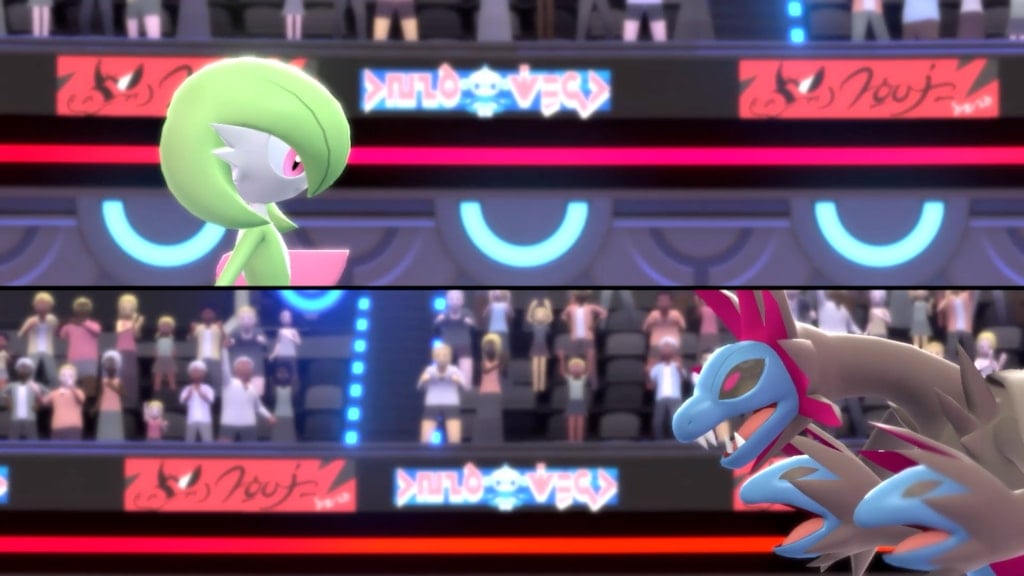
Ranked battles will run on a seasonal rotation, with rankings finalized at the end of each season. Players will earn in-game rewards based on their performance.
Each season will follow specific regulations, similar to official championship rules, determining eligible Pokémon and other competitive parameters. Moving forward, official VGC tournaments will also be played in Pokémon Champions.
Battle Formats
Something perhaps not many people were expecting, but the game will launch with both Single and Double Battle formats. This might be surprising as so far we had only seen footage of Double Battles.
How to Recruit and Train Pokémon
As many have already gleaned from previous trailers, a special resource called VP need to be used to to recruit and train your Pokémon. Though we have more concrete information now.
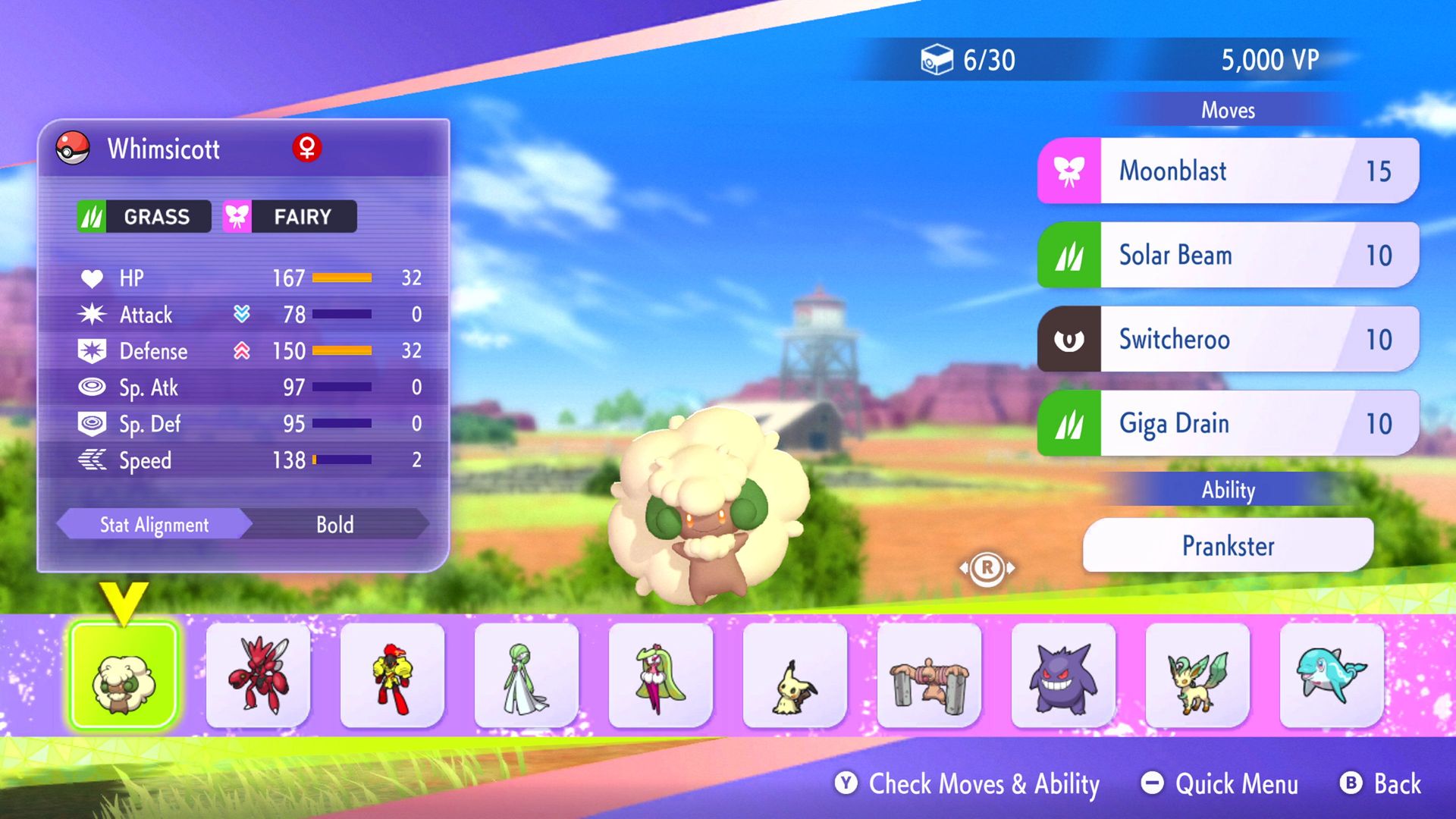
For starters, VP will be gained from Ranked Battles and other methods. You can recruit Pokémon temporarily or permanently depending on the VP you spend. The roster of Pokémon you can choose from resets every 22 hours unless you spend more VP.
However, VP is not the only way to recruit Pokémon as you can use Tickets and Coupons. Not only that, you can bring Pokémon from other games to Pokémon Champions via Pokémon HOME.
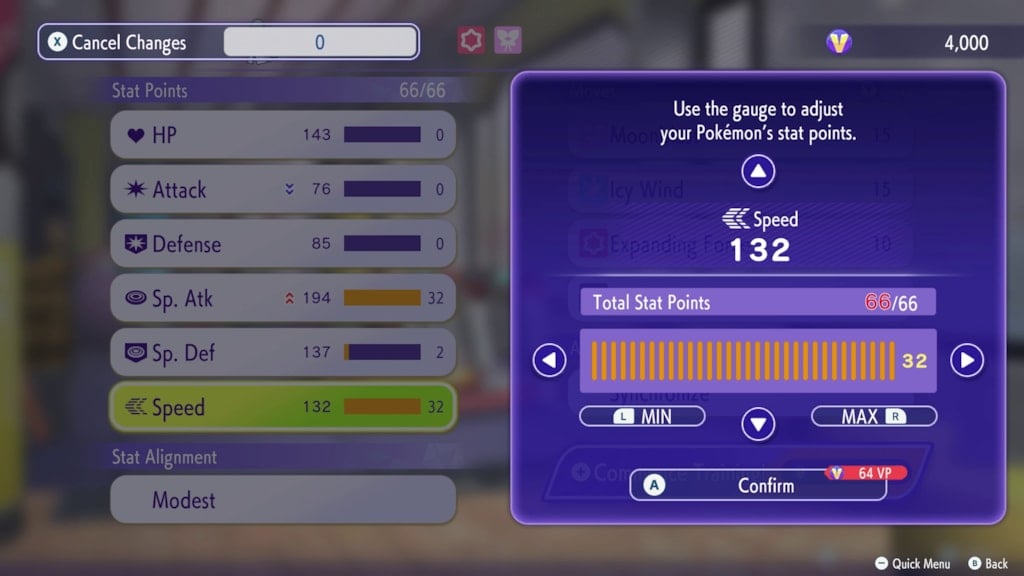
Tickets and VPs must also be used to change your Pokémon’s stats and teach it new moves via training.
Pokémon HOME Support
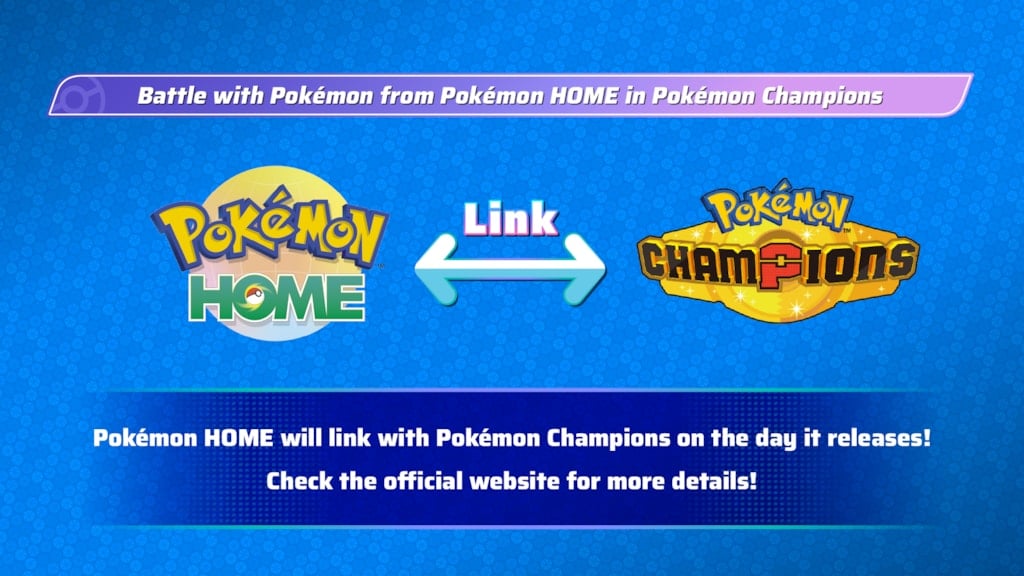
As mentioned earlier, you can bring your partners from other titles, such as Pokémon GO, into Pokémon Champions as visitors through Pokémon HOME. However, there are specific rules to follow, outlined by the official Pokémon Champions website:
- Only Pokémon that appear in Pokémon Champions can be transferred from Pokémon HOME. In other words, the Pokémon must be available in Champions to be used.
- Pokémon obtained in Pokémon Champions cannot be sent back to Pokémon HOME.
- Pokémon can only be transferred through Pokémon HOME to a game in which they are available.
- If visiting Pokémon know moves that are not usable in Pokémon Champions, you must change those moves through training.
- Training completed in Pokémon Champions will not carry over to Pokémon HOME. However, if the same Pokémon returns to Champions, its previous training progress will be retained.
- If a visiting Pokémon leaves Pokémon Champions and later returns in a different form, any training it previously received in Champions will be reset.
Mega Pokémon Giveaways
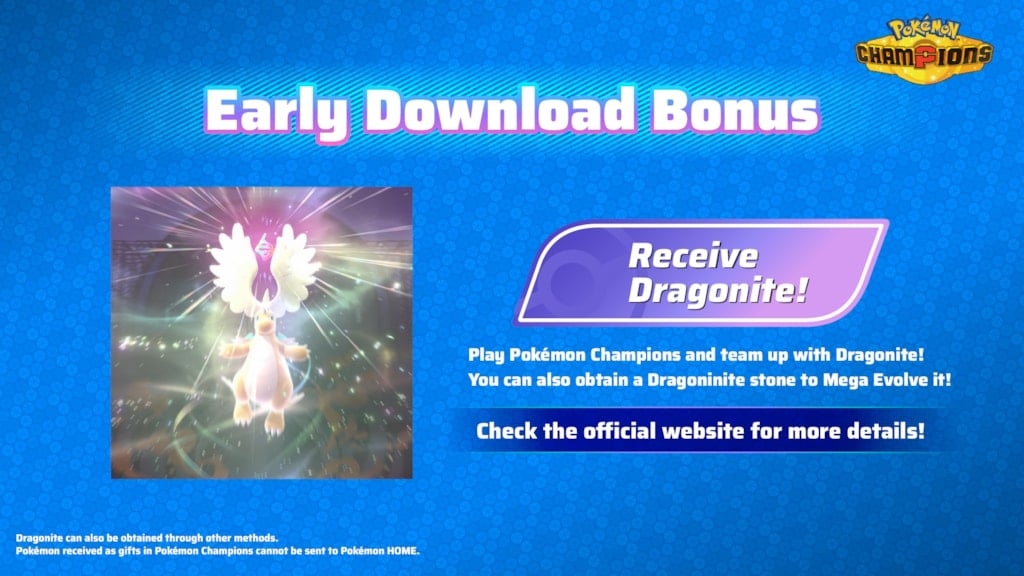
Mega Pokémon are confirmed to be available at launch in Champions. To celebrate the game’s release, players who download it early can receive a Dragonite, along with access to its Mega Evolution.
Additionally, if you transfer Chesnaught, Delphox, Greninja, and Eternal Flower Floette that you befriended in Pokémon Legends: Z-A through Pokémon Home, you’ll obtain their corresponding Mega Stones.
How to download and play Pokémon Champions on PC?
Here is how you can set up and play Pokémon Champions on PC using the MEmu Play emulator:
Step 1: Set Up MEmu Emulator
-
Head to the official MEmu Play website on your PC and download the latest installer.
-
Run the file to complete the installation.
-
Once installed, launch Multi-MEmu (the instance manager) from your desktop.
-
Create or start an instance.
Step 2: Sign in to Google Play
-
Open your MEmu Android instance.
-
Click on the Google Play Store icon on the home screen.
-
Sign in with your Google Account to access the store repository.
Step 3: Install Pokémon Champions
-
Use the search bar inside the Google Play Store and look up "Pokémon Champions".
-
Click Install.
Step 4: Configure Game Settings
-
Before launching, click the Gear icon (Settings) on the right-hand sidebar of MEmu.
-
Under Engine, ensure you have allocated at least 4 Cores of CPU and 4GB-8GB of RAM for steady frame rates.
-
Set the Render Mode to OpenGL/DirectX or Vulkan depending on your graphics card capabilities.
Step 5: Launch and Account Sync
-
Open Pokémon Champions from the emulator home screen.
-
Follow the prompt to log in. If you have active save data from a Nintendo Switch, make sure to link the exact same Nintendo Account so your competitive teams carry over seamlessly!
Explore More Articles
Download Pokémon Champions on PC with MEmu
Pokémon Champions Mystery Gift Codes: Full List (August 2026 Update)
Pokémon Champions Tier List: Best Pokémon to Use Right Now
Pokémon Champions: How to Get Mega Stones
Play Pokémon Champions on PC: The Complete Beginner's Guide to Getting Started
How to Download Pokémon Champions on PC with MEmu Emulator?