Roblox Beginner's Guide & Top Tips
 |
|
Just getting started with Roblox and feeling overwhelmed by all the games and unfamiliar terms (like "Obby")? Don't worry! This comprehensive guide covers everything you need to know—from setting up an account and navigating the app to understanding Robux, controls, and popular game genres.
Setting Up Your Account & Security
Getting Started
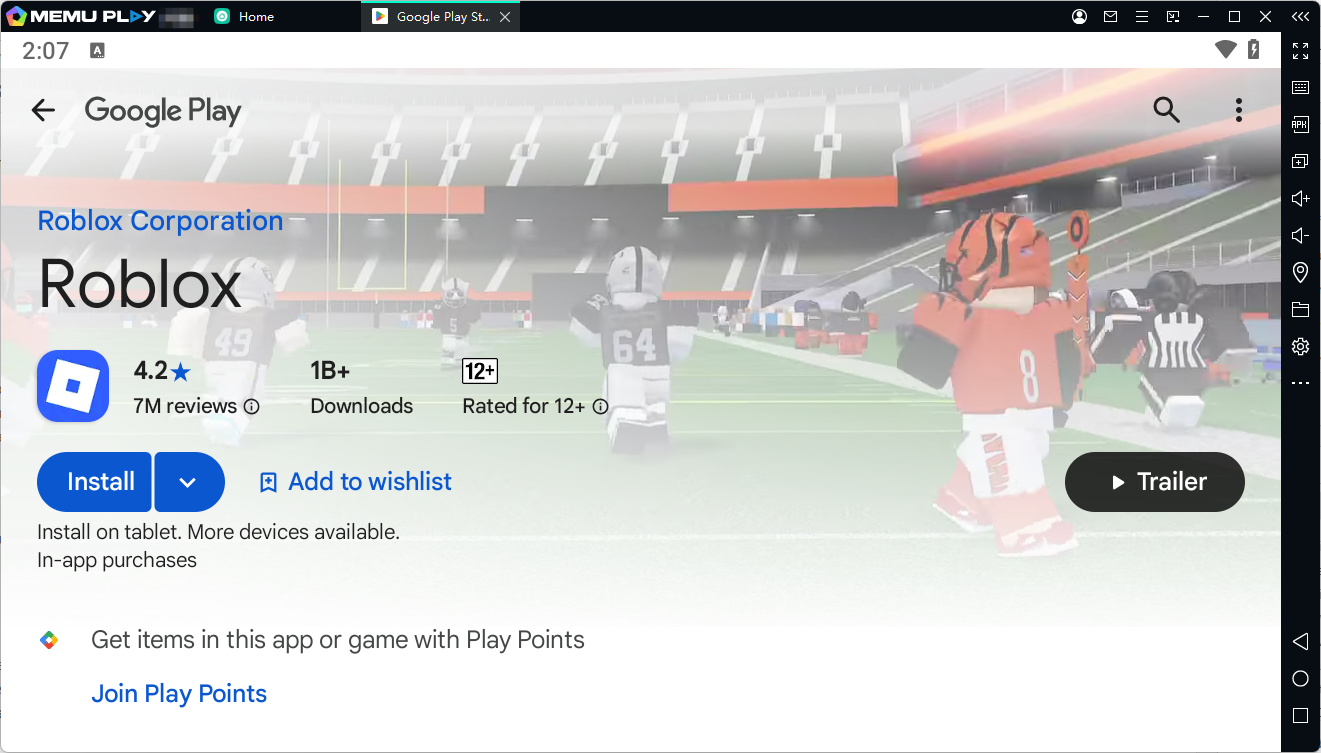
- Platforms: Visit the official Roblox Website on PC, or download the app from Google Play Store (make sure the publisher is Roblox Corporation).
- Creating an Account: Enter your date of birth, create a username (never use your real name or sensitive info), and choose a password. Selecting your gender is optional.

Account Security Tips
Protecting your account is crucial. Use a password that is at least 8 characters long, combining letters, numbers, and symbols (for example, turn PlayObbyGames into P1@y0bbyG@m35).
Jumping Into Games
- Mobile: Tap on any game page and hit play to jump right in.
- PC: The first time you press the play button on the website, you'll be prompted to download and install the Roblox Player client. Once installed, clicking play will launch the game automatically.
Mobile vs. PC (MEmu): Which Platform Offers the Best Gaming Experience?
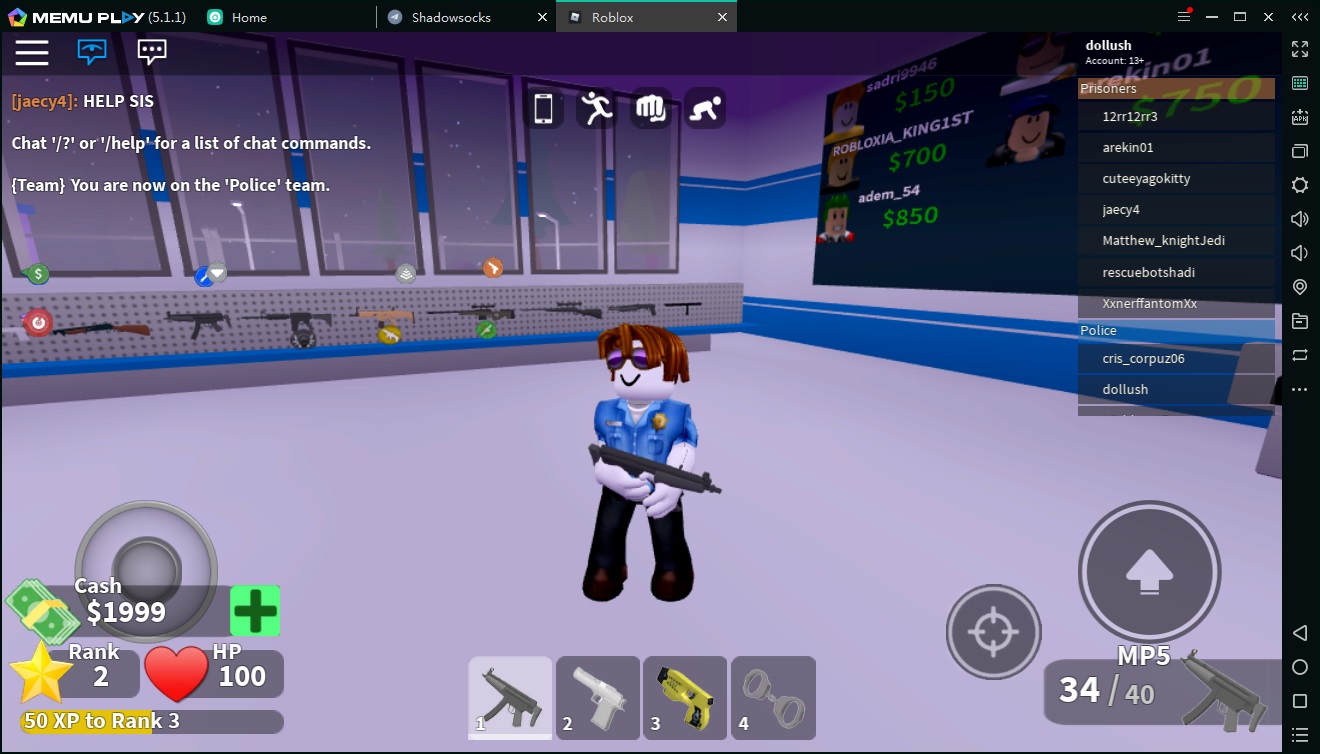
Mobile (Direct & Portable)
- Quick Access: Tap and play instantly with zero setup.
- Best For: Quick, on-the-go gaming on a touchscreen.
PC via MEmu (Enhanced Experience)
- One-Time Setup: Prompts a simple client download on your first launch; plays automatically after that.
- Key Advantages: * Superior Control: Keyboard & mouse precision (WASD, mouse-look) replacing touch controls.
- Big-Screen Immersion: Wider view and richer graphics.
- Peak Performance: Higher frame rates with no phone overheating, battery drain, or lag.
Navigating the Roblox Interface
Once logged in, your home screen will display recommended experiences and games you've recently played. Here are a few key tabs you should know:
- Charts / Discover: Browse the top trending and highest-rated games. Most are free-to-play, though some offer optional in-game purchases.
- Inventory: View all items, skins, and gear you've purchased or redeemed via promo codes.
- Avatar: Customize your character's appearance with a handy 3D preview tool.
- Communities & Messages: Connect with friends, check private messages, or stay updated on game events.
What Are Robux?
Robux is the virtual currency used across Roblox. You can use it to buy avatar cosmetics from the Marketplace or unlock special perks, passes, and items inside specific games.
How to Get Robux
- Direct Purchase: Buy Robux bundles directly from the Robux tab.
- Roblox Premium: Subscribe to a monthly membership that includes a recurring Robux allowance along with extra perks.
- Gift Cards: Redeem official digital or physical gift cards.
⚠️ Scam Alert: Because Robux holds real-world value, scams are common. Always remember: if anyone offers "free Robux" or asks for your login details, it's 100% a scam.
Basic Controls Overview
Here is how to control your character depending on your platform:
PC Controls
- Movement:
W(Forward),A(Left),S(Backward),D(Right) - Jump:
Spacebar - Rotate Camera: Hold Right Mouse Button and drag
- Interact / Click: Left Mouse Button
- Leave Game: Press
Escand select Leave
Mobile Controls
- Movement: Drag the virtual joystick on the bottom-left of the screen
- Jump: Tap the dedicated jump button on the right
- Rotate Camera: Swipe anywhere on the open screen
- Leave Game: Tap the Roblox icon in the top-left corner and tap Leave
Popular Roblox Game Genres Explained
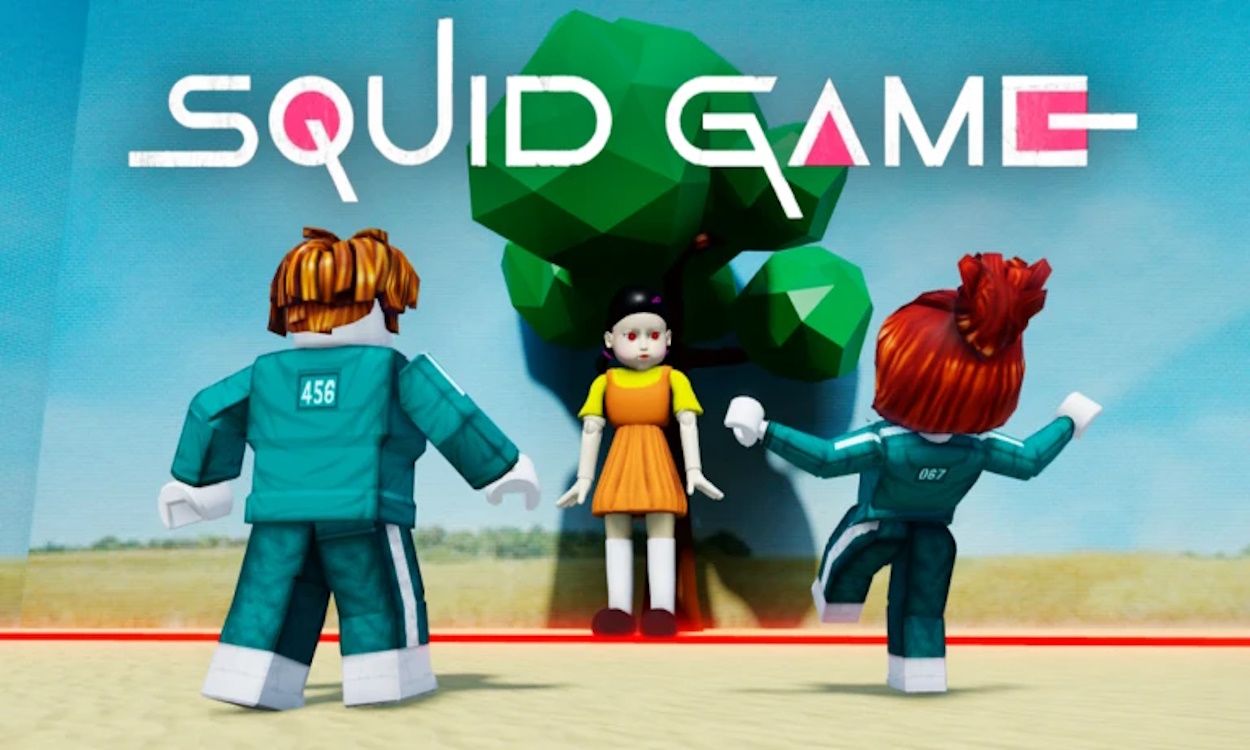
Roblox hosts millions of player-created experiences. Here are some of the most popular genres you'll run into:
- Obby (Obstacle Course): One of Roblox's defining genres. Players navigate tricky platforming courses filled with traps, jumps, and hazards.
- Tycoon: Build and manage your own factory, business, or base. Earn money to buy upgrades, unlock new floors, and expand your operation.
- Simulator: Games centered around repetitive actions (like clicking, running, or lifting weights) to gain stats, unlock pets, and access new worlds.
- Battlegrounds: Fast-paced arena fighting games where players battle each other using unique combos and abilities.
- Roleplay (RP): Social games where you adopt a persona, work jobs, buy cars/houses, and hang out with friends in a virtual city.
- Tower Defense: Place and upgrade defensive units along a path to stop incoming waves of enemies.
- Escape Room: Puzzle-focused games where you solve clues and riddles to escape a locked room or facility.
- Dress Up / Fashion: Showcase your style by creating themed outfits using accessories and competing on fashion runways.
Conclusion
Roblox offers an endless universe of player-created experiences, making it easy to find something fun whether you love obstacle courses, strategy, or virtual hangouts. By securing your account, keeping an eye out for scams, and getting comfortable with the controls, you're all set for a safe and exciting journey. Jump in, explore different genres, and enjoy discovering everything the platform has to offer!
Explore More Articles
How to Download and Play Roblox on PC
Roblox Anime Duelists Codes August 2026: All Working Redeem Codes
Roblox Sailor Piece Codes August 2026 Updates regularly
All New Roblox Hide From The Villain Codes August 2026 – Claim Free Rewards
Latest Roblox AirDrop Arena Codes August 2026: Free Rewards & Redeem Guide
All New Roblox Anime Card Farm Codes August 2026 – Claim Free Rewards
Roblox Gakuran Fighting Style Tier List 2026 - Best Combat Styles
Latest Roblox Release Notes Topics