ApneTV - Apne Guide
Actualizada
Versión actual
1.0
Ofrecida por

Deje de preocuparse por los recargos cuando use ApneTV - Apne Guide en su teléfono celular, libérese de la pequeña pantalla y disfrute usando la aplicación en una pantalla mucho más grande. A partir de ahora, obtenga una experiencia de pantalla completa de su aplicación con teclado y mouse. MEmu le ofrece todas las características sorprendentes que esperaba: instalación rápida y configuración fácil, controles intuitivos, no más limitaciones de batería, datos móviles y llamadas molestas. El nuevo MEmu 9 es la mejor opción para usar ApneTV - Apne Guide en su computadora. Codificado con nuestra absorción, el administrador de instancias múltiples hace posible abrir 2 o más cuentas al mismo tiempo. Y lo más importante, nuestro exclusivo motor de emulación puede liberar todo el potencial de su PC, hacer que todo sea fluido y agradable.
Más detalles
Disfruta de una experiencia increíble usando ApneTV - Apne Guide en tu PC con MEmu Play. Es un potente emulador de Android gratuito que te ofrece miles de aplicaciones de Android en su versión de escritorio. ¡Conéctate con tus amigos y optimiza tu trabajo! Apne TV cricket live application isn't simply used to observe live spilling of sports, Apne Live TV Guide to take care of your all issues with novel tips.
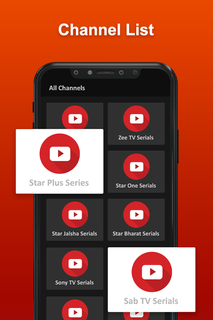
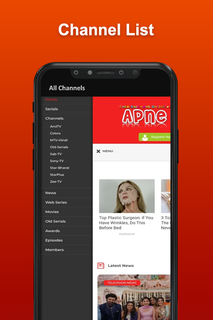
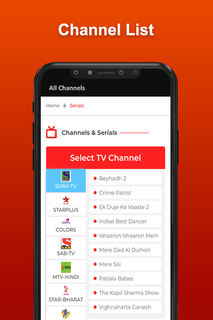
Apne TV cricket live application isn't simply used to observe live spilling of sports, Apne Live TV Guide to take care of your all issues with novel tips.Apne guide TV APK is a really powerful video streaming platform. In the event that indeed, this application contains live television cricket streaming, live Apne sports and coordinates and a few TV shows and Live Movies.Besides, the Apne live android television application has a ton of usefulness like different dialects, highly contrasting subjects, and some more, which make this application seriously intriguing. Subsequently, it would be truly invaluable for clients to observe live gushing of cricket and motion pictures with no obstacles.Why Apne TV?Apne TV film application where you can watch and partake in your number one motion pictures and excitements. Pika TV Show Movies, Cricket & TV app provides you all the video entertaining content just on a single app, download Apne Apk.Apne app is currently the best app for watch Live TV, Web Series, Cricket, etc. This will lets you enjoy all the premium content from all OTT Platforms like Netflix, Hotstar, Prime Video, Zee5, Voot, Alt Balaji, in HD quality as soon as they releases. It has simple classic UI interface, it's easy to use. Apne APK also has categories for Entertainment, Sports, Web Series, etc. Watch LIVE TV shows and Cricket matches for FREE.With these applications, one can without a doubt and the Movies, Television programs, Tv Series, Live Tv on their android device. This Guide Apne TV Show - Movies, Cricket Live app has been made for cricket viewers to keep them updated all time.Apne APK live television application gives a ton of cricket coordinates free of charge to their clients and all the direction is accessible in this application. Additionally, Apne guide APK various stages rose, fusing free ones with advancement and besides paid ones to give us what we need in our additional time or help from the work pressure in Apne TV APK.Web Series HD is the leading App That provides you All the latest Free Web Series & TV Shows in HD.Disclaimer- App only aims to help for the creation of all videos at one place, so that users may get access to content quickly and easily.- All the videos belong to YouTube and their account, not made by US.- We don't claim right on any file in this application. All the content provided in this application has the copy rights of their respective owners.
Más detalles

1. Descargar el instalador de MEmu y finalice la instalación

2. Iniciar MEmu y abrir Google Play en la página de inicio

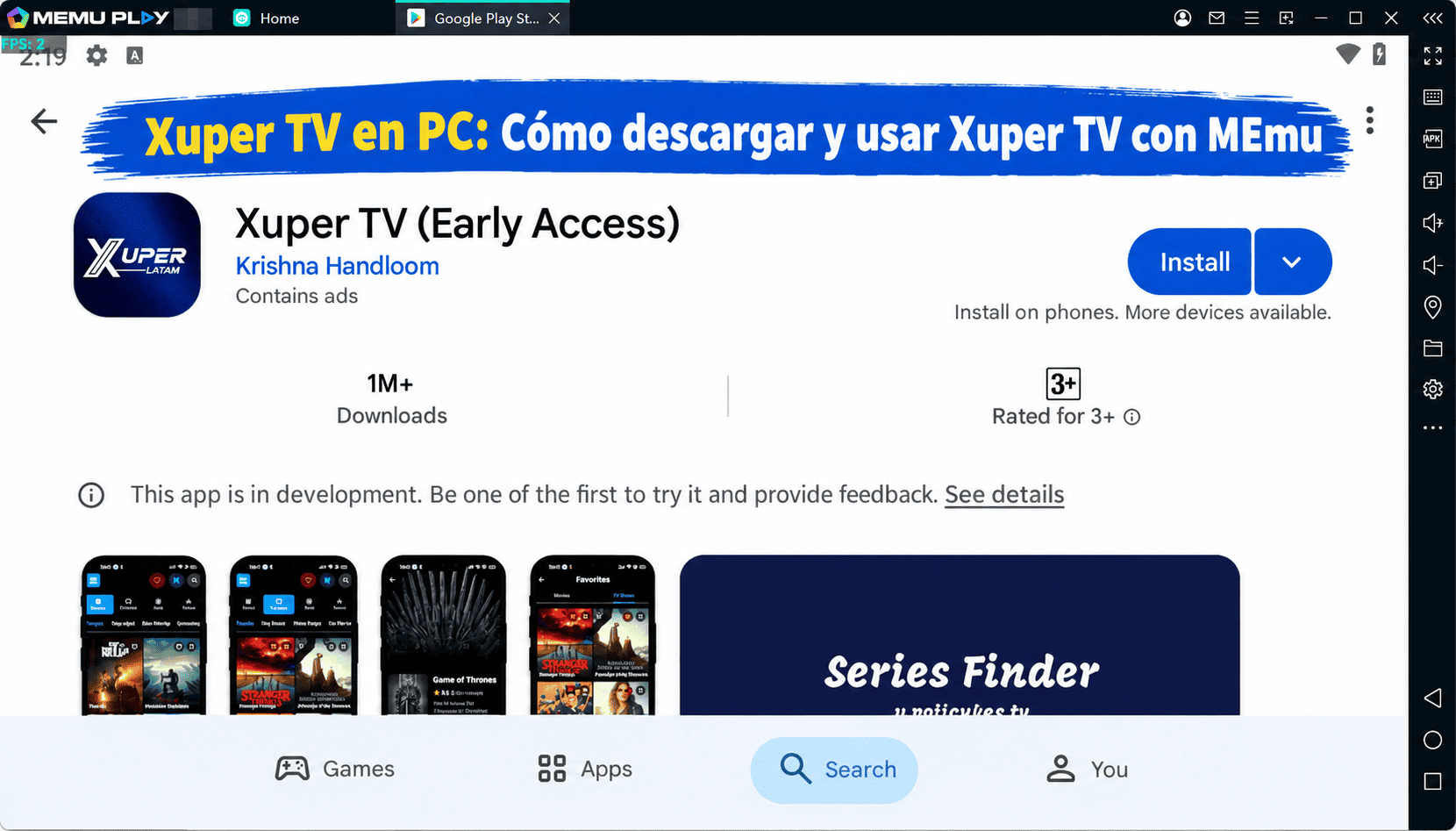
3. Buscar ApneTV - Apne Guide en Google Play
Install
4. Descargar y instalar ApneTV - Apne Guide
5. Hacer click al icono para iniciar

6. Experiencia ApneTV - Apne Guide en PC con MEmu
MEmu App Player es el mejor emulador de Android gratuito y 50 millones de personas ya están disfrutando su magnífica experiencia de aplicación en Android. La tecnología de virtualización de MEmu te permite jugar a miles de aplicaciones Android suavemente en tu PC, incluso los más intensivos gráficamente.
Pantalla más grande con mejores gráficos; Larga duración, sin limitación de batería o datos móviles.
Soporte completo de keymapping para un control preciso del teclado y el mouse o gamepad.
Múltiples cuentas de juegos o tareas en una sola PC a la vez con el administrador de instancias múltiples.
Use ApneTV - Apne Guide on PC by following steps: