Game of War
Updated
Current Version
10.0.4.639
Offered By

With your passion for Game of War , you shouldn’t have to limit yourself to the small screen of a phone. Play like a pro and take full control of the game using a keyboard and mouse. MEmu gives you everything you’re looking for. Download and play Game of War on PC. Play as long as you want — no more worries about battery life, mobile data, or unexpected calls. The all-new MEmu 9 is the best way to play Game of War on PC. With our expertly designed keymapping system, Game of War feels just like a real PC game. The MEmu multi-instance manager lets you run two or more accounts on the same device at the same time. Most importantly, our exclusive emulation engine unlocks your PC’s full potential, delivering smooth and seamless performance.
Show more
Download Game of War on PC with MEmu Android Emulator. Enjoy playing on big screen. Don’t miss your chance to become legendary!


Don’t miss your chance to become legendary!
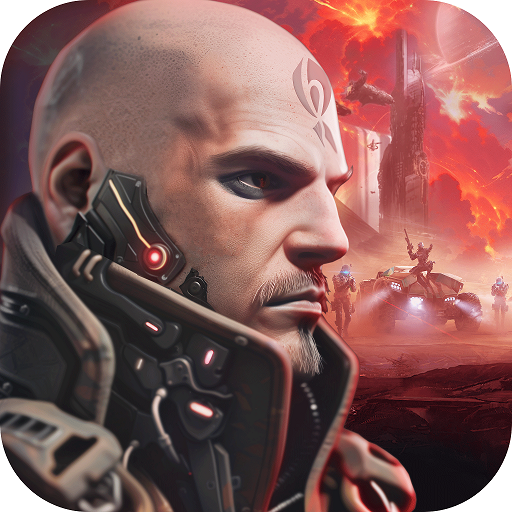
Lead massive armies into epic battles against dragons, monsters, and players from around the globe in the most addicting, interactive strategy game! Are you ready for an action-packed adventure?
FEATURES
✔ Build & customize your very own Empire
✔ Choose your role! Are you a builder? A soldier? A leader? You decide.
✔ Train, level-up, and deck out your Heroes
✔ Craft legendary weapons to rise above the competition
✔ Train vast armies to lead into action packed battles on the stunning World Map
✔ Play & chat with millions of online players worldwide in 32 different languages – all in real-time
✔ Forge alliances with players to conquer enemies & become the most powerful Alliance in the Kingdom!
✔ Conquer the Wonder to become the almighty Emperor!
✔ Use your power to give special titles to your friends & enemies in the Kingdom!
Privacy Policy: https://www.gameofwarapp.com/privacy-policy?lang=en
Terms of Service: https://www.gameofwarapp.com/terms-of-use
Game Page: http://www.gameofwarapp.com
Show more

1. Download MEmu installer and finish the setup

2. Start MEmu then open Google Play on the desktop

3. Search Game of War in Google Play
Install
4. Download and Install Game of War
5. On install completion click the icon to start

6. Enjoy playing Game of War on PC with MEmu
MEmu Play is the best Android emulator and 100 million people already enjoy its superb Android gaming experience. The MEmu virtualization technology empowers you to play thousands of Android games smoothly on your PC, even the most graphic-intensive ones.
Bigger screen with better graphics; Long duration, without limitation of battery or mobile data.
Full Keymapping support for precise control of keyboard and mouse or gamepad.
Multiple game accounts or tasks on single PC at one time with Multi-Instance manager.
Play Game of War on PC by following steps: