Brotato: Premium
Updated
Current Version
1.3.496
Offered By

With your passion for Brotato: Premium, you shouldn’t have to limit yourself to the small screen of a phone. Play like a pro and take full control of the game using a keyboard and mouse. MEmu gives you everything you’re looking for. Download and play Brotato: Premium on PC. Play as long as you want — no more worries about battery life, mobile data, or unexpected calls. The all-new MEmu 9 is the best way to play Brotato: Premium on PC. With our expertly designed keymapping system, Brotato: Premium feels just like a real PC game. The MEmu multi-instance manager lets you run two or more accounts on the same device at the same time. Most importantly, our exclusive emulation engine unlocks your PC’s full potential, delivering smooth and seamless performance.
Show more
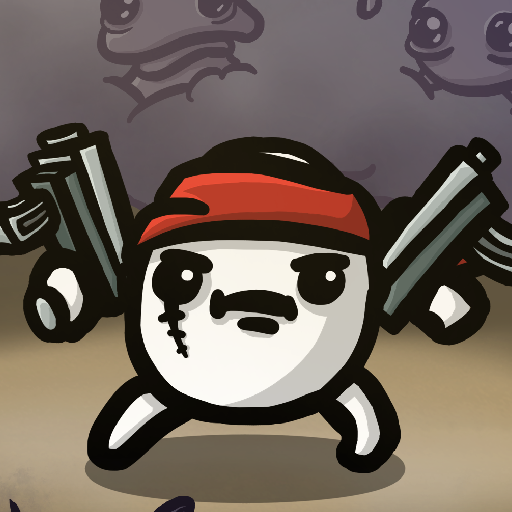
Download Brotato: Premium on PC with MEmu Android Emulator. Enjoy playing on big screen. Blast through alien hordes as Brotato, the only potato capable of wielding 6 weapons simultaneously!
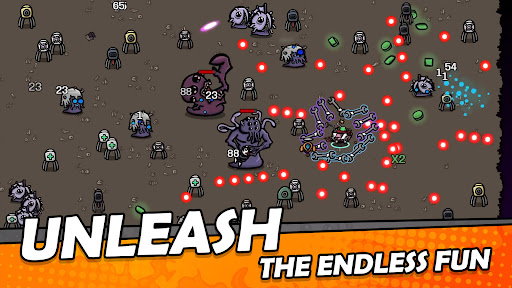
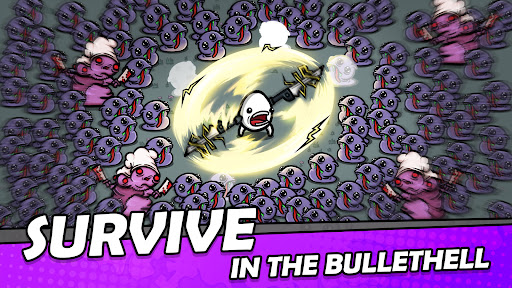
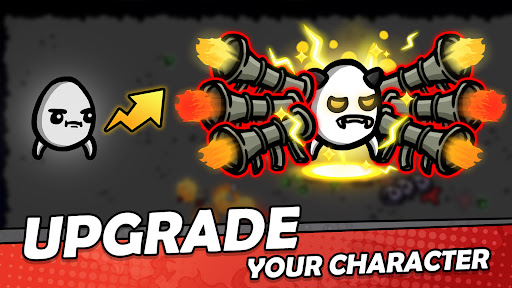
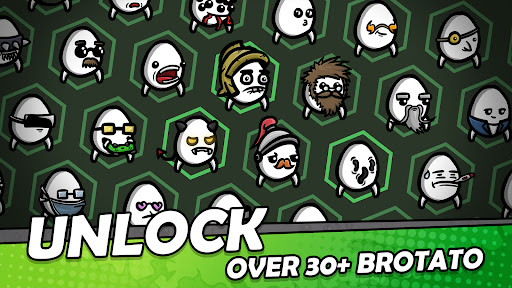
Blast through alien hordes as Brotato, the only potato capable of wielding 6 weapons simultaneously!
You are the last hope on a hostile planet. Stranded and outnumbered, you must battle relentless waves of aliens, scavenge materials, and craft unique builds to survive until rescue arrives. Can you hold out against the endless swarm?
Each run lasts just 20–30 minutes, delivering thrilling, fast-paced roguelite action perfect for quick mobile sessions. Build your strategy with dozens of traits and hundreds of items—and see how far you can survive!
【KEY FEATURES】
SIX-WEAPON FRENZY: Wield up to 6 weapons at once with default auto-firing or precision manual aiming.
⏱ FAST-PACED ACTION: Quick, intense runs designed to be completed in under 30 minutes.
DIVERSE CHARACTERS: Choose from a wide range of traits—from One-Armed and Crazy to Lucky and Mage—to create your unique build.
INFINITE BUILDS: Experiment with hundreds of items and weapons, including flamethrowers, SMGs, rocket launchers, and even sticks & stones!
SURVIVAL WAVES: Survive 20 to 90-second waves and collect materials to level up and gear up in the shop.
NOTE: Cloud saving is available only while online. You can play offline, but your progress will not be synced to the cloud without an internet connection.
【STAY CONNECTED】
YouTube: https://www.youtube.com/channel/UCtaSitbjWjhnlzuX2ZLjtUg
Discord: @Erabit or join via https://discord.gg/P6vekfhc46
Twitter: @erabit_studios
TikTok: https://www.tiktok.com/@brotato_mobile
Facebook: @Brotato (facebook.com/brotatomobile)
Instagram: https://www.instagram.com/brotato_mobile/
Reddit: https://www.reddit.com/r/brotato_mobile/
【SUPPORT】
Any in-game issues, please contact: support@erabitstudios.com
Show more

1. Download MEmu installer and finish the setup

2. Start MEmu then open Google Play on the desktop

3. Search Brotato: Premium in Google Play
Install
4. Download and Install Brotato: Premium
5. On install completion click the icon to start

6. Enjoy playing Brotato: Premium on PC with MEmu
MEmu Play is the best Android emulator and 100 million people already enjoy its superb Android gaming experience. The MEmu virtualization technology empowers you to play thousands of Android games smoothly on your PC, even the most graphic-intensive ones.
Bigger screen with better graphics; Long duration, without limitation of battery or mobile data.
Full Keymapping support for precise control of keyboard and mouse or gamepad.
Multiple game accounts or tasks on single PC at one time with Multi-Instance manager.
Play Brotato: Premium on PC by following steps: