ColorBlock : Combo Blast
Updated
Current Version
2.3.7
Offered By

With your passion for ColorBlock : Combo Blast, you shouldn’t have to limit yourself to the small screen of a phone. Play like a pro and take full control of the game using a keyboard and mouse. MEmu gives you everything you’re looking for. Download and play ColorBlock : Combo Blast on PC. Play as long as you want — no more worries about battery life, mobile data, or unexpected calls. The all-new MEmu 9 is the best way to play ColorBlock : Combo Blast on PC. With our expertly designed keymapping system, ColorBlock : Combo Blast feels just like a real PC game. The MEmu multi-instance manager lets you run two or more accounts on the same device at the same time. Most importantly, our exclusive emulation engine unlocks your PC’s full potential, delivering smooth and seamless performance.
Show more
Download ColorBlock : Combo Blast on PC with MEmu Android Emulator. Enjoy playing on big screen. ColorBlock: The Ultimate Classic Block Puzzle Adventure.
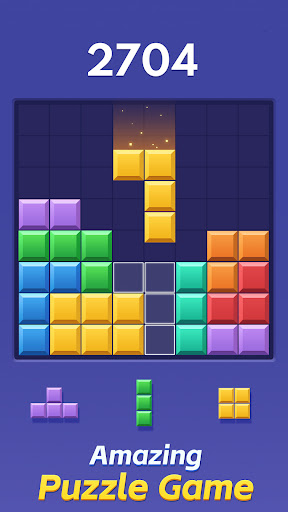
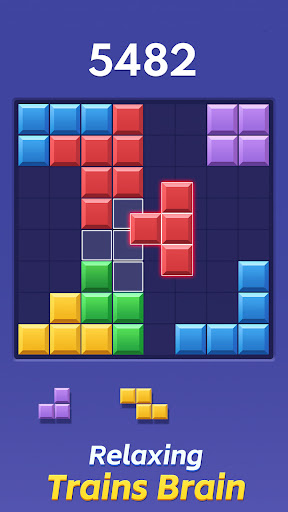
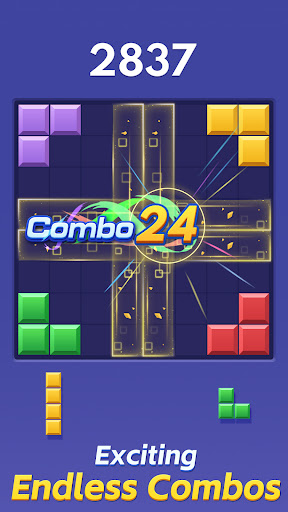
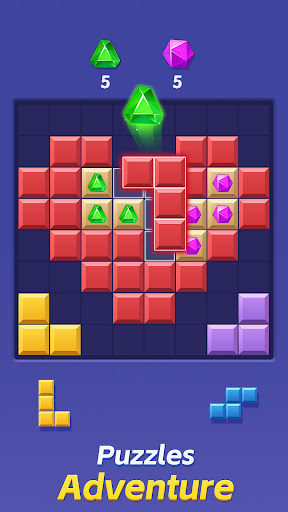
ColorBlock: The Ultimate Classic Block Puzzle Adventure
Experience the Timeless Classic of Block Puzzle Games with a Tetris Twist!
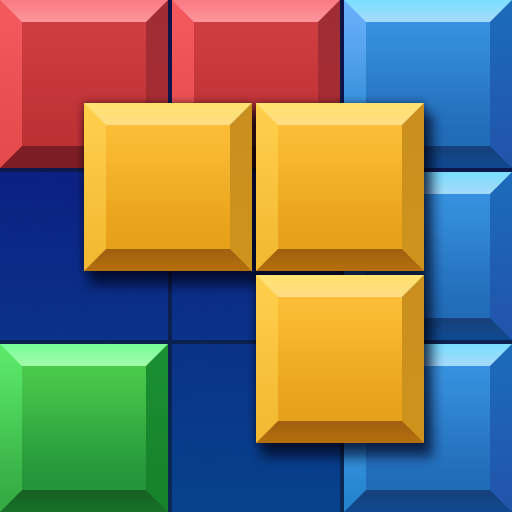
ColorBlock is the ultimate fusion of strategic thinking and vibrant fun, bringing the classic Tetris gameplay into a new dimension of block puzzles. This free block game is designed for puzzle enthusiasts seeking an adventure that challenges the brain and provides endless entertainment.
Key Features of ColorBlock:
Tetris-Style Gameplay: Enjoy the familiar joy of block-dropping action, reimagined for a new generation of puzzle games.
Puzzle Mastery: Test your wits and outsmart the game with strategic moves to clear lines and rack up points.
Block Games Redefined: The classic block blast experience gets a fresh update, perfect for both new and seasoned players.
Brain-Boosting Adventure: Engage in a mental workout that stimulates your cognitive skills and hones your problem-solving abilities.
Classic Challenge: Dive into the nostalgia of classic block puzzles with a modern twist that keeps you hooked.
Stunning Visuals: Immerse yourself in the vibrant colors and animations that bring each block to life.
How to Play ColorBlock:
Drag and Drop: Touch and move the blocks to the 8x8 grid, just like in Tetris.
Strategic Clearing: Aim to fill rows or columns to clear them and score points.
Combo Creation: Keep your combos alive by clearing lines within three moves, pushing your puzzle prowess to new heights.
Non-Rotatable Blocks: Add a layer of complexity and strategy to your gameplay, as blocks don't rotate, challenging you to think ahead.
Tips for Becoming a Block Puzzle Master:
Anticipate and Plan: Visualize several moves ahead to set up the perfect combo chains.
Optimize Space: Use the grid efficiently to maximize block placement options and create more clearing opportunities.
Patience is Key: Take your time to strategize; quick moves can sometimes disrupt the potential for high-scoring combos.
Adapt and Overcome: As the game progresses, adapt your strategy to the evolving patterns and challenges.
Join the ColorBlock Community:
Embark on a brain-stimulating adventure that bridges the gap between classic and modern block games. ColorBlock offers a unique blend of Tetris-style action and puzzle-solving fun, providing a classic challenge with a fresh twist.
Show more

1. Download MEmu installer and finish the setup

2. Start MEmu then open Google Play on the desktop

3. Search ColorBlock : Combo Blast in Google Play
Install
4. Download and Install ColorBlock : Combo Blast
5. On install completion click the icon to start

6. Enjoy playing ColorBlock : Combo Blast on PC with MEmu
MEmu Play is the best Android emulator and 100 million people already enjoy its superb Android gaming experience. The MEmu virtualization technology empowers you to play thousands of Android games smoothly on your PC, even the most graphic-intensive ones.
Bigger screen with better graphics; Long duration, without limitation of battery or mobile data.
Full Keymapping support for precise control of keyboard and mouse or gamepad.
Multiple game accounts or tasks on single PC at one time with Multi-Instance manager.
Play ColorBlock : Combo Blast on PC by following steps: