Colorever: Gem Art Puzzle
Updated
Current Version
1.27.0
Offered By

With your passion for Colorever: Gem Art Puzzle, you shouldn’t have to limit yourself to the small screen of a phone. Play like a pro and take full control of the game using a keyboard and mouse. MEmu gives you everything you’re looking for. Download and play Colorever: Gem Art Puzzle on PC. Play as long as you want — no more worries about battery life, mobile data, or unexpected calls. The all-new MEmu 9 is the best way to play Colorever: Gem Art Puzzle on PC. With our expertly designed keymapping system, Colorever: Gem Art Puzzle feels just like a real PC game. The MEmu multi-instance manager lets you run two or more accounts on the same device at the same time. Most importantly, our exclusive emulation engine unlocks your PC’s full potential, delivering smooth and seamless performance.
Show more
Download Colorever: Gem Art Puzzle on PC with MEmu Android Emulator. Enjoy playing on big screen. Colorever: relax with sparkling gems and beautiful coloring art.
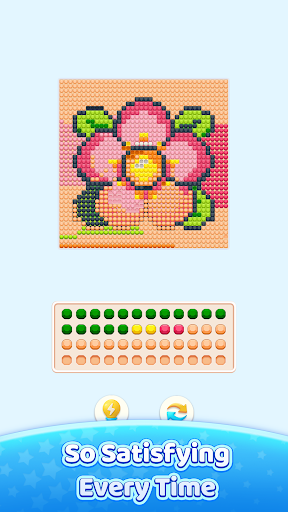
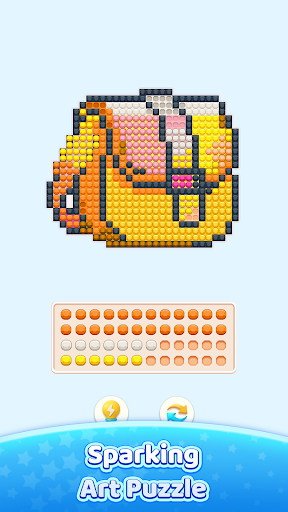
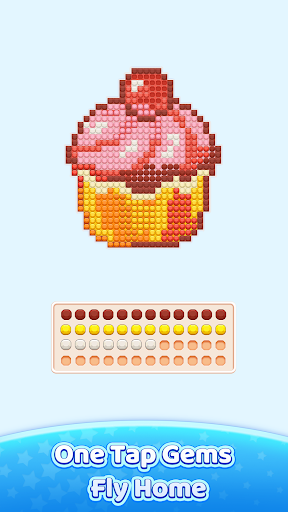
Colorever: relax with sparkling gems and beautiful coloring art.
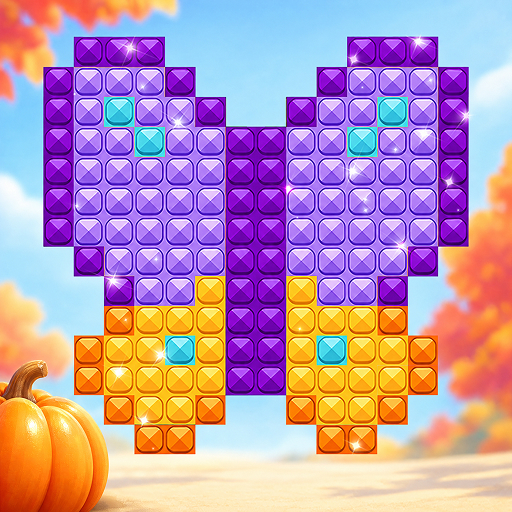
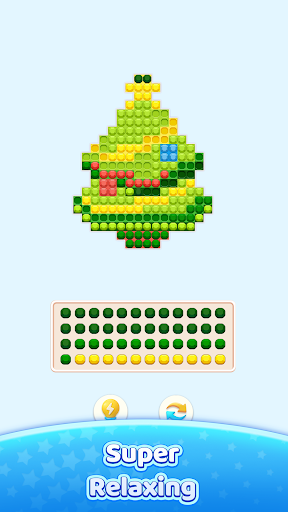
Every gem belongs somewhere. Tap a gem and watch the whole cluster glide home, one by one, until a bright gem art picture is complete. Easy for everyone, fun for all ages. No timers. No fail screens. No game over. Just you, the gems, and a calm little puzzle you can always solve.
WHY PLAYERS STAY
See the whole picture from the start. Nothing is hidden, nothing is guesswork. You always know where every gem is going, so the pleasure comes from planning the route, not from hunting for a secret. Colorever is a puzzle funny game you can play with your shoulders down.
HOW TO PLAY
Tap a gem, move a cluster. Tap one gem and every connected gem of the same color is picked up together, then flies to its matching space one gem at a time.
Read the board. Each space on the board already shows the color of the gem it is waiting for. Match gem to space and it locks into place with a satisfying click.
Use the tray. The tray holds gems you are not ready to place yet. Park a few, open up the board, then bring them back in when the space is free.
Finish the picture. Place the last gem and the full gem art scene lights up, ready for your gallery.
A GROWING GEM GALLERY
Hundreds of pixel art pictures to complete, from animals and food to flowers, cities and cozy little scenes, with fresh sets added regularly. Every picture you finish is saved to your gallery, so your collection of gems and gem art keeps growing as you play.
FEATURES
Relaxing by design. No countdown, no losing streak, no pressure. Play one puzzle on a coffee break or twenty in a row.
Always solvable. Every level has a solution, so getting stuck is temporary, never fatal.
Gentle learning curve. The first gem puzzles teach themselves. Later boards are wide, layered and genuinely worth thinking about.
Handy helpers. Add an extra tray space, undo a move, take a hint, or let a smart tap tidy up the easy gems for you.
Made to feel good. Crisp gems, glowing diamonds, soft sound and light haptics on every placement.
Play offline, anywhere. No connection needed. Pause mid puzzle and pick it up hours later, exactly where you left it.
For everyone. Simple enough for a first ever puzzle game, deep enough for players who like to plan three moves ahead.
FOR PLAYERS WHO LIKE
Relaxing puzzle games. Gem art and coloring pixel pictures. Gem, jewel and diamond puzzles. Calm brain games and quiet logic. Satisfying, oddly soothing placement games.
Take a breath. Tap a gem. Let the gem art shine.
Show more

1. Download MEmu installer and finish the setup

2. Start MEmu then open Google Play on the desktop

3. Search Colorever: Gem Art Puzzle in Google Play
Install
4. Download and Install Colorever: Gem Art Puzzle
5. On install completion click the icon to start

6. Enjoy playing Colorever: Gem Art Puzzle on PC with MEmu
MEmu Play is the best Android emulator and 100 million people already enjoy its superb Android gaming experience. The MEmu virtualization technology empowers you to play thousands of Android games smoothly on your PC, even the most graphic-intensive ones.
Bigger screen with better graphics; Long duration, without limitation of battery or mobile data.
Full Keymapping support for precise control of keyboard and mouse or gamepad.
Multiple game accounts or tasks on single PC at one time with Multi-Instance manager.
Play Colorever: Gem Art Puzzle on PC by following steps: