Cat Planet
Updated
Current Version
1.7.0
Offered By

With your passion for Cat Planet, you shouldn’t have to limit yourself to the small screen of a phone. Play like a pro and take full control of the game using a keyboard and mouse. MEmu gives you everything you’re looking for. Download and play Cat Planet on PC. Play as long as you want — no more worries about battery life, mobile data, or unexpected calls. The all-new MEmu 9 is the best way to play Cat Planet on PC. With our expertly designed keymapping system, Cat Planet feels just like a real PC game. The MEmu multi-instance manager lets you run two or more accounts on the same device at the same time. Most importantly, our exclusive emulation engine unlocks your PC’s full potential, delivering smooth and seamless performance.
Show more
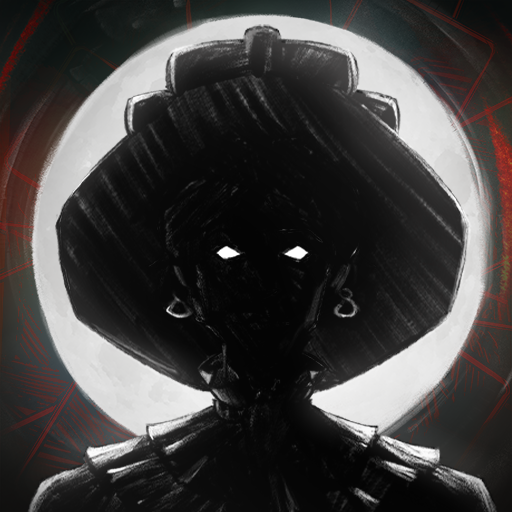
Download Cat Planet on PC with MEmu Android Emulator. Enjoy playing on big screen. "Cat Planet" is a cat anthropomorphic urban trendy cool strategy RPG.
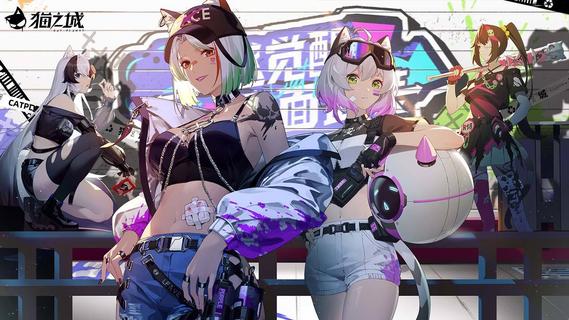
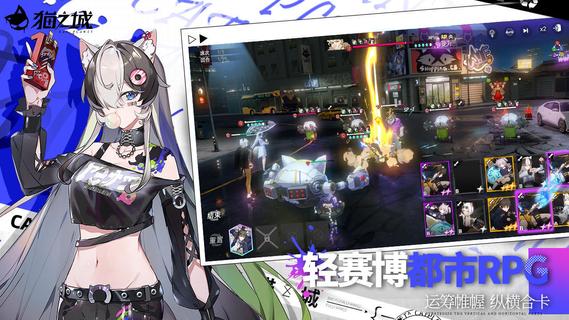
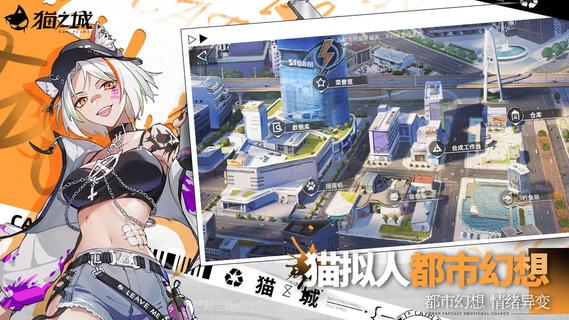
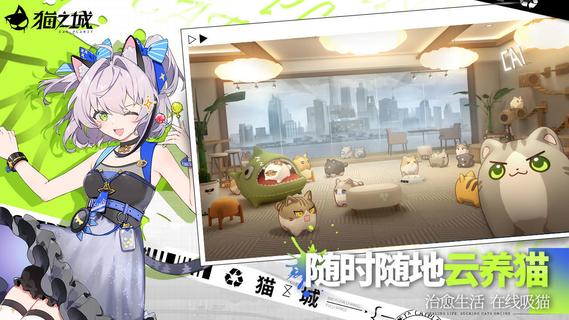
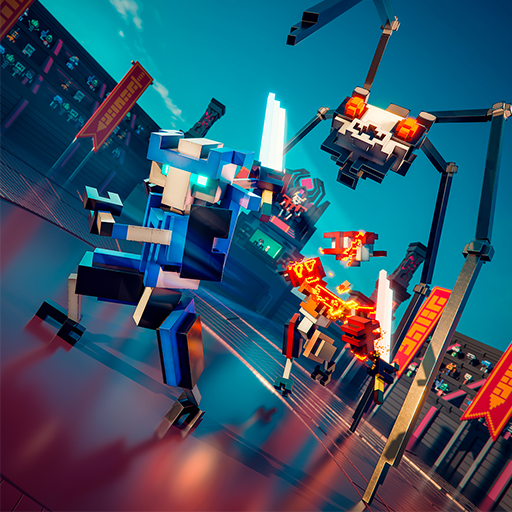
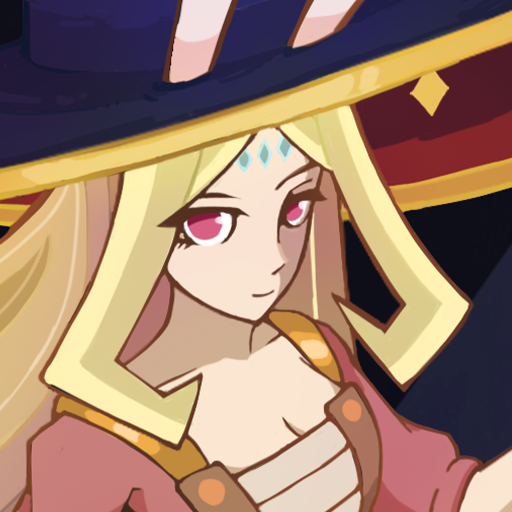
"Cat Planet" is a cat anthropomorphic urban trendy cool strategy RPG."Cat Planet" is a cat anthropomorphic urban trendy cool strategy RPG independently developed by Fantang Games. In this world, "emotion" becomes a visual substance. The mysterious cat family transforms "emotions" into new energies, substances, and even "emotional weapons" that can be used in combat. Players will conduct investigations as investigators in the game to explore those hidden truths...In the future city, the emotions are rampant, and the dark tide is surging and foggyIn the near-future technology city, 3D next-generation cartoon rendering, the light cyber storm is coming.Mysterious cat family, armed attack, explore the secret behind the mutationThe cat family hidden in the city, the form switches to resist the runaway, and the 3D cool big move is performed.Flexible decks, unique battles, strategizing and working togetherFree combination of skill cards, combined vertical and horizontal strategic operations, breaking the single possibility of gameplay.Chatting with cats, sucking cats online, soothing anxious and violent emotionsRaising cats in the cloud, spending leisure time with cats and cats, and feeling the emotional energy of companionship and healing.
Show more

1. Download MEmu installer and finish the setup

2. Start MEmu then open Google Play on the desktop

3. Search Cat Planet in Google Play
Install
4. Download and Install Cat Planet
5. On install completion click the icon to start

6. Enjoy playing Cat Planet on PC with MEmu
MEmu Play is the best Android emulator and 100 million people already enjoy its superb Android gaming experience. The MEmu virtualization technology empowers you to play thousands of Android games smoothly on your PC, even the most graphic-intensive ones.
Bigger screen with better graphics; Long duration, without limitation of battery or mobile data.
Full Keymapping support for precise control of keyboard and mouse or gamepad.
Multiple game accounts or tasks on single PC at one time with Multi-Instance manager.
Play Cat Planet on PC by following steps: