RollerCoaster Tycoon® Classic
Updated
Current Version
1.2.655
Offered By

With your passion for RollerCoaster Tycoon® Classic, you shouldn’t have to limit yourself to the small screen of a phone. Play like a pro and take full control of the game using a keyboard and mouse. MEmu gives you everything you’re looking for. Download and play RollerCoaster Tycoon® Classic on PC. Play as long as you want — no more worries about battery life, mobile data, or unexpected calls. The all-new MEmu 9 is the best way to play RollerCoaster Tycoon® Classic on PC. With our expertly designed keymapping system, RollerCoaster Tycoon® Classic feels just like a real PC game. The MEmu multi-instance manager lets you run two or more accounts on the same device at the same time. Most importantly, our exclusive emulation engine unlocks your PC’s full potential, delivering smooth and seamless performance.
Show more
Download RollerCoaster Tycoon® Classic on PC with MEmu Android Emulator. Enjoy playing on big screen. RollerCoaster Tycoon® Classic is a new RCT experience, combining the best features from two of the most successful and beloved RCT games in the series’ history – RollerCoaster Tycoon® and RollerCoaster Tycoon® 2.
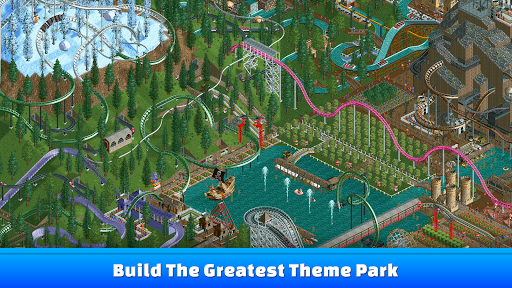
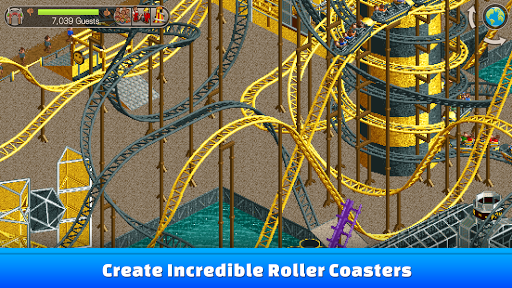
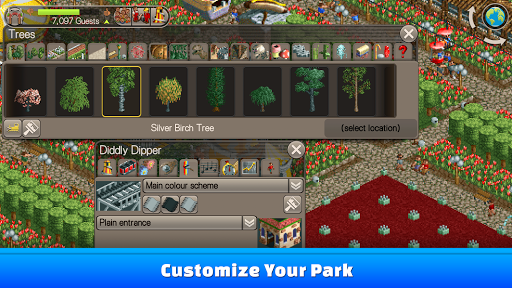
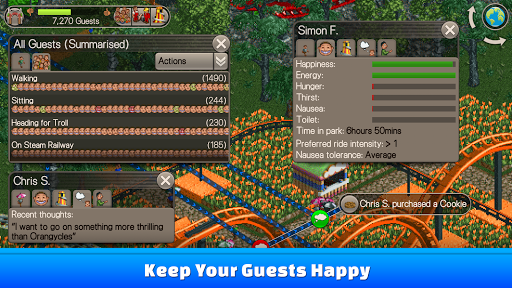
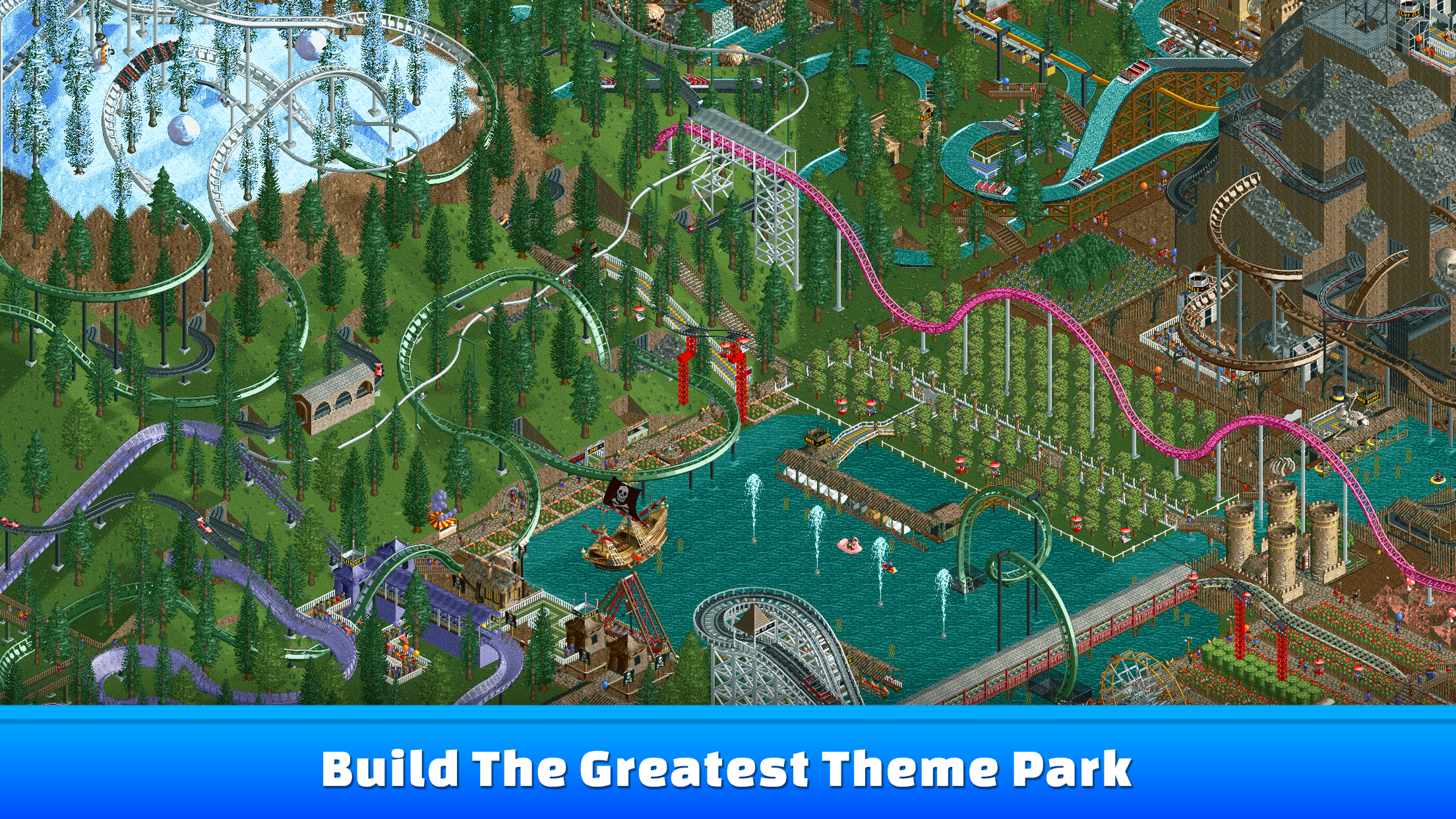
RollerCoaster Tycoon® Classic is a new RCT experience, combining the best features from two of the most successful and beloved RCT games in the series’ history – RollerCoaster Tycoon® and RollerCoaster Tycoon® 2. Create and run amazing parks complete with the most outrageous rides imaginable. RCT Classic includes a mixture of authentic playability, depth of gameplay and unique graphical style of Chris Sawyer’s original best-selling RollerCoaster Tycoon® PC Games, now enhanced for handheld devices. Packed with content, players can enjoy designing and building roller coasters and rides, landscaping parks and managing the staff and finances to keep their guests happy and the money flowing in. Can you become the next RollerCoaster Tycoon?
PLEASE NOTE: Additional content for RollerCoaster Tycoon Classic is available via In-App Purchase, specifically the three expansion packs: Wacky Worlds, Time Twister and Toolkit. The expansion packs are the ONLY content that require an In-App Purchase and In-App Purchases are not used anywhere else in the game.
Key Features:
• The Original RollerCoaster Sim: Experience all the fun from the original RollerCoaster Tycoon® and RollerCoaster Tycoon® 2 games, with a new app that combines the best elements of both classic titles.
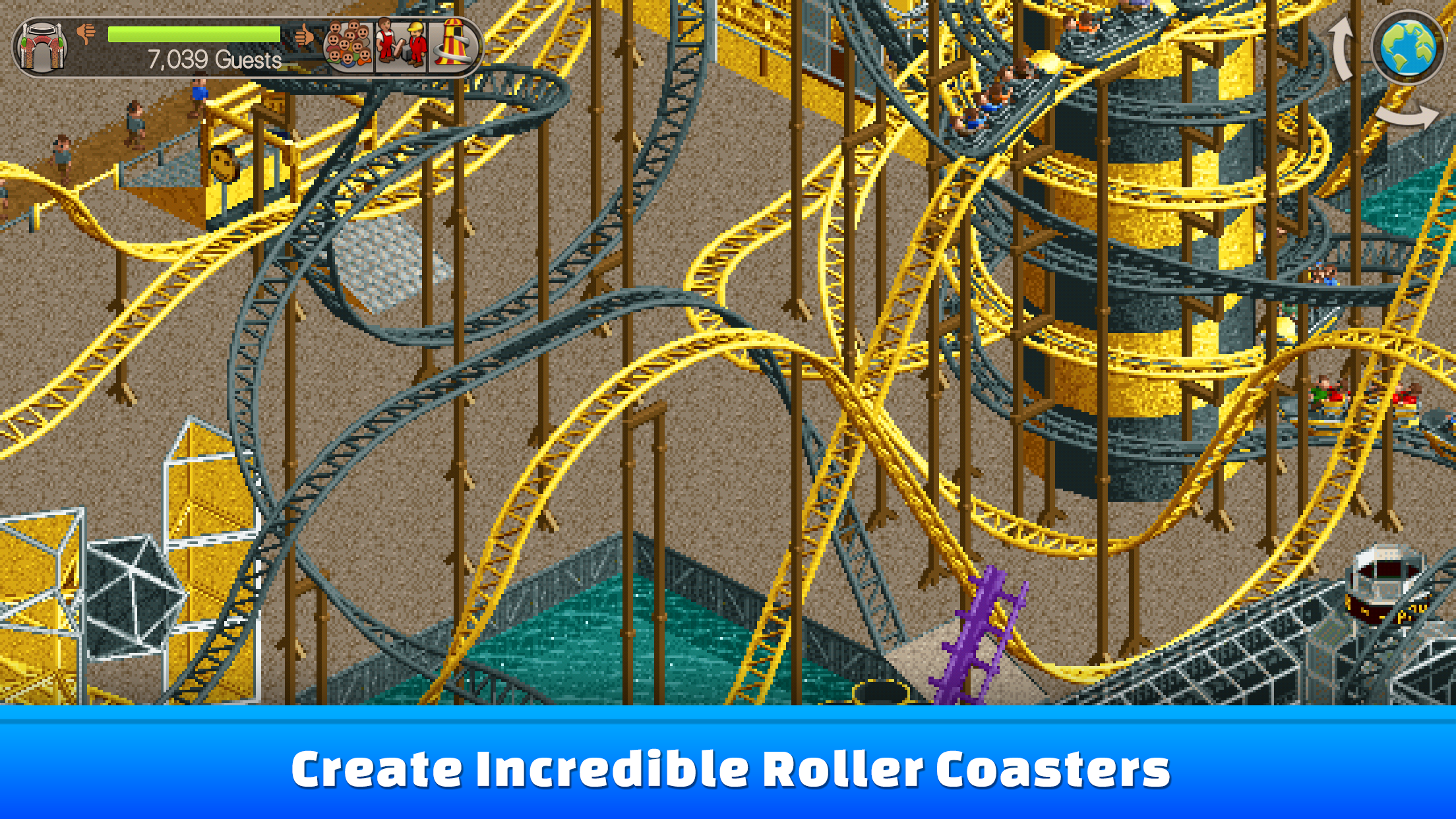
• Coaster Construction: Create incredible roller coasters – Quickly build a pre-made design or use the intuitive piece-by-piece building tools to design and theme your own unique rides.
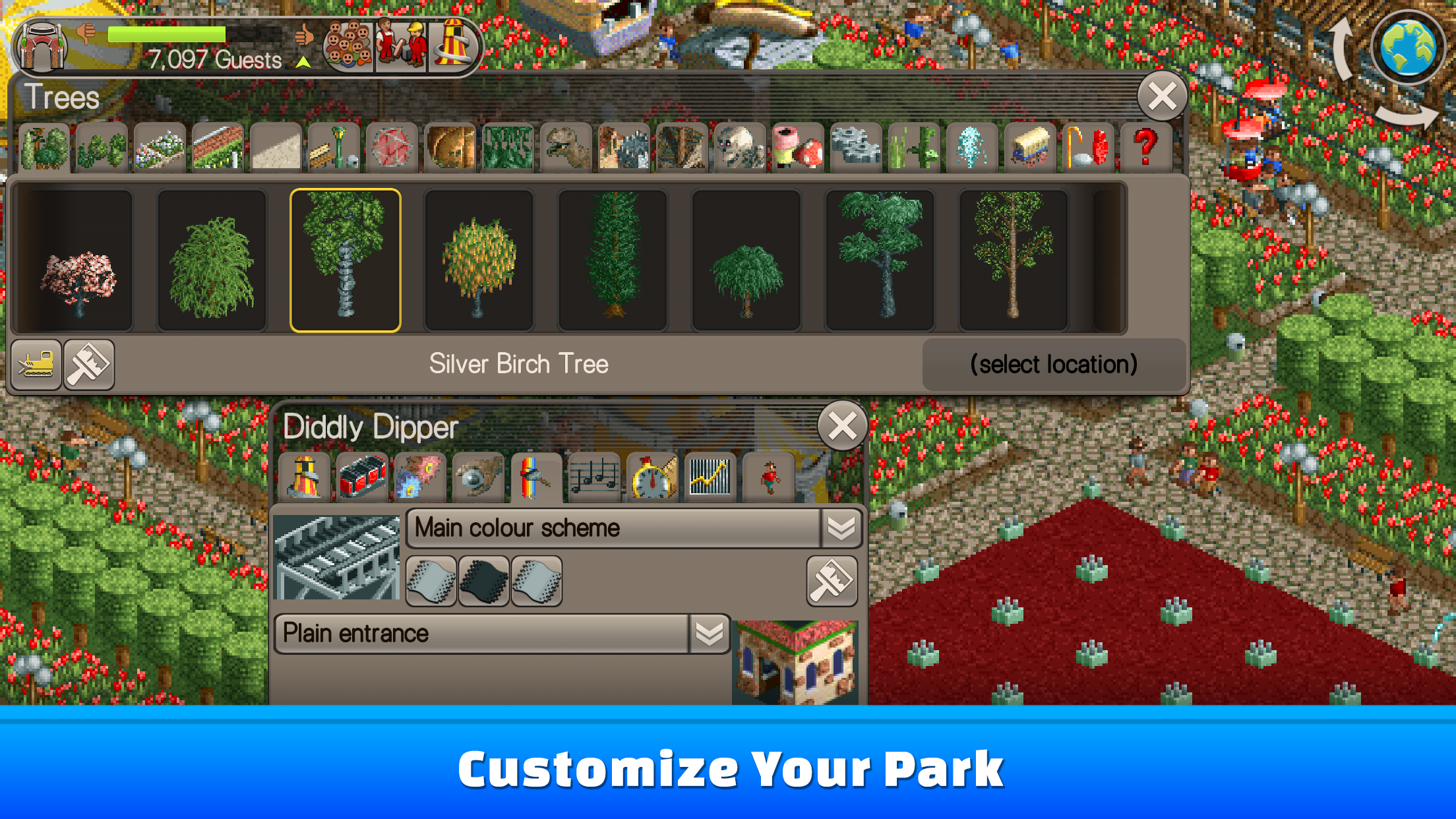
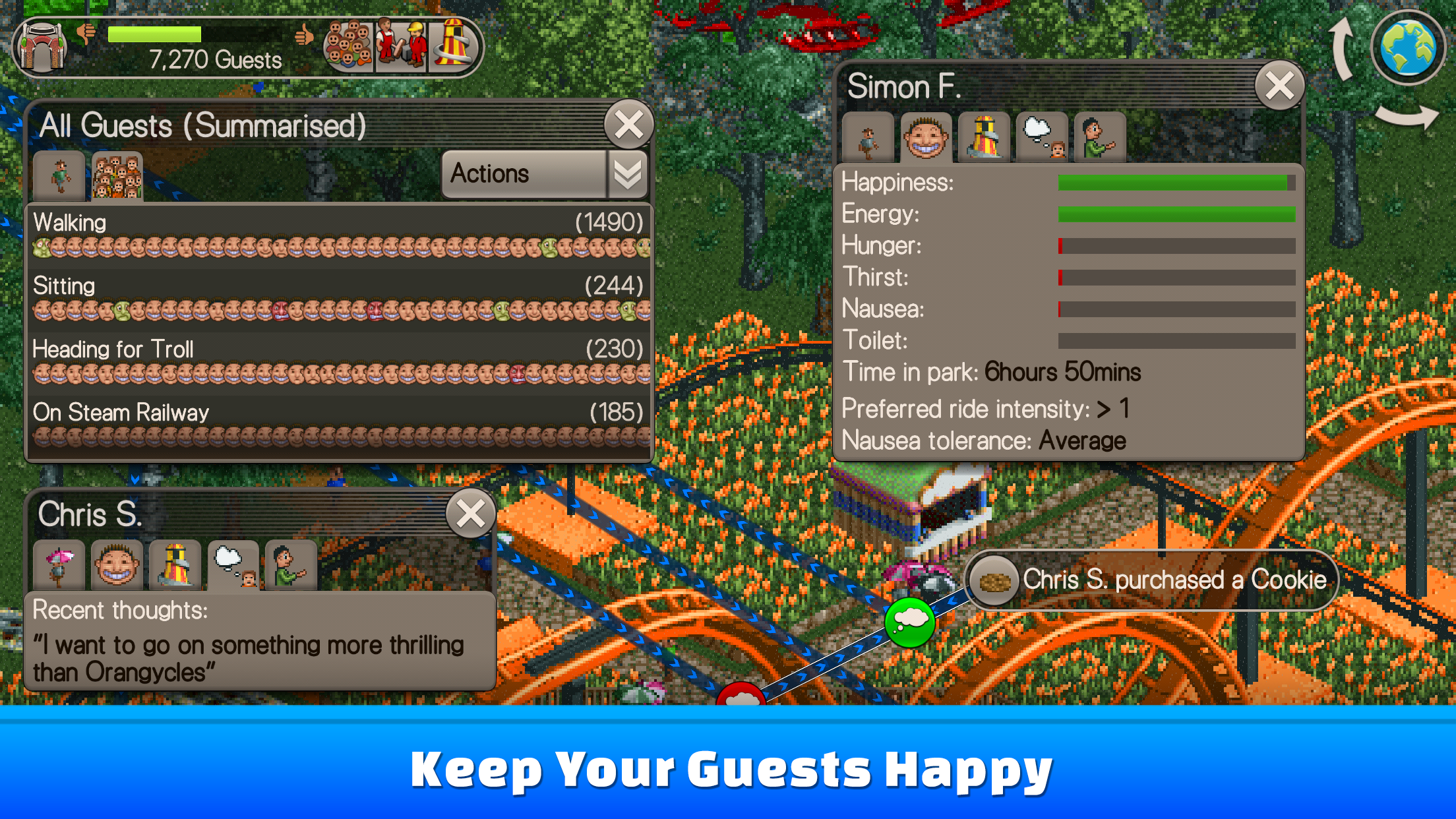
• Park Designer: Keep your guests happy by building gentle or wild rides, food and drink stalls, water rides, and even transport rides to take them around the park; Customize your park by building scenery, fine-tuning the landscape, and routing the footpaths.
• Park Management: Run your park’s marketing and finances to make a profit while attracting more guests; Organize your staff to keep the park running well and looking its best.
• Exciting Environments: Build the ultimate theme park in a variety of challenging environments, from the tranquility of Forest Frontiers to the bustling commerce of Megaworld Park.
• Park Scenarios: Progress through 95 classic park scenarios from RollerCoaster Tycoon® and RollerCoaster Tycoon® 2.
• Authentic Gameplay: Classic-style characterful isometric graphics and original amusement park music and sound effects.
• Packed with Content: Includes hundreds of types of roller coasters and rides, and dozens of different shops, stalls, and facilities.
Additional Content Available with In-App Purchases:
1) Wacky Worlds Expansion Pack:
Find your passport and pack your bags! Wacky Worlds takes players on the ultimate trip around the globe in 17 new park scenarios! Includes exotic rides, profitable concessions and the most famous landmarks known to man including the Eiffel Tower, Big Ben, Statue of Liberty, Great Wall of China and more! Each location is packed with opportunities for success, fun and unique challenges.
2) Time Twister Expansion Pack:
Travel through time with 14 new park scenarios based on historical and fantasy time-themes and build a park that is truly a blast from the past (or future if you like). Play in a Prehistoric amusement park decorated with huge animated T-Rex’s and coasters such as the Raptor Ride, or choose from Mythological times, the Dark Ages, the Rock & Roll crazed ‘50s, the Future or the Roaring Twenties.
3) Toolkit:
Park Scenario Editor: Design and build your own amazing parks – Make them as easy or as challenging as you want, using your choice of scenery and rides! Includes a number of Six Flags parks to get you started.
Ride Designer: Build, test, fine-tune and theme your own awesome roller coaster designs in the Ride Designer before saving them for use while playing!
Import and Export: Share your saved parks, park scenarios and ride designs with friends, and try out their creations too! (Includes the ability to import most saved parks and scenarios created with the original RollerCoaster Tycoon 2 PC game).
Show more

1. Download MEmu installer and finish the setup

2. Start MEmu then open Google Play on the desktop

3. Search RollerCoaster Tycoon® Classic in Google Play
Install
4. Download and Install RollerCoaster Tycoon® Classic
5. On install completion click the icon to start

6. Enjoy playing RollerCoaster Tycoon® Classic on PC with MEmu
MEmu Play is the best Android emulator and 100 million people already enjoy its superb Android gaming experience. The MEmu virtualization technology empowers you to play thousands of Android games smoothly on your PC, even the most graphic-intensive ones.
Bigger screen with better graphics; Long duration, without limitation of battery or mobile data.
Full Keymapping support for precise control of keyboard and mouse or gamepad.
Multiple game accounts or tasks on single PC at one time with Multi-Instance manager.
Play RollerCoaster Tycoon® Classic on PC by following steps: