Idola Phantasy Star Saga
Updated
Current Version
2.2.1
Offered By

With your passion for Idola Phantasy Star Saga, you shouldn’t have to limit yourself to the small screen of a phone. Play like a pro and take full control of the game using a keyboard and mouse. MEmu gives you everything you’re looking for. Download and play Idola Phantasy Star Saga on PC. Play as long as you want — no more worries about battery life, mobile data, or unexpected calls. The all-new MEmu 9 is the best way to play Idola Phantasy Star Saga on PC. With our expertly designed keymapping system, Idola Phantasy Star Saga feels just like a real PC game. The MEmu multi-instance manager lets you run two or more accounts on the same device at the same time. Most importantly, our exclusive emulation engine unlocks your PC’s full potential, delivering smooth and seamless performance.
Show more
Download Idola Phantasy Star Saga on PC with MEmu Android Emulator. Enjoy playing on big screen. The classic RPG series, Phantasy Star finally comes to mobile!
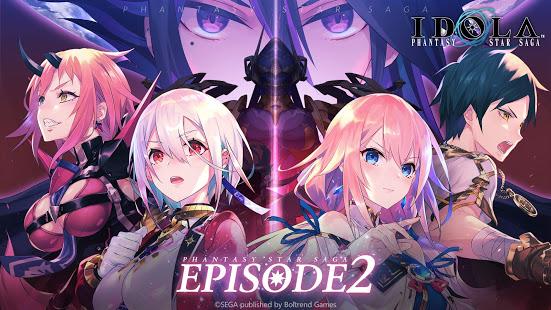
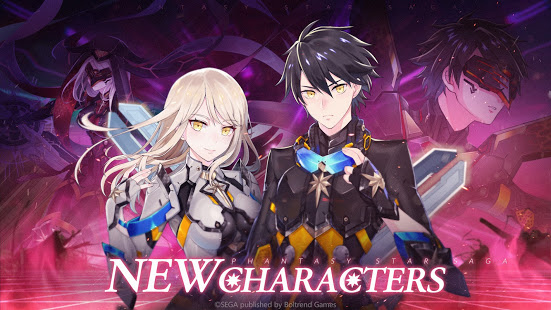
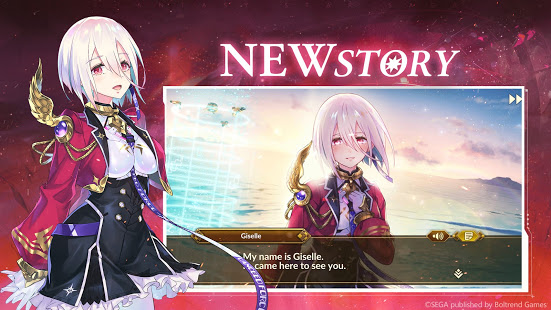
The classic RPG series, Phantasy Star finally comes to mobile! Experience thrilling turn-based battles with two party modes, world-class artwork, an unforgettable musical score, and an epic fantasy through a fully-voiced story campaign. Save the land of Vandor from the threat of Dark Falz.
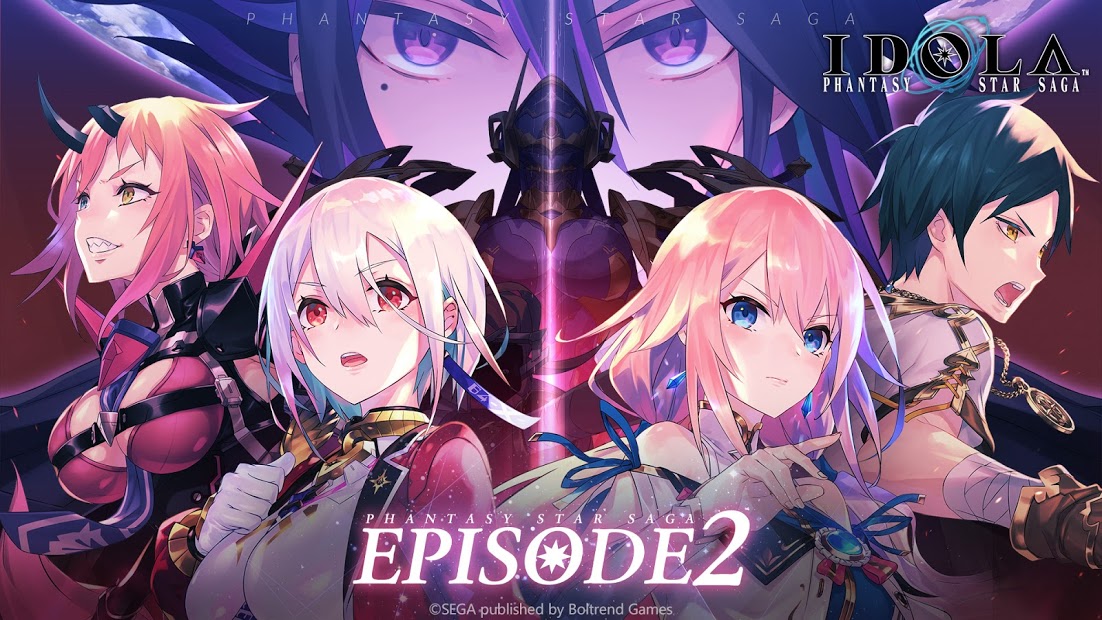
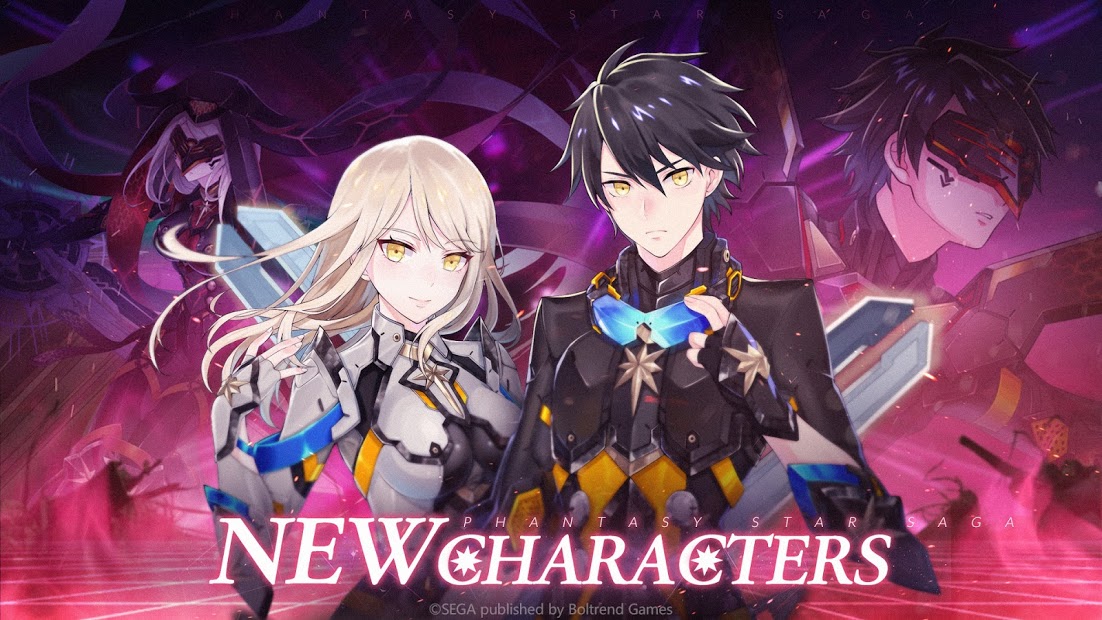
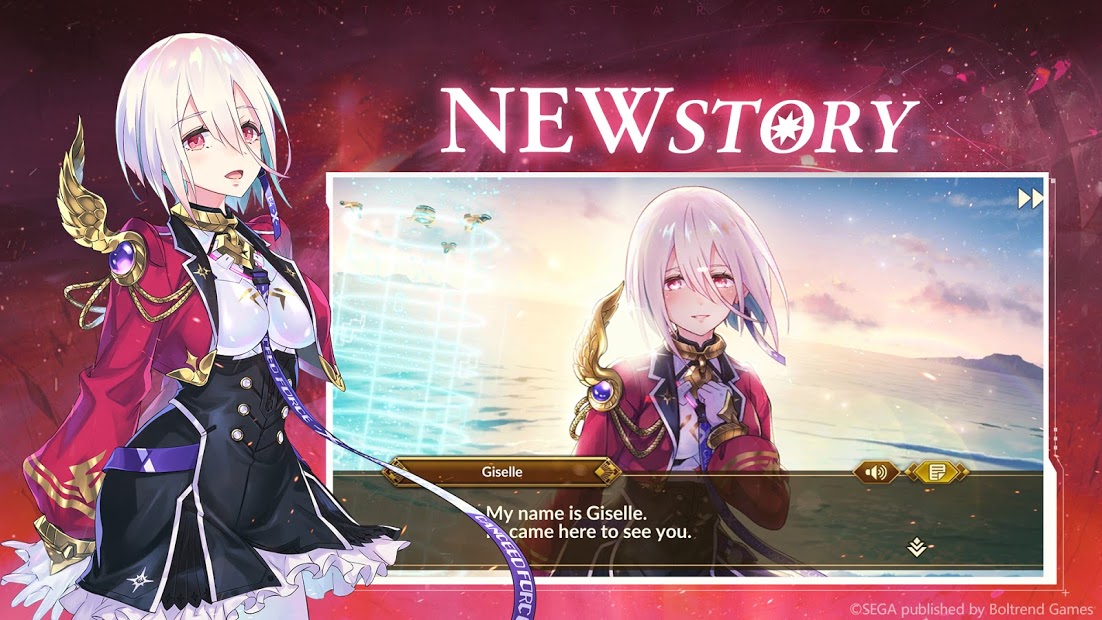
※ NEW ELEMENTS OF EPISODE 2
NEW CHAPTERS
The new war with Duchy Canseed starts! The wheel of fortune turns again.
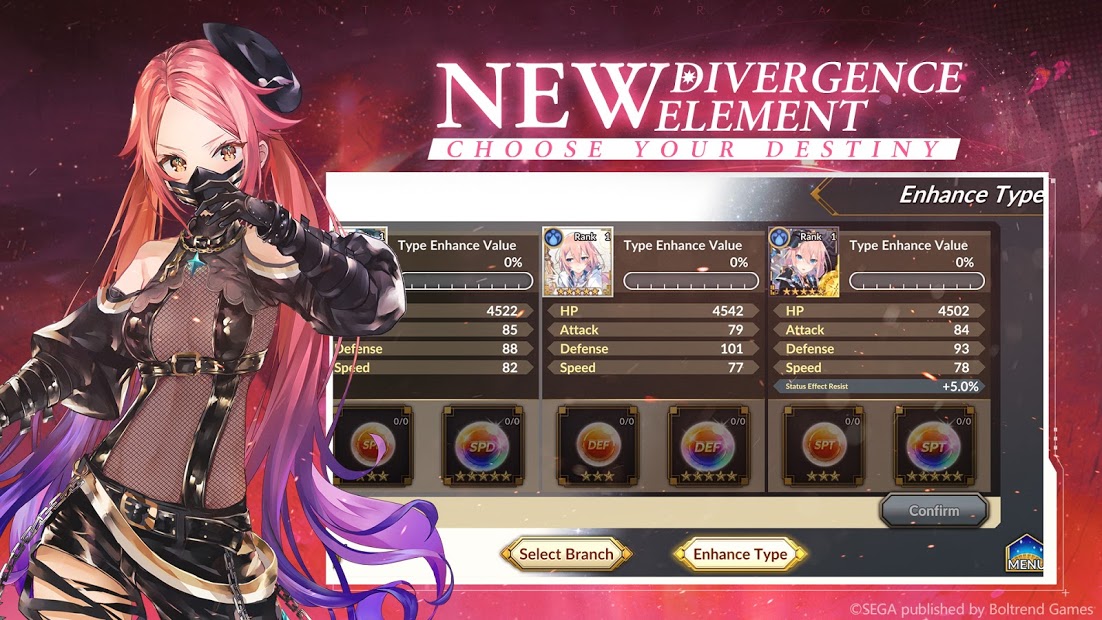
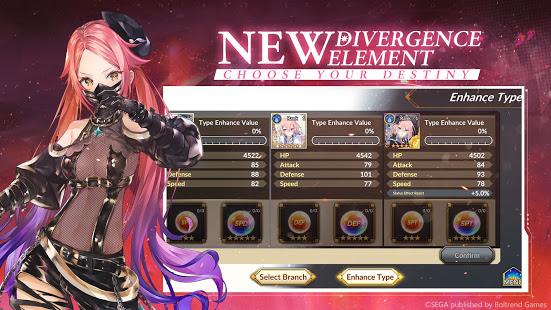
NEW TYPE SYSTEM
Characters will be assigned a ‘type’ before and after destiny divergence. (Type might change). The corresponding value of each type can be enhanced in various ways to strengthen the characters.
Types include: ATK, DEF, SPD, BRK, SPT, CRT
Destiny Divergence choices no longer require item!
3D ACTIONS
Fighting scenes amazing that ever!
New characters models now made in 3D with better actions.
※ GAME FEATURES
CLASSIC BATTLE SYSTEM
Return to the series roots through a command style system of battle. Release your ultimate skill, Elemental Blast to defeat your enemies by consuming elemental values.
TWO-PARTY MODE
You can deploy and switch between two party modes, Law and Chaos during battles. Switching parties unleashes an all-out attack called Reverse Rush, so take your chances and change the tides of battle!
FATE DIVERGENCE
Face each characters’ fate, and choose the ultimate upgrade for each, changing the conclusion to a character’s story! Not only will it change the characters’ appearance, but also their skills and Elemental Blast as well.
IDOLA BATTLES
Join forces with friends and other players to defeat the IDOLA. You can also become an amazing IDOLA yourself and battle other adventurers! There are various kinds of IDOLA available within the game.
PVP ARENA
Two teams enter – only one leaves. Battle with other adventurers’ teams to become the ACE of the Arena!
PLEASE NOTE:
- This game is free to play.
- Items are available for purchase within the game.
- A network connection is required to play.
Show more

1. Download MEmu installer and finish the setup

2. Start MEmu then open Google Play on the desktop

3. Search Idola Phantasy Star Saga in Google Play
Install
4. Download and Install Idola Phantasy Star Saga
5. On install completion click the icon to start

6. Enjoy playing Idola Phantasy Star Saga on PC with MEmu
MEmu Play is the best Android emulator and 100 million people already enjoy its superb Android gaming experience. The MEmu virtualization technology empowers you to play thousands of Android games smoothly on your PC, even the most graphic-intensive ones.
Bigger screen with better graphics; Long duration, without limitation of battery or mobile data.
Full Keymapping support for precise control of keyboard and mouse or gamepad.
Multiple game accounts or tasks on single PC at one time with Multi-Instance manager.
Play Idola Phantasy Star Saga on PC by following steps: