Delete Puzzle: Erase One Part
Updated
Current Version
1.36
Offered By

With your passion for Delete Puzzle: Erase One Part, you shouldn’t have to limit yourself to the small screen of a phone. Play like a pro and take full control of the game using a keyboard and mouse. MEmu gives you everything you’re looking for. Download and play Delete Puzzle: Erase One Part on PC. Play as long as you want — no more worries about battery life, mobile data, or unexpected calls. The all-new MEmu 9 is the best way to play Delete Puzzle: Erase One Part on PC. With our expertly designed keymapping system, Delete Puzzle: Erase One Part feels just like a real PC game. The MEmu multi-instance manager lets you run two or more accounts on the same device at the same time. Most importantly, our exclusive emulation engine unlocks your PC’s full potential, delivering smooth and seamless performance.
Show more
Download Delete Puzzle: Erase One Part on PC with MEmu Android Emulator. Enjoy playing on big screen. Think you’re smart?
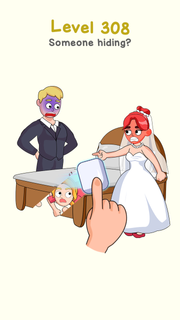
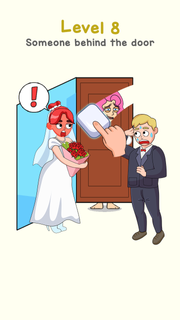
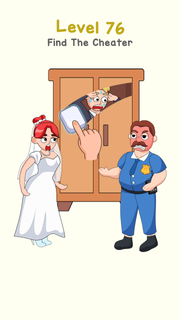
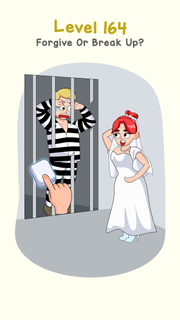
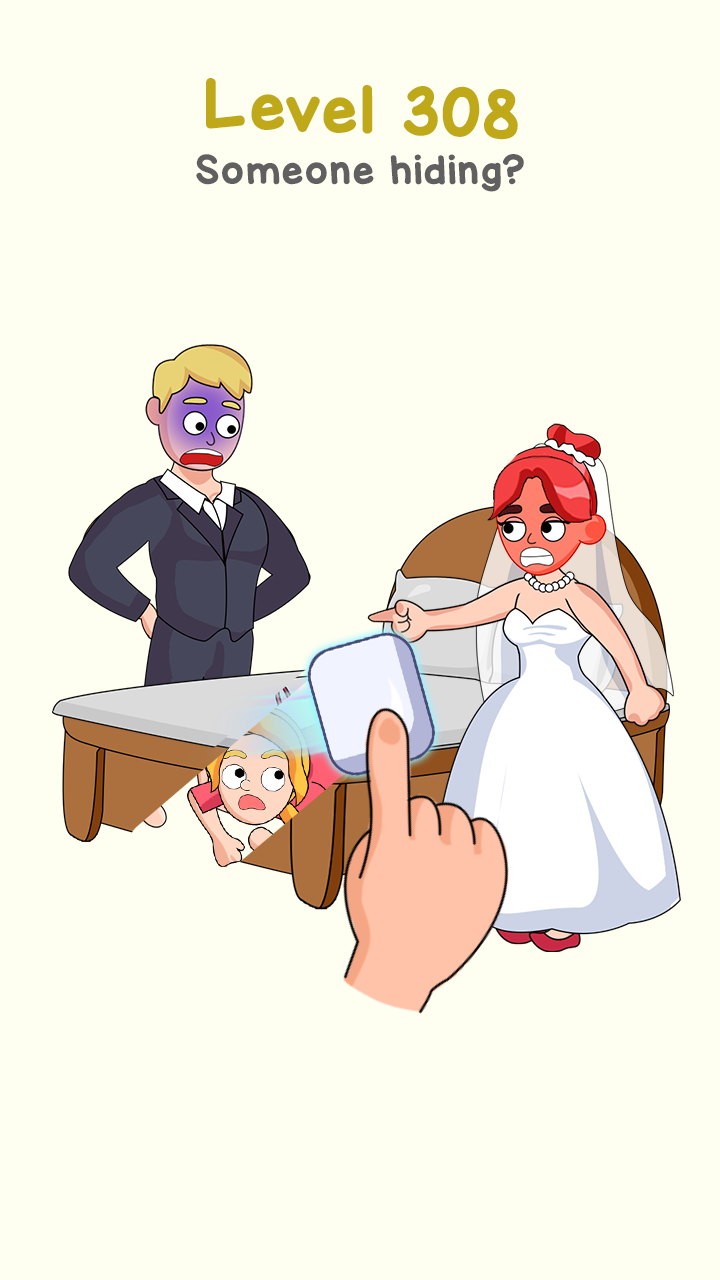
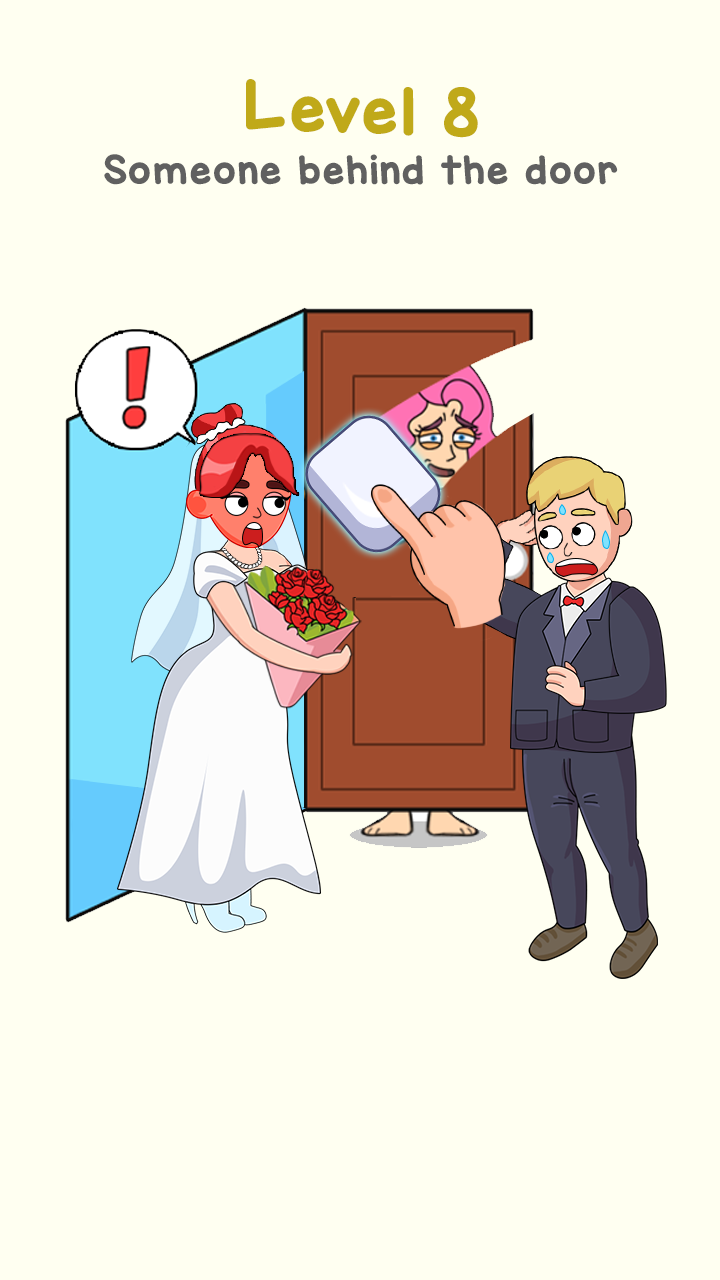
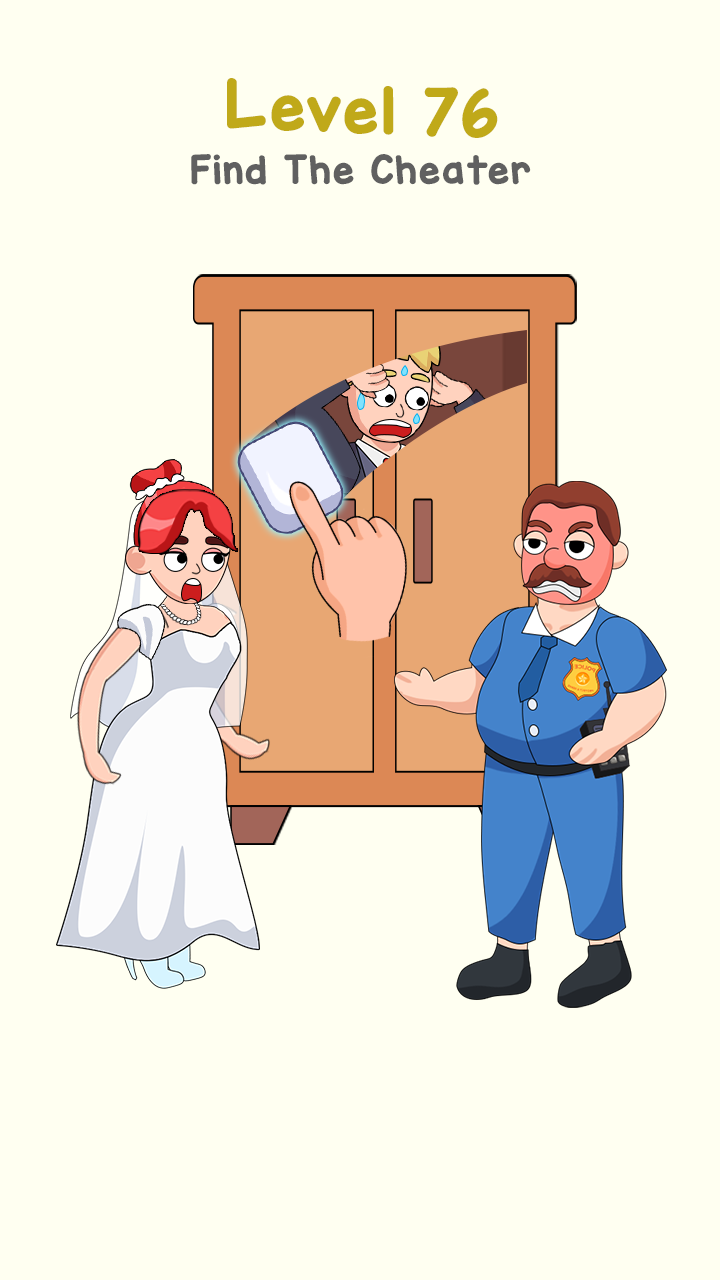
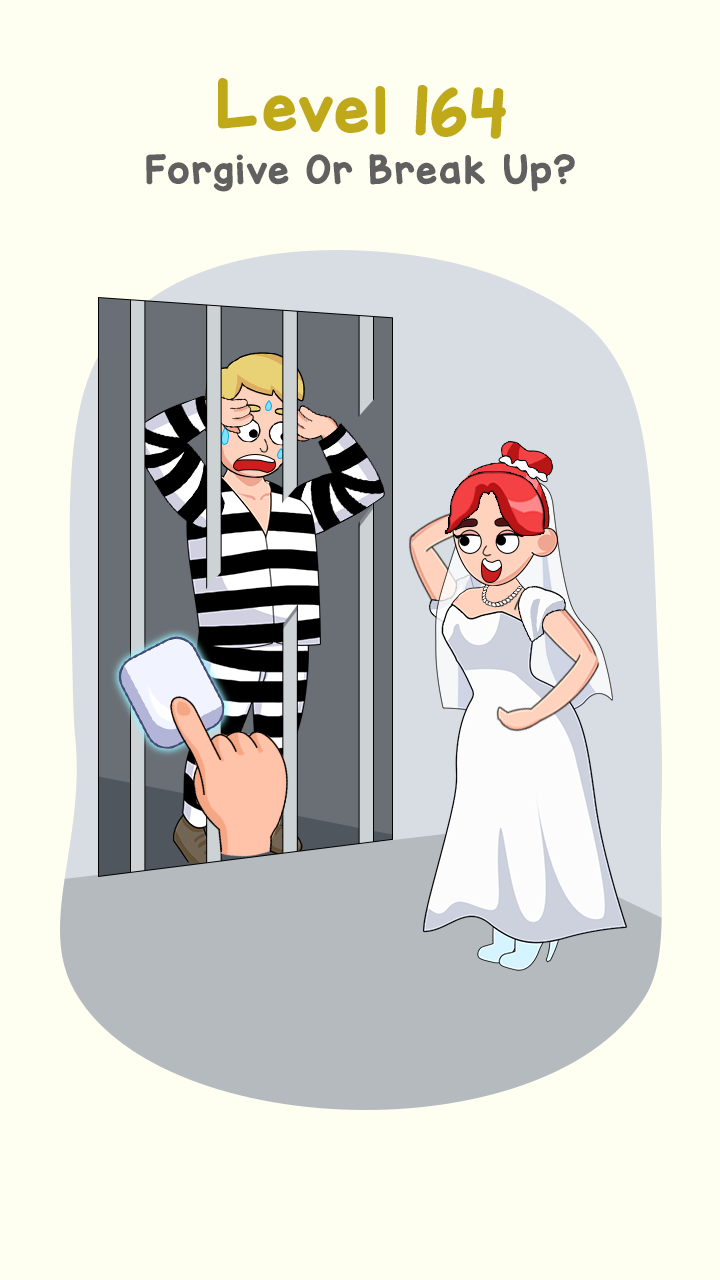
Think you’re smart?Hey, join us and enjoy this happy easy Delete Puzzle: Erase One Part game!Download this popular brain game and use logic to solve fun and delete puzzles!Effortless gameplay, challenging brain teasersPlaying is easy! Just touch the screen and drag your finger to erase part of the drawing and see what lies behind it.The game may seem simple, but looks can be deceiving...Make the most of your free time by playing an engaging brain game that will sharpen your wit. With a Delete Puzzle, you can chill out and get smarter at the same time! Level up your brain while you level up in the game!Features of Delete Puzzle: Erase One Part Game:* The mechanics may be easy, but the puzzles will keep your brain guessing!* Investigate hundreds of entertaining levels chock-full of tricky brain teasers. No two puzzles are the same! Each level stimulates your brain to approach a problem in a new way.* Discover the unexpected twists hiding behind every image! Each stroke of your eraser will uncover a new, deeper layer to the story depicted in the drawing. Only you can make the invisible visible!* Enjoy the delightful graphics with their unique cartoon style and cute animations.* Provides hours of fun for teens, seniors, and anyone in between who wants to keep their brain sharp!* The optional music, sound effects, and vibration settings give you more control over your gameplay experience.But you’ll still have to think outside the box to master this brain game!Who knew solving logic puzzles could be so enjoyable and satisfying?Brainy and thinking games like the “Delete Puzzle: Erase One Part” game bring you and your friends happy moments, puzzle master feelings.Amazing graphics & sound:- Immerse yourself in the Delete one part world of funny graphics and impressive animations.- Just delete one part is a magic way to help in these color games and brain games, which will completely polish the boy’s love story and get the girl to help him escape from embarrassing situations with his girl.- Delete Puzzle: Erase One Part games is a brain test for people who would love to challenge their IQ and drawing skill
Show more

1. Download MEmu installer and finish the setup

2. Start MEmu then open Google Play on the desktop

3. Search Delete Puzzle: Erase One Part in Google Play
Install
4. Download and Install Delete Puzzle: Erase One Part
5. On install completion click the icon to start

6. Enjoy playing Delete Puzzle: Erase One Part on PC with MEmu
MEmu Play is the best Android emulator and 100 million people already enjoy its superb Android gaming experience. The MEmu virtualization technology empowers you to play thousands of Android games smoothly on your PC, even the most graphic-intensive ones.
Bigger screen with better graphics; Long duration, without limitation of battery or mobile data.
Full Keymapping support for precise control of keyboard and mouse or gamepad.
Multiple game accounts or tasks on single PC at one time with Multi-Instance manager.
Play Delete Puzzle: Erase One Part on PC by following steps: