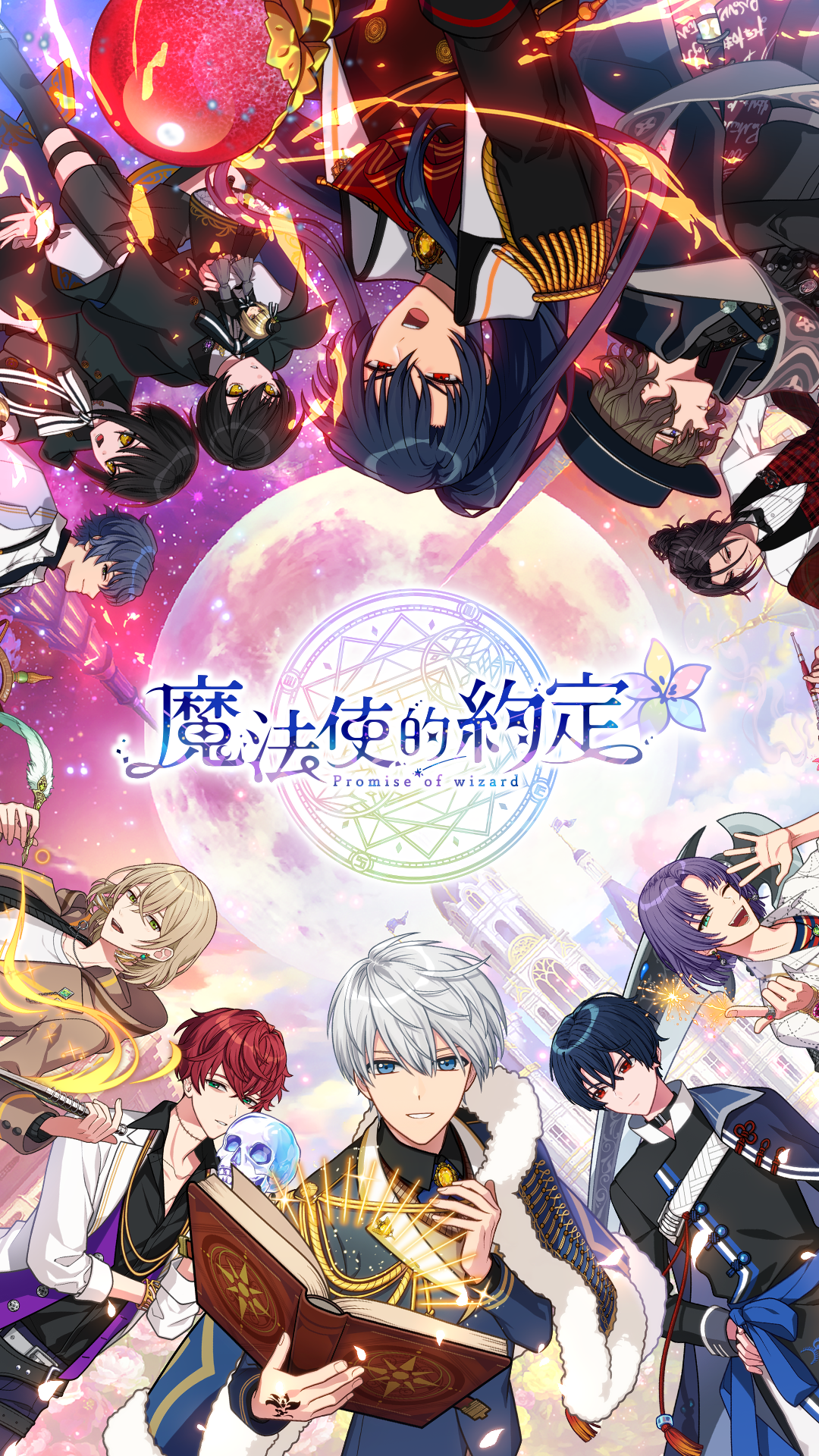
魔法使的約定
Updated
Current Version
1.0.4
Offered By

With your passion for 魔法使的約定, you shouldn’t have to limit yourself to the small screen of a phone. Play like a pro and take full control of the game using a keyboard and mouse. MEmu gives you everything you’re looking for. Download and play 魔法使的約定 on PC. Play as long as you want — no more worries about battery life, mobile data, or unexpected calls. The all-new MEmu 9 is the best way to play 魔法使的約定 on PC. With our expertly designed keymapping system, 魔法使的約定 feels just like a real PC game. The MEmu multi-instance manager lets you run two or more accounts on the same device at the same time. Most importantly, our exclusive emulation engine unlocks your PC’s full potential, delivering smooth and seamless performance.
Show more
Download 魔法使的約定 on PC with MEmu Android Emulator. Enjoy playing on big screen. 「初次见面,贤者大人。
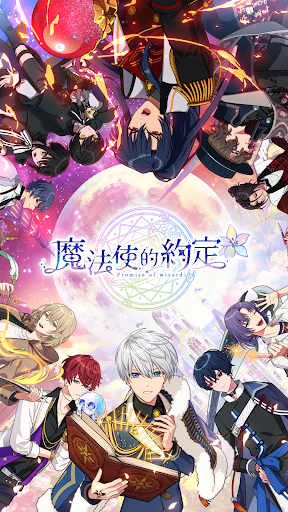
「初次见面,贤者大人。」
这是个,与魔法使连系心灵的育成游戏
□■世界观■□
强风吹拂,猫儿骚动不已。满月之夜下,将会发生非比寻常的事——
与平时有些不同的夜晚。
好不容易回到自家公寓后,虽然如同往常地走进了电梯。不过……
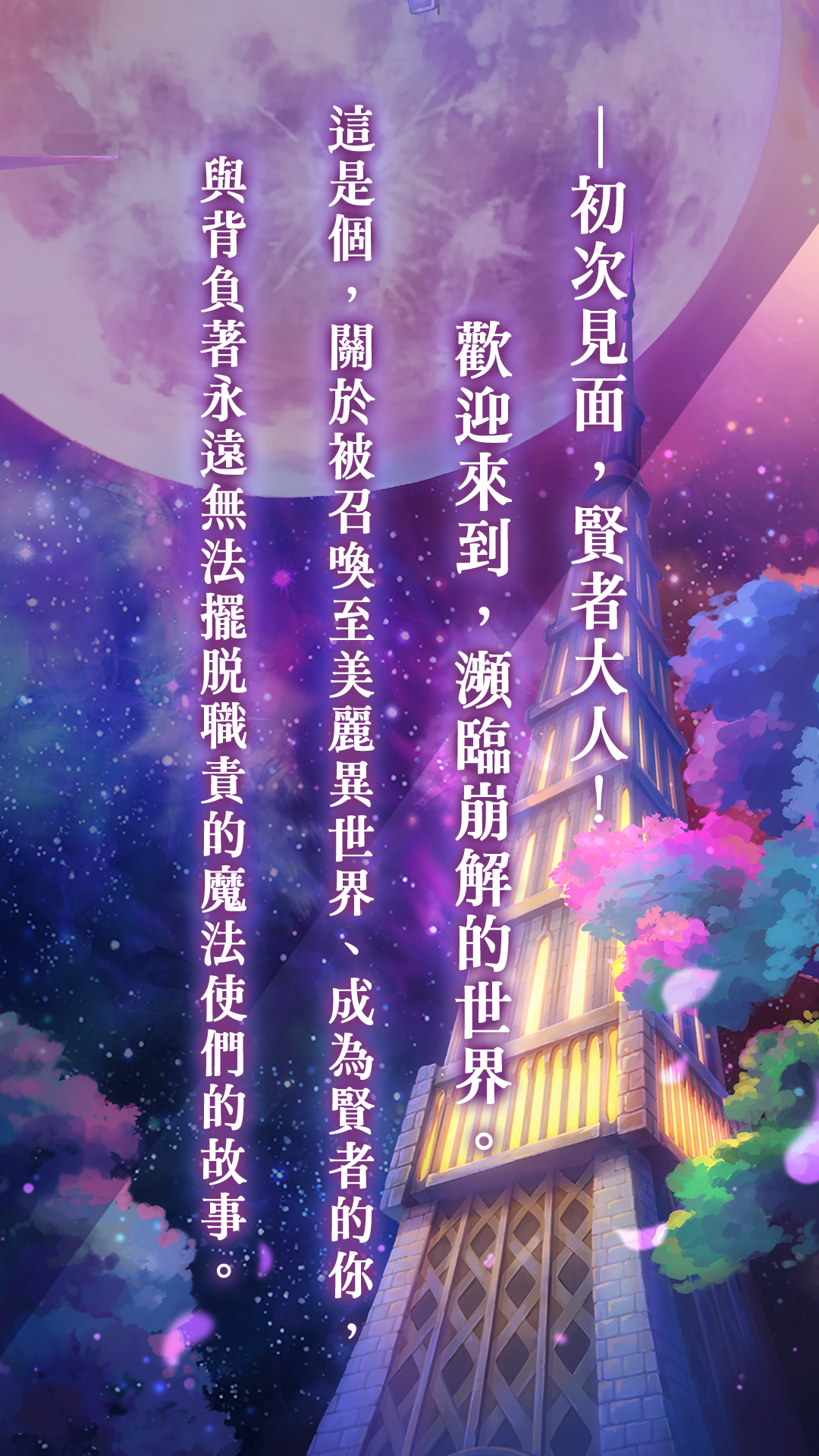
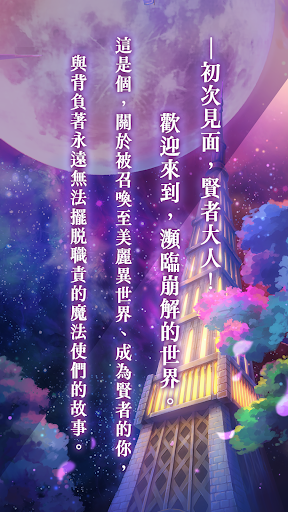
「初次见面,贤者大人。欢迎来到,濒临崩解的世界。」
你所抵达的是,魔法使与人类共存的异世界。
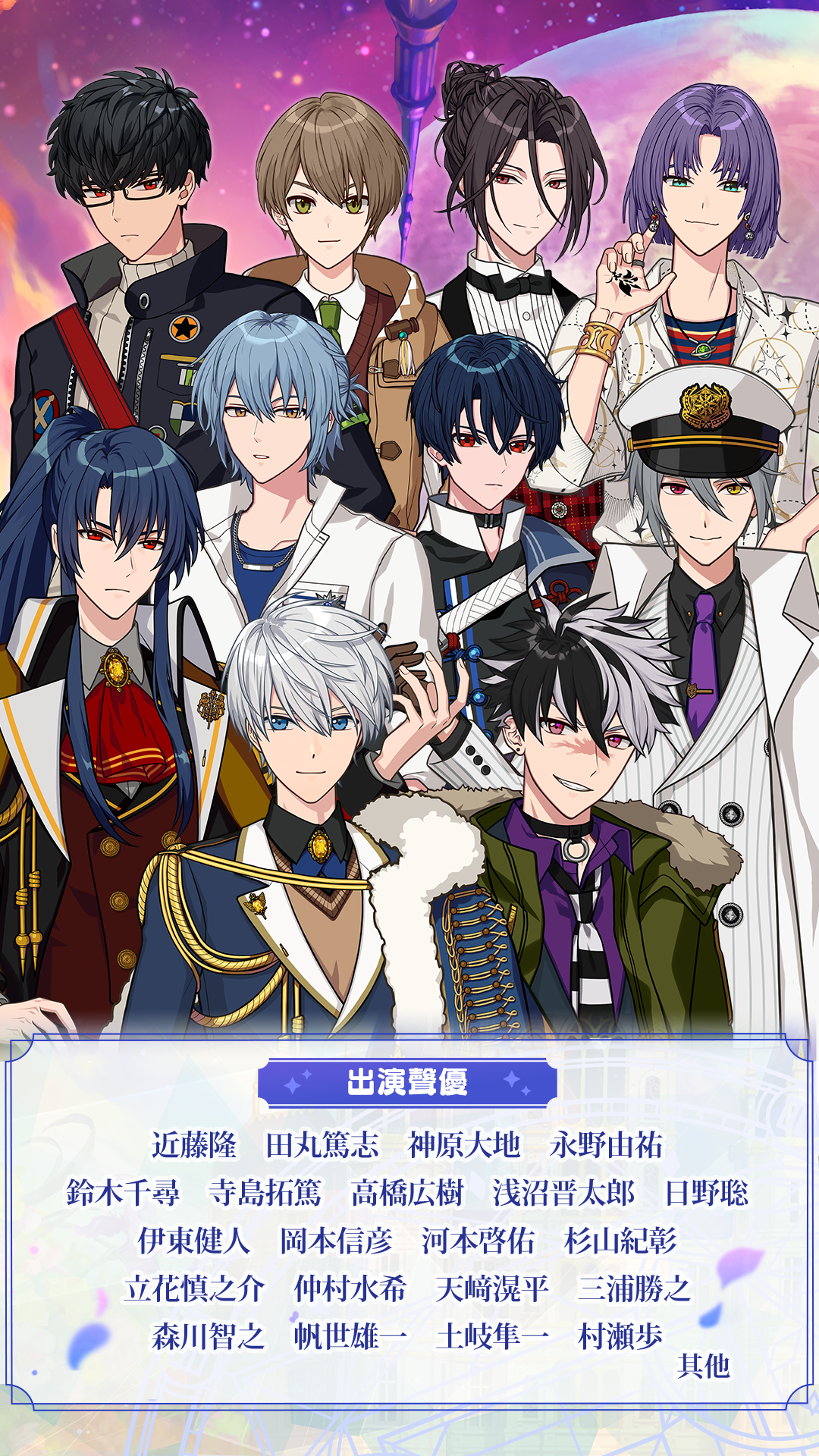
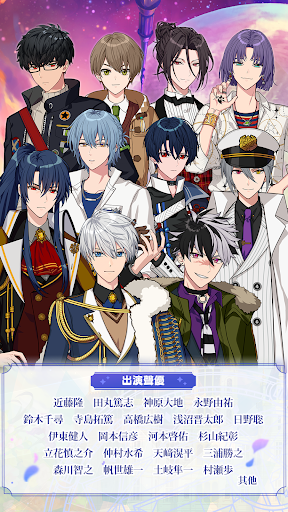
在那里,受到请托的你,成为了『贤者』来引导21位魔法使,
从<巨大灾厄>的威胁中拯救这个世界。
『与月亮战斗的魔法使』们所编织的故事,即将展开。
□■系统■□
【故事】
与21位贤者的魔法使们连系心灵的故事即将展开!
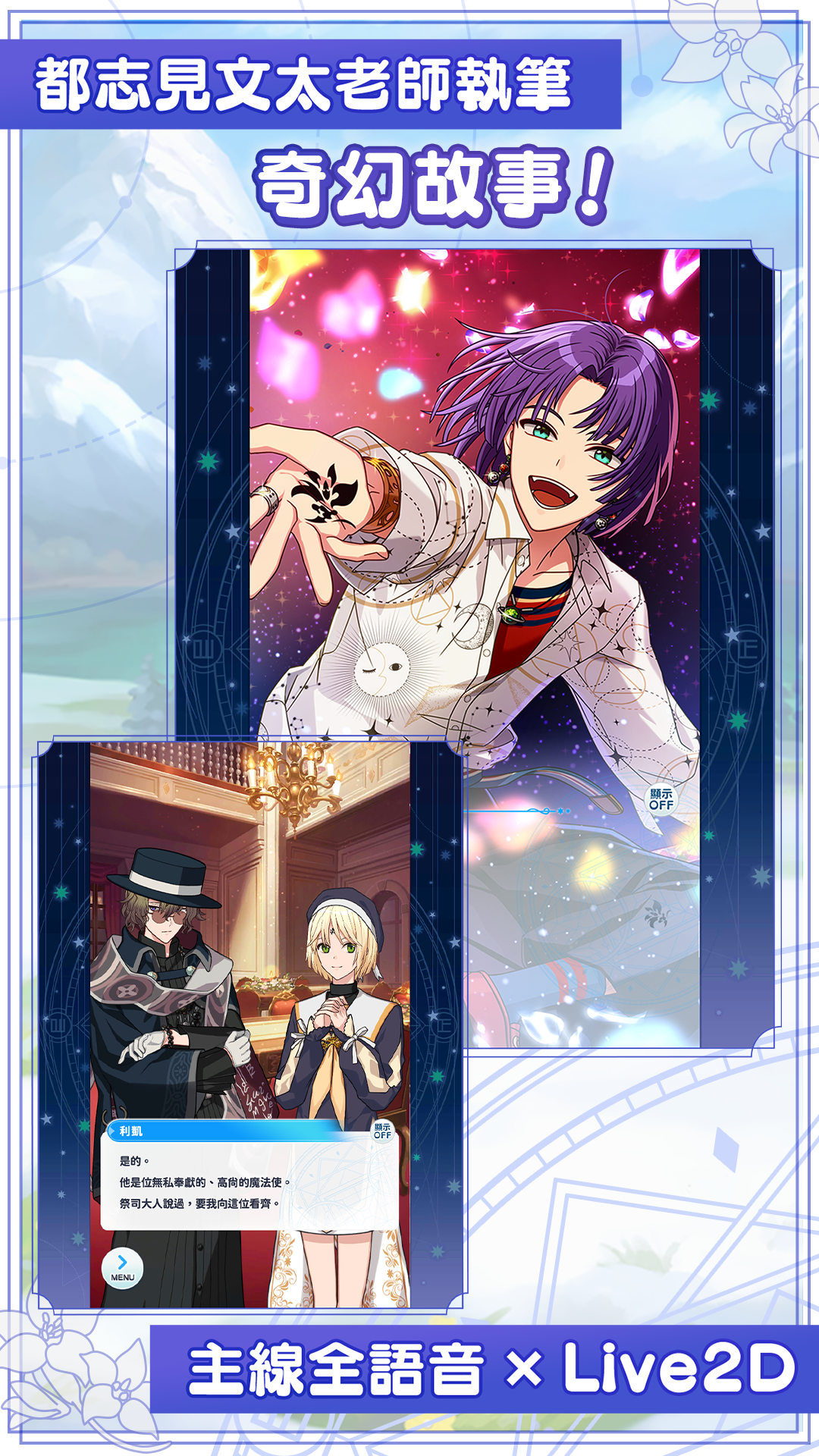
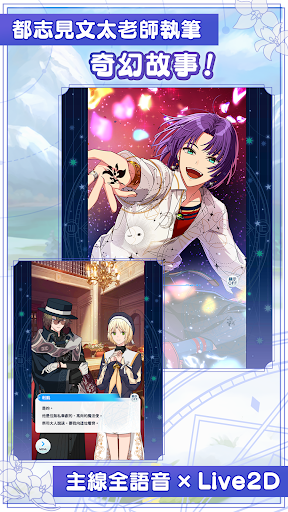
豪华全语音&Live2D®的纵横交错又丰富的主线故事主线故事,
还有着描绘了与魔法使交流的地点故事等大量剧情,
刻画了这些既是特别存在,却又背负着永远无法摆脱职责、个性独特的魔法使们的群像剧。
(Powered by Live2D)
【育成】
为了做好迎战<巨大灾厄>的准备,在『育成地点』中与魔法使们交流并引导他们吧!
作为贤者,为魔法使们的行动做出选择吧。
依靠心灵使用魔法的魔法使们,会随着心灵的成长而变得更加强大。
根据你的选择,将会决定魔法使变换出不同的『觉醒角色』姿态!
你所育成出的他会是身经百战的魔法使,亦或是初出茅庐的魔法使呢……一切全凭你的选择来决定。
【任务】
运用育成出的『觉醒角色』进行训练并对抗灾厄吧!
配合舞台,组成队伍来迎战吧。
战斗可以简单自动进行。请期待魔法使们活跃的表现。
□■STAFF■□
主要剧本作家:都志见文太
角色设计原案:ダンミル
主题歌:Mili
原作世界观监修:かずまこを
□■官方情报■□
【官网】
https://www.mahoyakuzh.com/
【粉丝团】
https://www.facebook.com/mahoyakuzh/?locale=zh_TW
□■支援语言■□
繁体中文、简体中文
※因游戏情节涉及暴力、不当言语及反社会性,依游戏软体分级管理办法分类为辅15级。
※本游戏为免费使用,但游戏内部分内容或服务需另行支付其它费用。
※注意游戏时间,避免沉迷于游戏,可能影响身心健康。
※代理商资讯:艾思维特股份有限公司
Show more

1. Download MEmu installer and finish the setup

2. Start MEmu then open Google Play on the desktop

3. Search 魔法使的約定 in Google Play
Install
4. Download and Install 魔法使的約定
5. On install completion click the icon to start

6. Enjoy playing 魔法使的約定 on PC with MEmu
MEmu Play is the best Android emulator and 100 million people already enjoy its superb Android gaming experience. The MEmu virtualization technology empowers you to play thousands of Android games smoothly on your PC, even the most graphic-intensive ones.
Bigger screen with better graphics; Long duration, without limitation of battery or mobile data.
Full Keymapping support for precise control of keyboard and mouse or gamepad.
Multiple game accounts or tasks on single PC at one time with Multi-Instance manager.
Play 魔法使的約定 on PC by following steps: