Box Simulator for Brawl Stars
Updated
Current Version
2.0.54
Offered By

With your passion for Box Simulator for Brawl Stars, you shouldn’t have to limit yourself to the small screen of a phone. Play like a pro and take full control of the game using a keyboard and mouse. MEmu gives you everything you’re looking for. Download and play Box Simulator for Brawl Stars on PC. Play as long as you want — no more worries about battery life, mobile data, or unexpected calls. The all-new MEmu 9 is the best way to play Box Simulator for Brawl Stars on PC. With our expertly designed keymapping system, Box Simulator for Brawl Stars feels just like a real PC game. The MEmu multi-instance manager lets you run two or more accounts on the same device at the same time. Most importantly, our exclusive emulation engine unlocks your PC’s full potential, delivering smooth and seamless performance.
Show more
Download Box Simulator for Brawl Stars on PC with MEmu Android Emulator. Enjoy playing on big screen. Warning!
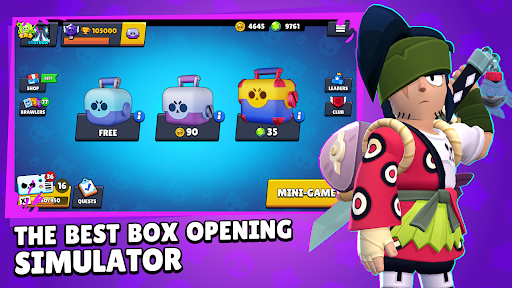
Warning! This app is developed by a fan. It's not created or sponsored by Supercell.
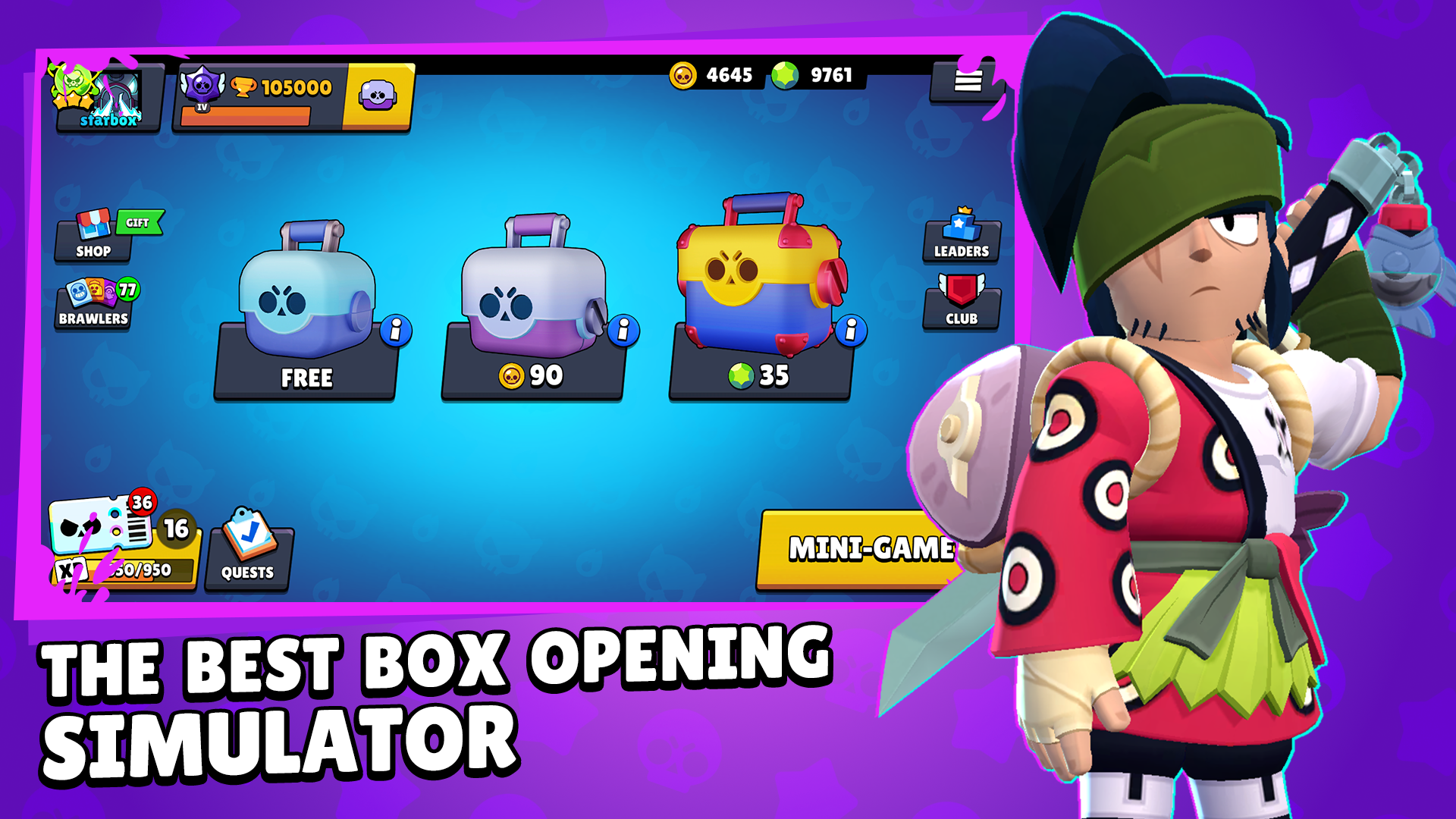
Tired of formulaic box opening simulators for Brawl Stars?
In this game you can get new emotions from the high quality implementation of this genre.
Become the best in the leaderboard among other players from around the world!
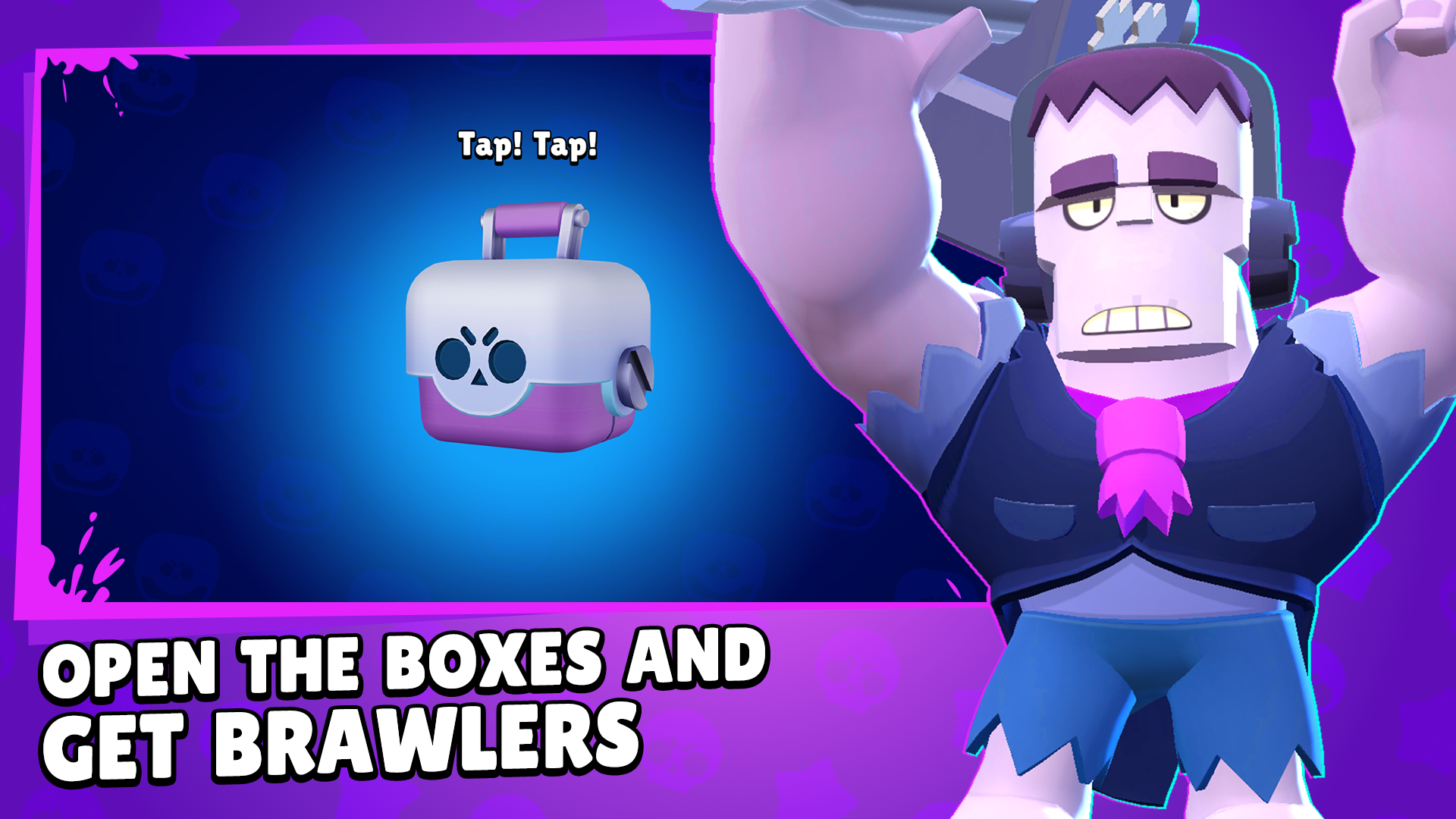
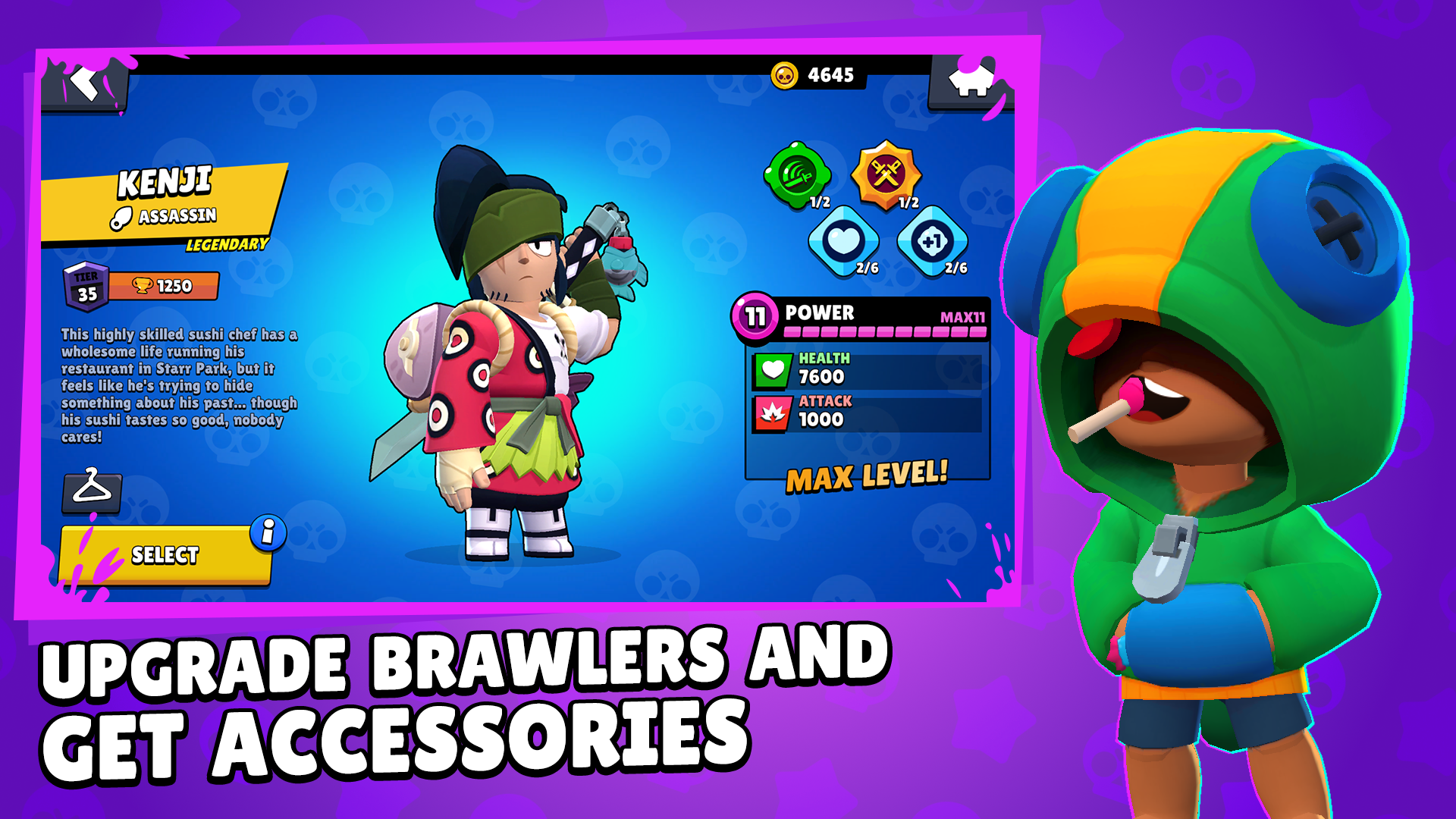
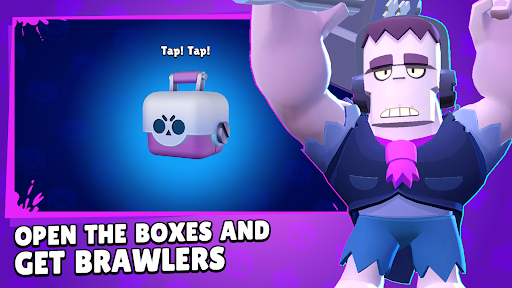
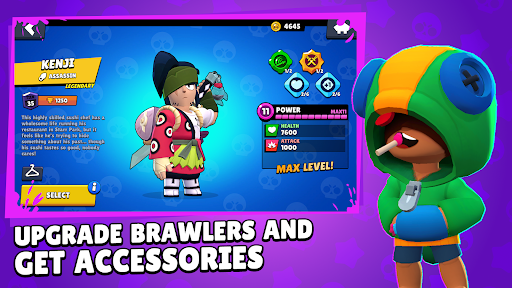
Open the boxes and get: Currency, Power Points, Gadgets and Star Powers to improve your Brawlers.
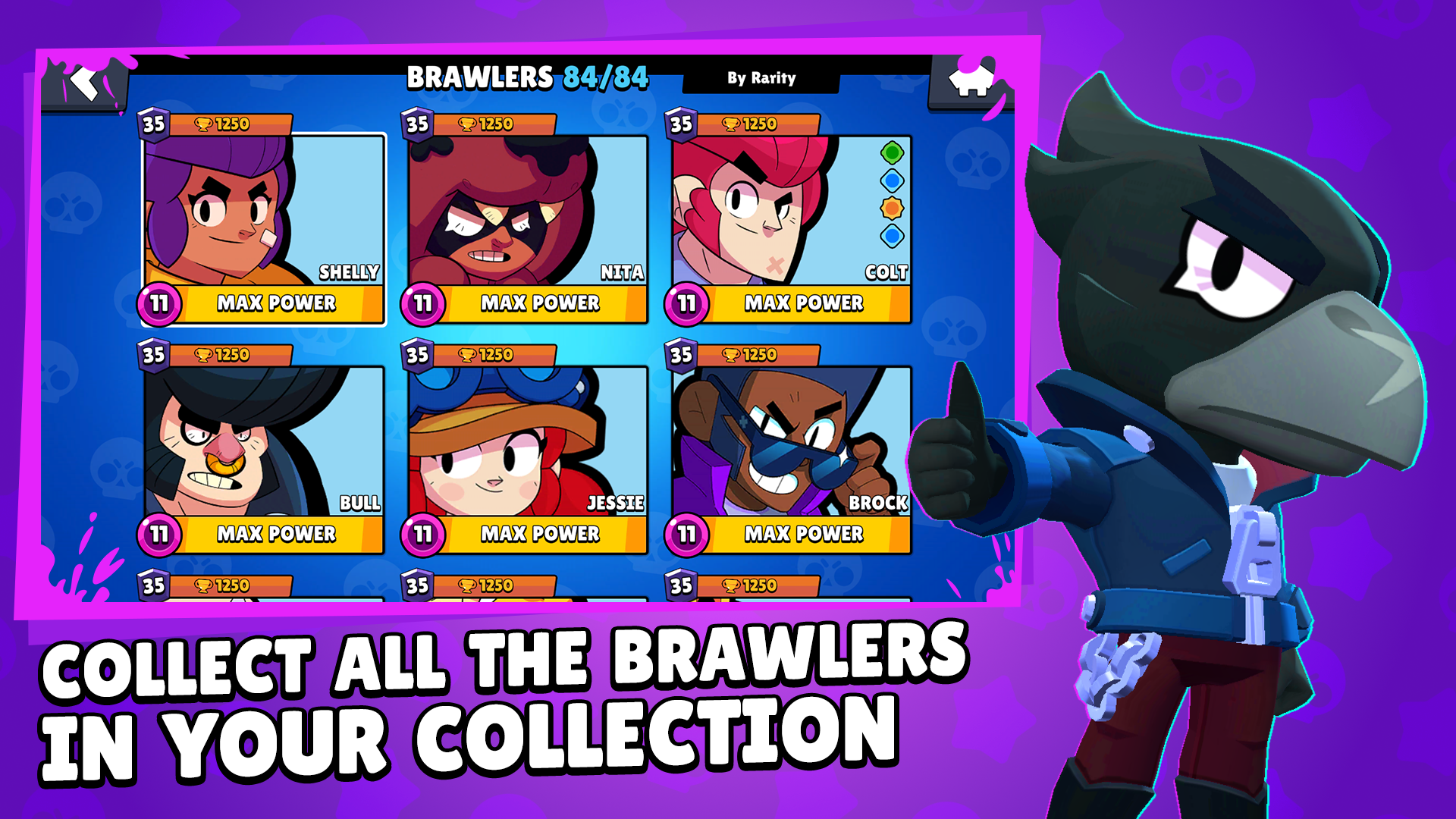
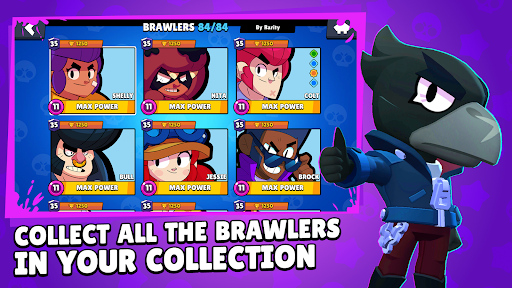
Collect them all in your collection, upgrade to the maximum level to complete the game!
Win Skins for Brawlers, as well as many other rewards in interesting mini-games! At the same time, do not forget to complete quests.
All references to the BRAWL STARS trademark in the title and description of the application are intended solely to identify the application by potential users. Fan Content Policy governs the use of copyrights and trademarks from Supercell games for Fan Content purposes. For more information see Supercell's Fan Content Policy: www.supercell.com/fan-content-policy.
Show more

1. Download MEmu installer and finish the setup

2. Start MEmu then open Google Play on the desktop

3. Search Box Simulator for Brawl Stars in Google Play
Install
4. Download and Install Box Simulator for Brawl Stars
5. On install completion click the icon to start

6. Enjoy playing Box Simulator for Brawl Stars on PC with MEmu
MEmu Play is the best Android emulator and 100 million people already enjoy its superb Android gaming experience. The MEmu virtualization technology empowers you to play thousands of Android games smoothly on your PC, even the most graphic-intensive ones.
Bigger screen with better graphics; Long duration, without limitation of battery or mobile data.
Full Keymapping support for precise control of keyboard and mouse or gamepad.
Multiple game accounts or tasks on single PC at one time with Multi-Instance manager.
Play Box Simulator for Brawl Stars on PC by following steps: